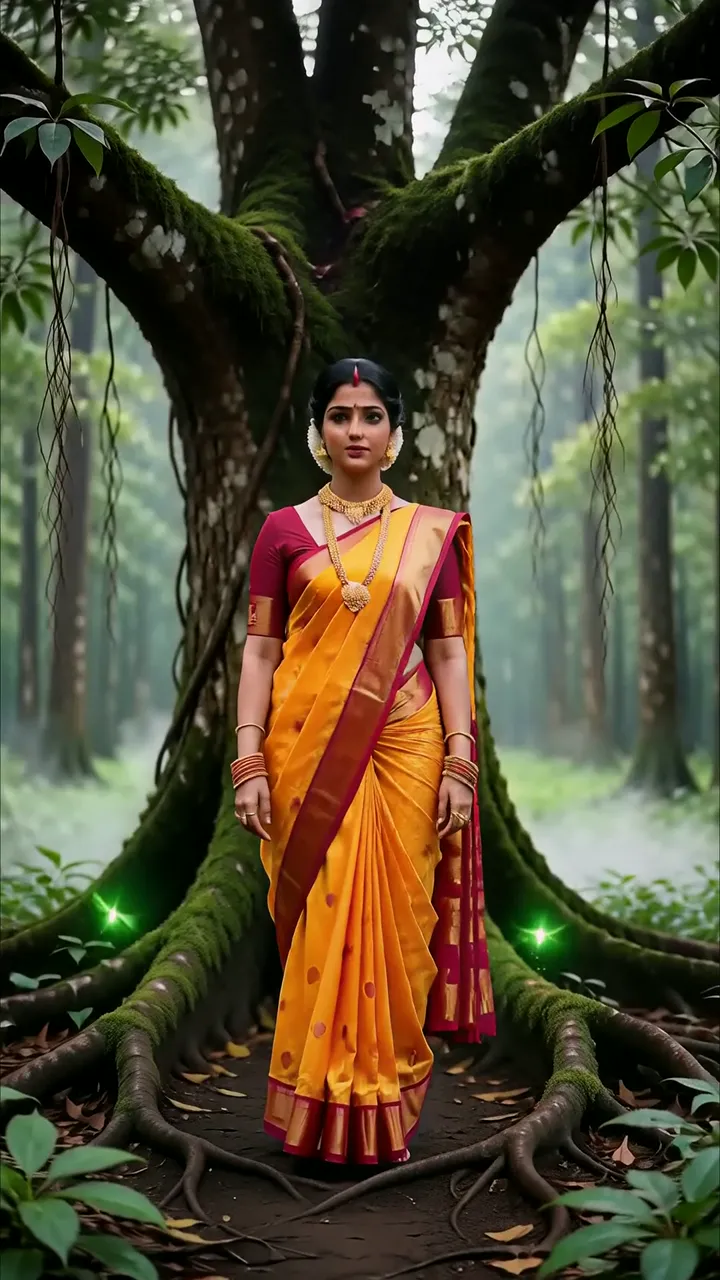
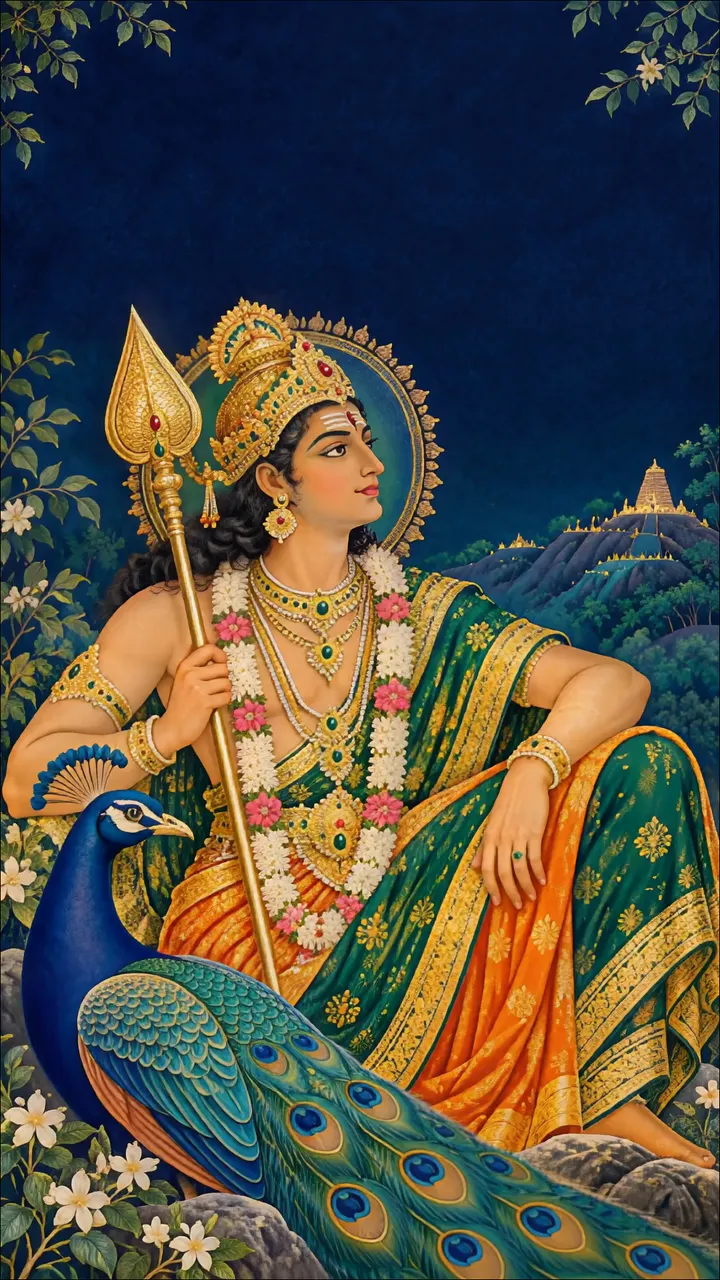
Glowing Peacock Goddess In Blue Lehar With Moonlit Temple live wallpaper
How to set it as wallpaper
iPhone
For a still wallpaper, save the cropped JPG to Photos and choose it in Settings → Wallpaper. For an animated Lock Screen on supported models, convert the MP4 to a Live Photo with a compatible app and select it in the wallpaper picker.
Android
For a still wallpaper, open the JPG in your gallery and choose Set as wallpaper. For the MP4, look for a video wallpaper option in your gallery or wallpaper settings. A compatible live wallpaper app can help if your phone has no built-in option.
After saving the converted Live Photo to Photos, open Settings, then Wallpaper, then Add New Wallpaper. Tap Photos, choose Live Photo, select the saved image, turn on the Live Photo effect, and tap Add to apply it to your Lock Screen.
A divine Indian goddess sits gracefully in a rich blue lehar adorned with peacock feather motifs, holding a peacock feather in her hand. The scene is set in a serene night environment with a glowing moon, a temple in the background, and a lotus pond reflecting warm candlelight. The composition features intricate jewelry, flowing fabrics, and a radiant golden aura surrounding her head, creating a mystical and tranquil visual. This high-definition animated background is perfect for personalizing your phone, lock screen, home screen, or PC display, making it feel unique and culturally rich. Available for free download, it brings a touch of elegance and spiritual calm to any device screen.
- Format
- MP4 live wallpaper
- Resolution
- 720P, 1080P
- Duration
- 00:10
- File size
- 16.8 MB
- Category
- Indian Goddess, Moonlit Temple, Blue Lehar