Golden Heavenly Gate To Vaikuntha Temple Amidst Lotus Ponds live wallpaper
How to set it as wallpaper
iPhone
For a still wallpaper, save the cropped JPG to Photos and choose it in Settings → Wallpaper. For an animated Lock Screen on supported models, convert the MP4 to a Live Photo with a compatible app and select it in the wallpaper picker.
Android
For a still wallpaper, open the JPG in your gallery and choose Set as wallpaper. For the MP4, look for a video wallpaper option in your gallery or wallpaper settings. A compatible live wallpaper app can help if your phone has no built-in option.
After saving the converted Live Photo to Photos, open Settings, then Wallpaper, then Add New Wallpaper. Tap Photos, choose Live Photo, select the saved image, turn on the Live Photo effect, and tap Add to apply it to your Lock Screen.
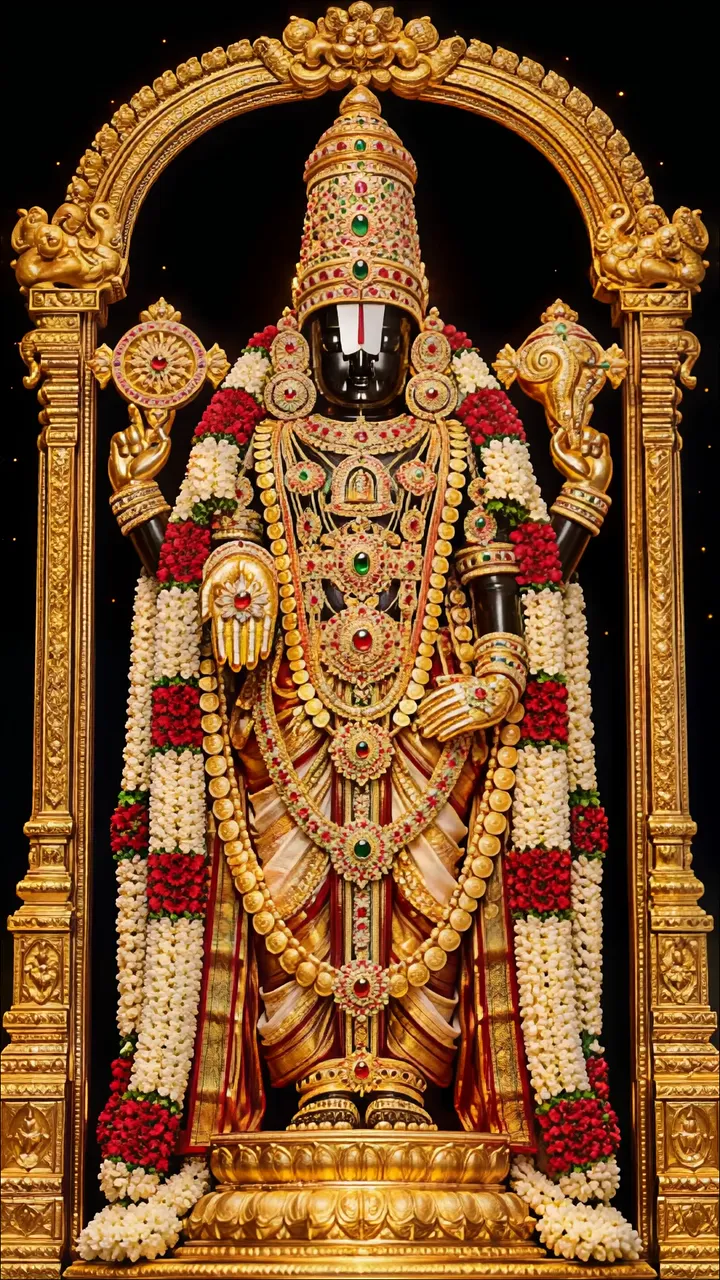
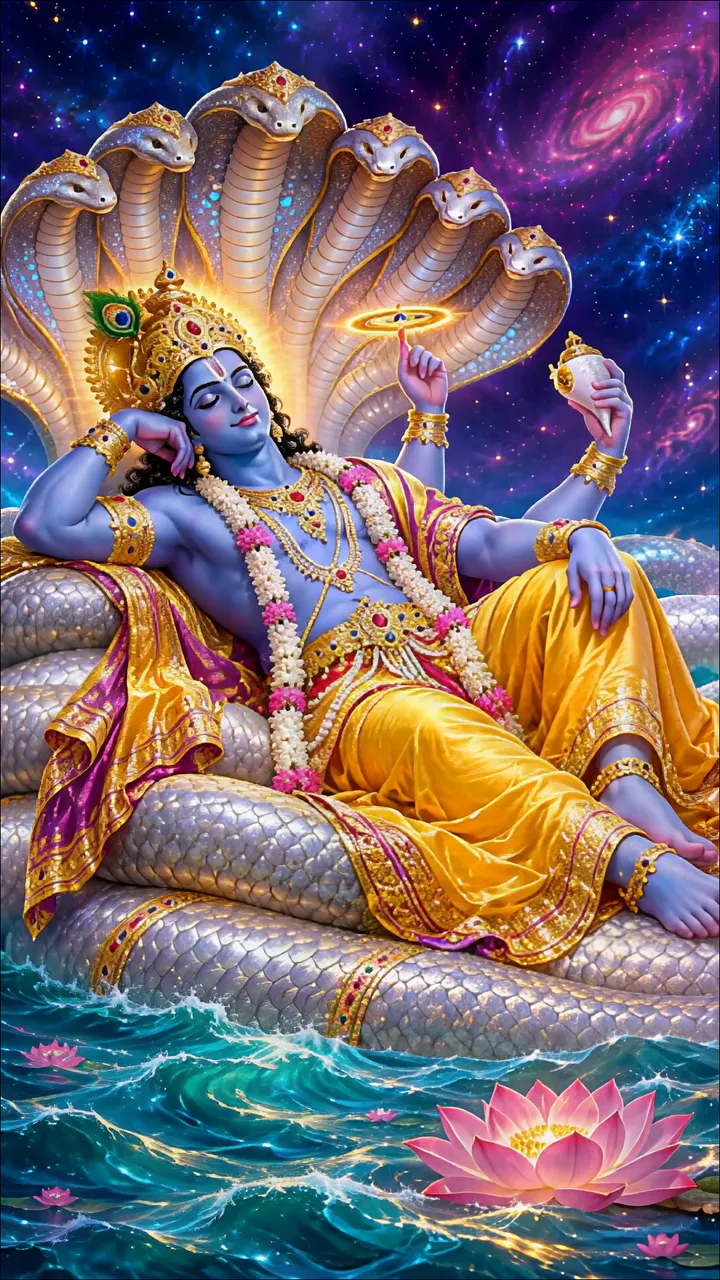
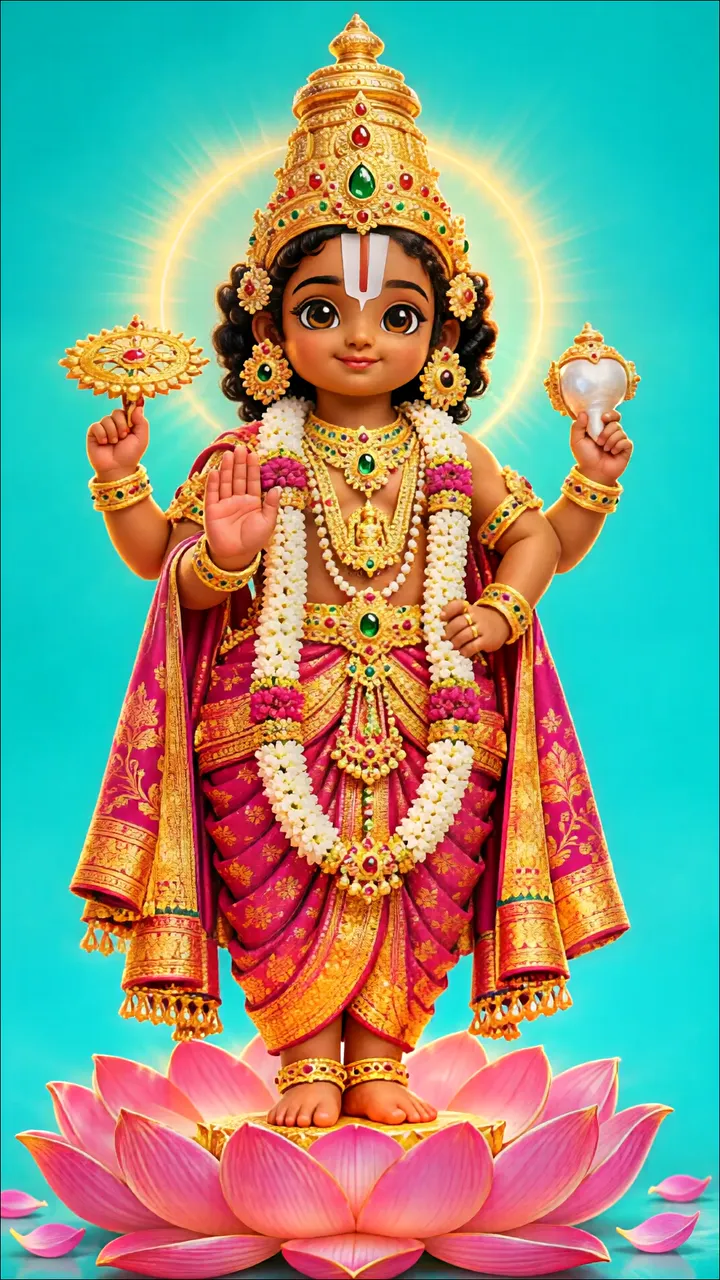
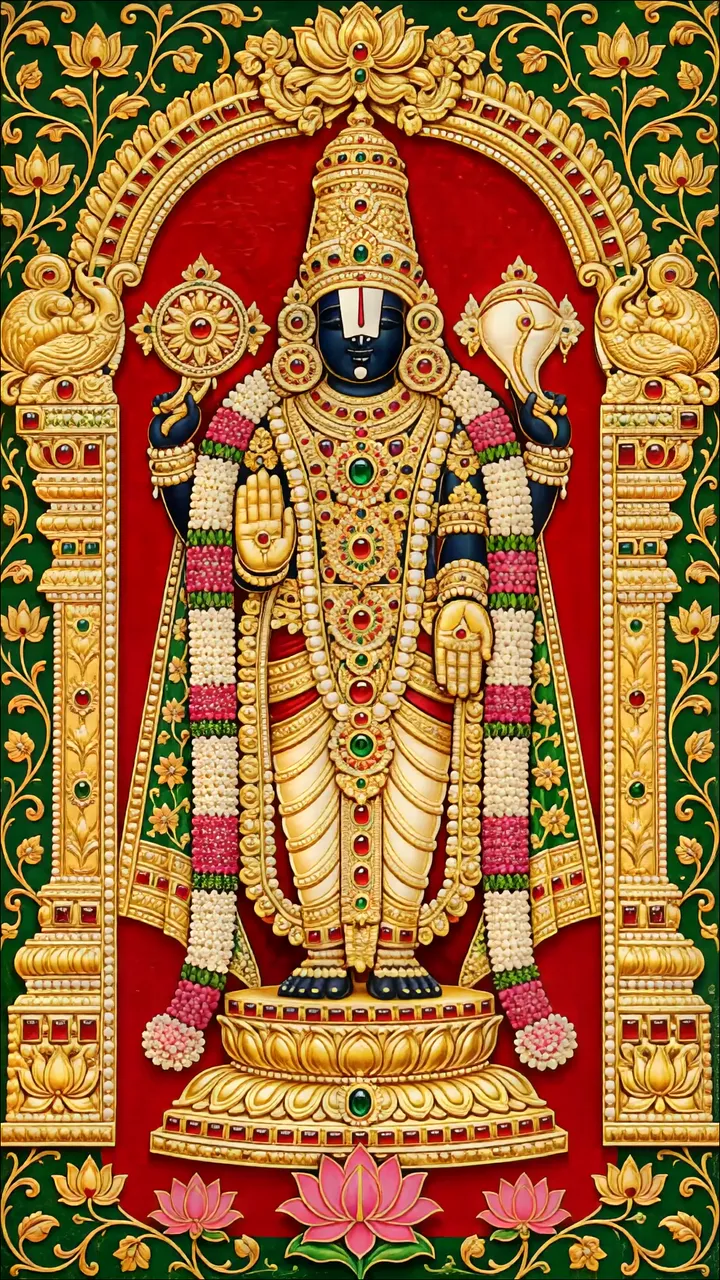
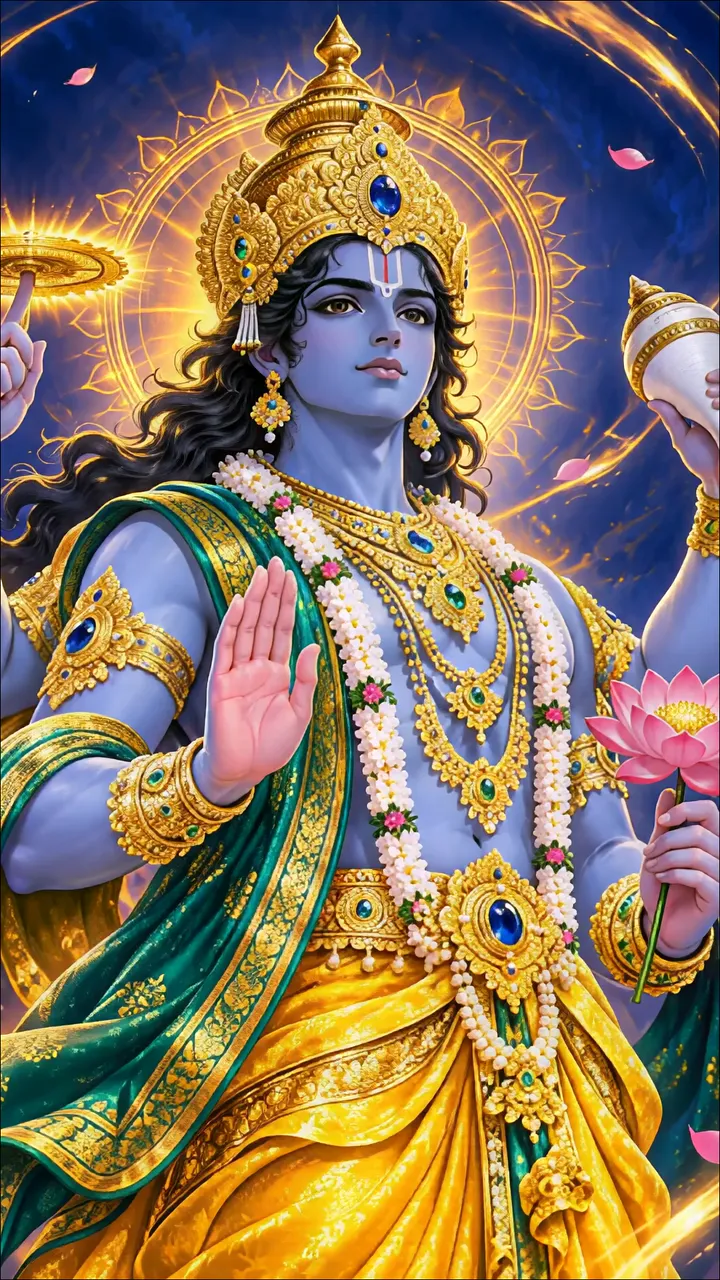
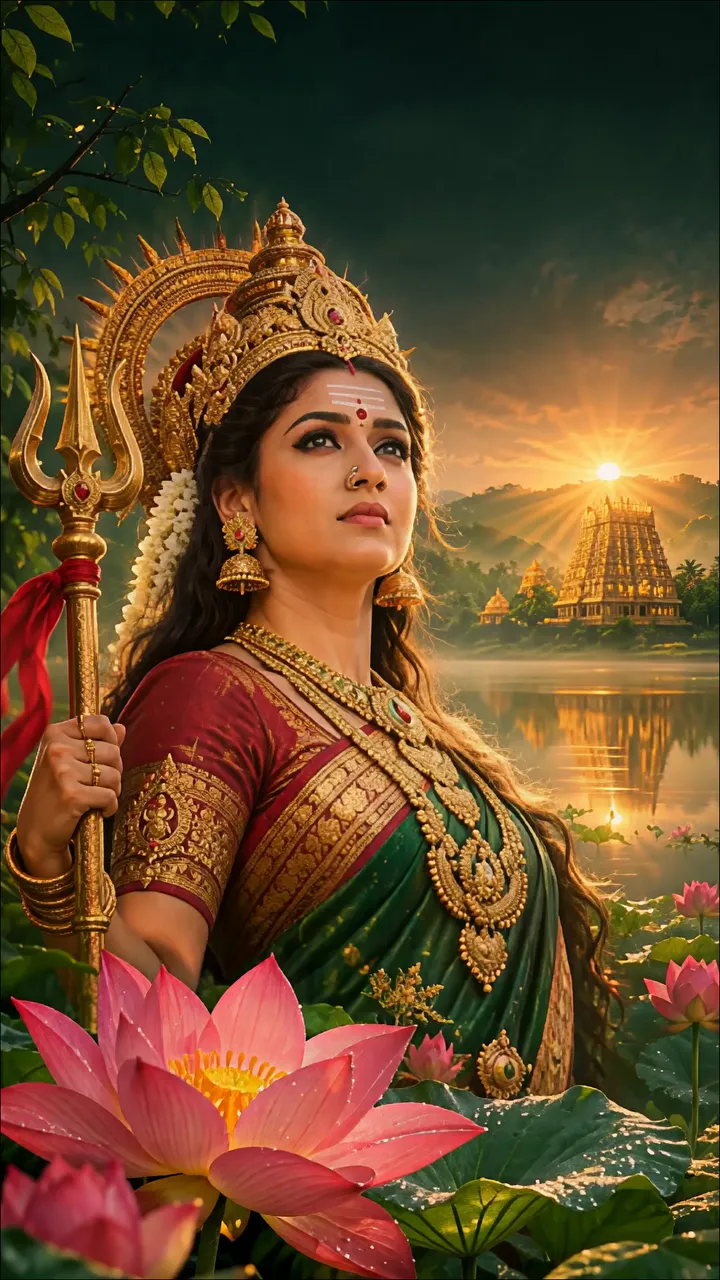
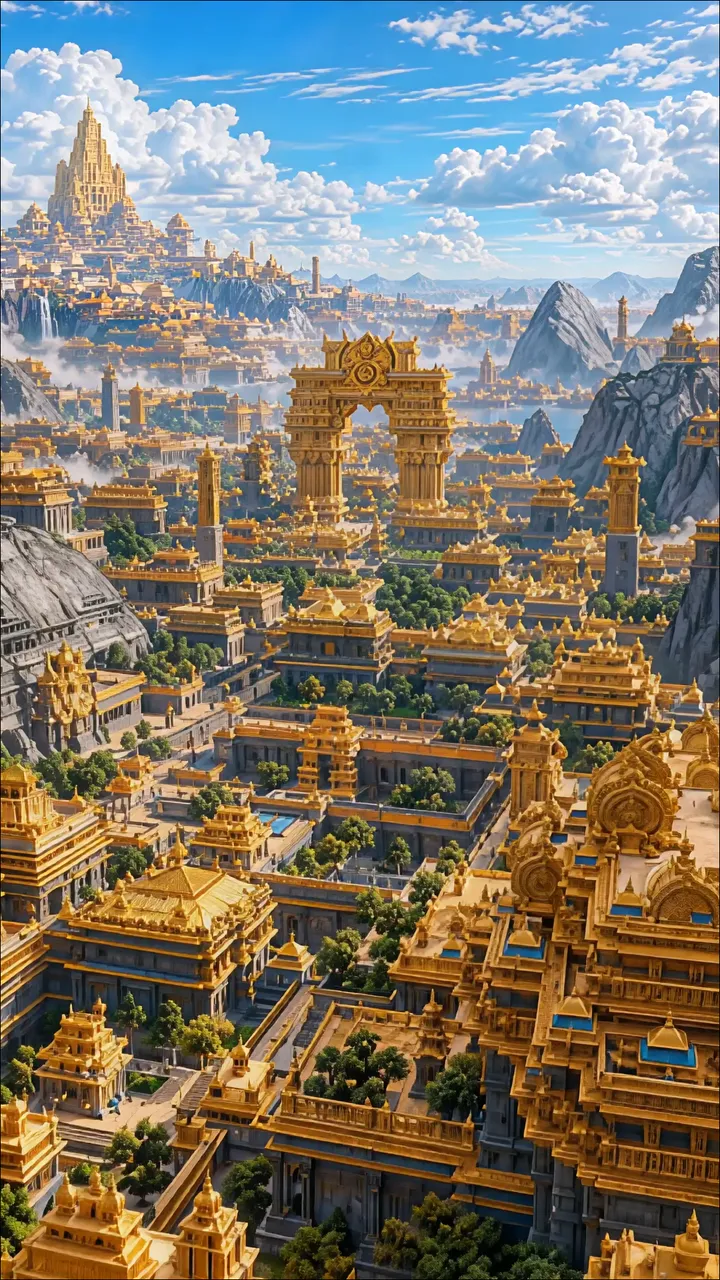
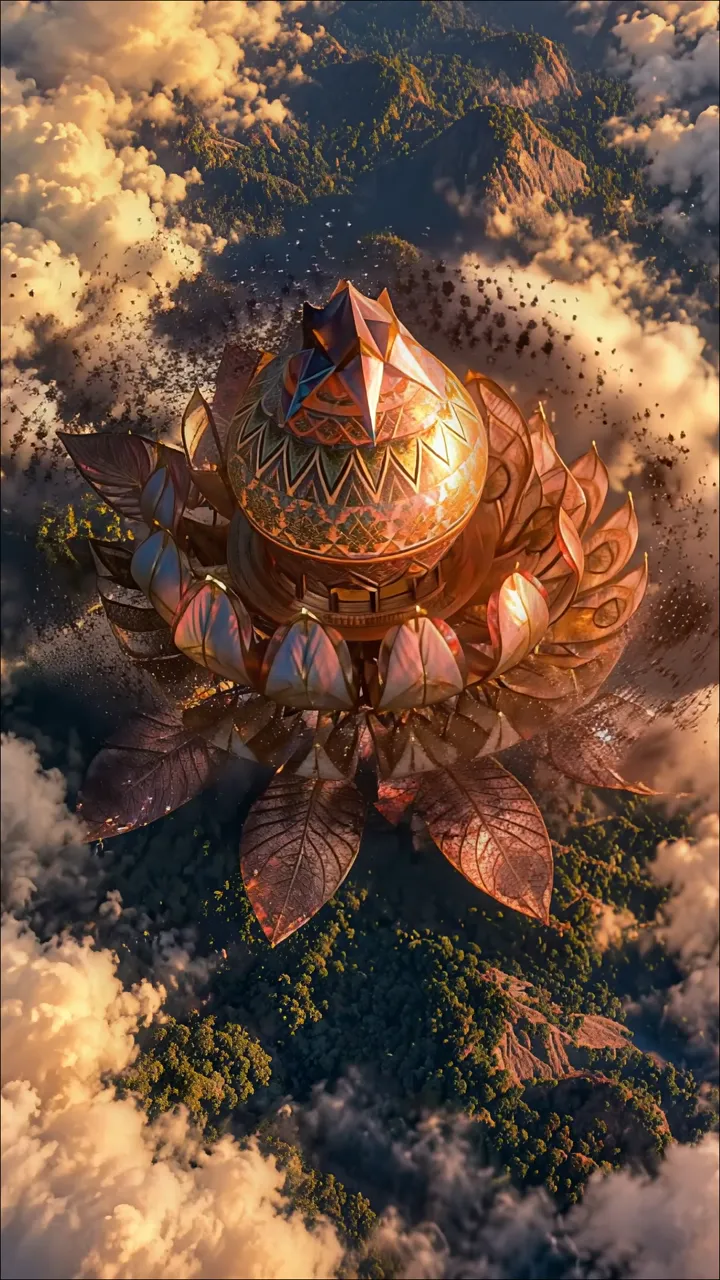
A magnificent golden gate, intricately carved and adorned with emerald gems, stands open to reveal the radiant Vaikuntha Temple beyond. A celestial staircase, bathed in divine golden light, ascends through clouds toward the temple’s towering structure. At the base, a serene lotus pond reflects the gate and sky, with pink lotuses floating on the water. The scene is illuminated by a warm sunrise or sunset, casting radiant beams through the gateway and creating a luminous, spiritual atmosphere. The composition emphasizes symmetry, divine grandeur, and the sacred journey toward the heavenly abode, making it a visually rich depiction of Vaikuntha Ekadashi devotion.
- Format
- MP4 live wallpaper
- Resolution
- 720P, 1080P
- Duration
- 00:08
- File size
- 12.7 MB
- Category
- Vaikuntha Ekadashi, Vaikuntha Temple, Heavenly Gate