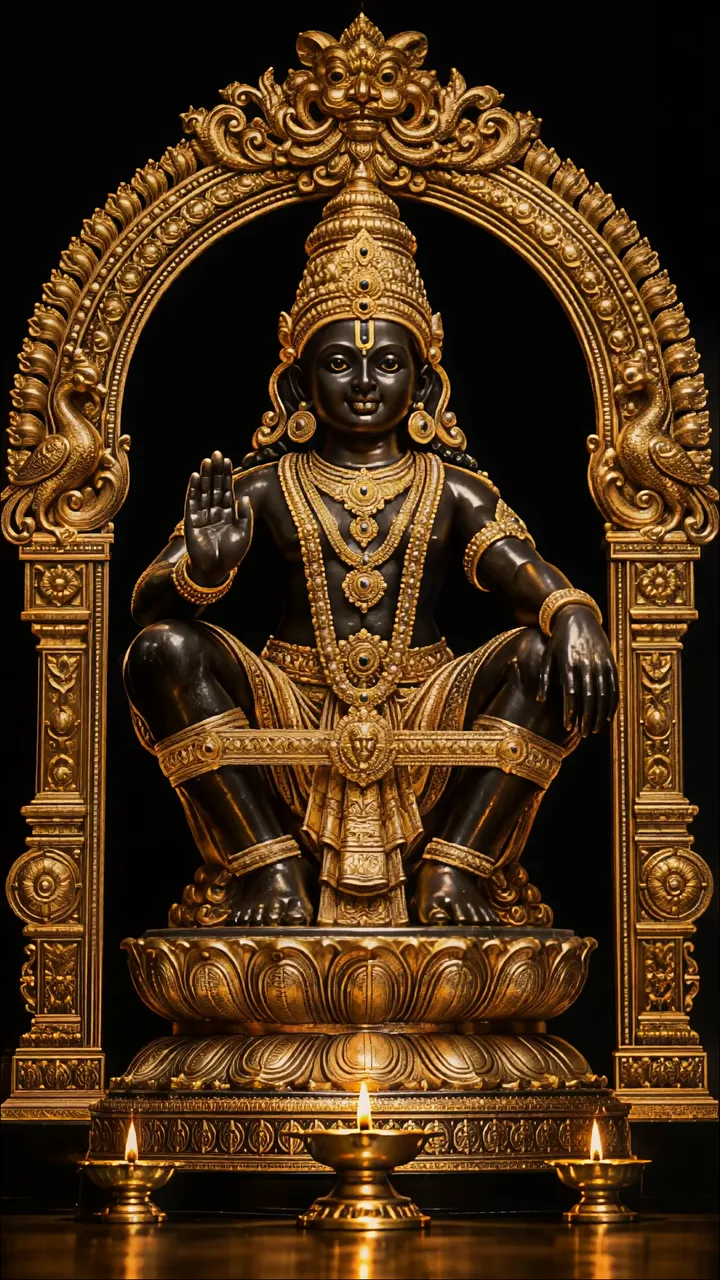
Baby Lord Vishnu Standing On A Pink Lotus live wallpaper
How to set it as wallpaper
iPhone
For a still wallpaper, save the cropped JPG to Photos and choose it in Settings → Wallpaper. For an animated Lock Screen on supported models, convert the MP4 to a Live Photo with a compatible app and select it in the wallpaper picker.
Android
For a still wallpaper, open the JPG in your gallery and choose Set as wallpaper. For the MP4, look for a video wallpaper option in your gallery or wallpaper settings. A compatible live wallpaper app can help if your phone has no built-in option.
After saving the converted Live Photo to Photos, open Settings, then Wallpaper, then Add New Wallpaper. Tap Photos, choose Live Photo, select the saved image, turn on the Live Photo effect, and tap Add to apply it to your Lock Screen.
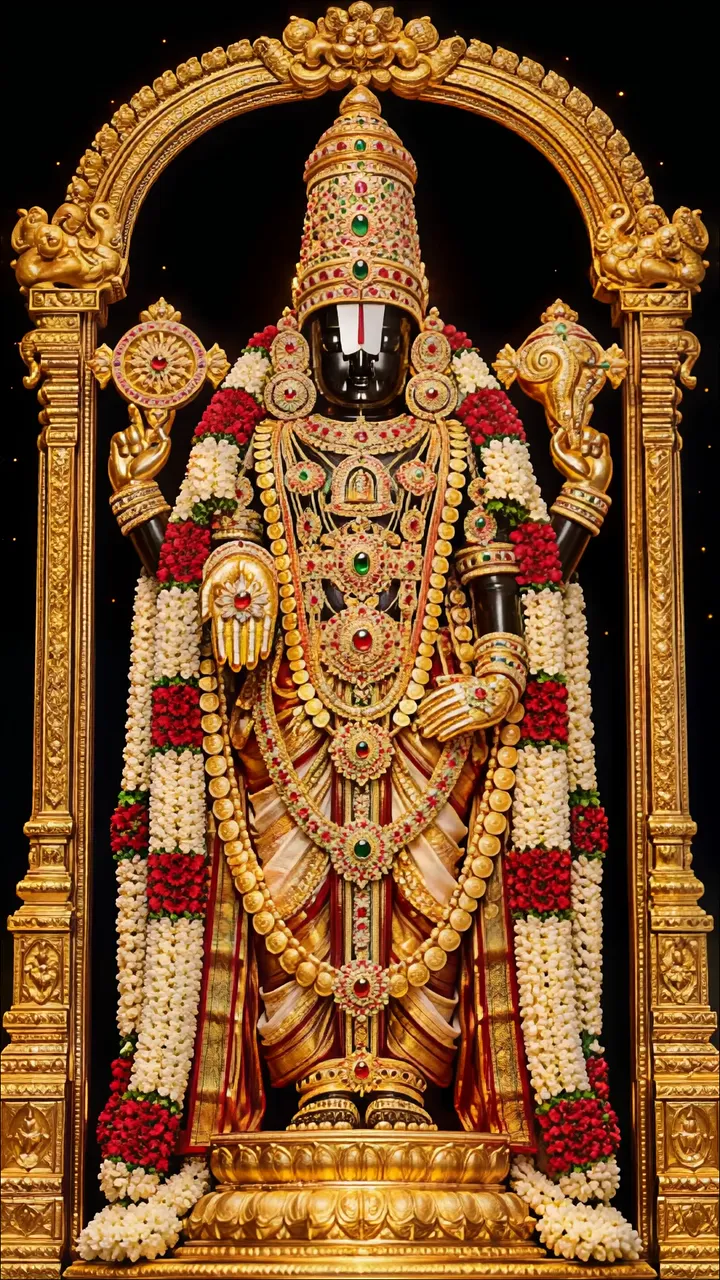
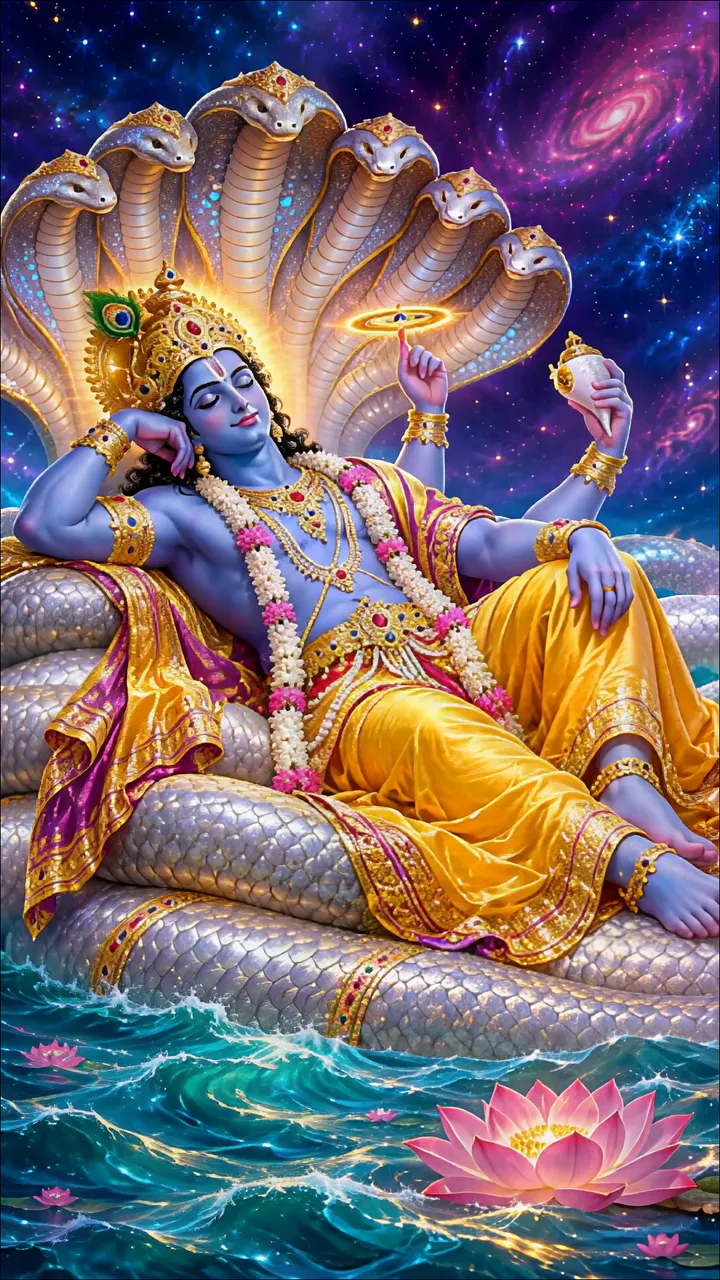
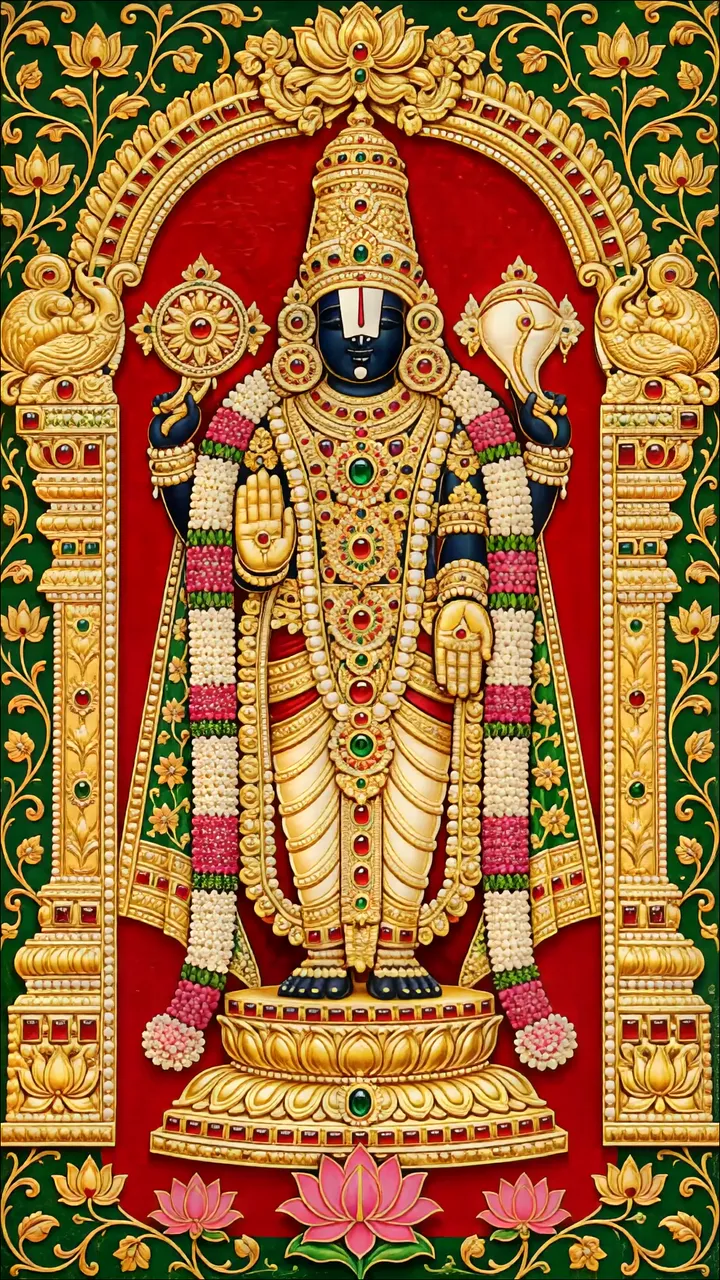
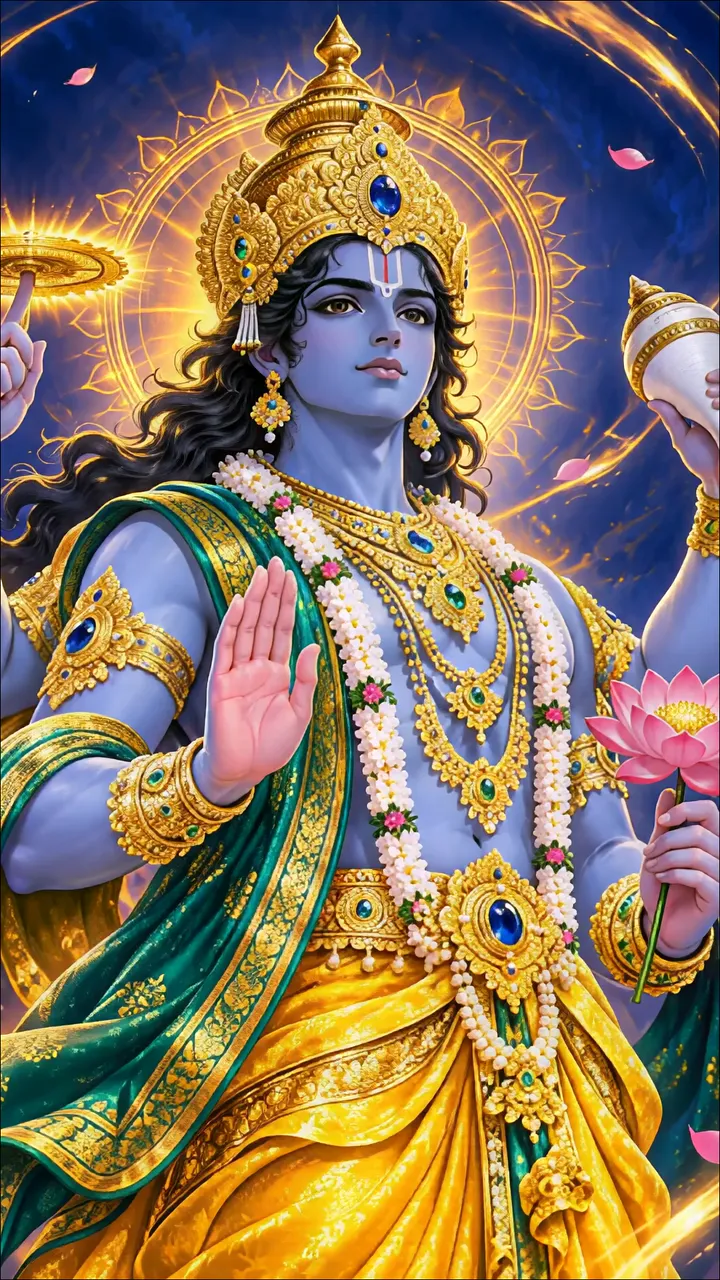
Baby Lord Vishnu is depicted standing gracefully on a vibrant pink lotus, radiating divine energy with a golden halo behind him. He wears an ornate golden crown, a rich pink and gold dhoti, and is adorned with intricate jewelry and white and pink flower garlands. In one hand, he holds a conch shell, and in the other, a discus, while his third hand is raised in a blessing gesture. The background is a serene turquoise, enhancing the luminous glow around the deity. The image captures a peaceful, devotional atmosphere, ideal for spiritual reflection and worship during Vaikuntha Ekadashi.
- Format
- MP4 live wallpaper
- Resolution
- 720P, 1080P
- Duration
- 00:08
- File size
- 10.1 MB
- Category
- Vaikuntha Ekadashi, Baby Lord Vishnu, Pink Lotus