@jaywave

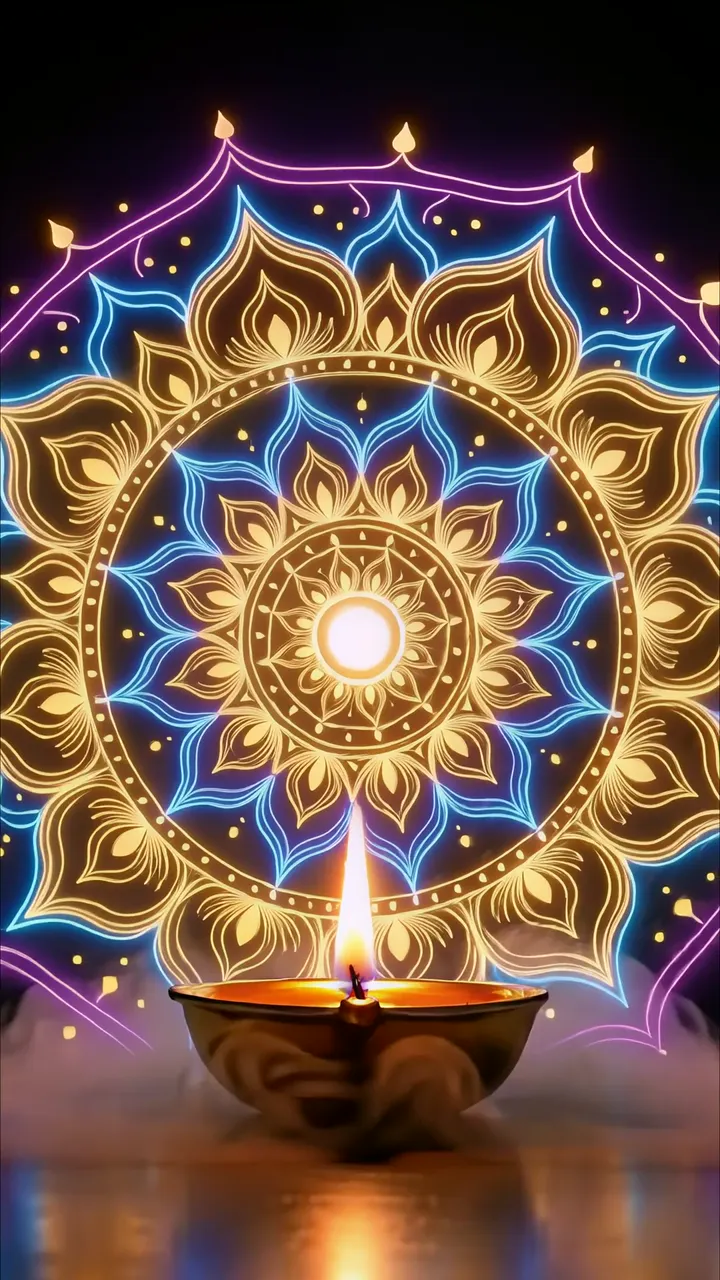
Download "Glowing Hindu Temple With Blue Neon Lights And Diya" live wallpaper

Verify that you are human to download high quality live wallpapes.

How to set live wallpaper on your phone Setup tutorial

On Android Phones

  1. Save the downloaded MP4 file to your phone.
  2. Open your phone's Gallery, Files, or Wallpaper app.
  3. Choose the video, tap Set as wallpaper, then apply it to your home screen or lock screen.

On iPhone

  1. Save the MP4 file to Photos.
  2. iPhone requires a Live Photo, convert the video with a live wallpaper app first.
  3. Open Settings > Wallpaper, select the saved Live Photo, then apply it.

You may also like:

Blue Nissan Skyline R34 Night Drive With Neon City Lights LIVE Mysterious Anime Girl With Glowing Pink Eye Symbol LIVE Glowing Diya With Sacred Mandala And Neon Lights LIVE Mumbai Halloween Party With Gateway Of India And Neon Lights LIVE Glowing Blue Skull With Electric Eyes Horror Live Wallpaper LIVE Neon Diya Flame In Futuristic Temple Hall LIVE Neon Clock Countdown To 2027 In Futuristic City LIVE Glowing 2027 Futuristic Neon Year Display LIVE Dark Hooded Anime Man With Red Eyes And Fiery Aura LIVE

Report wallpaper

Select the reason that best describes the issue.