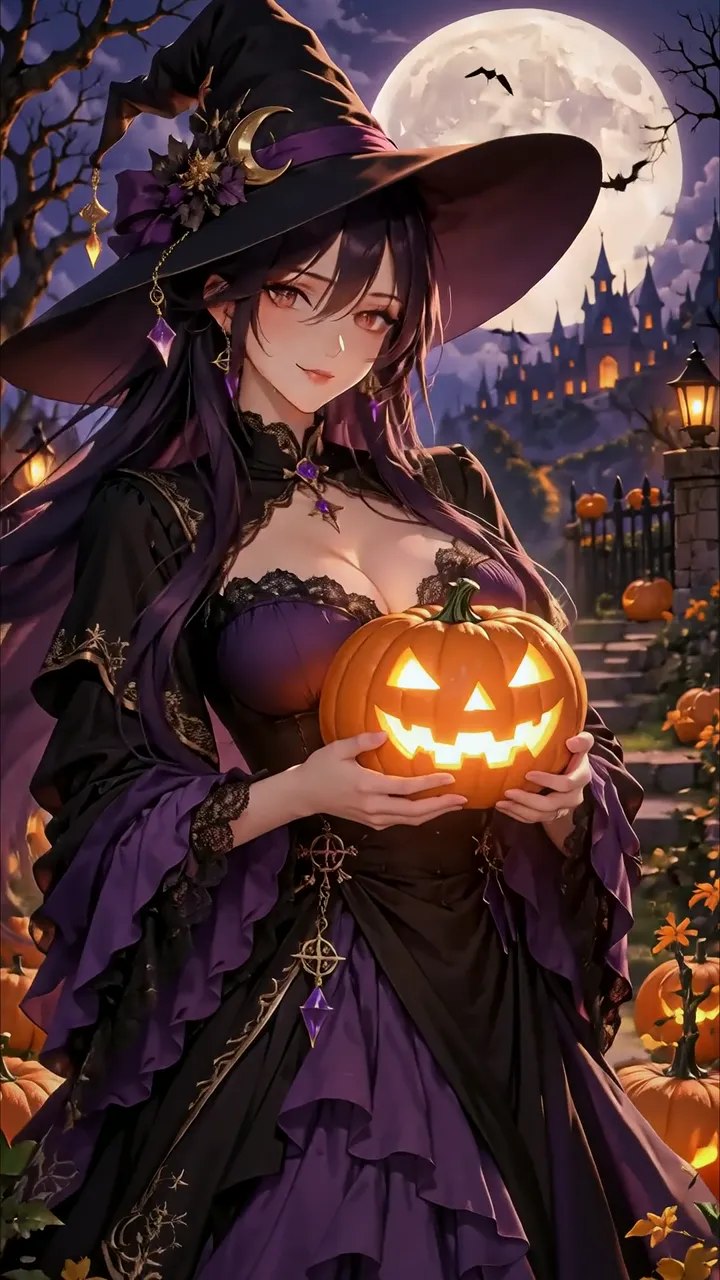
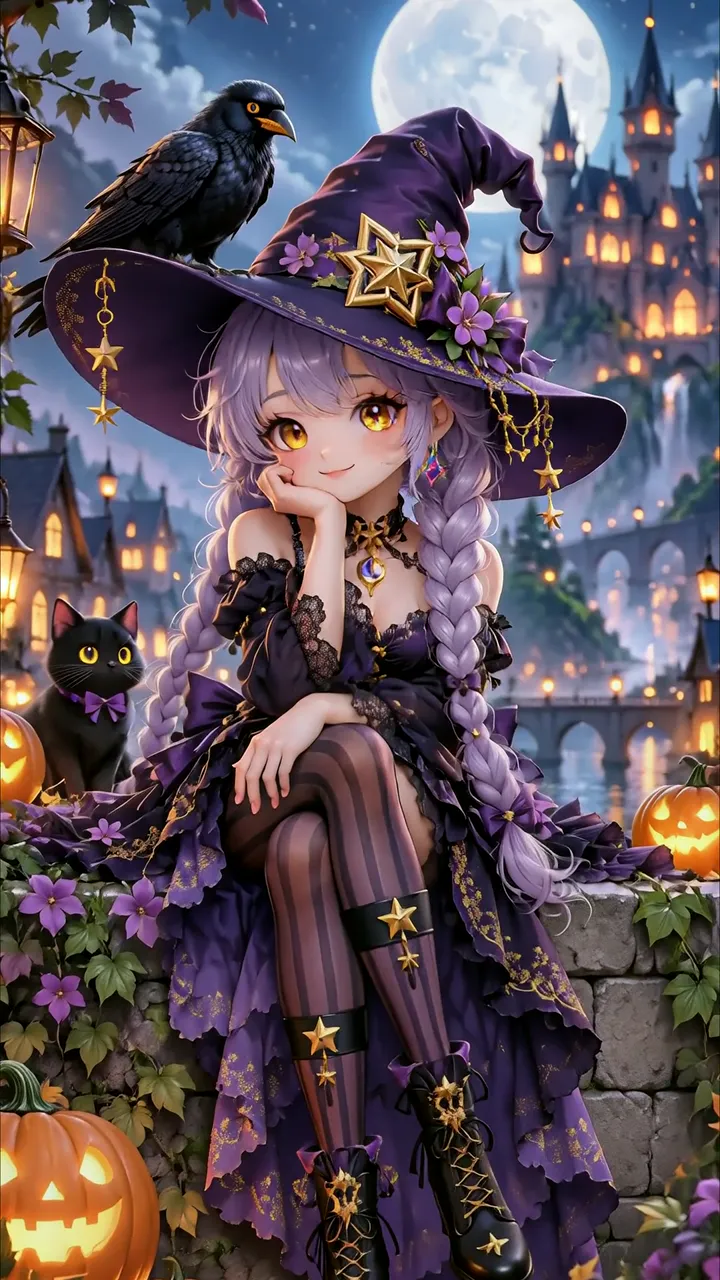
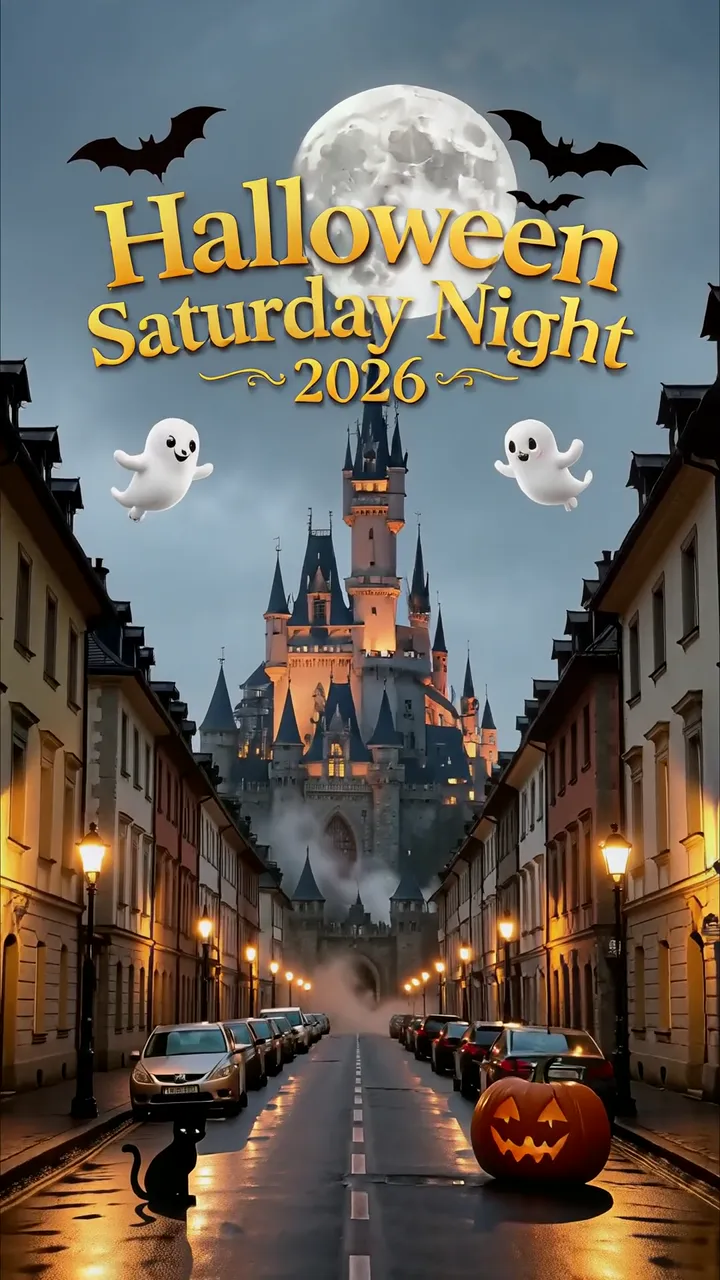
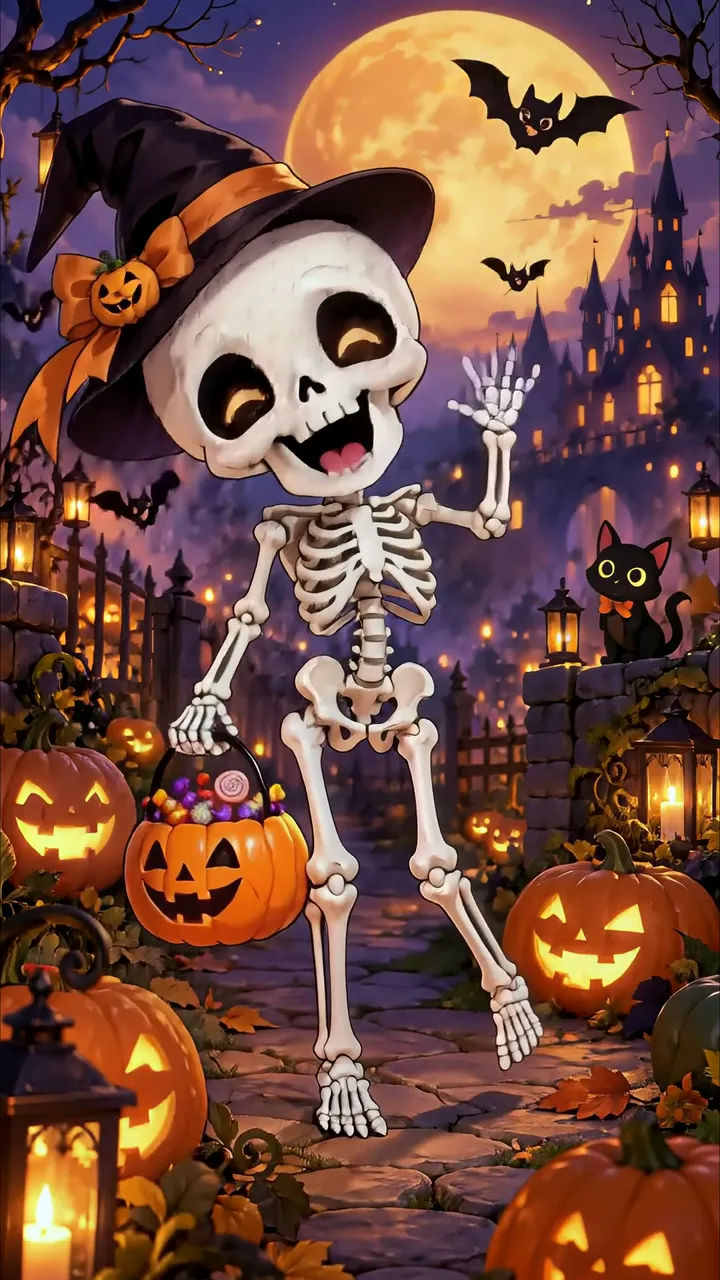
Mumbai Halloween Party With Gateway Of India And Neon Lights live wallpaper
How to set it as wallpaper
iPhone
For a still wallpaper, save the cropped JPG to Photos and choose it in Settings → Wallpaper. For an animated Lock Screen on supported models, convert the MP4 to a Live Photo with a compatible app and select it in the wallpaper picker.
Android
For a still wallpaper, open the JPG in your gallery and choose Set as wallpaper. For the MP4, look for a video wallpaper option in your gallery or wallpaper settings. A compatible live wallpaper app can help if your phone has no built-in option.
After saving the converted Live Photo to Photos, open Settings, then Wallpaper, then Add New Wallpaper. Tap Photos, choose Live Photo, select the saved image, turn on the Live Photo effect, and tap Add to apply it to your Lock Screen.
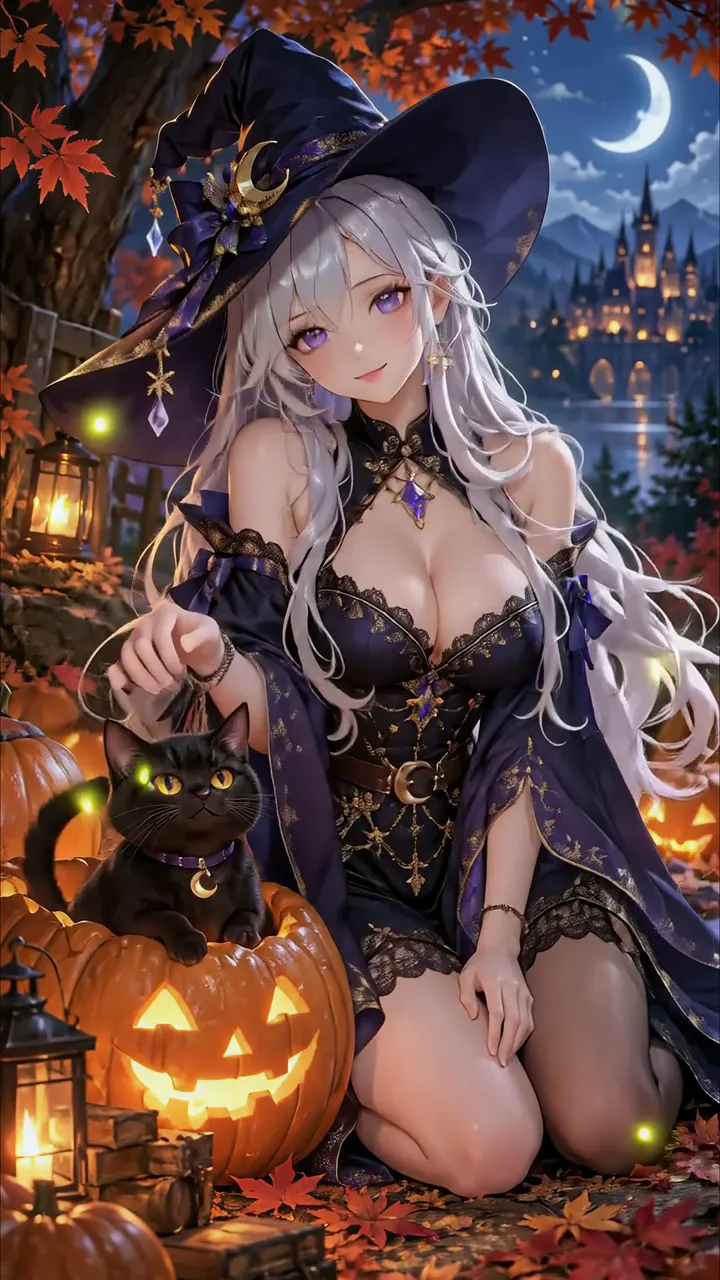
Experience the vibrant energy of a Mumbai Halloween party with this stunning animated background. The scene captures the iconic Gateway of India glowing under a twilight sky, framed by a festive rooftop lounge complete with a glowing dance floor and ambient lanterns. Decorated with glowing jack-o'-lanterns, deep blue roses, and purple string lights, the atmosphere is electric and celebratory. The city skyline and waterfront add a dramatic backdrop, while the warm sunset hues contrast beautifully with the cool neon accents. This ultra-clear, high-definition visual is perfect for making your phone, lock screen, home screen, or PC display feel unique and festive. Download it for free and transform your digital space into a spooky, stylish Mumbai Halloween celebration.
- Format
- MP4 live wallpaper
- Resolution
- 720P, 1080P
- Duration
- 00:10
- File size
- 14.7 MB
- Category
- Halloween, Neon Lighting, City Skyline