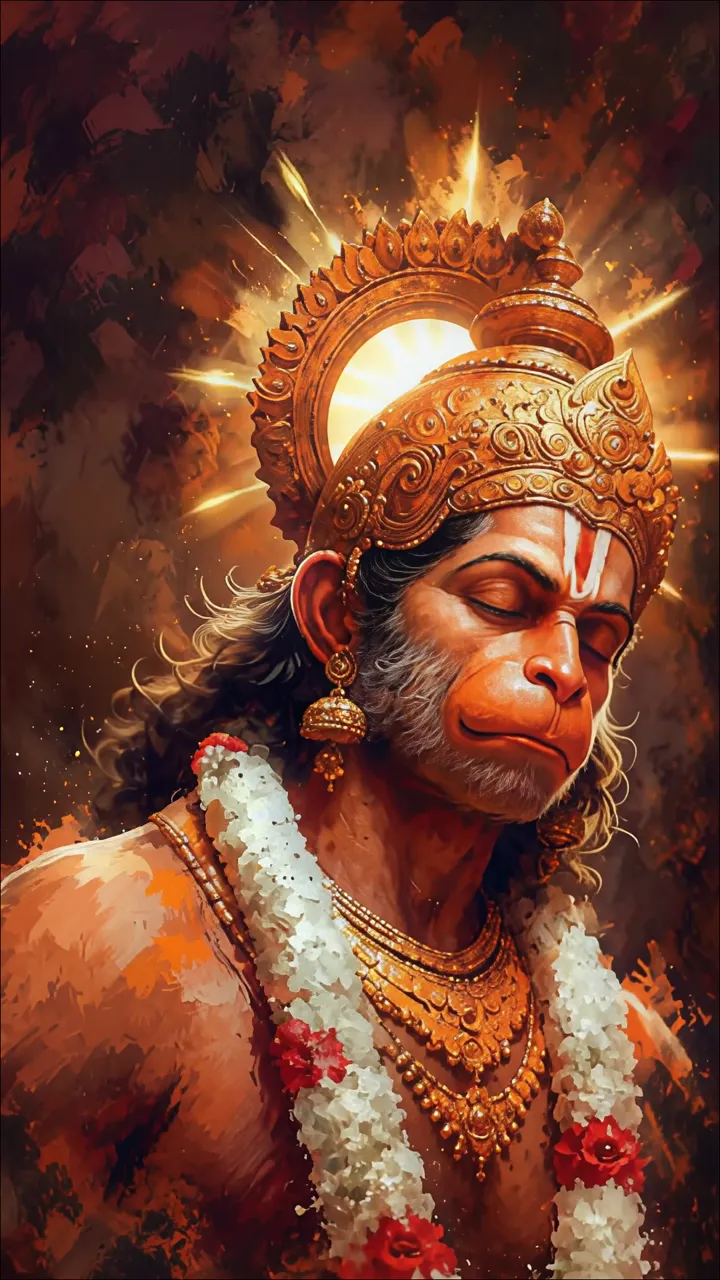
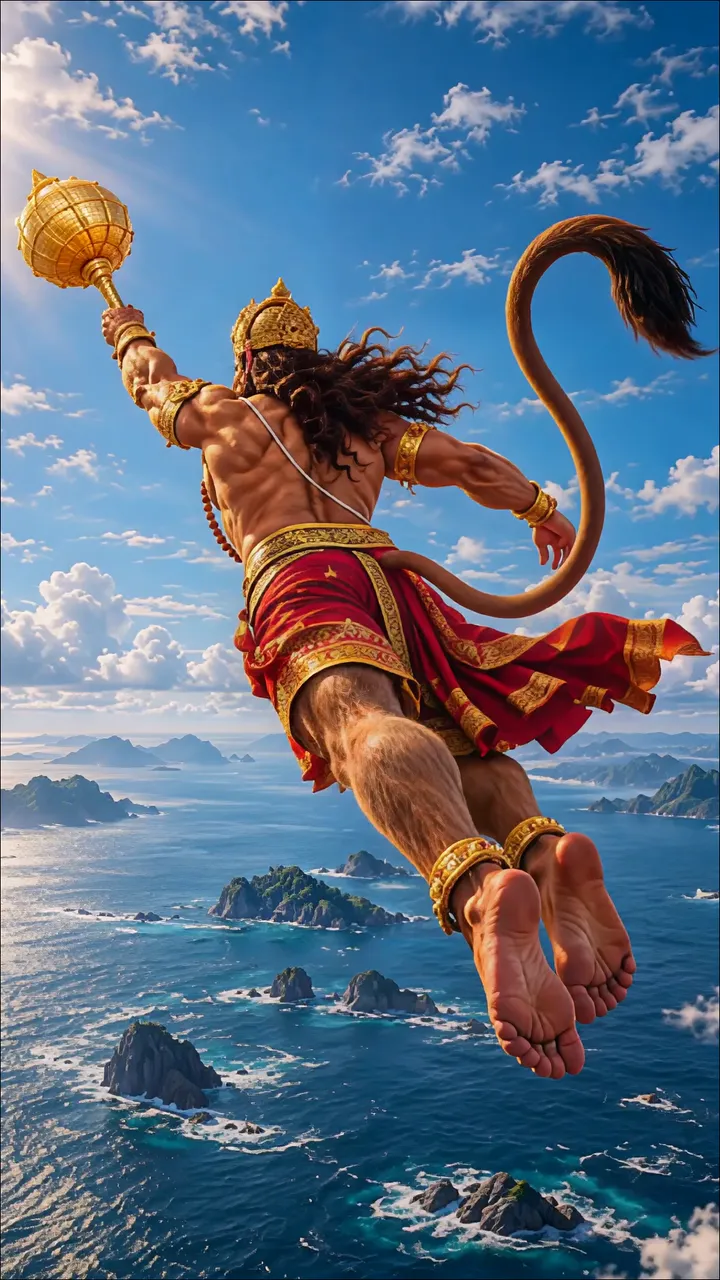
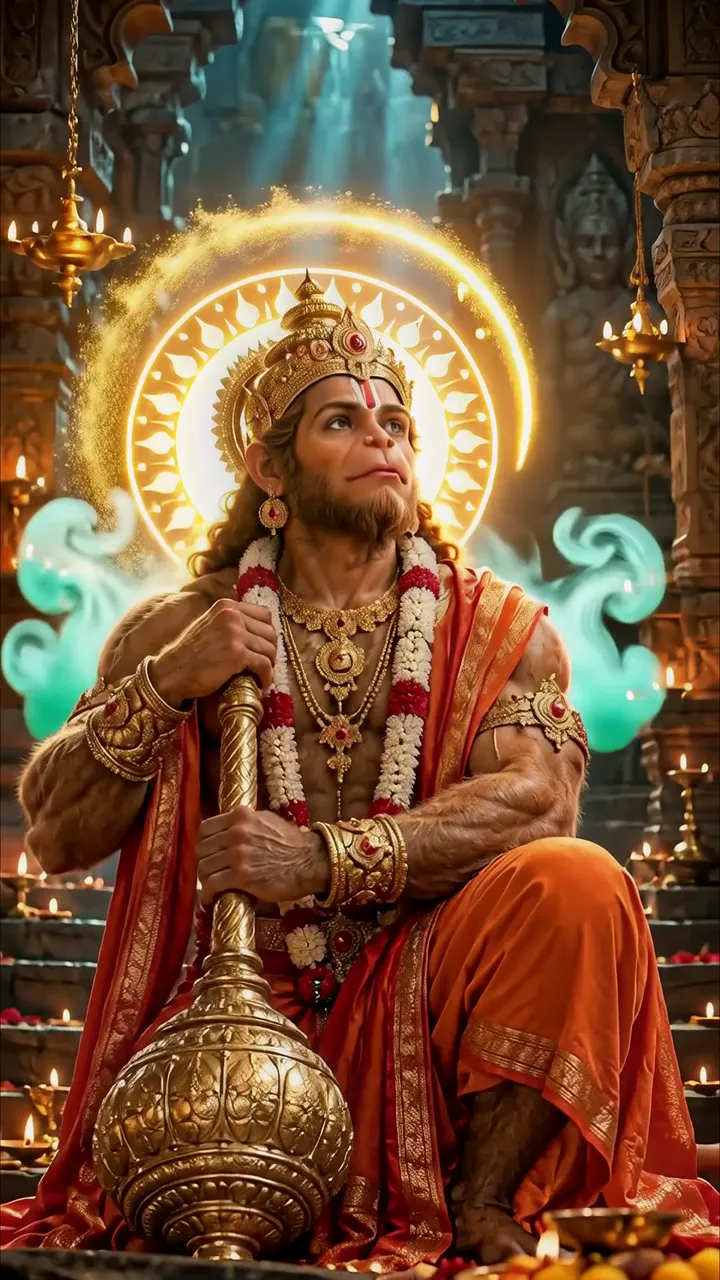
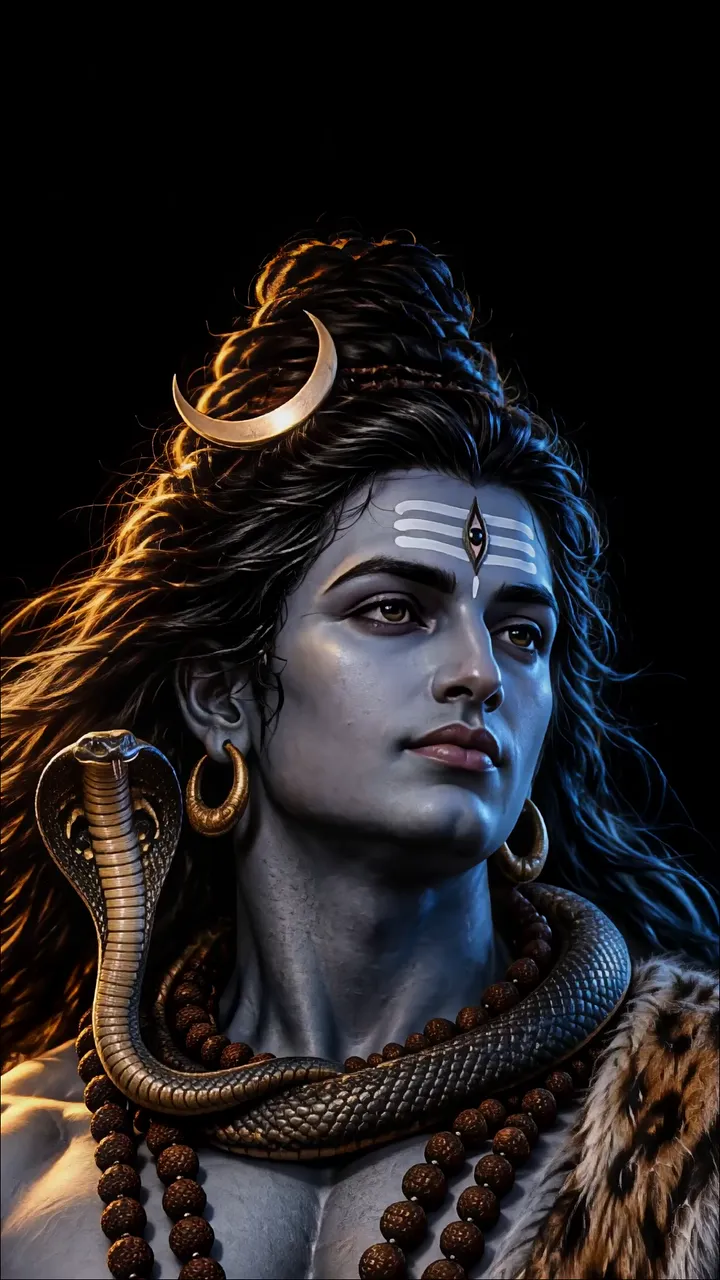
Ganesha With Golden Crown And Lotus Aura live wallpaper
How to set it as wallpaper
iPhone
For a still wallpaper, save the cropped JPG to Photos and choose it in Settings → Wallpaper. For an animated Lock Screen on supported models, convert the MP4 to a Live Photo with a compatible app and select it in the wallpaper picker.
Android
For a still wallpaper, open the JPG in your gallery and choose Set as wallpaper. For the MP4, look for a video wallpaper option in your gallery or wallpaper settings. A compatible live wallpaper app can help if your phone has no built-in option.
After saving the converted Live Photo to Photos, open Settings, then Wallpaper, then Add New Wallpaper. Tap Photos, choose Live Photo, select the saved image, turn on the Live Photo effect, and tap Add to apply it to your Lock Screen.
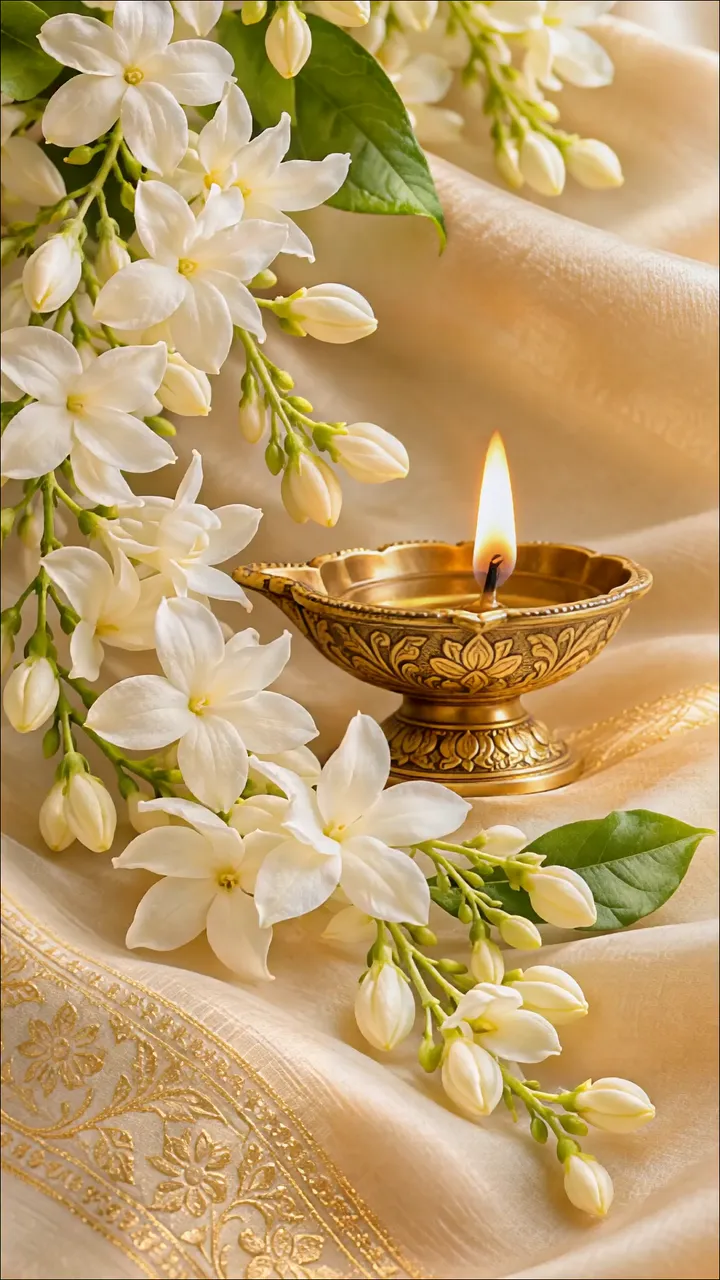
This high-definition, ultra-clear devotional artwork features Ganesha seated in a sacred scene, adorned with a magnificent golden crown and intricate jewelry. The composition is illuminated by a glowing, radiant lotus aura and surrounded by lit diyas and floral offerings, creating a serene and spiritually uplifting visual. The 3D art style enhances the divine presence, making the display feel both majestic and peaceful. This live wallpaper is perfect for personalizing your phone, lock screen, home screen, or PC, adding a touch of divine grace and cultural richness to your device. Download it for free and transform your screen into a tranquil, sacred space.
- Format
- MP4 live wallpaper
- Resolution
- 720P, 1080P
- Duration
- 00:10
- File size
- 13 MB
- Category
- Devotional, Ganesha, Golden Crown