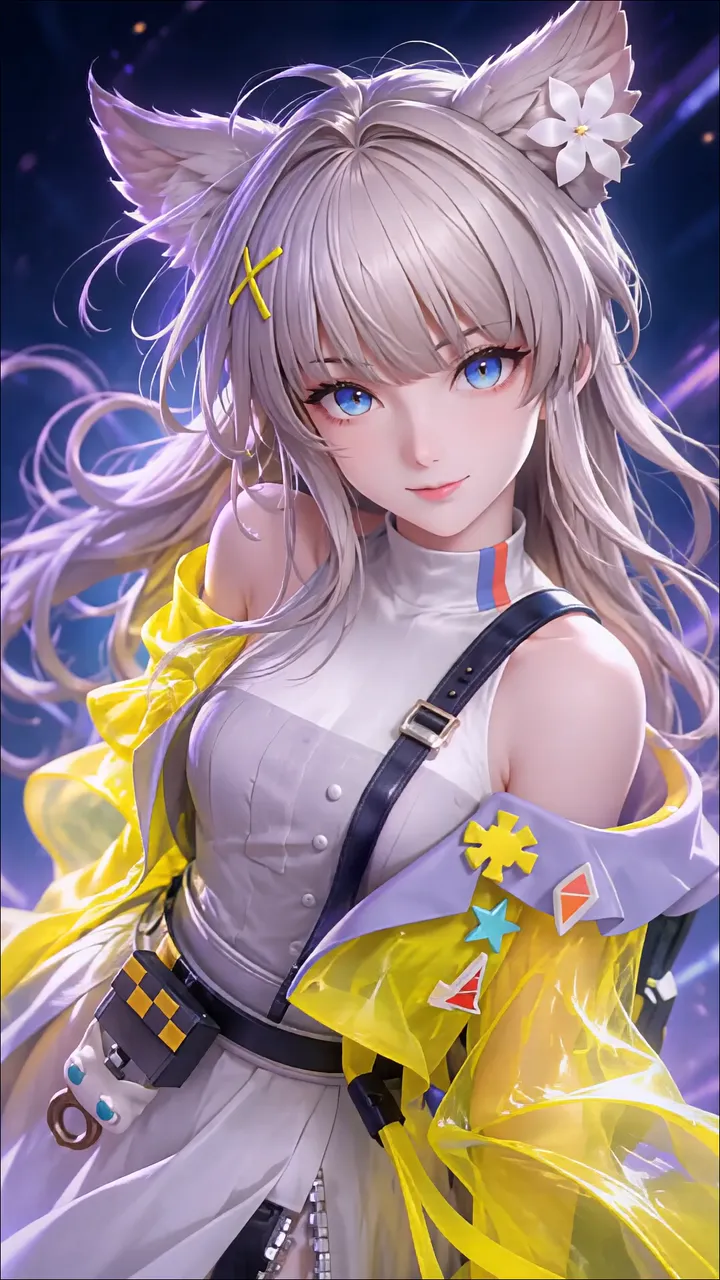
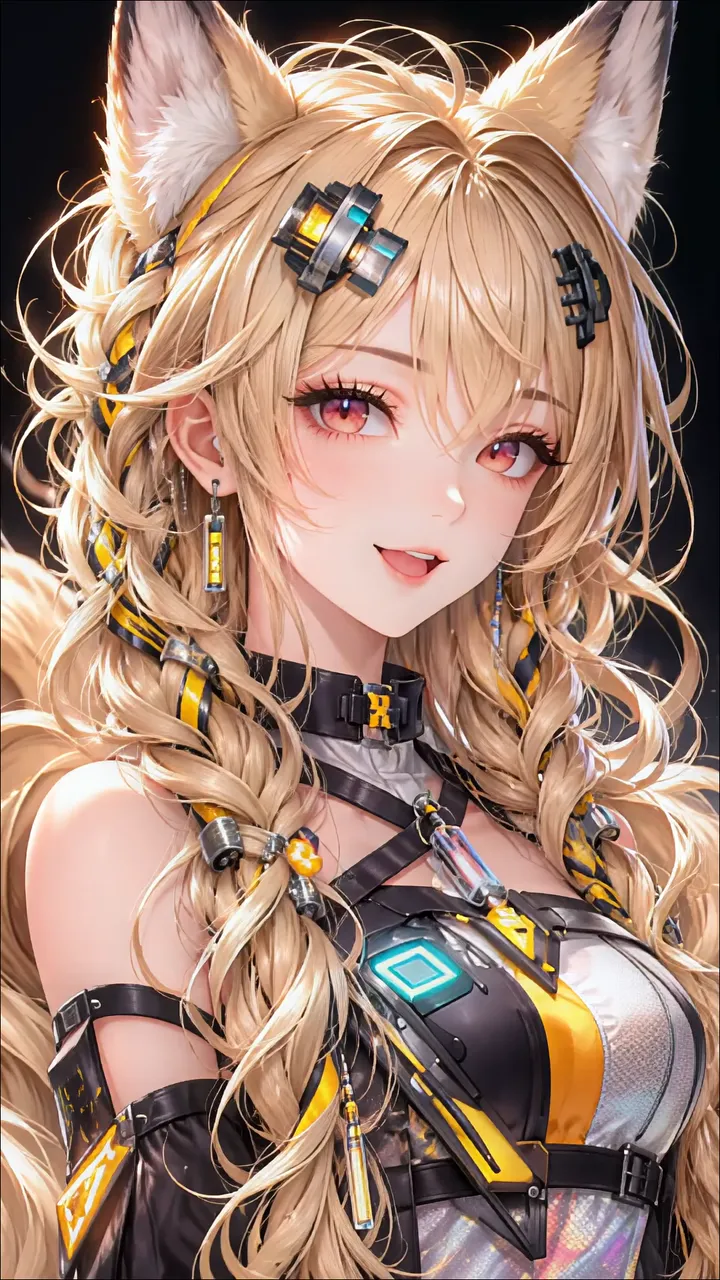
Endfield in Icy Peaks with Rainbow live wallpaper
How to set it as wallpaper
iPhone
For a still wallpaper, save the cropped JPG to Photos and choose it in Settings → Wallpaper. For an animated Lock Screen on supported models, convert the MP4 to a Live Photo with a compatible app and select it in the wallpaper picker.
Android
For a still wallpaper, open the JPG in your gallery and choose Set as wallpaper. For the MP4, look for a video wallpaper option in your gallery or wallpaper settings. A compatible live wallpaper app can help if your phone has no built-in option.
After saving the converted Live Photo to Photos, open Settings, then Wallpaper, then Add New Wallpaper. Tap Photos, choose Live Photo, select the saved image, turn on the Live Photo effect, and tap Add to apply it to your Lock Screen.
Endfield from Arknights stands confidently in a frost-covered mountainous landscape, her vibrant pink and blue hair flowing against a backdrop of jagged ice formations. She wears a detailed combat outfit featuring a silver corset, black shorts, and pink puffy sleeves, accented with metallic straps and harnesses. Her expression is calm yet assertive as she gazes forward, one hand near her chin. A vivid rainbow arcs across the bright blue sky behind her, contrasting with the cold, crystalline environment. The scene is rendered with sharp detail, emphasizing the textures of her gear and the icy terrain, creating a striking blend of fantasy and tactical aesthetics.
- Format
- MP4 live wallpaper
- Resolution
- 720P, 1080P
- Duration
- 00:08
- File size
- 10.2 MB
- Category
- Arknights Endfield, Endfield, Arknights