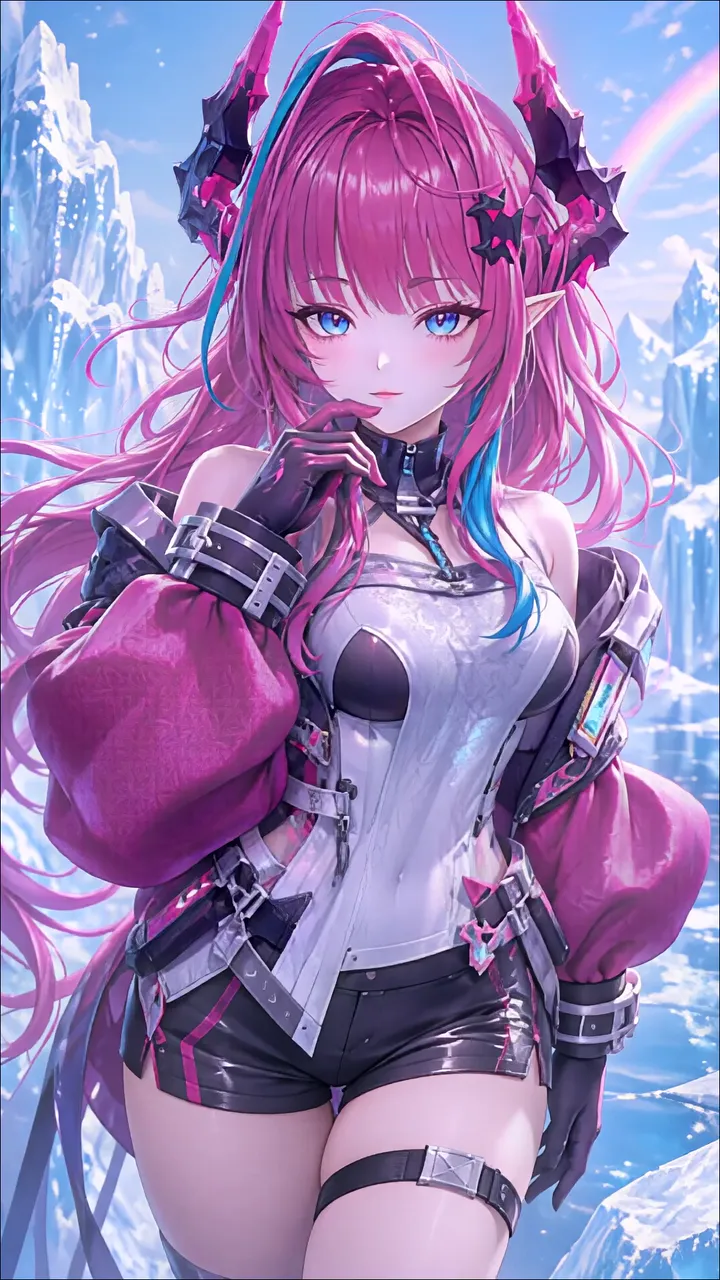
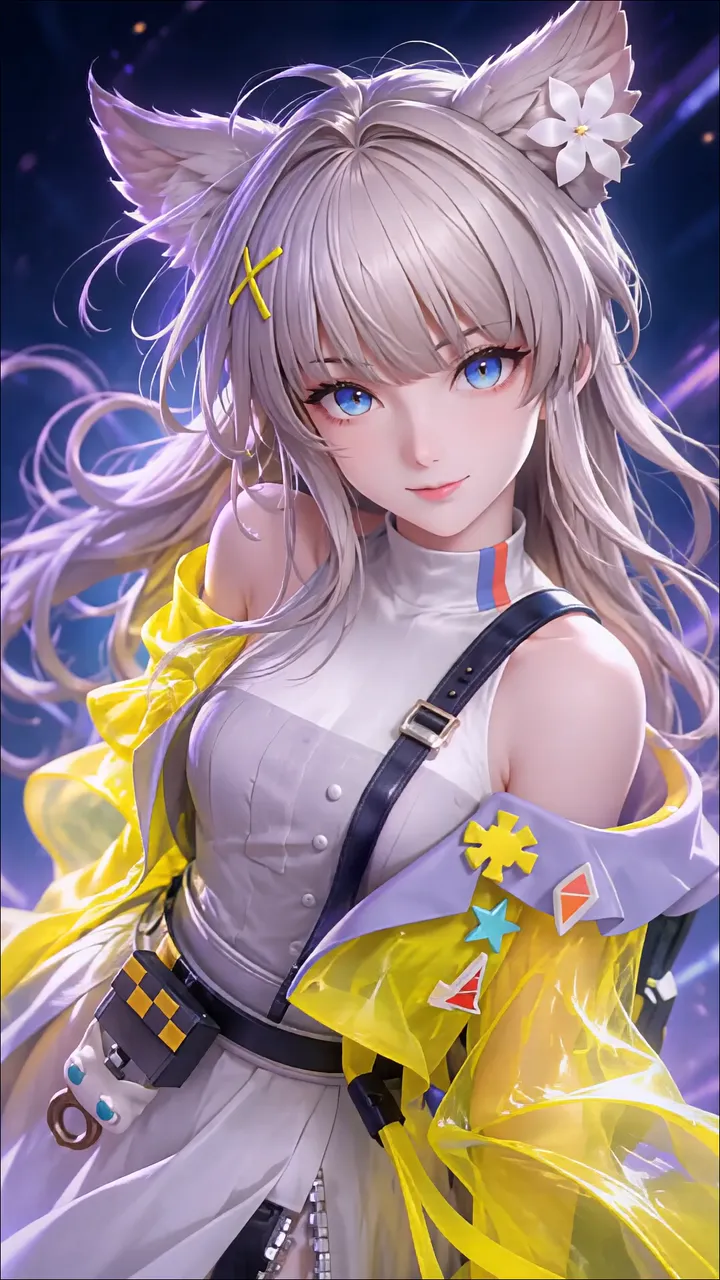
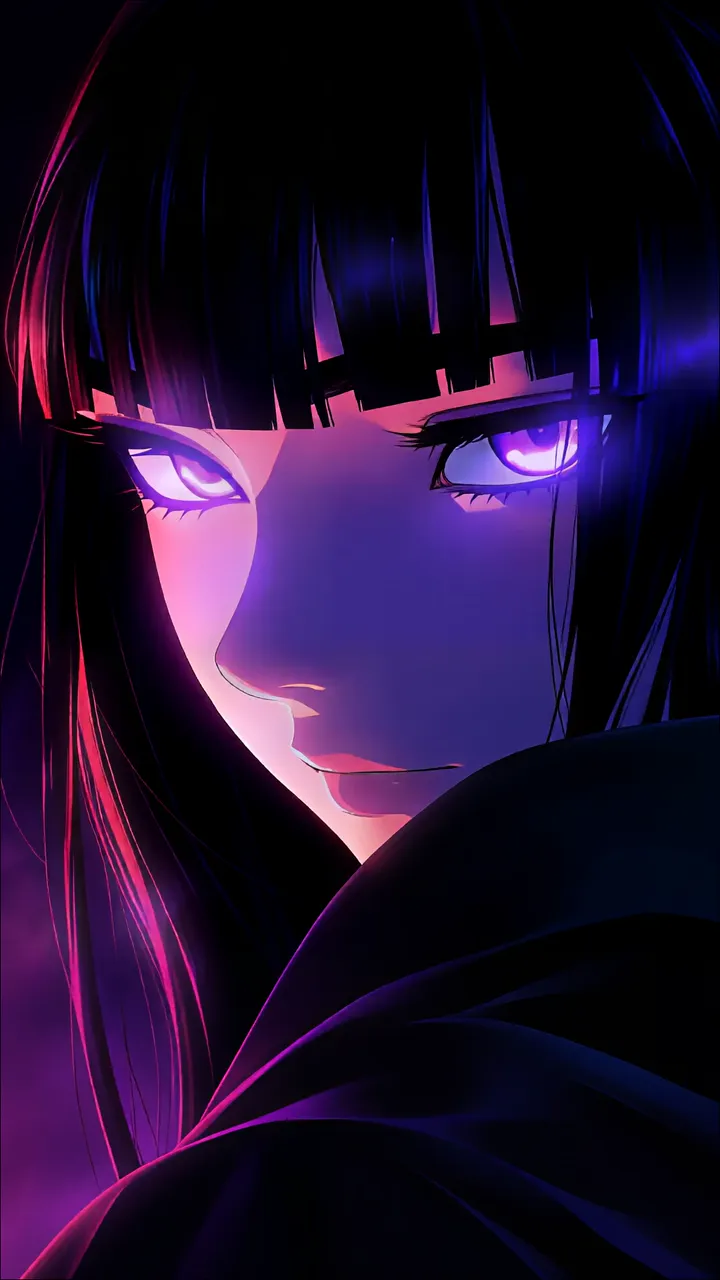
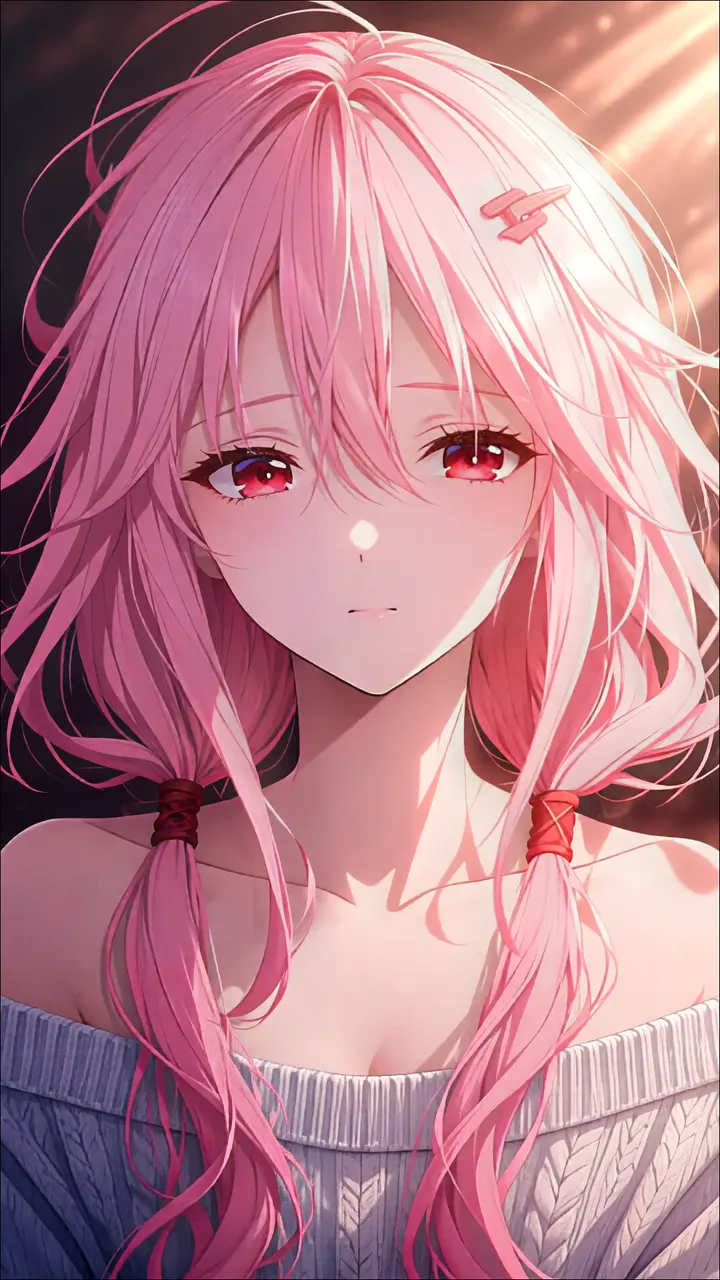
Endfield from Arknights in Cyberpunk Gear live wallpaper
How to set it as wallpaper
iPhone
For a still wallpaper, save the cropped JPG to Photos and choose it in Settings → Wallpaper. For an animated Lock Screen on supported models, convert the MP4 to a Live Photo with a compatible app and select it in the wallpaper picker.
Android
For a still wallpaper, open the JPG in your gallery and choose Set as wallpaper. For the MP4, look for a video wallpaper option in your gallery or wallpaper settings. A compatible live wallpaper app can help if your phone has no built-in option.
After saving the converted Live Photo to Photos, open Settings, then Wallpaper, then Add New Wallpaper. Tap Photos, choose Live Photo, select the saved image, turn on the Live Photo effect, and tap Add to apply it to your Lock Screen.
Endfield from Arknights is depicted in a detailed anime portrait, wearing a futuristic cyberpunk outfit with prominent yellow and black accents. Her long, wavy blonde hair is styled with tech-themed accessories and fox ears, complementing her glowing red eyes. The outfit features a metallic, iridescent bodice with glowing blue panels and intricate harnesses, suggesting a high-tech combat role. The lighting is dramatic, highlighting her features against a dark background, emphasizing the sleek, mechanical aesthetic of her gear and the stylized, polished art style typical of the Arknights universe.
- Format
- MP4 live wallpaper
- Resolution
- 720P, 1080P
- Duration
- 00:08
- File size
- 13.5 MB
- Category
- Arknights Endfield, Endfield, Arknights