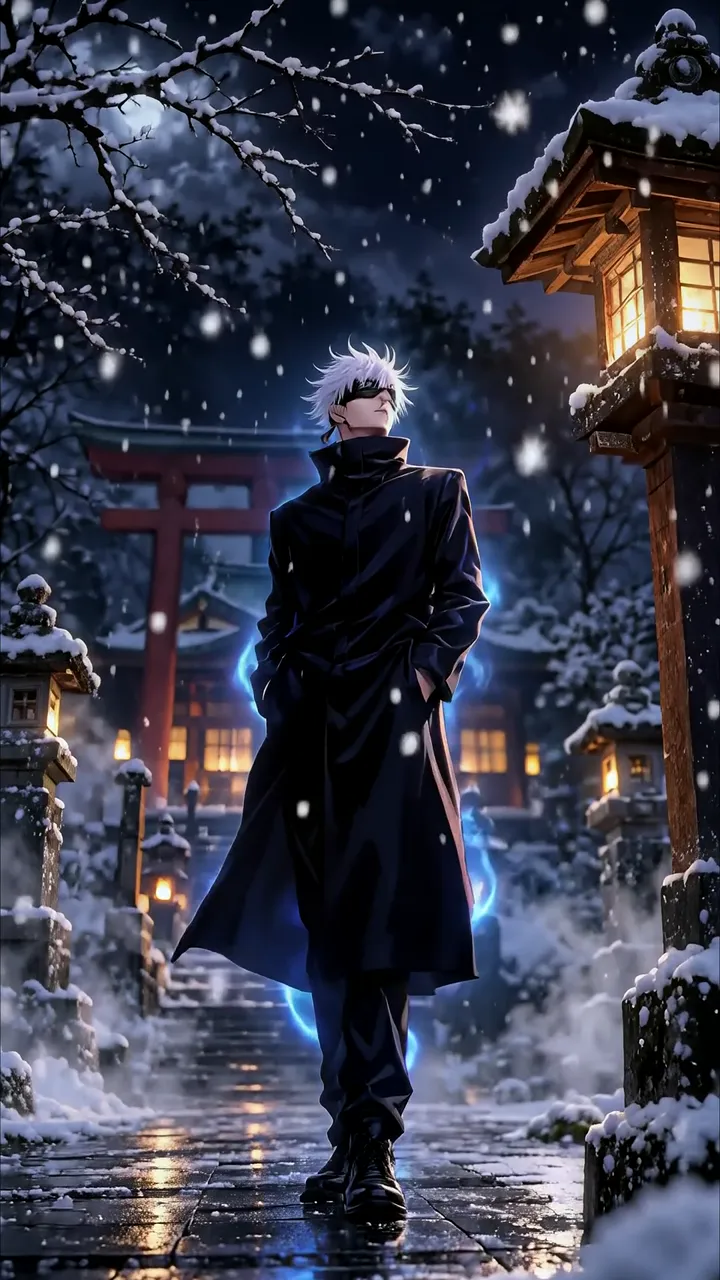
Emo Emo Idi Romantic Snow Scene With Couple In Winter live wallpaper
How to set it as wallpaper
iPhone
For a still wallpaper, save the cropped JPG to Photos and choose it in Settings → Wallpaper. For an animated Lock Screen on supported models, convert the MP4 to a Live Photo with a compatible app and select it in the wallpaper picker.
Android
For a still wallpaper, open the JPG in your gallery and choose Set as wallpaper. For the MP4, look for a video wallpaper option in your gallery or wallpaper settings. A compatible live wallpaper app can help if your phone has no built-in option.
After saving the converted Live Photo to Photos, open Settings, then Wallpaper, then Add New Wallpaper. Tap Photos, choose Live Photo, select the saved image, turn on the Live Photo effect, and tap Add to apply it to your Lock Screen.
This high-definition animated background captures a tender romantic moment from the film 'Emo Emo Idi,' featuring a couple sharing an intimate snowfall scene. The composition is set against a breathtaking mountain backdrop, with soft snowflakes gently falling around them as they lean their foreheads together. The woman wears a cozy cream-colored knit sweater, while the man is dressed in a red plaid jacket and black gloves, both looking warmly at each other. The lighting is soft and natural, enhancing the serene, affectionate mood. This ultra-clear visual is perfect for personalizing your phone, lock screen, home screen, or PC display, making it feel unique and emotionally resonant. Available for free download, it brings a touch of cinematic romance to your everyday digital space.
- Format
- MP4 live wallpaper
- Resolution
- 720P, 1080P
- Duration
- 00:10
- File size
- 12.6 MB
- Category
- Emo Emo Idi, Romantic, Snow Scene