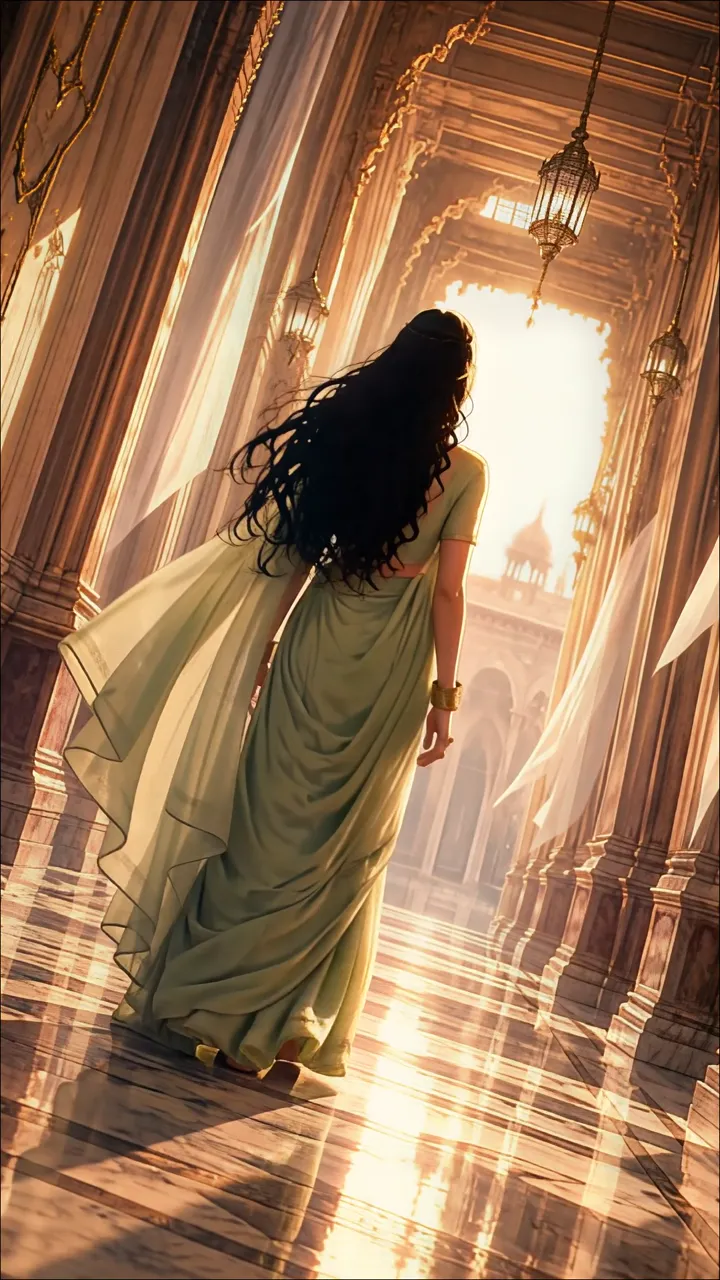
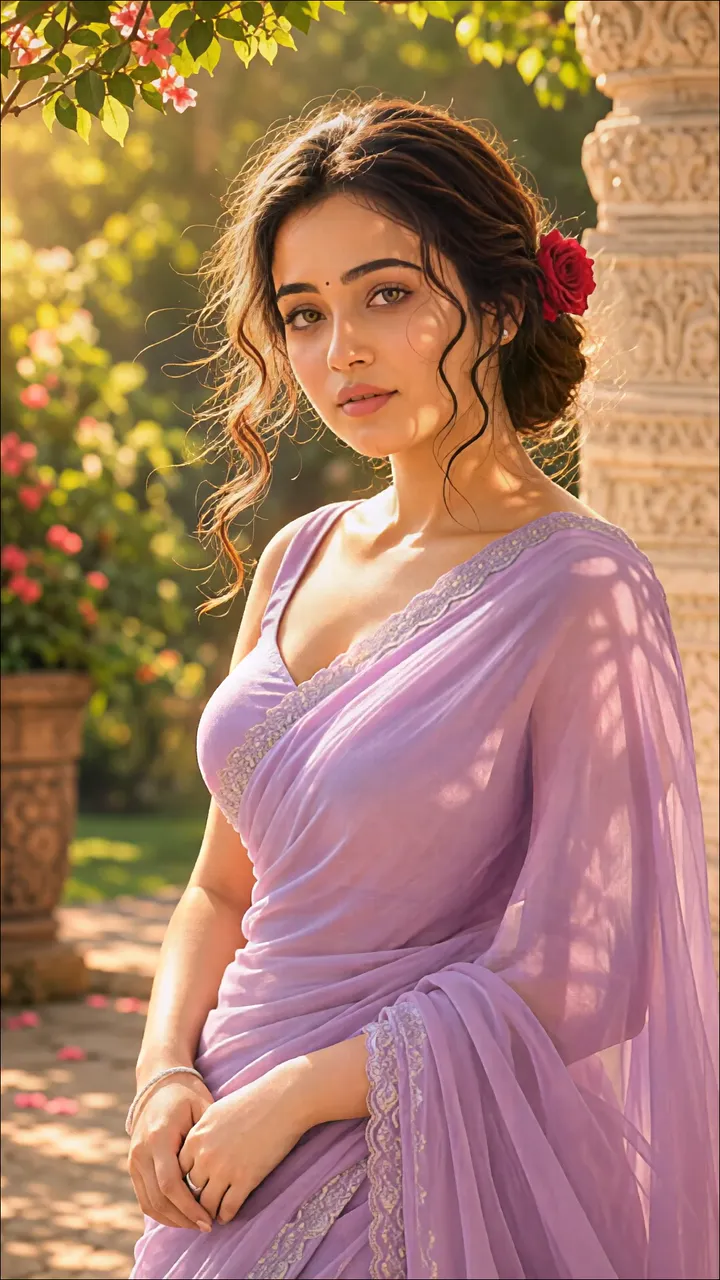
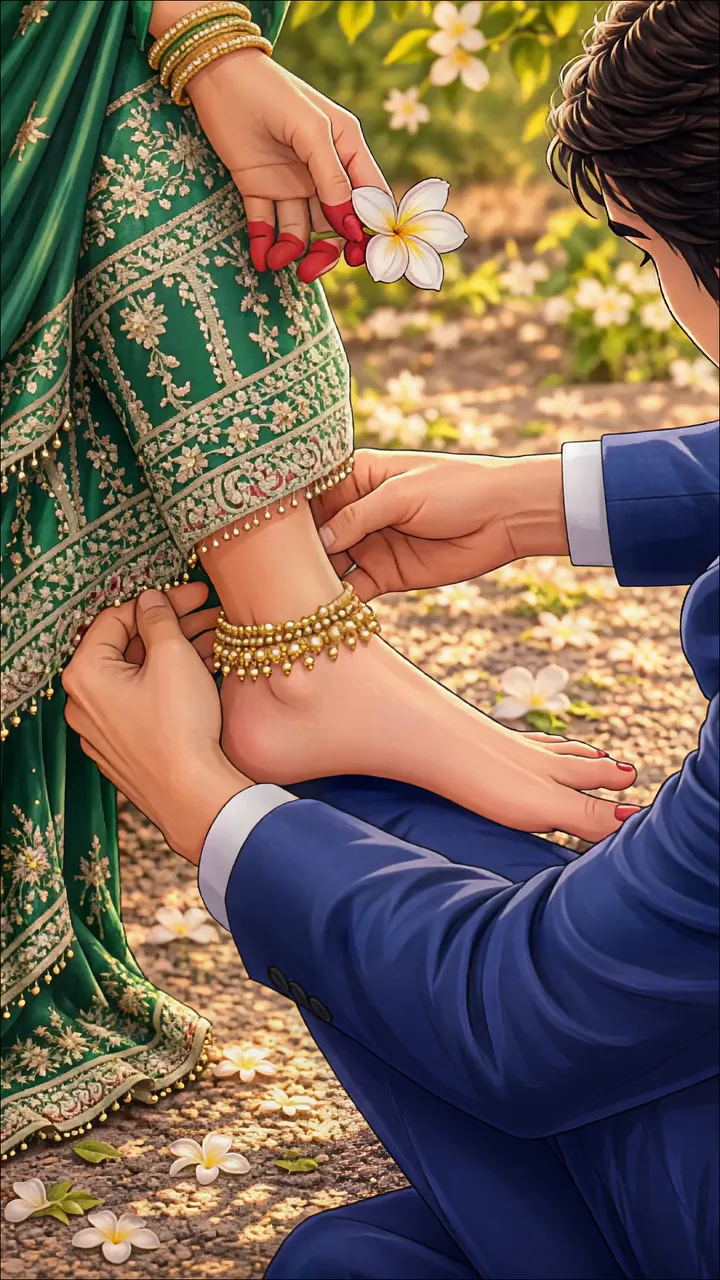
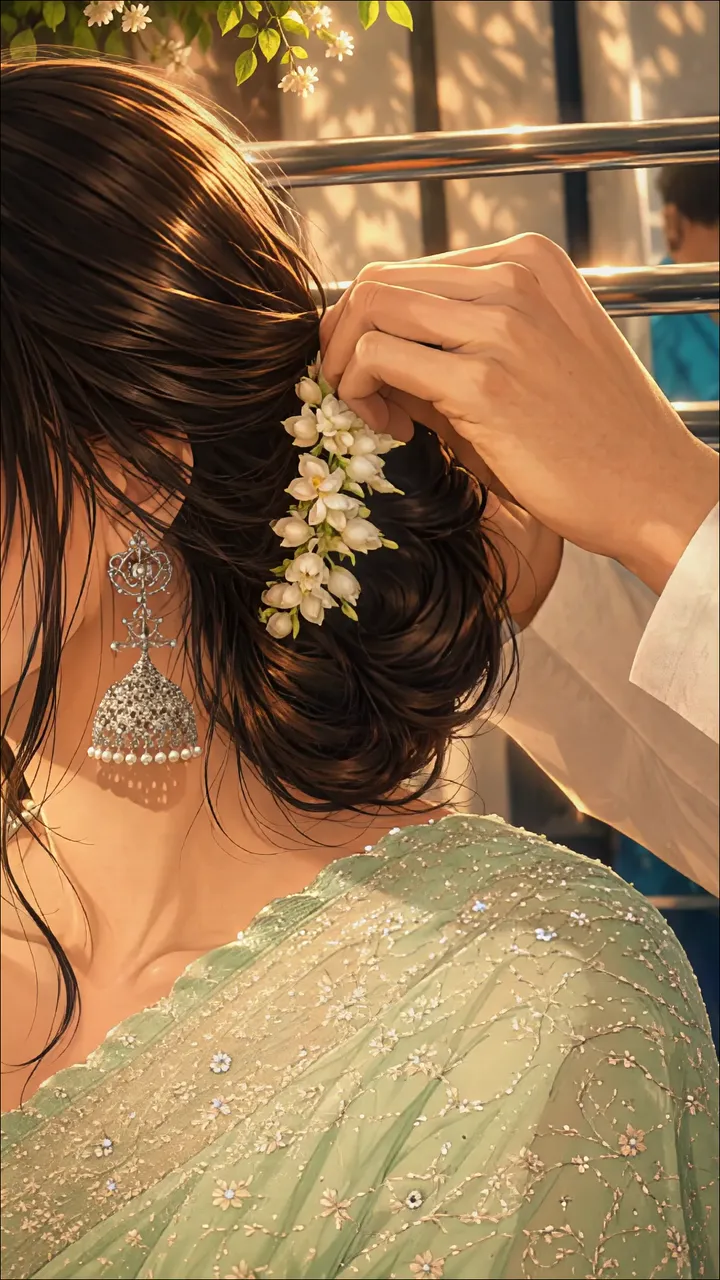
Elegant Woman In Gold Floral Anarkali Gown At Glamorous Party live wallpaper
How to set it as wallpaper
iPhone
For a still wallpaper, save the cropped JPG to Photos and choose it in Settings → Wallpaper. For an animated Lock Screen on supported models, convert the MP4 to a Live Photo with a compatible app and select it in the wallpaper picker.
Android
For a still wallpaper, open the JPG in your gallery and choose Set as wallpaper. For the MP4, look for a video wallpaper option in your gallery or wallpaper settings. A compatible live wallpaper app can help if your phone has no built-in option.
After saving the converted Live Photo to Photos, open Settings, then Wallpaper, then Add New Wallpaper. Tap Photos, choose Live Photo, select the saved image, turn on the Live Photo effect, and tap Add to apply it to your Lock Screen.
This elegant live wallpaper features a woman in a stunning gold floral anarkali gown, perfect for a glamorous evening event. The gown is intricately detailed with shimmering embroidery and flows gracefully, complemented by a chic black blazer she holds in one hand. The background is a luxurious party setting with warm bokeh lighting and greenery, creating a sophisticated and inviting atmosphere. The high-definition, ultra-clear visuals capture every delicate texture and rich color, making this screen style ideal for personalizing your phone, lock screen, home screen, or PC. Download this free live wallpaper to add a touch of elegance and style to your device's display.
- Format
- MP4 live wallpaper
- Resolution
- 720P, 1080P
- Duration
- 00:10
- File size
- 14.5 MB
- Category
- Woman, Anarkali Gown, Gold Floral