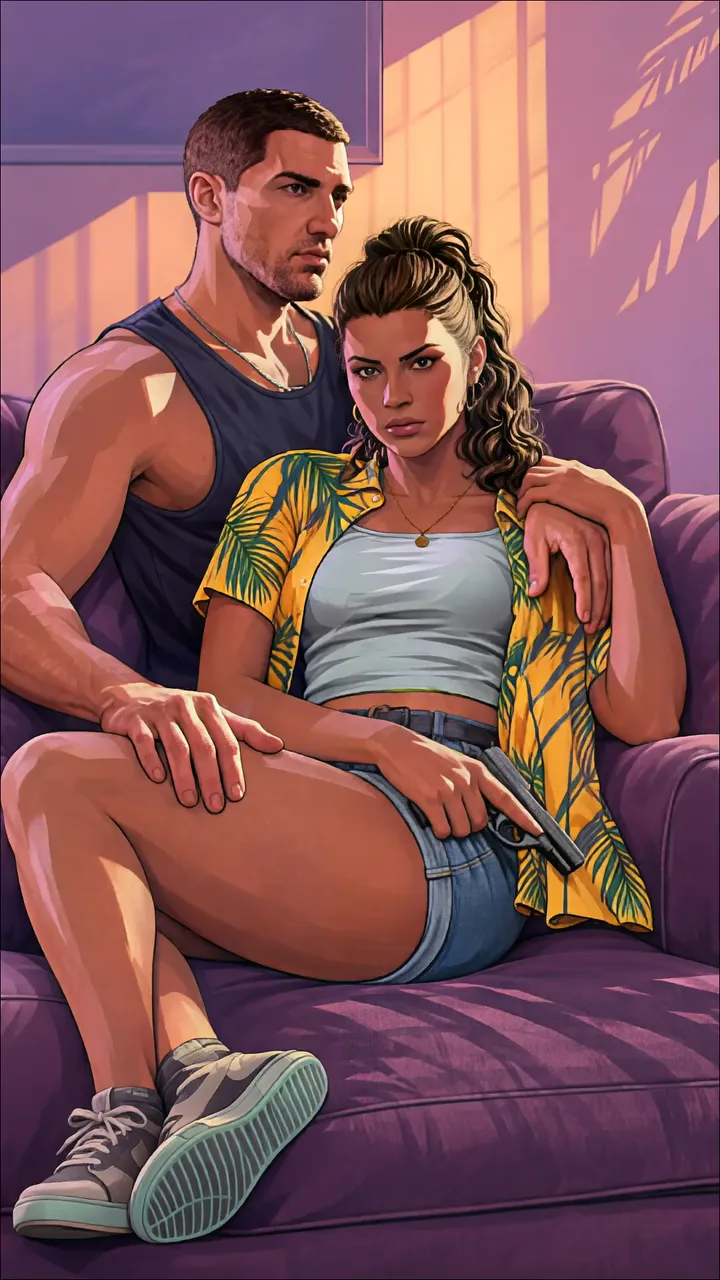
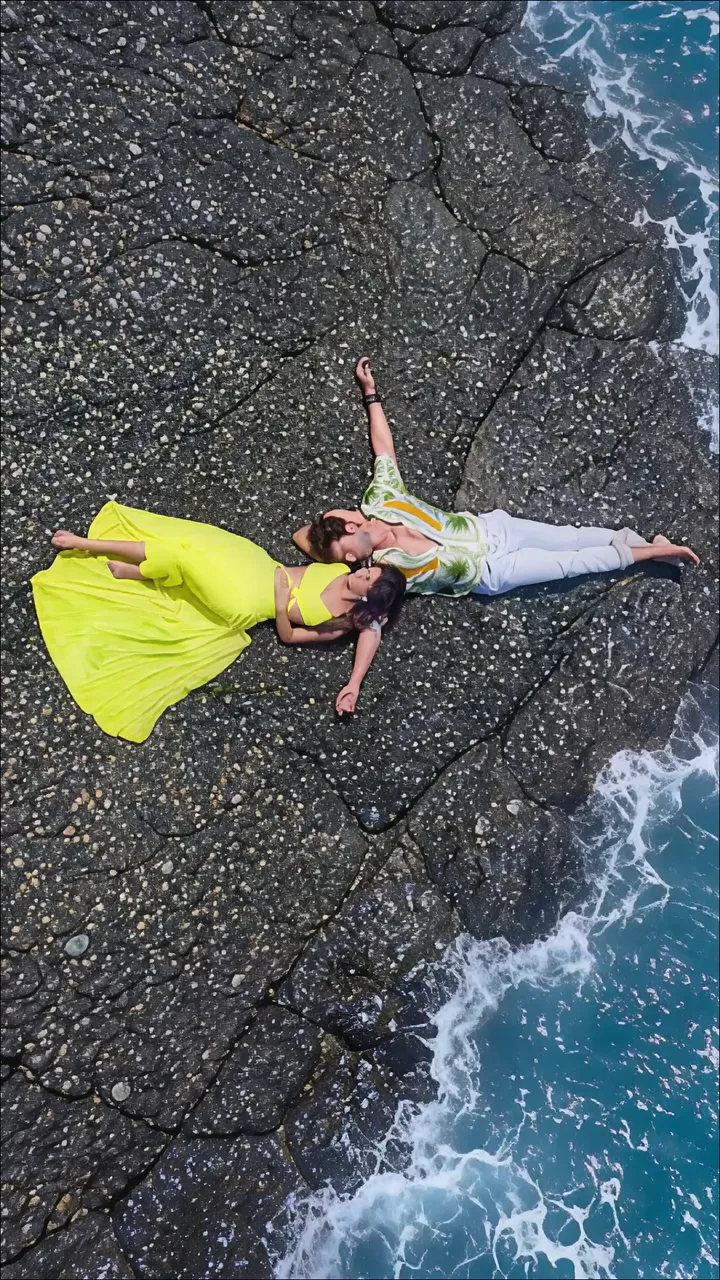
Couple Riding Black Motorcycle On Coastal Highway live wallpaper
How to set it as wallpaper
iPhone
For a still wallpaper, save the cropped JPG to Photos and choose it in Settings → Wallpaper. For an animated Lock Screen on supported models, convert the MP4 to a Live Photo with a compatible app and select it in the wallpaper picker.
Android
For a still wallpaper, open the JPG in your gallery and choose Set as wallpaper. For the MP4, look for a video wallpaper option in your gallery or wallpaper settings. A compatible live wallpaper app can help if your phone has no built-in option.
After saving the converted Live Photo to Photos, open Settings, then Wallpaper, then Add New Wallpaper. Tap Photos, choose Live Photo, select the saved image, turn on the Live Photo effect, and tap Add to apply it to your Lock Screen.
A romantic couple rides a sleek black motorcycle along a scenic coastal highway, with the ocean and mountainous landscape stretching behind them. The man drives with focus while the woman sits behind him, smiling and leaning into his embrace, capturing a moment of pure joy and connection. The composition uses warm, golden-hour lighting to enhance the intimate mood, with crisp, high-definition visuals that bring every detail of the road, bike, and natural scenery into sharp focus. This animated background is perfect for personalizing your phone, lock screen, or PC display, adding a sense of adventure, freedom, and love to your everyday digital space. Download this free live wallpaper to make your screen feel more unique and emotionally resonant.
- Format
- MP4 live wallpaper
- Resolution
- 720P, 1080P
- Duration
- 00:07
- File size
- 3.4 MB
- Category
- Couple, Motorcycle, Coastal Highway