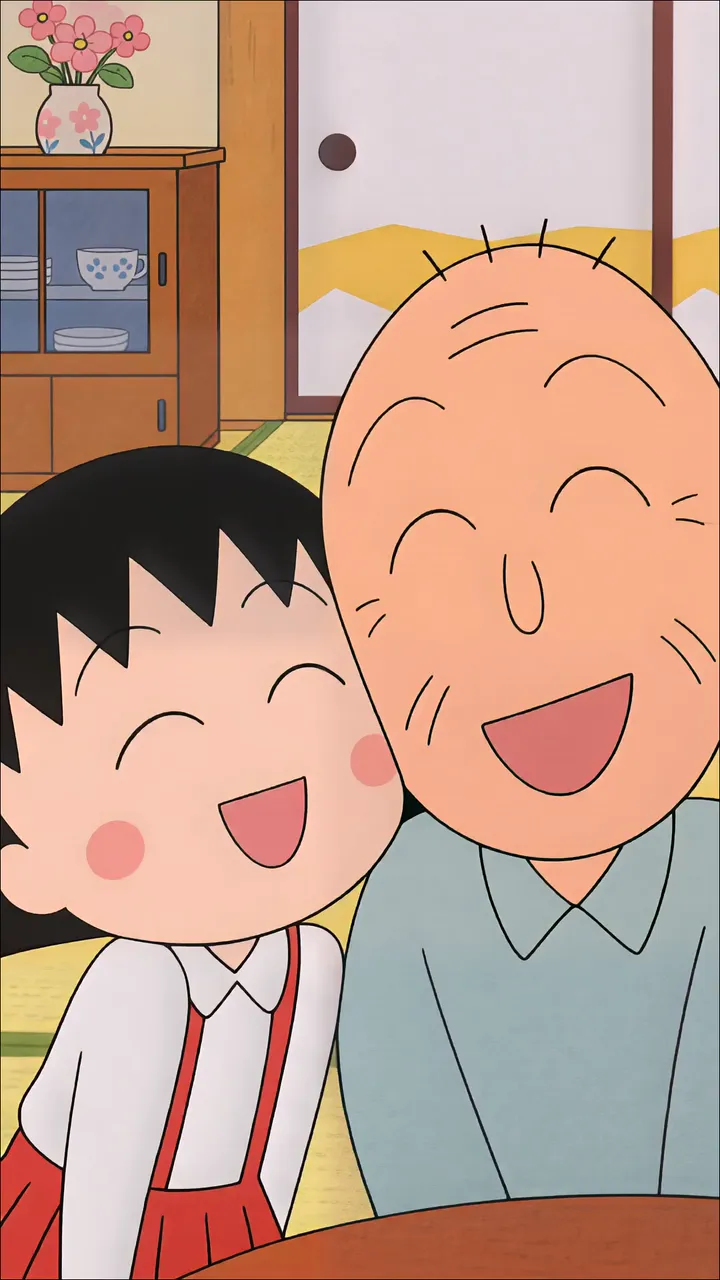
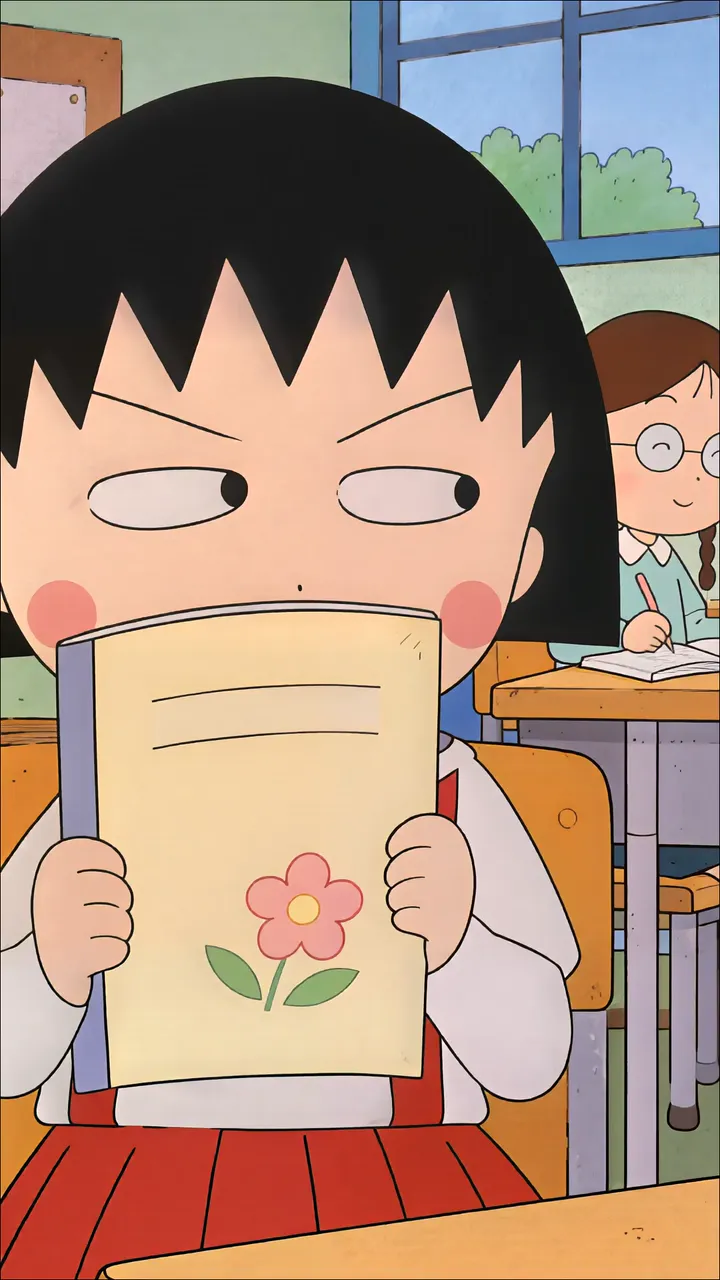
Chibi Maruko-chan With Frustrated Expression In Traditional Japanese Room live wallpaper
How to set it as wallpaper
iPhone
For a still wallpaper, save the cropped JPG to Photos and choose it in Settings → Wallpaper. For an animated Lock Screen on supported models, convert the MP4 to a Live Photo with a compatible app and select it in the wallpaper picker.
Android
For a still wallpaper, open the JPG in your gallery and choose Set as wallpaper. For the MP4, look for a video wallpaper option in your gallery or wallpaper settings. A compatible live wallpaper app can help if your phone has no built-in option.
After saving the converted Live Photo to Photos, open Settings, then Wallpaper, then Add New Wallpaper. Tap Photos, choose Live Photo, select the saved image, turn on the Live Photo effect, and tap Add to apply it to your Lock Screen.
Chibi Maruko-chan stands in the foreground with a frustrated expression, arms crossed tightly, her signature black spiky hair and rosy cheeks clearly visible. Behind her, another girl with a braid looks on with a bored expression. The scene is set in a traditional Japanese room with tatami flooring and a shoji screen in the background. A small wooden cabinet with a blue vase holding white flowers sits on the left. The warm, soft lighting and classic anime art style create a familiar, relatable moment of childhood emotion within a culturally authentic domestic setting.
- Format
- MP4 live wallpaper
- Resolution
- 720P, 1080P
- Duration
- 00:07
- File size
- 2.1 MB
- Category
- Chibi Maruko-chan, Anime Girl, Traditional Japanese Room