Chibi Maruko-chan Eating An Orange On A Tatami Floor live wallpaper
How to set it as wallpaper
iPhone
For a still wallpaper, save the cropped JPG to Photos and choose it in Settings → Wallpaper. For an animated Lock Screen on supported models, convert the MP4 to a Live Photo with a compatible app and select it in the wallpaper picker.
Android
For a still wallpaper, open the JPG in your gallery and choose Set as wallpaper. For the MP4, look for a video wallpaper option in your gallery or wallpaper settings. A compatible live wallpaper app can help if your phone has no built-in option.
After saving the converted Live Photo to Photos, open Settings, then Wallpaper, then Add New Wallpaper. Tap Photos, choose Live Photo, select the saved image, turn on the Live Photo effect, and tap Add to apply it to your Lock Screen.
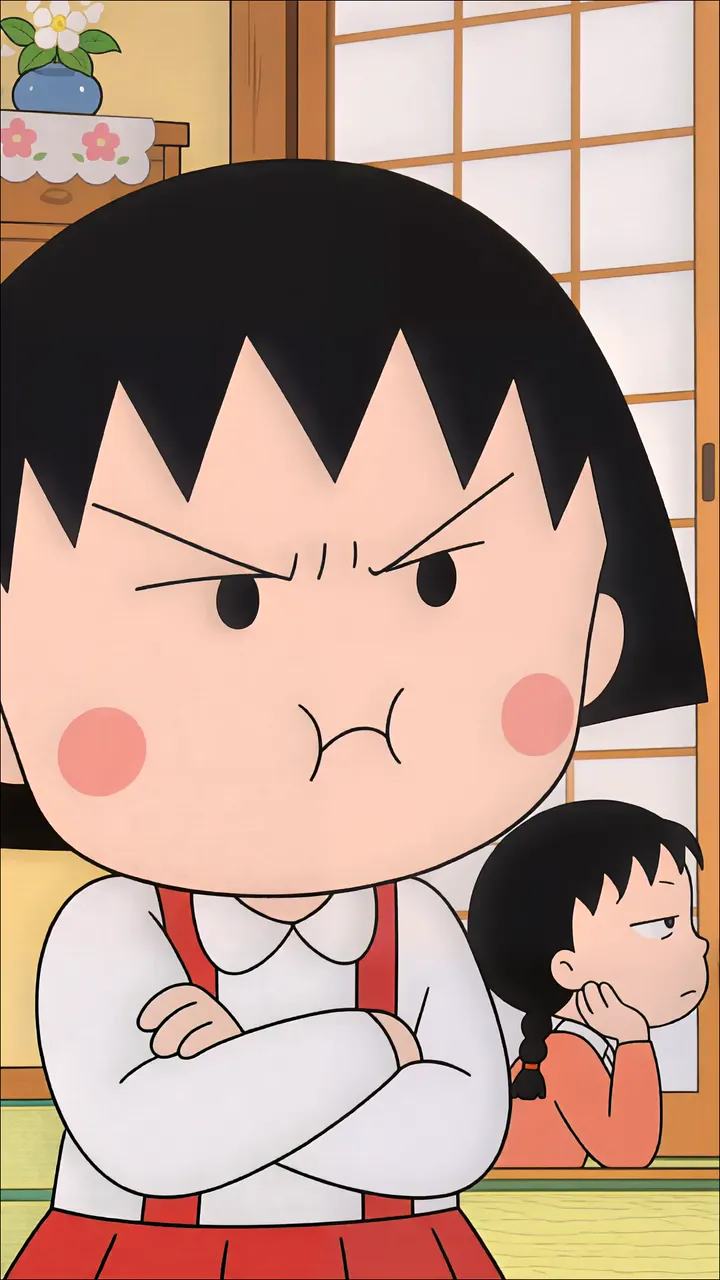
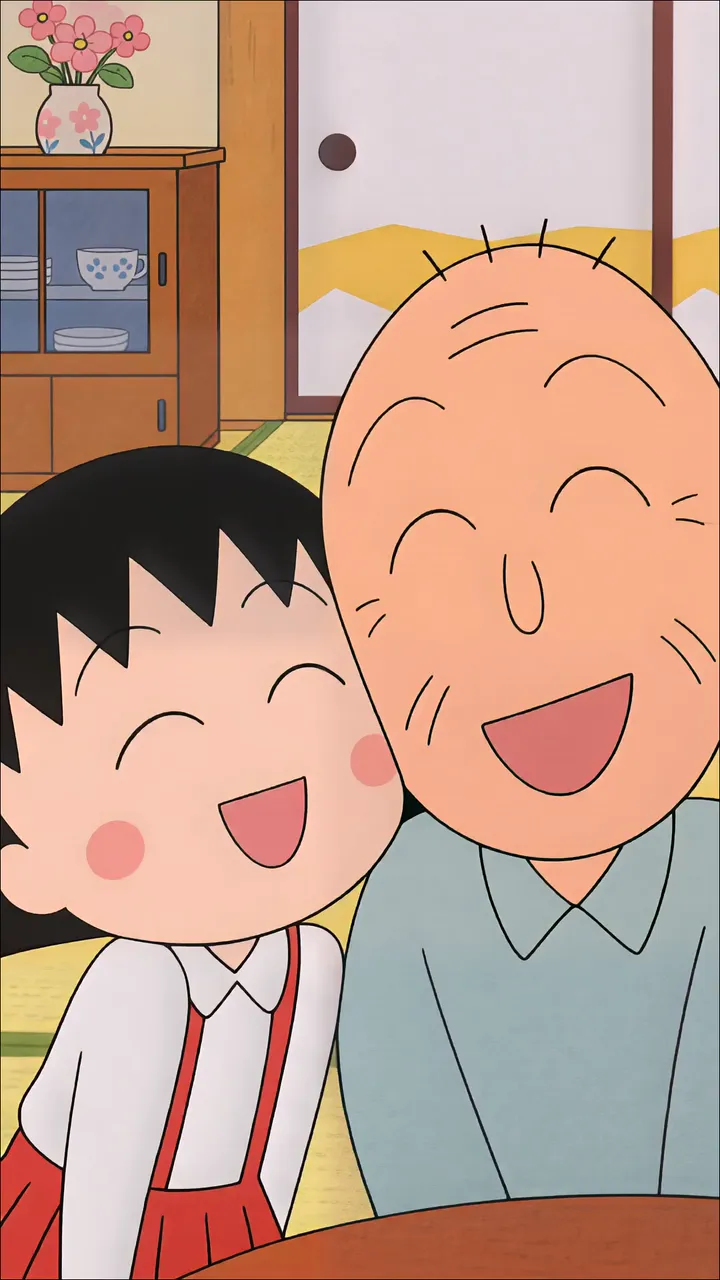
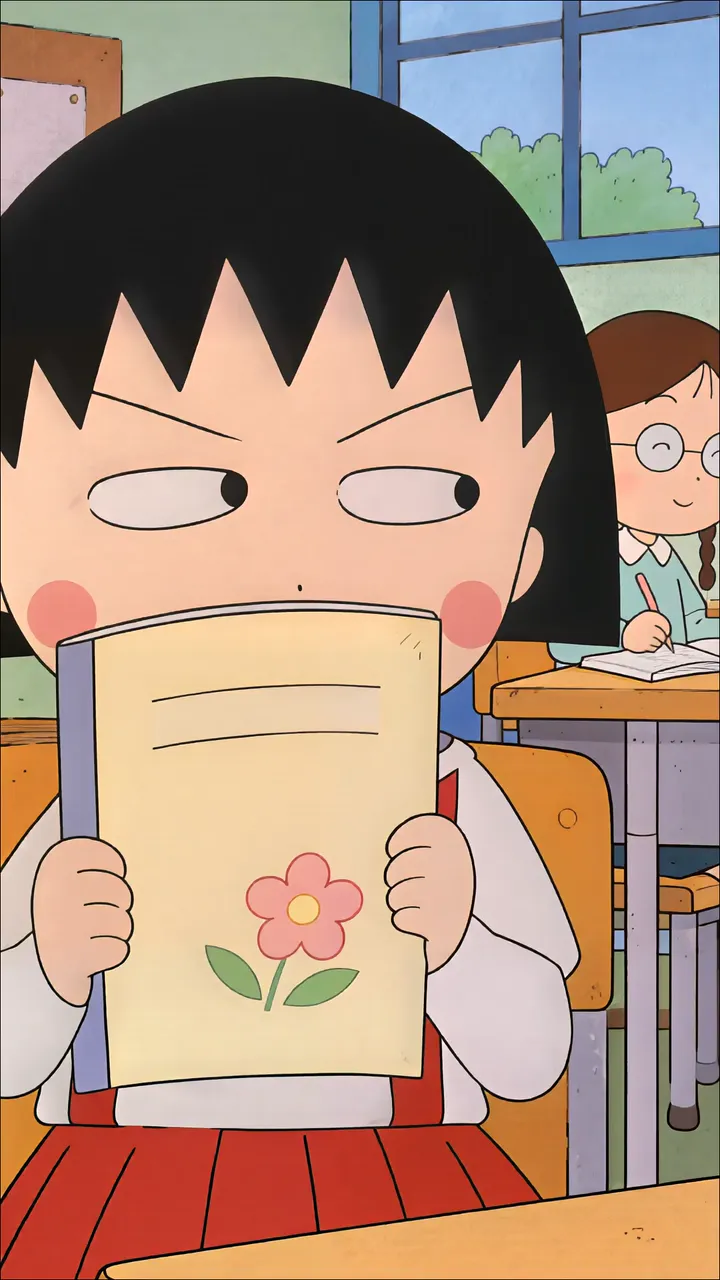
Chibi Maruko-chan, the iconic anime girl, sits on a tatami mat with a joyful expression as she peels an orange. Her hands hold the fruit as the peel curls away, with a basket of fresh oranges beside her. She wears a red sweater over a white collar, and her signature spiky black hair frames her face. The warm, natural lighting highlights the vibrant orange color and the soft textures of her clothing and the wooden table. The scene captures a simple, everyday moment with a charming, nostalgic atmosphere, characteristic of classic Japanese anime.
- Format
- MP4 live wallpaper
- Resolution
- 720P, 1080P
- Duration
- 00:07
- File size
- 2.6 MB
- Category
- Chibi Maruko-chan, Anime Girl, Orange Peel