@Ava496

Download "Anime Girl With Cherry Blossom Umbrella On Rainy Night Street" live wallpaper

Verify that you are human to download high quality live wallpapes.

How to set live wallpaper on your phone Setup tutorial

On Android Phones

  1. Save the downloaded MP4 file to your phone.
  2. Open your phone's Gallery, Files, or Wallpaper app.
  3. Choose the video, tap Set as wallpaper, then apply it to your home screen or lock screen.

On iPhone

  1. Save the MP4 file to Photos.
  2. iPhone requires a Live Photo, convert the video with a live wallpaper app first.
  3. Open Settings > Wallpaper, select the saved Live Photo, then apply it.
You may also like:

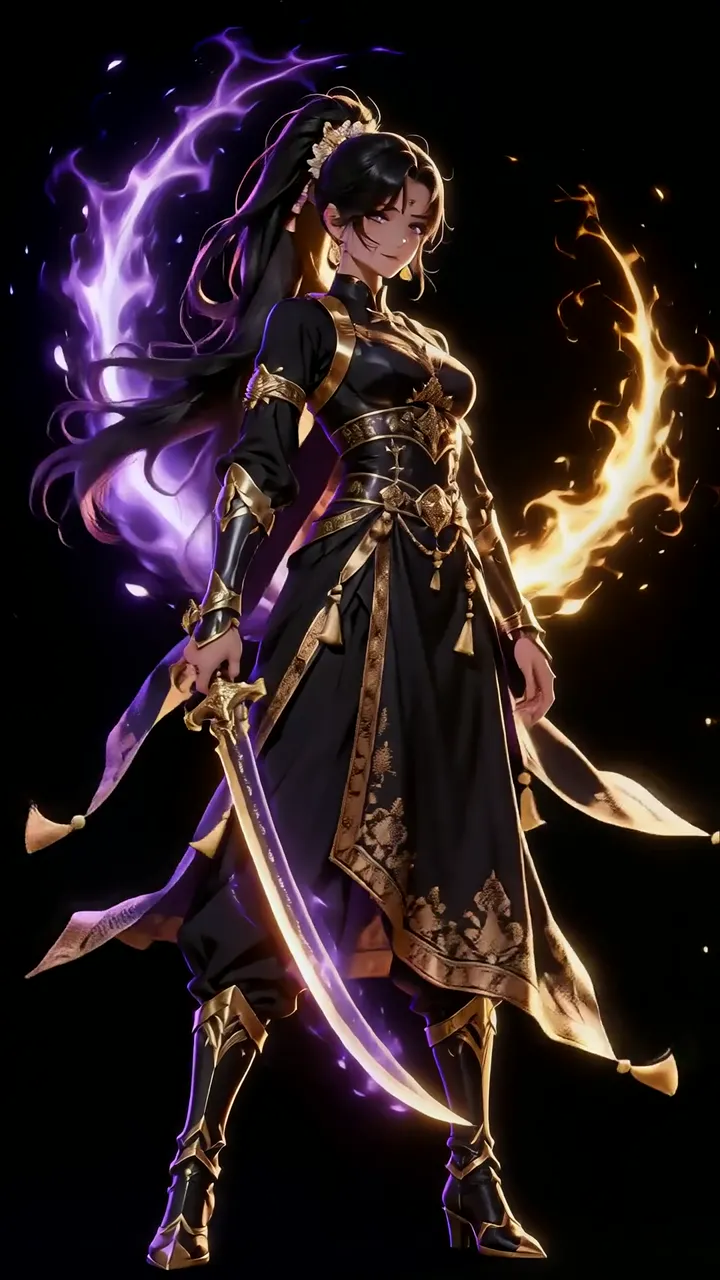
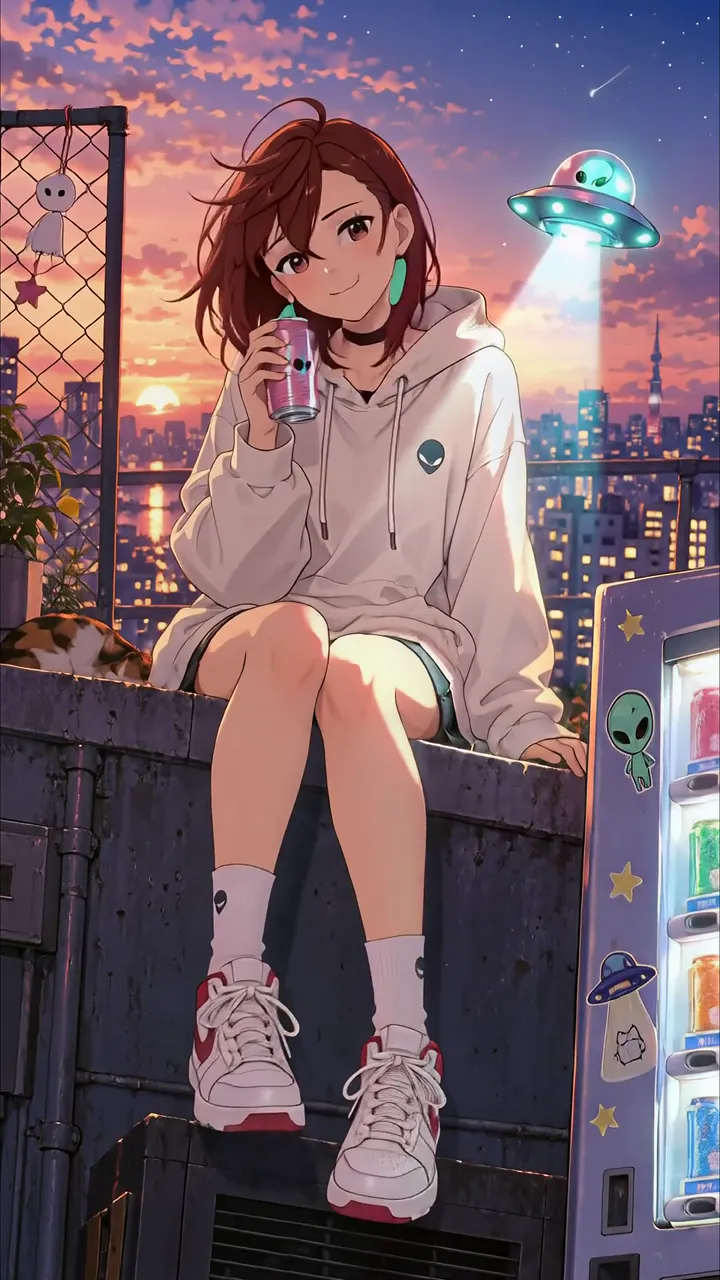
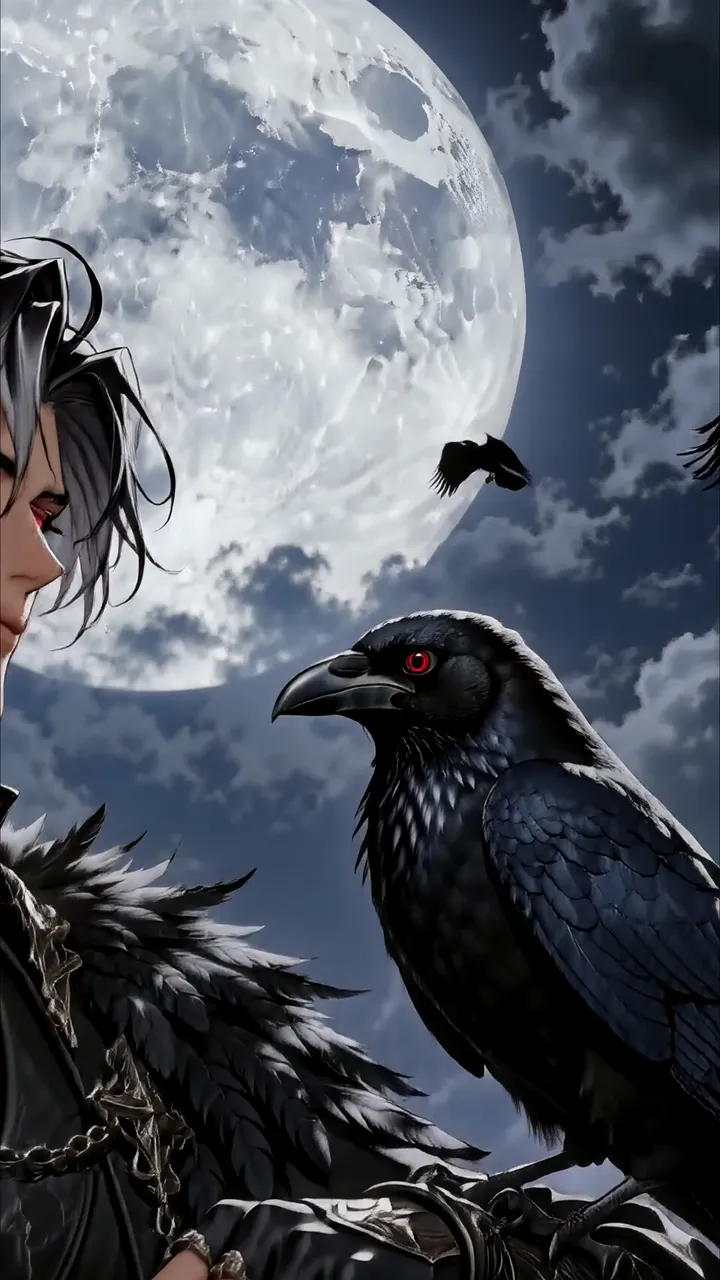
Anime Boy With Closed Eyes And Red Glow Effect LIVE Anime Warrior Girl With Dual Element Magic Sword LIVE Anime Boy With Motorcycle On Rainy Neon City Night LIVE Dark Anime Boy With Raven Under Full Moon LIVE Mysterious Anime Boy With Blue Eyes And Electric Aura LIVE Anime Girl Cozy Rooftop With UFO And Alien Vending Machine LIVE Anime Girl In Traditional Chinese Hanfu Walking Under Cherry Blossoms Moonlight LIVE Demon Slayer Butterfly Girl With Purple Aura And Glowing Eyes LIVE Anime Girl Holding Glowing Leaf In Moonlit Chinese Garden LIVE

Report wallpaper

Select the reason that best describes the issue.