Anime Boy With Motorcycle On Rainy Neon City Night live wallpaper
How to set it as wallpaper
iPhone
For a still wallpaper, save the cropped JPG to Photos and choose it in Settings → Wallpaper. For an animated Lock Screen on supported models, convert the MP4 to a Live Photo with a compatible app and select it in the wallpaper picker.
Android
For a still wallpaper, open the JPG in your gallery and choose Set as wallpaper. For the MP4, look for a video wallpaper option in your gallery or wallpaper settings. A compatible live wallpaper app can help if your phone has no built-in option.
After saving the converted Live Photo to Photos, open Settings, then Wallpaper, then Add New Wallpaper. Tap Photos, choose Live Photo, select the saved image, turn on the Live Photo effect, and tap Add to apply it to your Lock Screen.
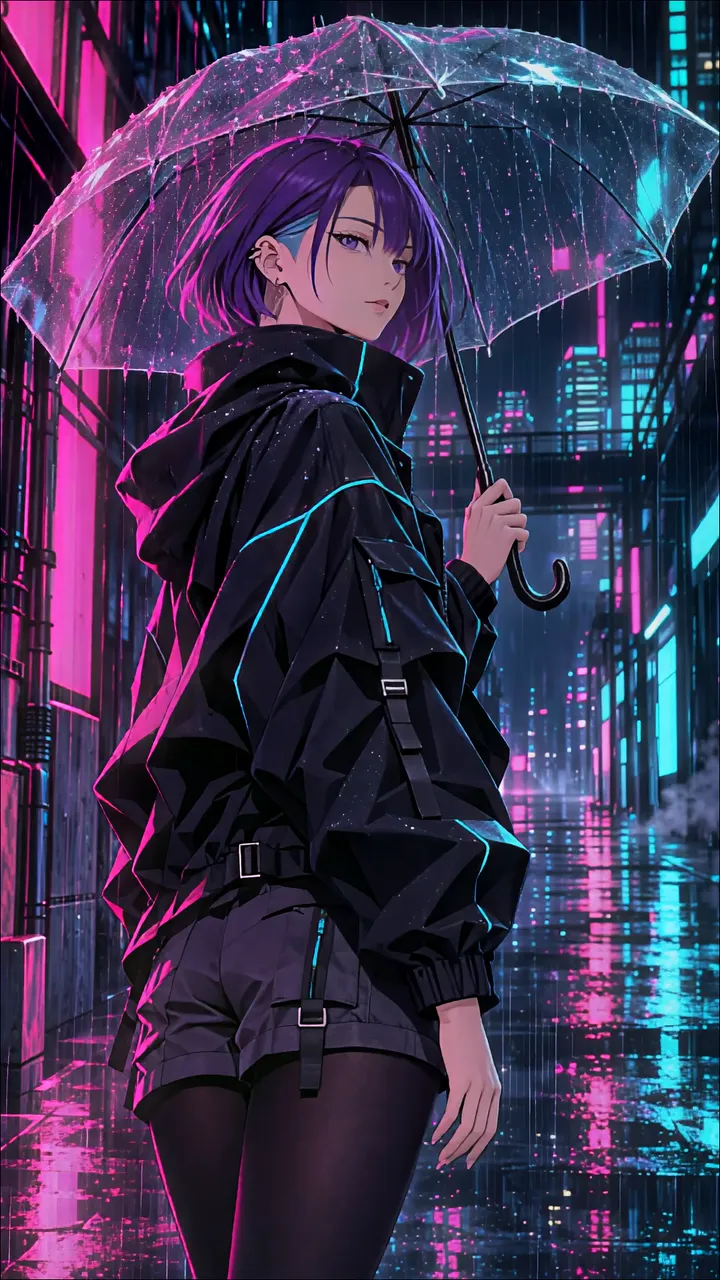
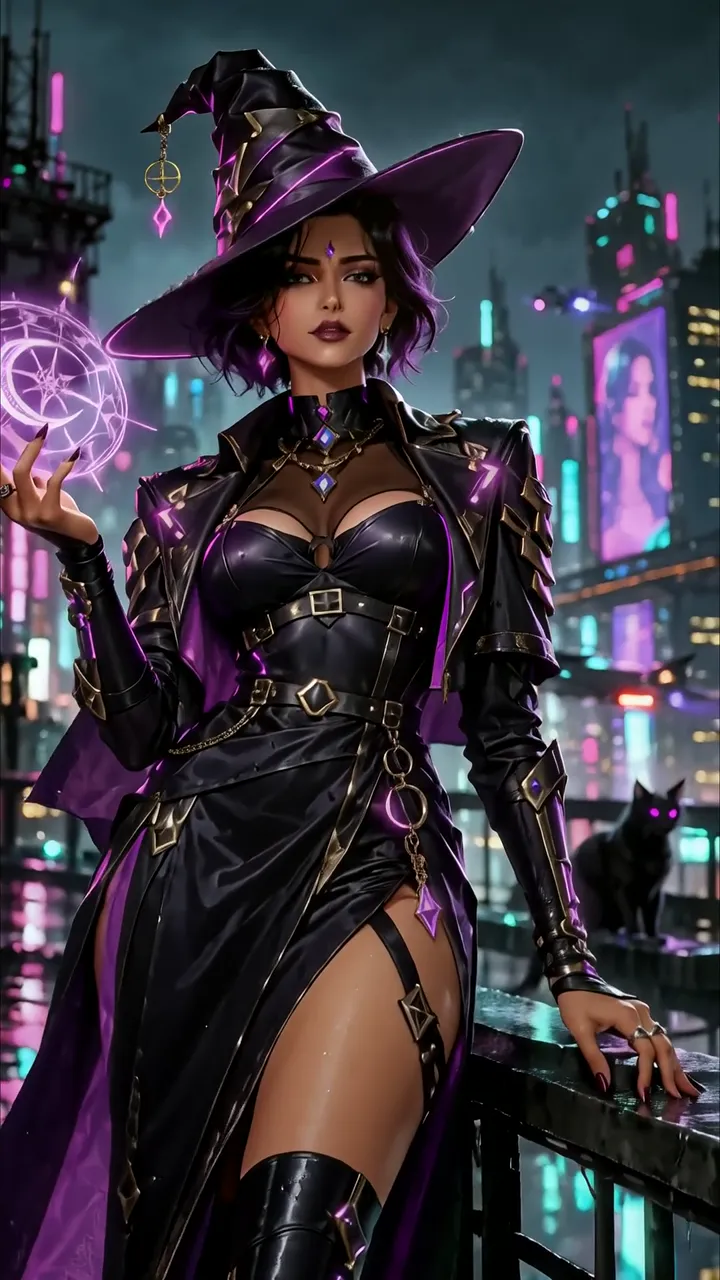
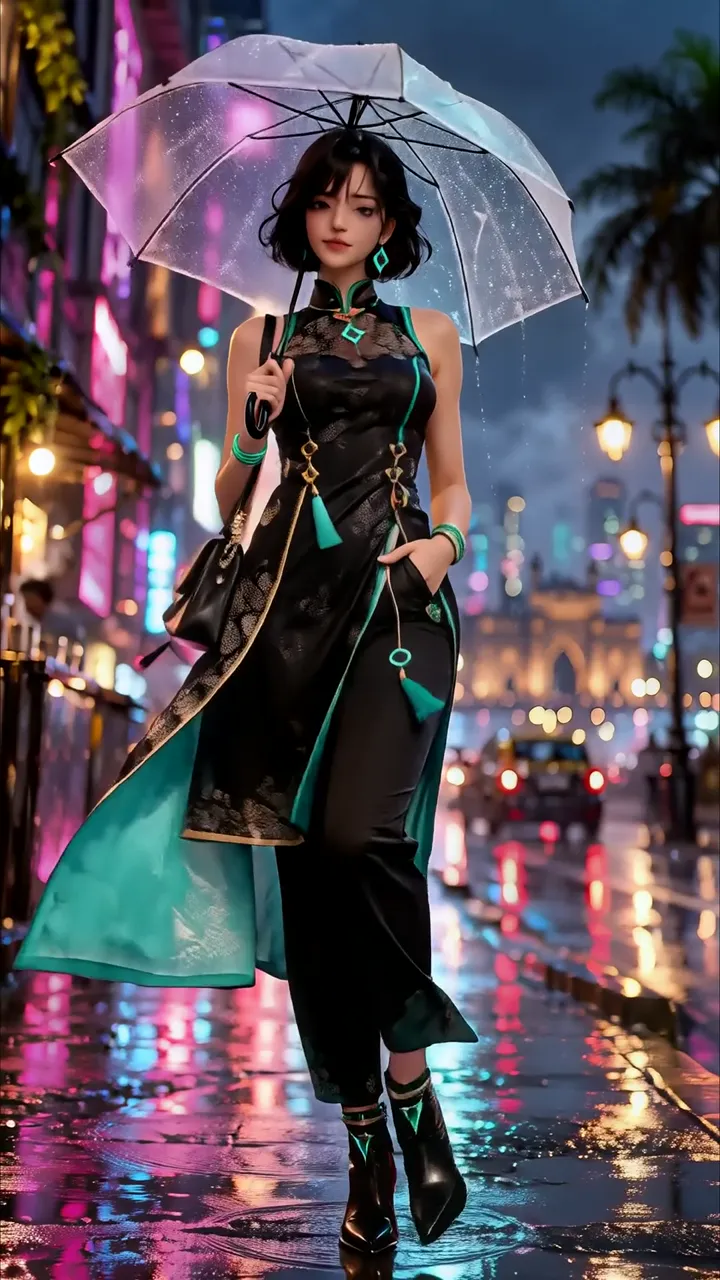
An anime boy stands confidently beside a sleek motorcycle on a rainy, neon-lit city street at night. The scene is bathed in vibrant blue and red neon lights reflecting off the wet pavement, creating a cinematic, cyberpunk atmosphere. The motorcycle’s glowing headlights and blue underglow accents add to the high-energy, stylish vibe. The boy wears a black leather jacket and holds his helmet, exuding a cool, urban vibe. This high-definition, ultra-clear animated background is perfect for making your phone, lock screen, home screen, or PC display feel unique and distinctive. It’s available for free download and captures the essence of a modern, nocturnal urban adventure.
- Format
- MP4 live wallpaper
- Resolution
- 720P, 1080P
- Duration
- 00:10
- File size
- 11.7 MB
- Category
- Neon City, Rainy Night Scene, Night Rider