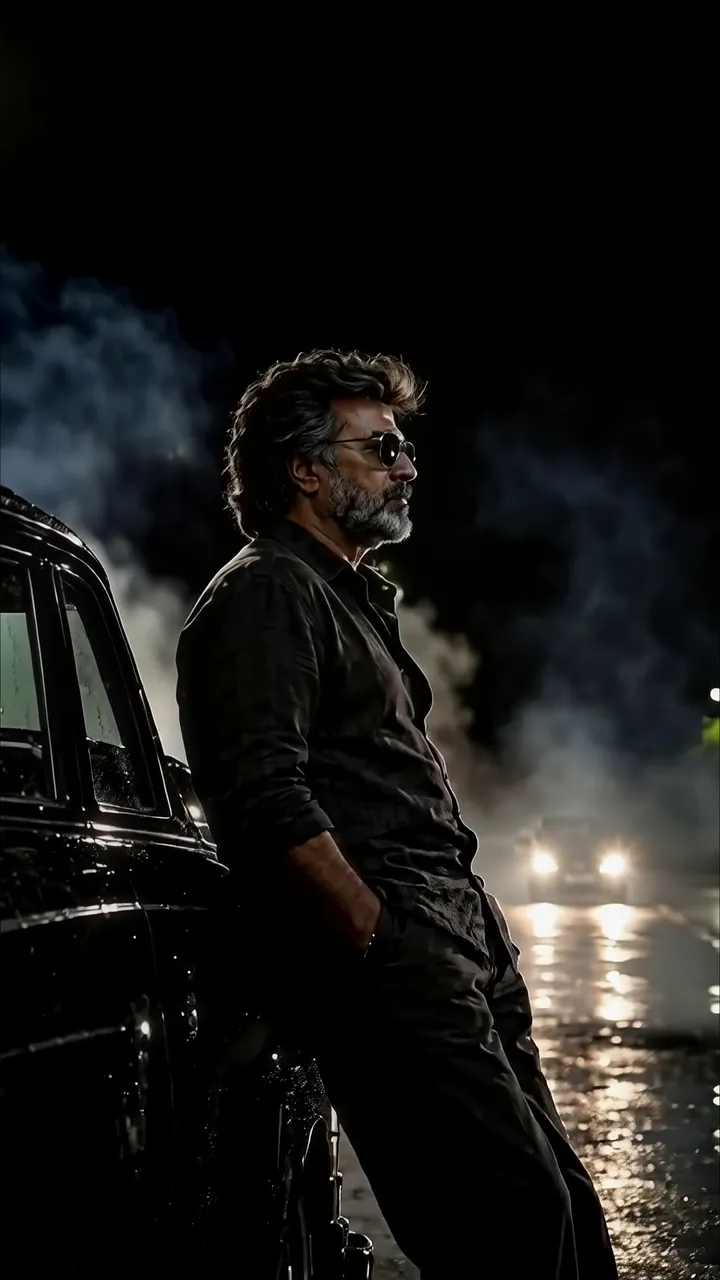
Download "Anime Boy With Motorcycle On Rainy Neon City Night" live wallpaper
Complete the security check to prepare your download.
How to set live wallpaper on your phone Setup tutorial
On Android Phones
- Save the downloaded MP4 file to your phone.
- Open your phone's Gallery, Files, or Wallpaper app.
- Choose the video, tap Set as wallpaper, then apply it to your home screen or lock screen.
On iPhone
- Save the MP4 file to Photos.
- iPhone requires a Live Photo, convert the video with a live wallpaper app first.
- Open Settings > Wallpaper, select the saved Live Photo, then apply it.