@mikaxoverse

We Are Ringtone

File ready. Download starting...
0%

Your MP3 ringtone file is being prepared securely. Download will start automatically.

How to set ringtone on your phone Setup tutorial

On Android Phones:

  1. Open Settings, then choose Sound & vibration.
  2. Tap Phone ringtone and select the downloaded MP3 file.
  3. Save your selection.

On iPhone:

  1. Save the downloaded M4R file to your iPhone.
  2. Open Settings, then go to Sounds & Haptics.
  3. Tap Ringtone and select the new tone.
You may also like:

Best matches for this ringtone:

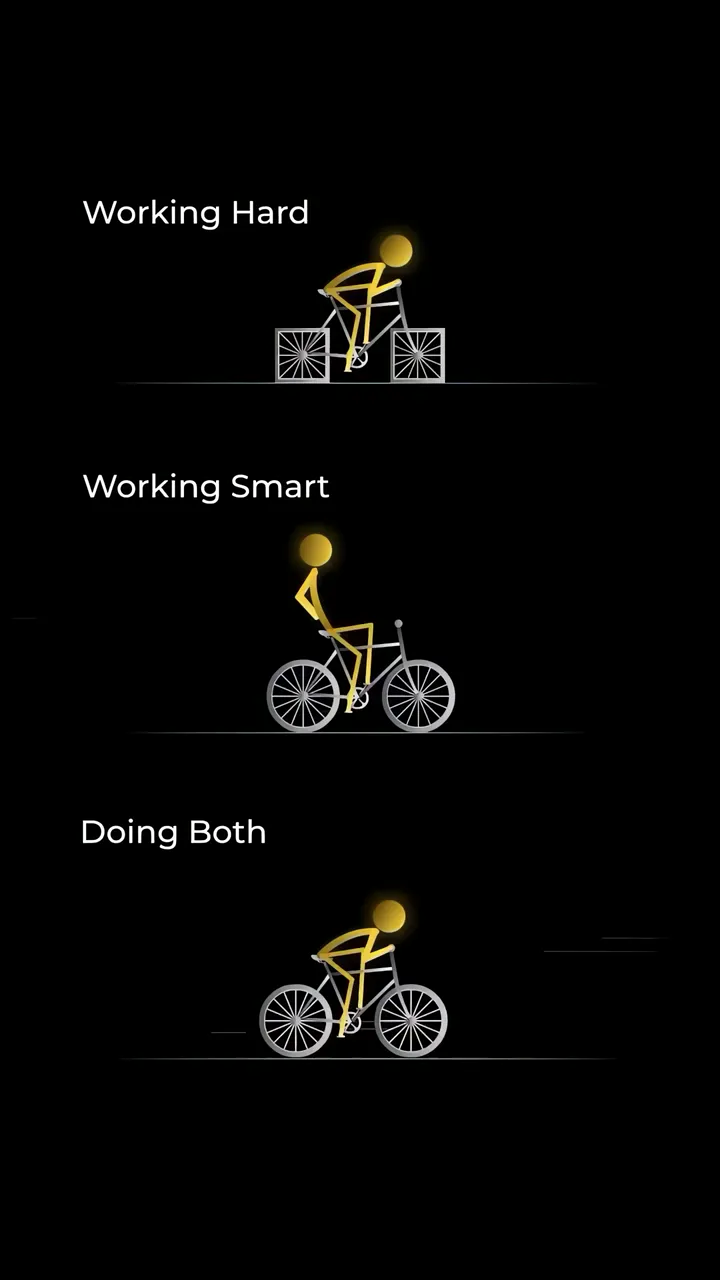
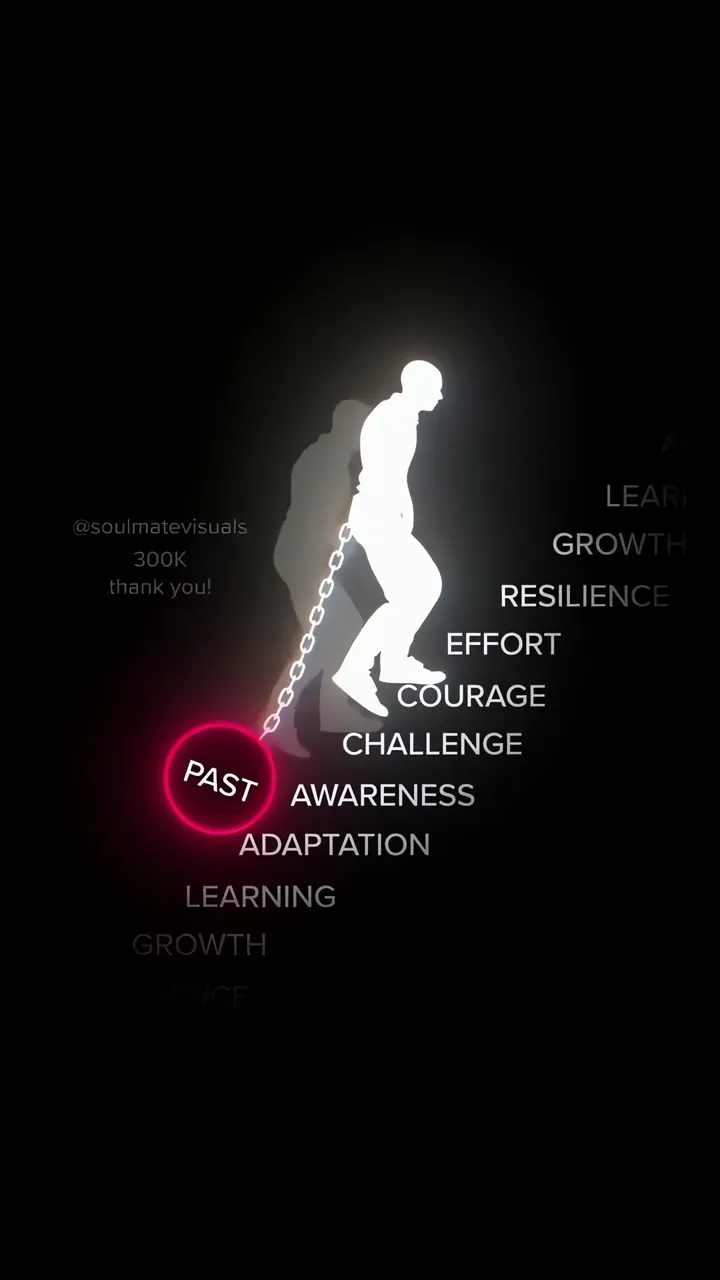
Monkey D. Luffy Black And White Silhouette With Glowing Smile LIVE Man Breaking Free From Past Chain With Words Of Growth And Resilience LIVE Silhouette Climbing Staircase To Success With Goal Action Plan Obsession LIVE Hanuman Running Through Forest With Orange Aura LIVE Shah Rukh Khan Wild Desert Adventure With Gold Aviator Sunglasses LIVE Golden Stick Figure Riding Bike Working Hard Smart Both LIVE Above Clouds Sunrise Routine Motivation Live Wallpaper LIVE Motivational Man Climbing Stairs Of Failure With Glowing Steps LIVE The Power of One Glowing Among Crowds Motivational Live Wallpaper LIVE

Report ringtone

Select the reason that best describes the issue.