@Tessava

Mahabharat Joyful Music Ringtone

File ready. Download starting...
0%

Your M4R ringtone file is being prepared securely. Download will start automatically.

How to set ringtone on your phone Setup tutorial

On Android Phones:

  1. Open Settings, then choose Sound & vibration.
  2. Tap Phone ringtone and select the downloaded MP3 file.
  3. Save your selection.

On iPhone:

  1. Save the downloaded M4R file to your iPhone.
  2. Open Settings, then go to Sounds & Haptics.
  3. Tap Ringtone and select the new tone.

You may also like:

Best matches for this ringtone:

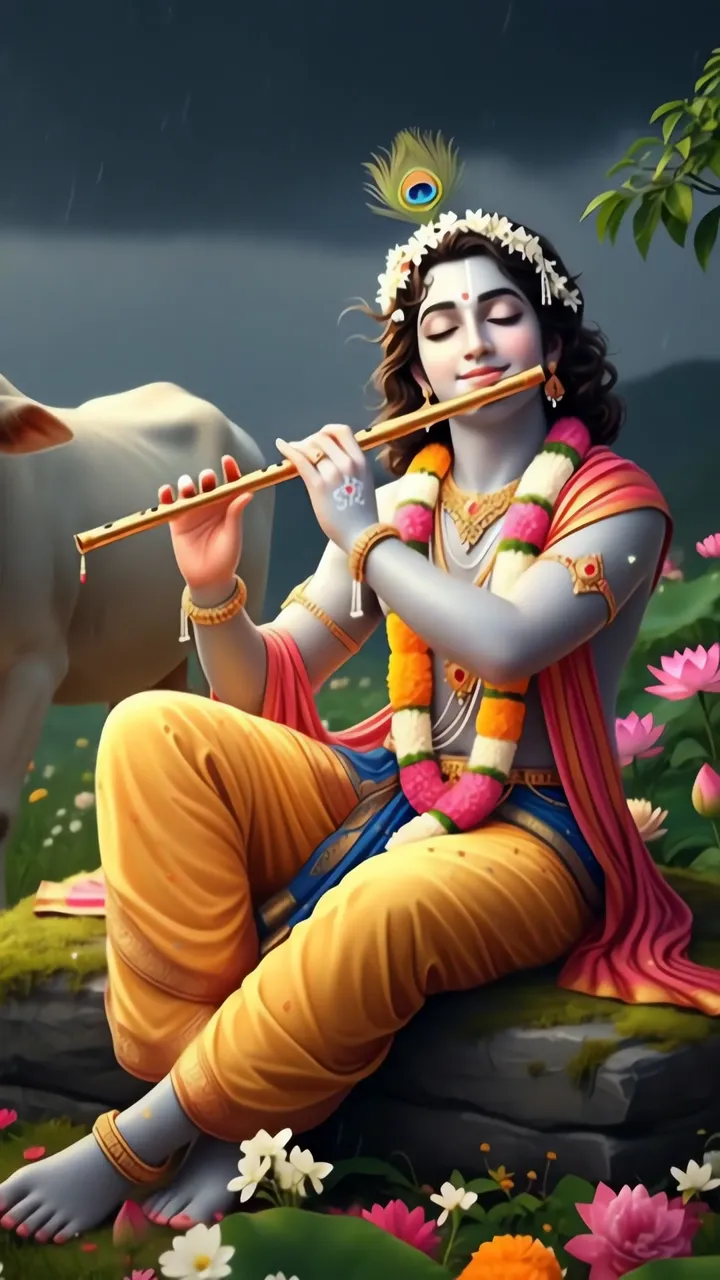
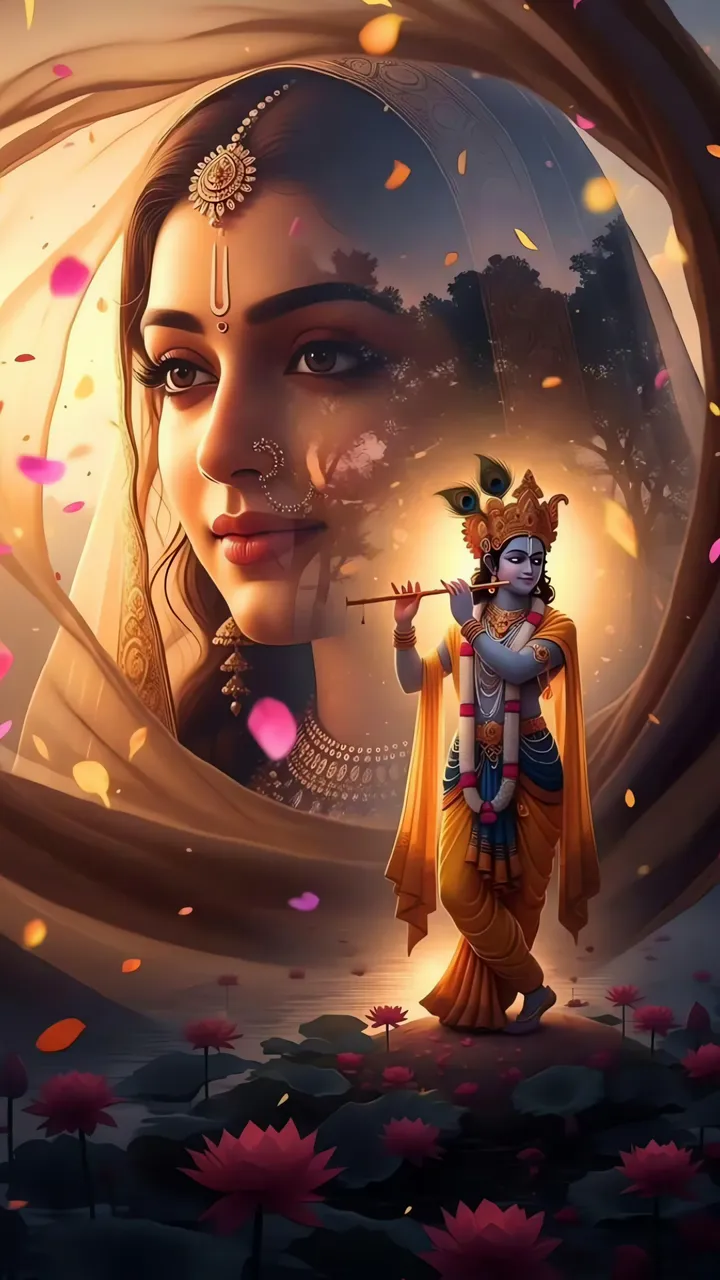
Krishna Playing Flute With Golden Aura And Yellow Drape LIVE Radha Krishna Romantic Moonlight Temple Scene LIVE Lord Krishna Playing Divine Flute Amid Lotus And Rain LIVE Radha Krishna Romantic Lotus Pond Scene LIVE Radha Krishna Romantic Sunset Tree Scene With Flute LIVE Radha Krishna Romantic Moonlight Temple Scene LIVE Krishna Playing Flute With Radha By Lake LIVE Hanuman Ji Tears of Pure Devotion at Feet of Lord Ram LIVE Radha Krishna Romantic Moonlight Temple Scene LIVE

Report ringtone

Select the reason that best describes the issue.