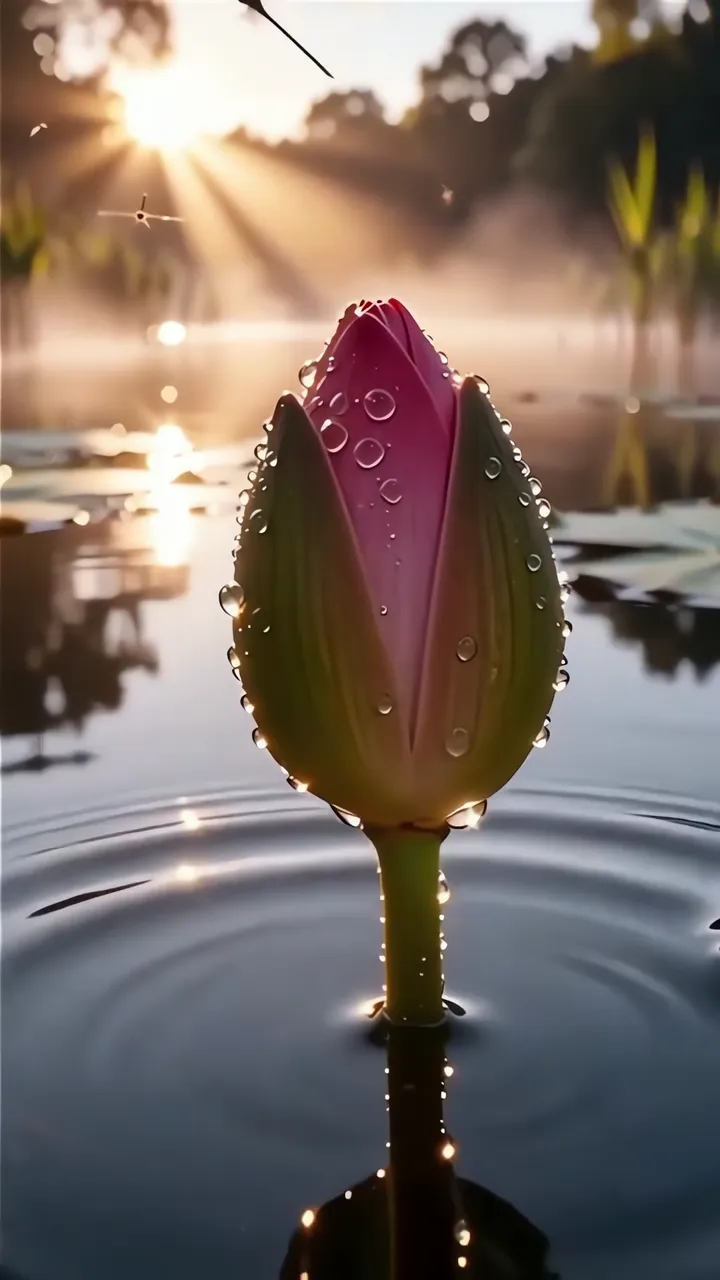
@vivi421

Click Clock Wood Ringtone

File ready. Download starting...
0%

Your MP3 ringtone file is being prepared securely. Download will start automatically.

How to set ringtone on your phone Setup tutorial

On Android Phones:

  1. Open Settings, then choose Sound & vibration.
  2. Tap Phone ringtone and select the downloaded MP3 file.
  3. Save your selection.

On iPhone:

  1. Save the downloaded M4R file to your iPhone.
  2. Open Settings, then go to Sounds & Haptics.
  3. Tap Ringtone and select the new tone.

You may also like:

Best matches for this ringtone:

Peacock Feather Underwater Blue Eye Glow LIVE Shiva Asleep In Mountain With Waterfall And Roots LIVE Water Droplet Figures Dancing In Forest Stream LIVE Sunlit Daisy Field With Rainbow Lens Flare LIVE Ganesha Statue With Waterfall And Sunlight In Forest LIVE India Flag Waving In Mountainous Landscape With Blue Sky LIVE Mother Earth Green Forest Heart Shape View LIVE Misty Forest Canopy With Dappled Light Through Leaves LIVE Pink Lotus Bud With Dew Drops Sunrise Pond Scene LIVE

Report ringtone

Select the reason that best describes the issue.