@danibloom15

Are Nazar Se Jadoogariya Govinda Gopala Ringtone

File ready. Download starting...
0%

Your M4R ringtone file is being prepared securely. Download will start automatically.

How to set ringtone on your phone Setup tutorial

On Android Phones:

  1. Open Settings, then choose Sound & vibration.
  2. Tap Phone ringtone and select the downloaded MP3 file.
  3. Save your selection.

On iPhone:

  1. Save the downloaded M4R file to your iPhone.
  2. Open Settings, then go to Sounds & Haptics.
  3. Tap Ringtone and select the new tone.

You may also like:

Best matches for this ringtone:

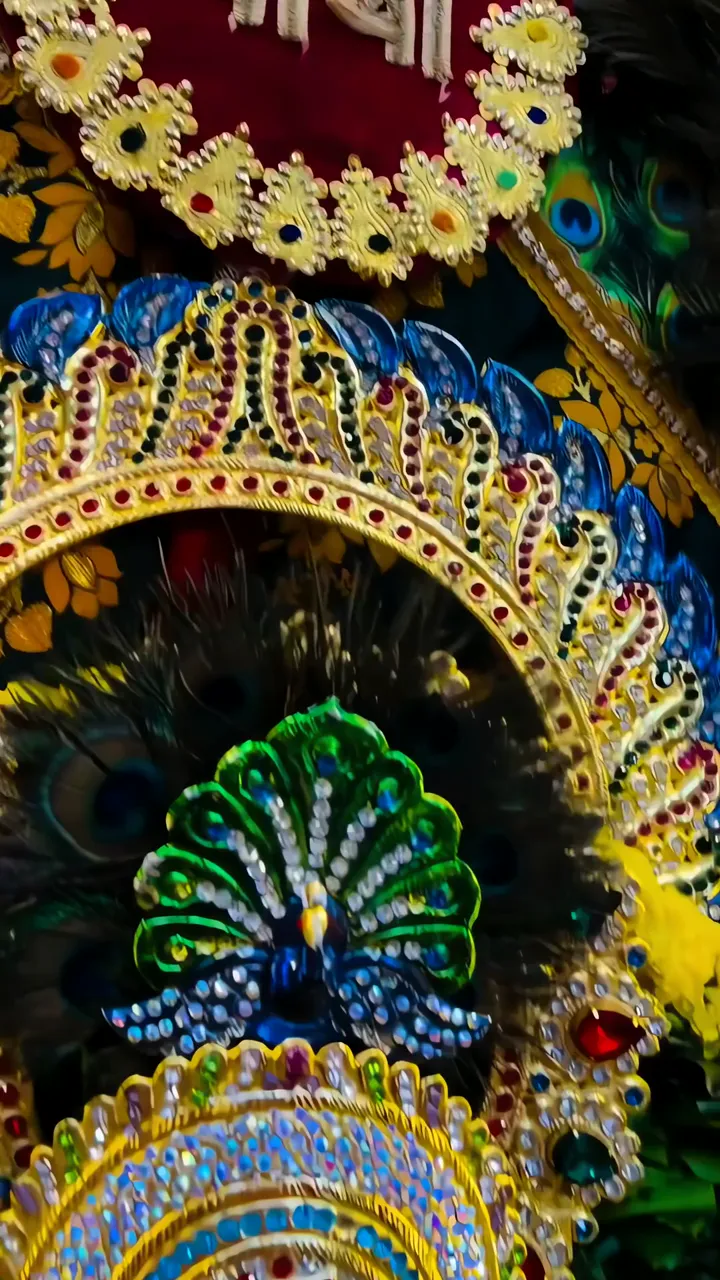
Peacock Crown With Gemstone Decor And Peacock Feathers LIVE Krishna Divine Flute Player With Blue Skin And Sacred Eye LIVE Krishna Divine Eyes With Floral Crown And Golden Aura LIVE Radha Rani Devotional Portrait With Golden Halo And Pink Attire LIVE Baby Krishna Drinking Milk With Peacock Feather Crown Janmashtami LIVE Blue Krishna Playing Flute With Peacock Feathers Janmashtami LIVE Baby Krishna On Golden Swing With Peacock Feather And Joyful Aura LIVE Shiva Parvati Deep Spiritual Bond With Cosmic Energy LIVE Shree Krishna Divine Leela With Golden Chakra And Blue Aura LIVE

Report ringtone

Select the reason that best describes the issue.