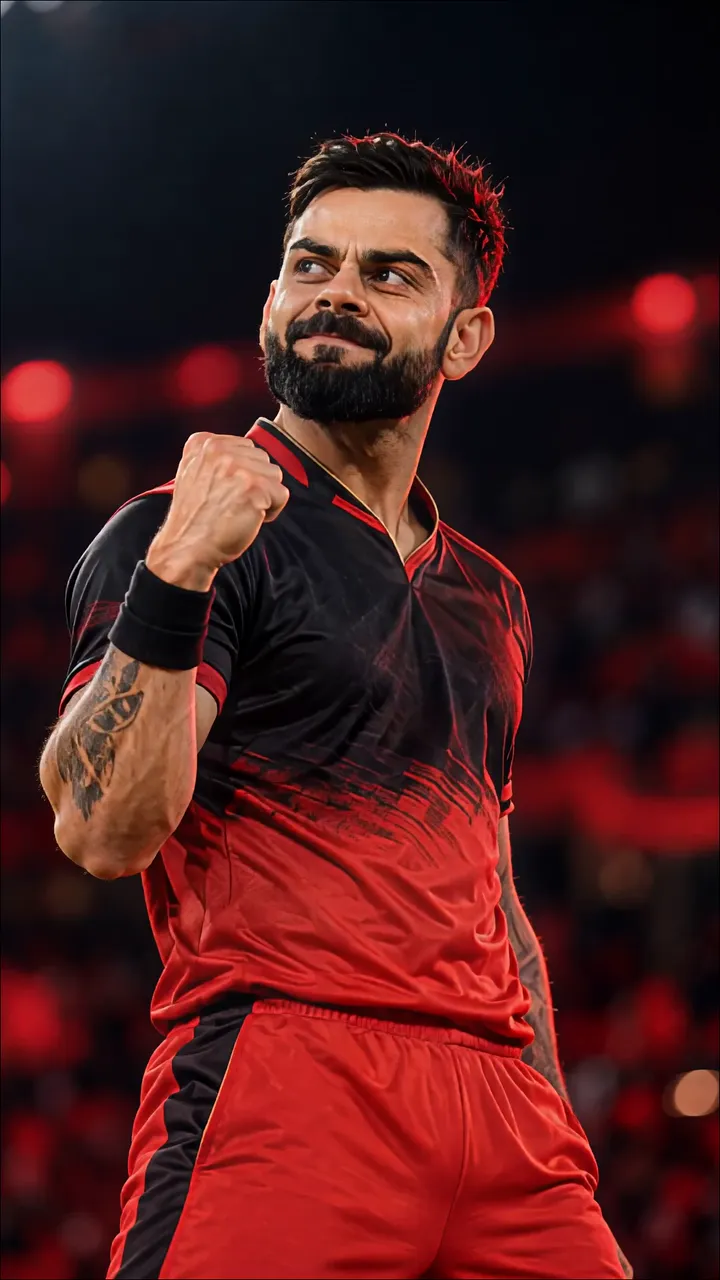
Virat Kohli Portrait In Black And White live wallpaper
How to set it as wallpaper
iPhone
For a still wallpaper, save the cropped JPG to Photos and choose it in Settings → Wallpaper. For an animated Lock Screen on supported models, convert the MP4 to a Live Photo with a compatible app and select it in the wallpaper picker.
Android
For a still wallpaper, open the JPG in your gallery and choose Set as wallpaper. For the MP4, look for a video wallpaper option in your gallery or wallpaper settings. A compatible live wallpaper app can help if your phone has no built-in option.
After saving the converted Live Photo to Photos, open Settings, then Wallpaper, then Add New Wallpaper. Tap Photos, choose Live Photo, select the saved image, turn on the Live Photo effect, and tap Add to apply it to your Lock Screen.
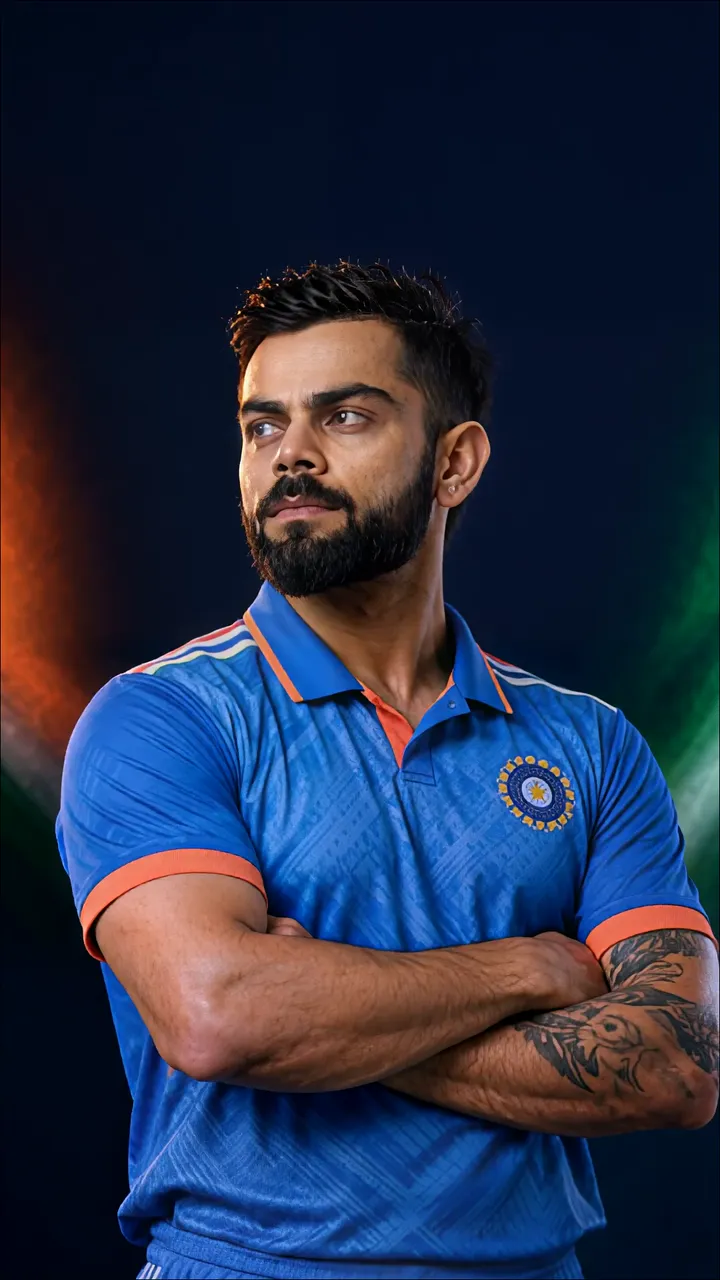
A striking black and white portrait of Virat Kohli, captured in a studio setting against a solid dark background. The image highlights his intense gaze and defined facial features, including his beard and short, styled hair. He wears a simple black t-shirt, which contrasts with the high-contrast lighting that emphasizes his strong jawline and focused expression. The composition is a tight headshot, conveying a serious, determined mood. The monochrome treatment enhances the dramatic effect, focusing attention on his facial structure and the texture of his skin and beard.
- Format
- MP4 live wallpaper
- Resolution
- 720P, 1080P
- Duration
- 00:10
- File size
- 9.8 MB
- Category
- virat kohli, Black And White Portrait, Athlete Portrait