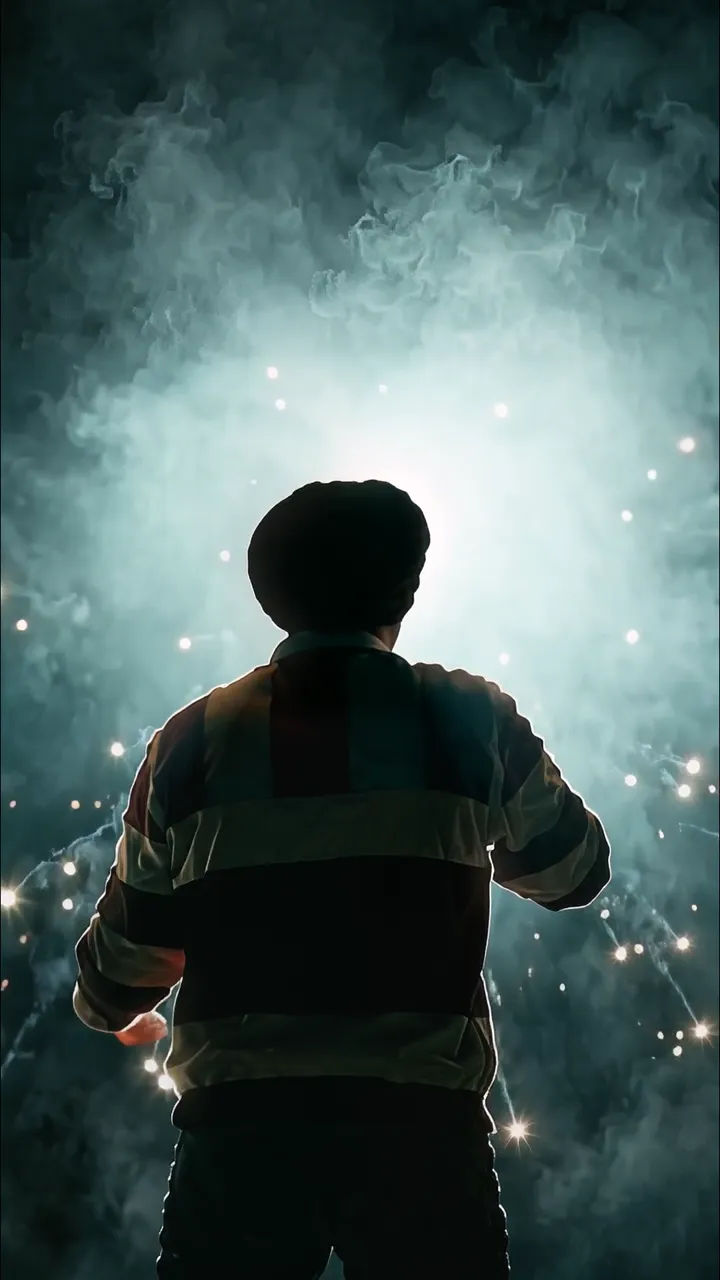
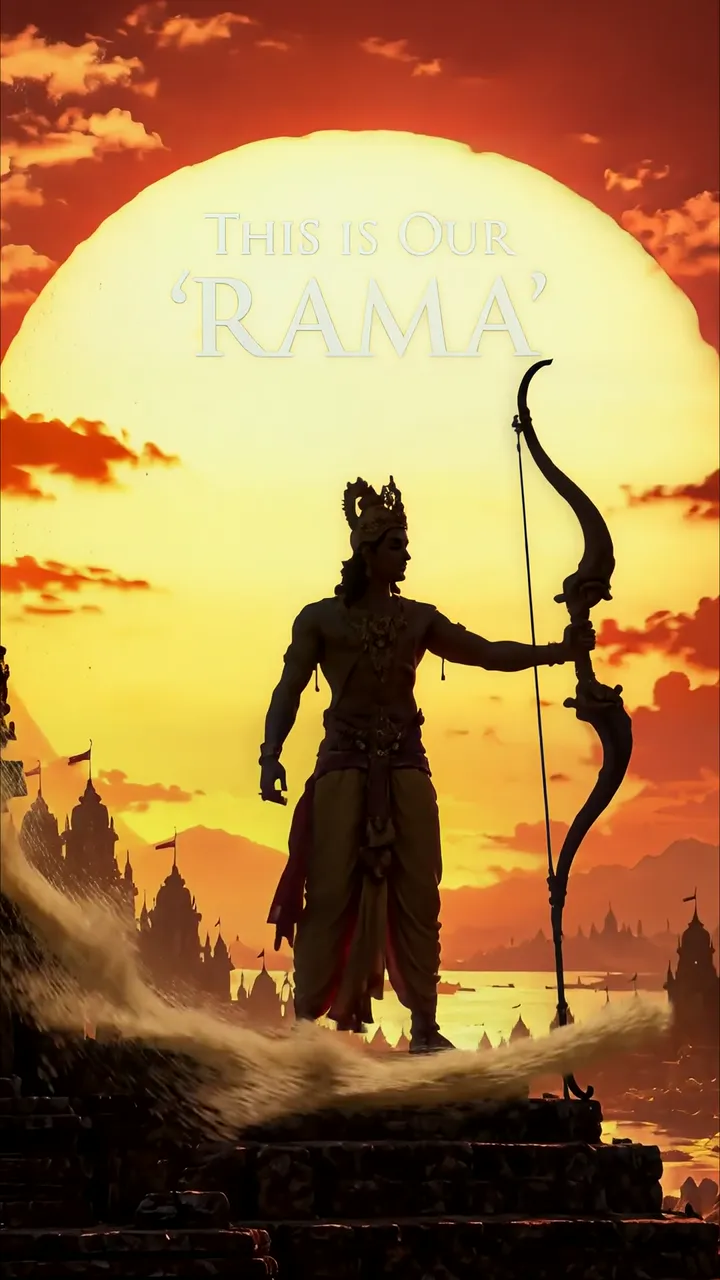
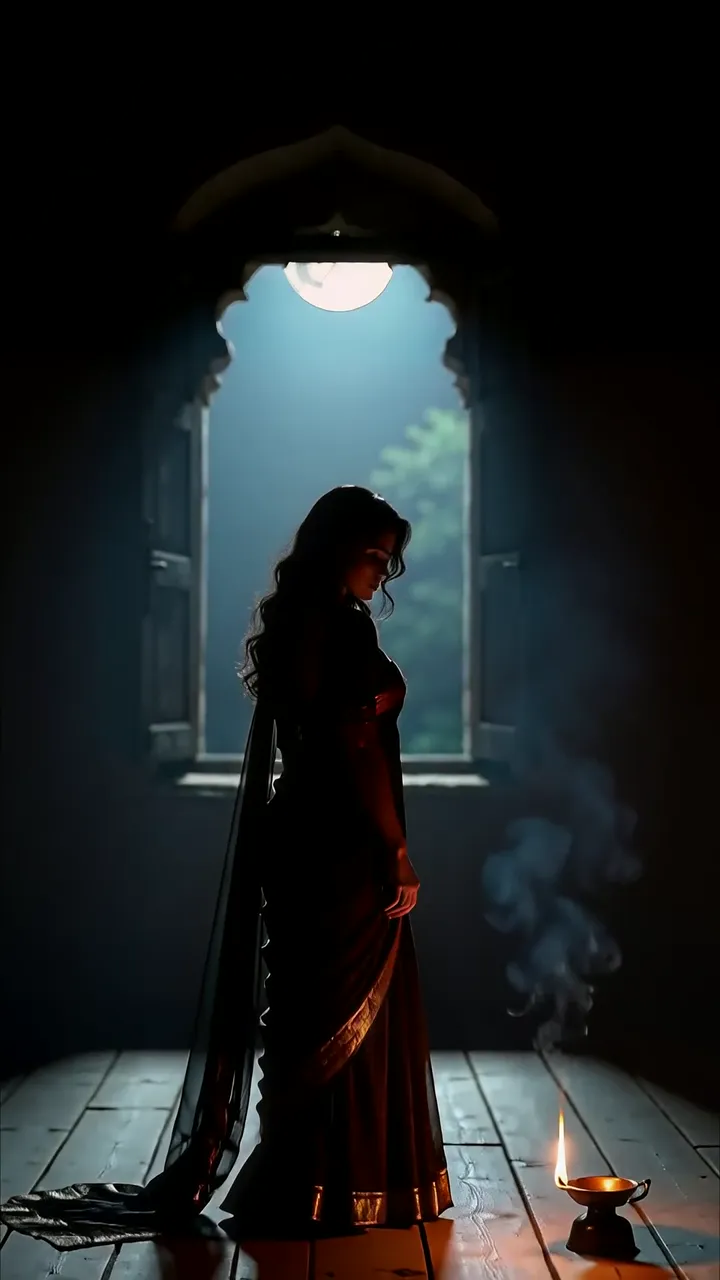
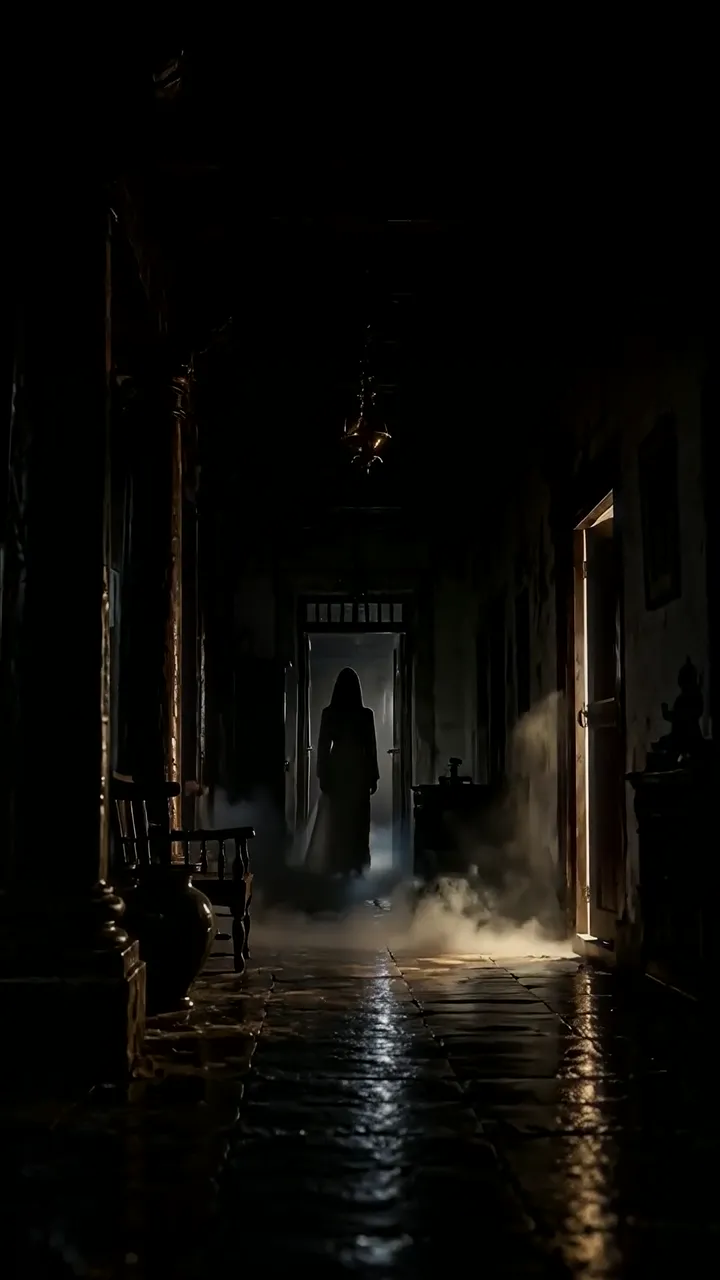
Download "Vikram Singh Dark Office Drama Scene With Sunbeam And Dust Particles" live wallpaper

Verify that you are human to download high quality live wallpapes.

How to set live wallpaper on your phone Setup tutorial

On Android Phones

  1. Save the downloaded MP4 file to your phone.
  2. Open your phone's Gallery, Files, or Wallpaper app.
  3. Choose the video, tap Set as wallpaper, then apply it to your home screen or lock screen.

On iPhone

  1. Save the MP4 file to Photos.
  2. iPhone requires a Live Photo, convert the video with a live wallpaper app first.
  3. Open Settings > Wallpaper, select the saved Live Photo, then apply it.
You may also like:

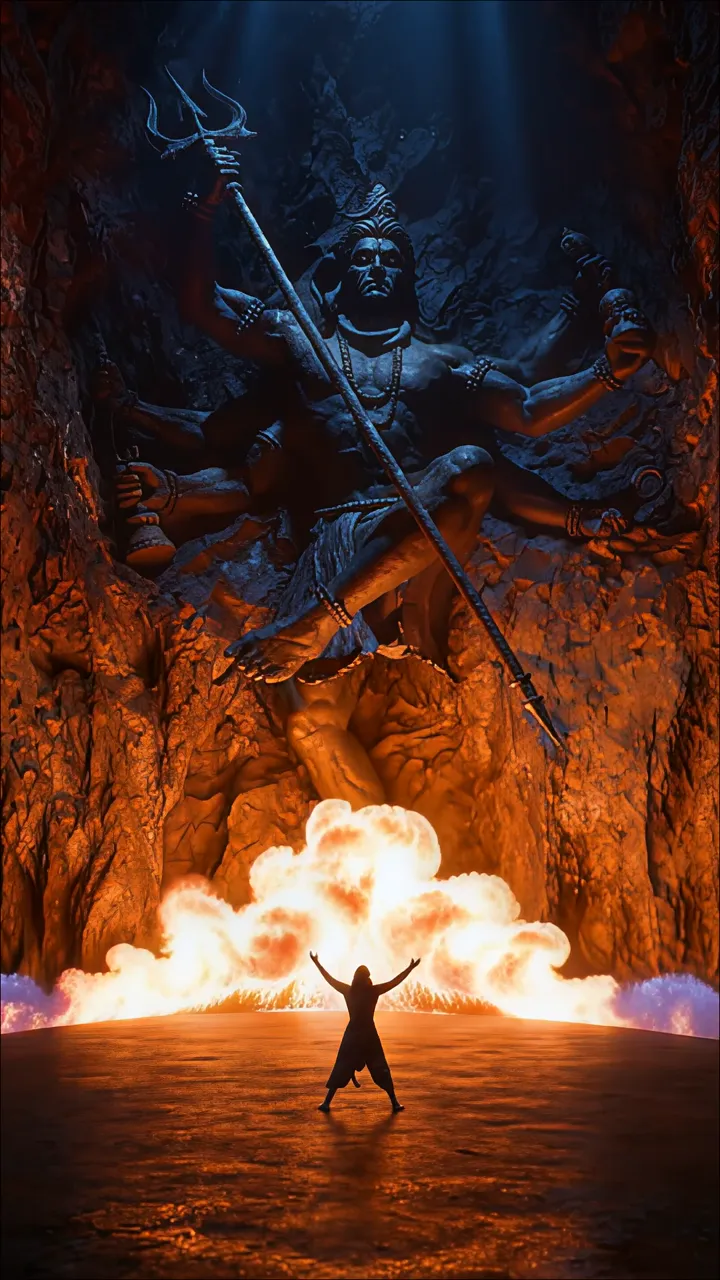
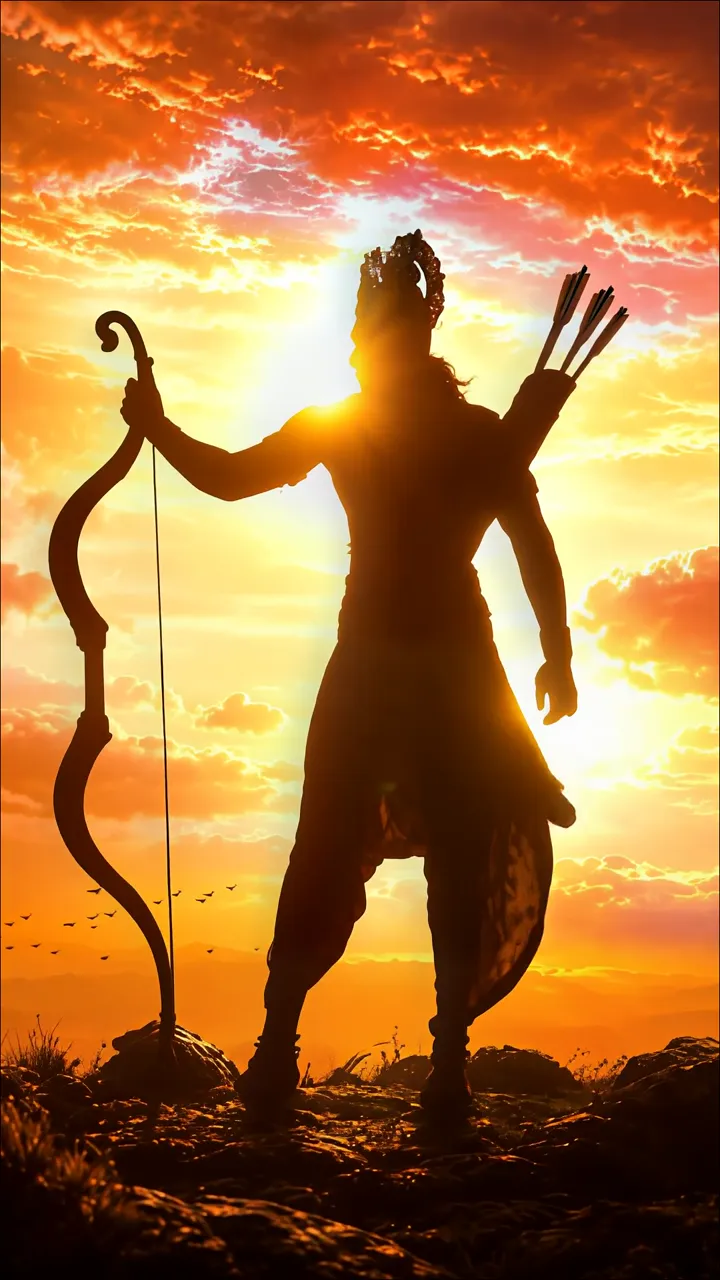
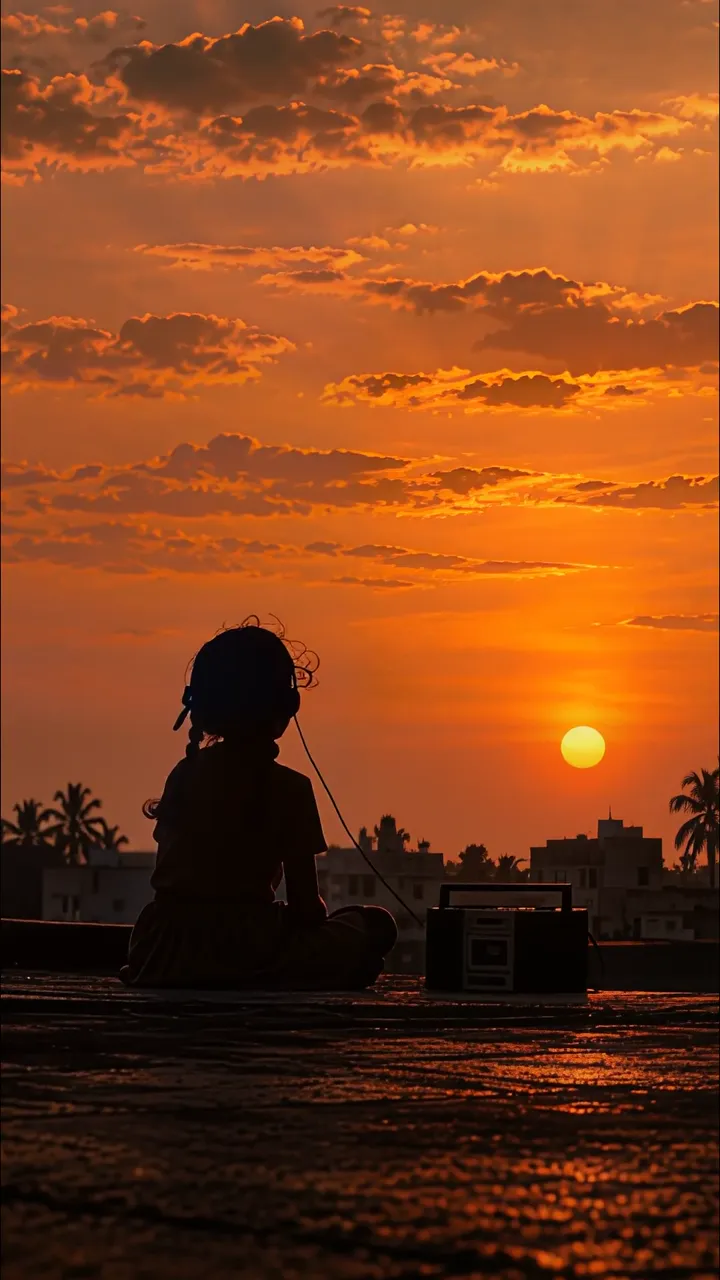
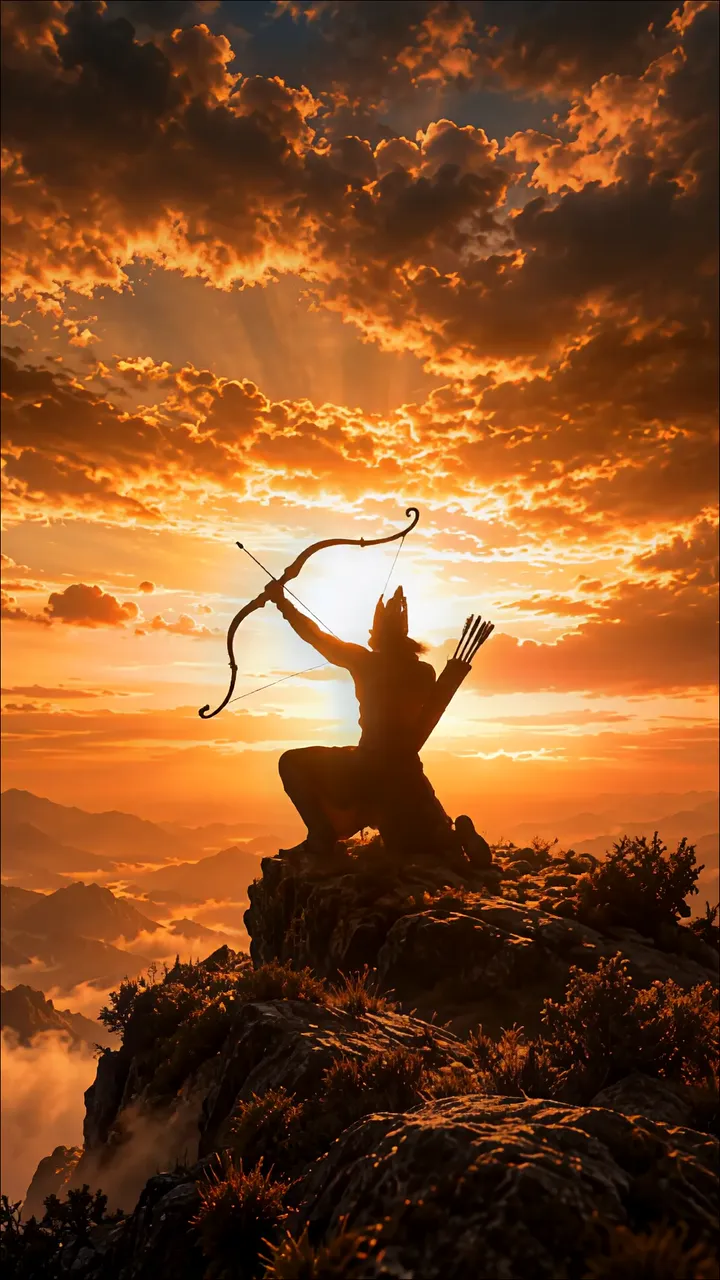
Rama Silhouette On A Mountain Peak At Golden Sunrise LIVE Shiva In Cave With Trishul And Fire Explosion LIVE Silhouette Of Lord Rama With Bow And Arrows At Sunset LIVE Silhouette Of Girl Listening To Music On Rooftop At Sunset LIVE Silhouette Of Man In Striped Jacket Facing Glowing Smoke And Sparkles LIVE Silhouette Of Rama With Bow Standing On Waves At Sunset LIVE Samara Mukherjee Rainy Street Drama Scene LIVE Silhouette Of Devotee In Temple With Moonlight And Incense LIVE Ghostly Figure In Haunted Hallway With Fog And Dim Lighting LIVE

Best matches for this wallpaper:

Report wallpaper

Select the reason that best describes the issue.