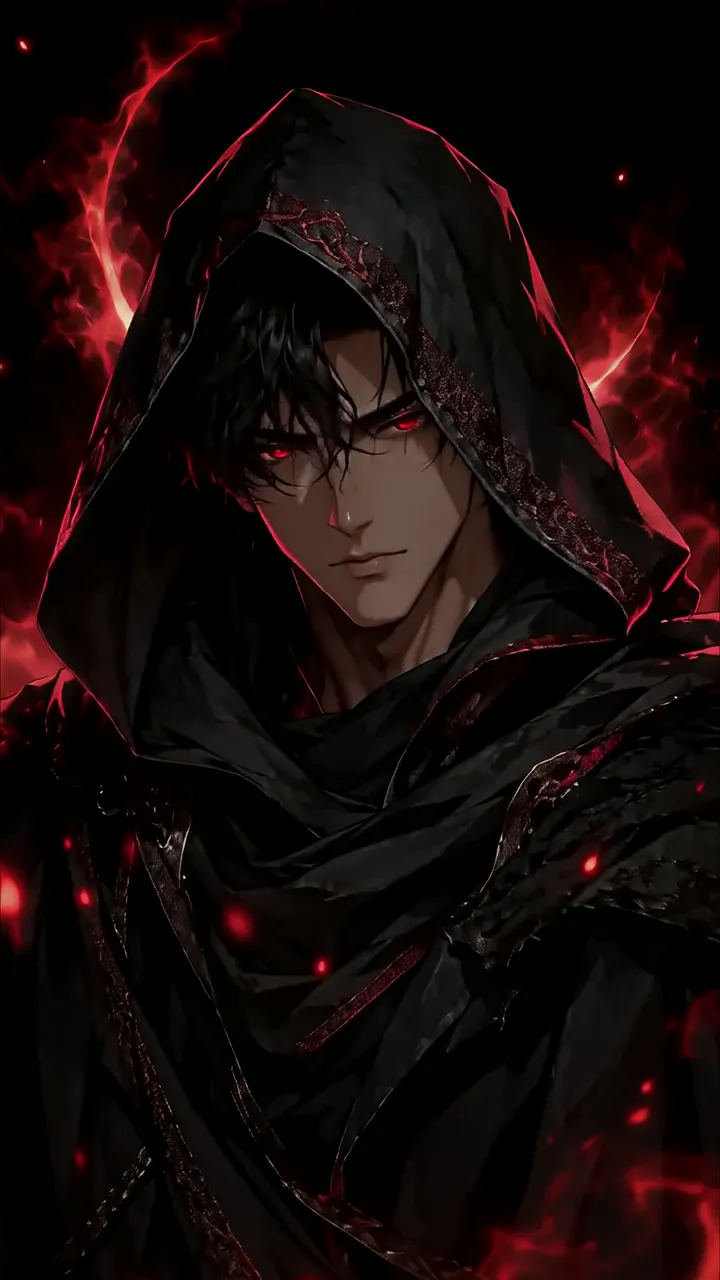
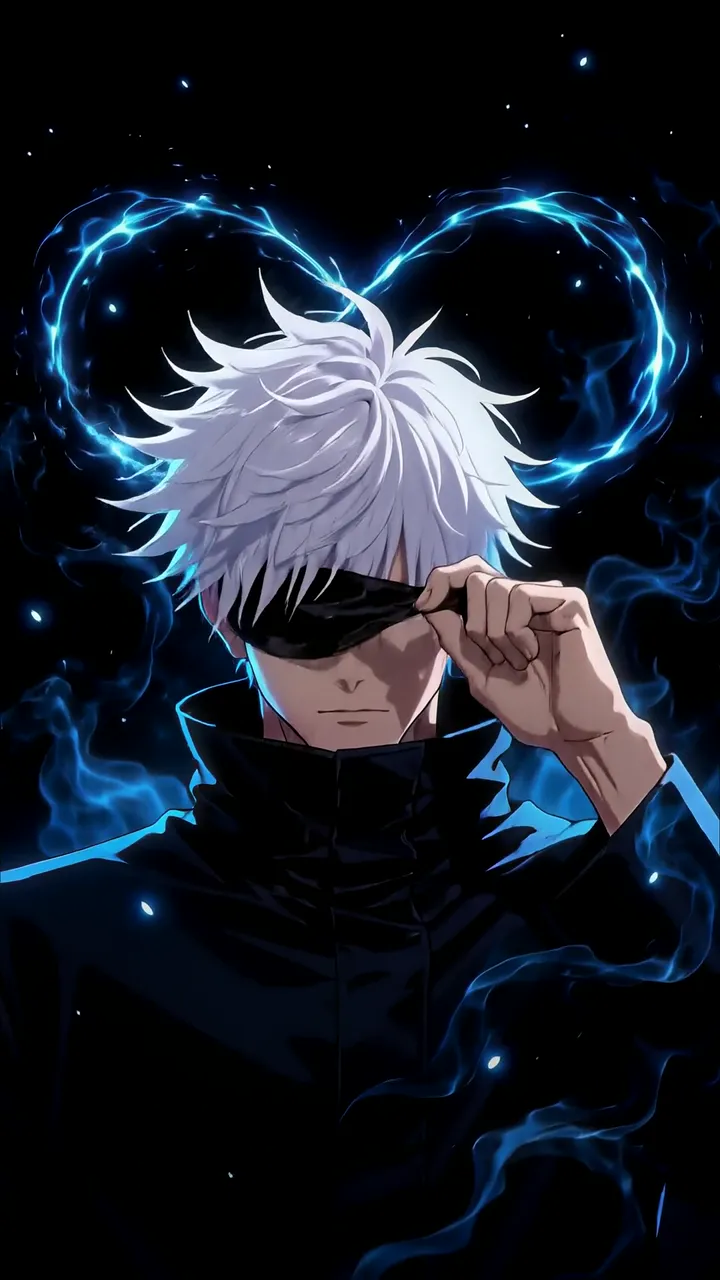
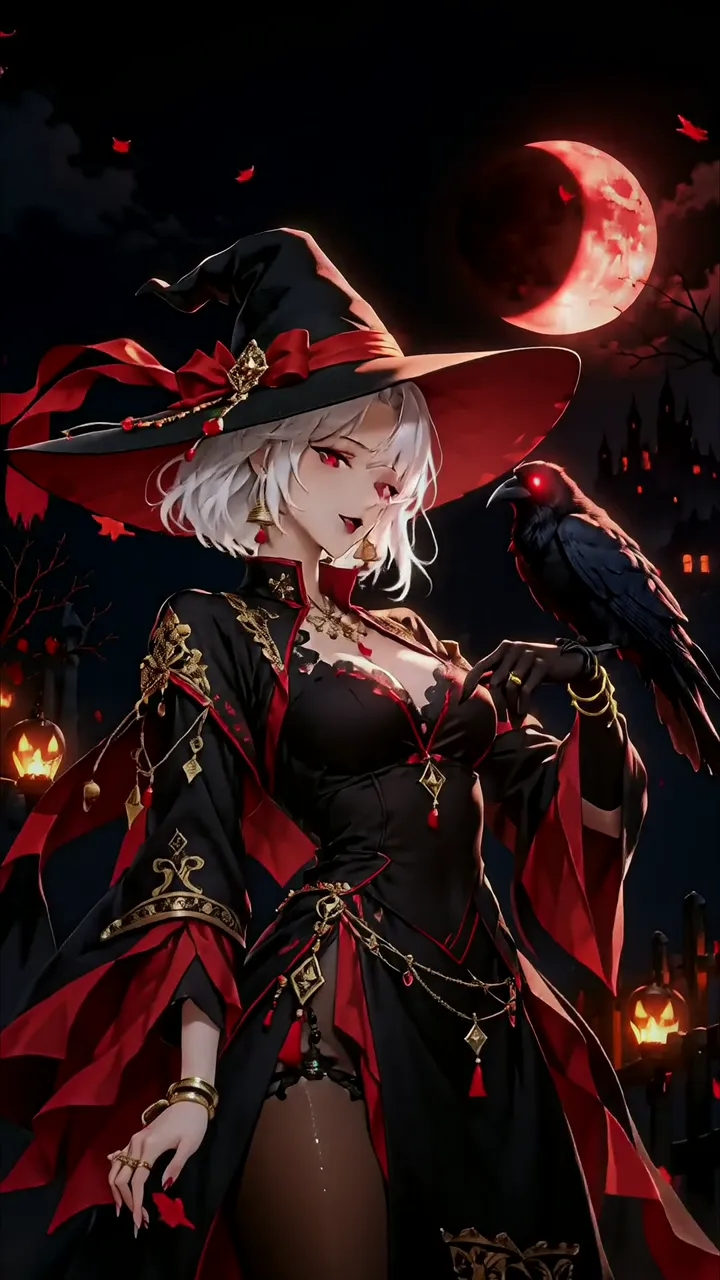
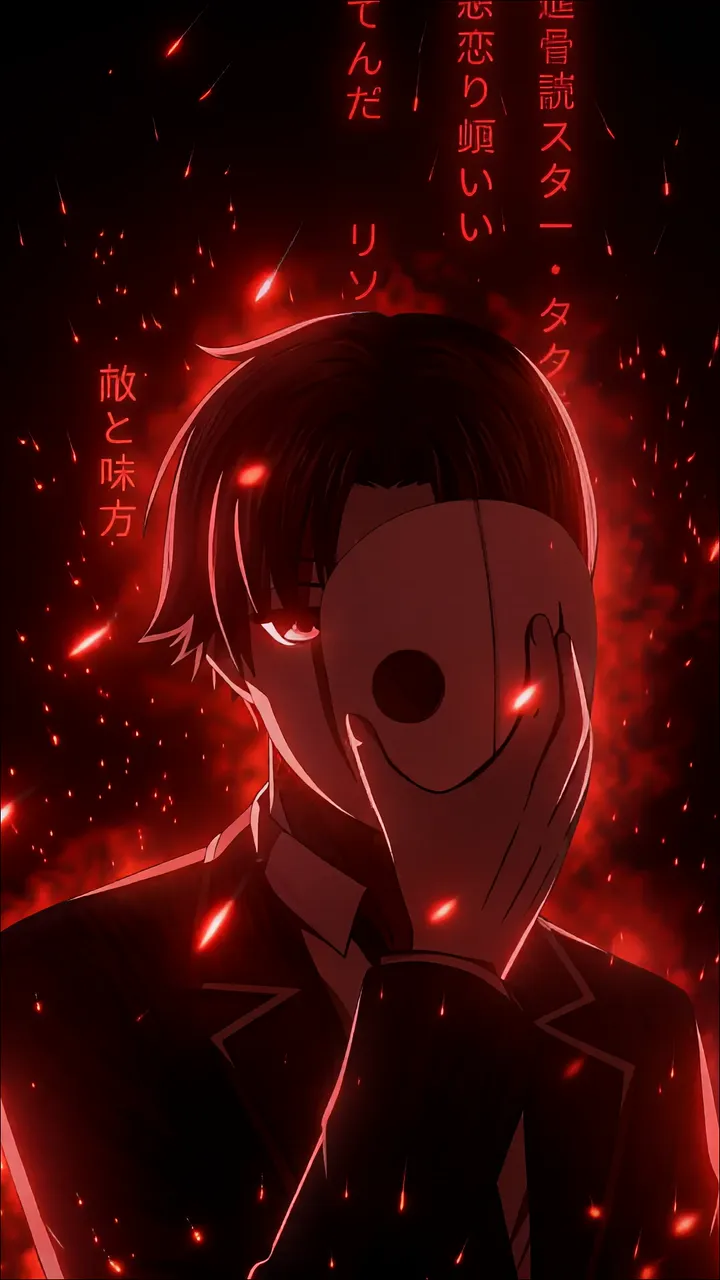
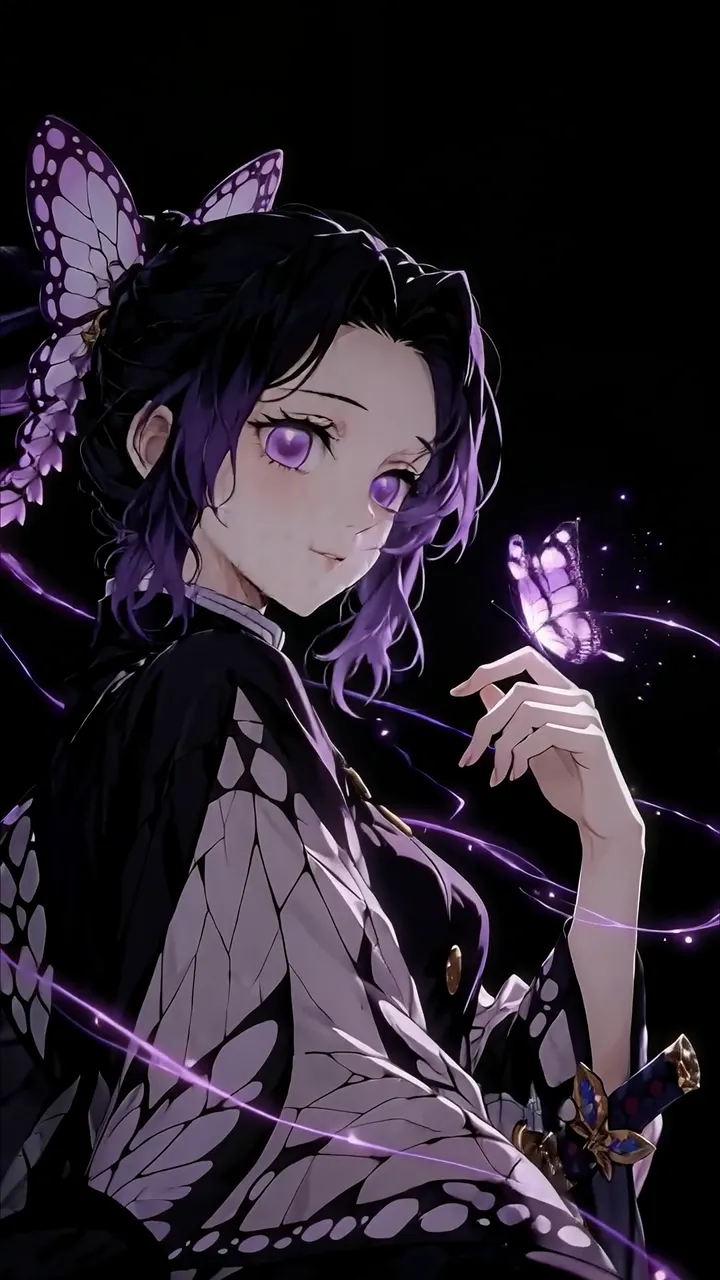
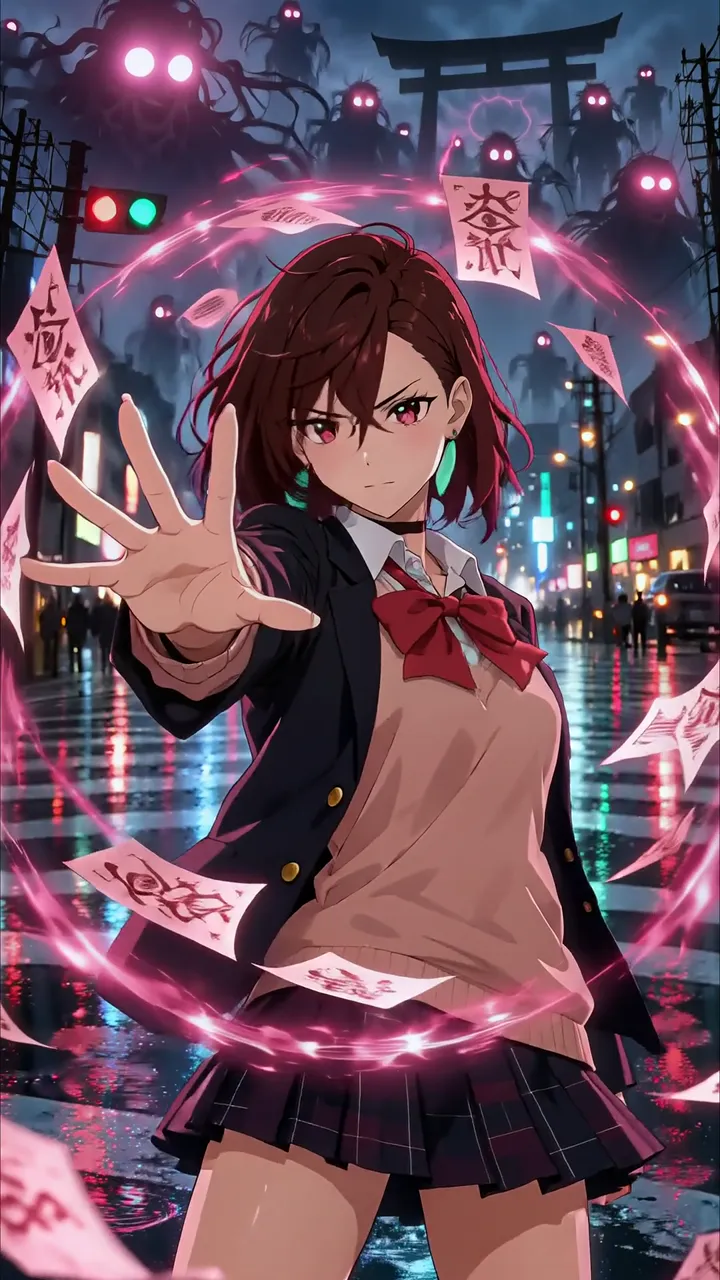
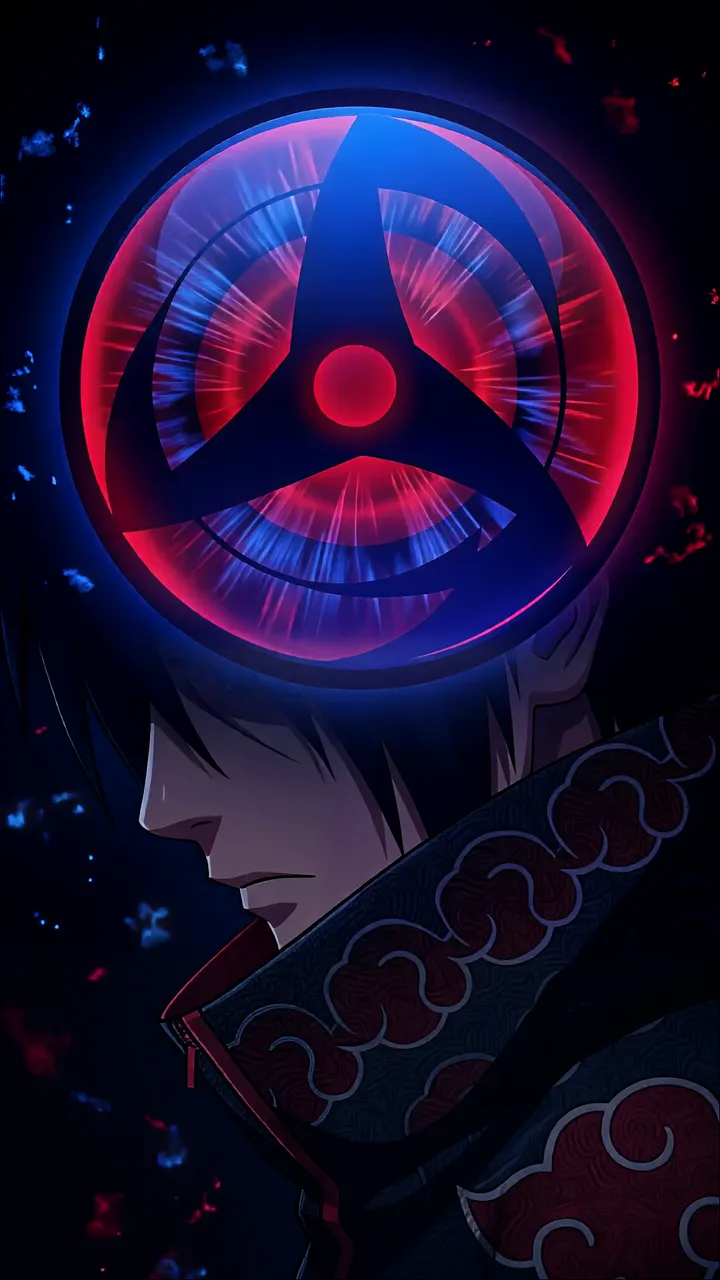
Sukuna Dark Red Curse Jujutsu Kaisen live wallpaper
How to set it as wallpaper
iPhone
For a still wallpaper, save the cropped JPG to Photos and choose it in Settings → Wallpaper. For an animated Lock Screen on supported models, convert the MP4 to a Live Photo with a compatible app and select it in the wallpaper picker.
Android
For a still wallpaper, open the JPG in your gallery and choose Set as wallpaper. For the MP4, look for a video wallpaper option in your gallery or wallpaper settings. A compatible live wallpaper app can help if your phone has no built-in option.
After saving the converted Live Photo to Photos, open Settings, then Wallpaper, then Add New Wallpaper. Tap Photos, choose Live Photo, select the saved image, turn on the Live Photo effect, and tap Add to apply it to your Lock Screen.
This high-definition animated background features Sukuna from Jujutsu Kaisen, standing confidently in a cosmic scene with floating rocks and a glowing purple aura. He is depicted with his signature white hair and dark outfit, surrounded by swirling energy and a mystical galaxy backdrop. The composition includes a reflective water surface and dramatic lighting, creating a powerful and immersive visual. The animation brings the scene to life with dynamic energy effects and cosmic motion. Download this unique and stylish live wallpaper to make your phone, lock screen, home screen, or PC display feel more personal and distinctive. It’s available for free and offers ultra-clear, high-quality visuals that enhance any device’s screen style.
- Format
- MP4 live wallpaper
- Resolution
- 720P, 1080P
- Duration
- 00:10
- File size
- 9.7 MB
- Category
- Dark Anime, Red Curse, Cosmic Scene