@Samnova

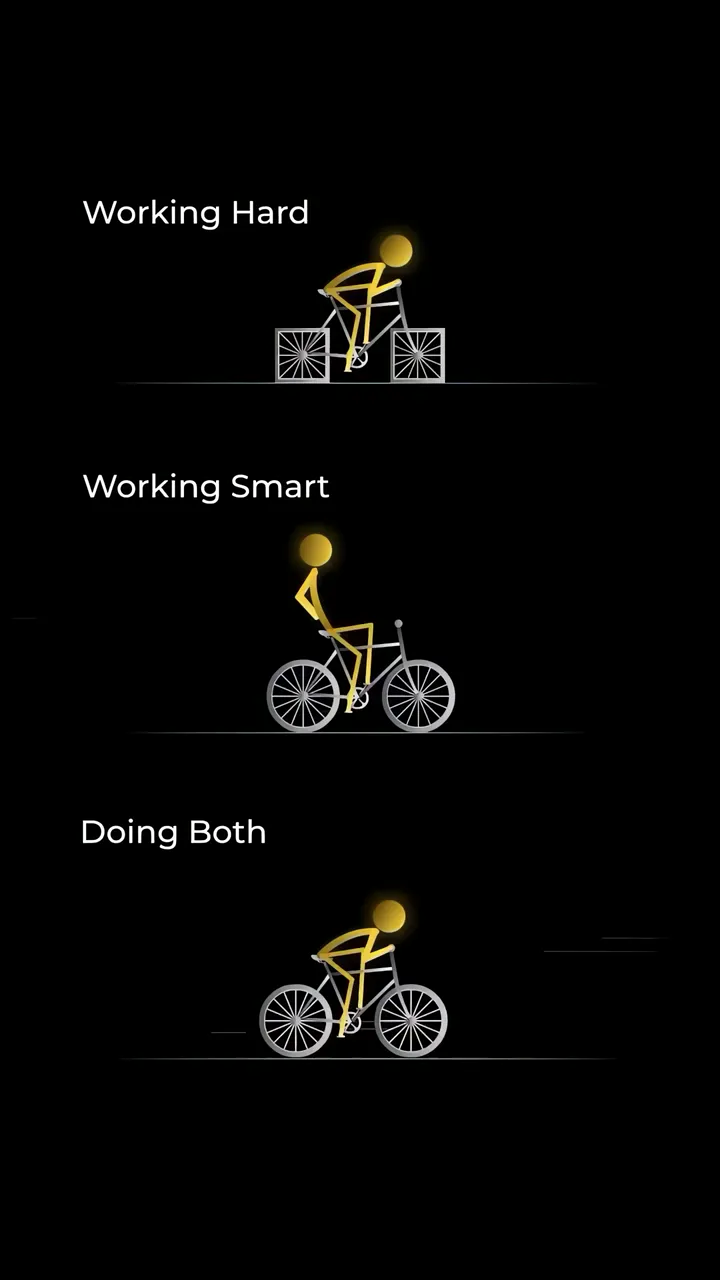
Download "Simple Stick Figure Running Minimalist Animation" live wallpaper

Verify that you are human to download high quality live wallpapes.

How to set live wallpaper on your phone Setup tutorial

On Android Phones

  1. Save the downloaded MP4 file to your phone.
  2. Open your phone's Gallery, Files, or Wallpaper app.
  3. Choose the video, tap Set as wallpaper, then apply it to your home screen or lock screen.

On iPhone

  1. Save the MP4 file to Photos.
  2. iPhone requires a Live Photo, convert the video with a live wallpaper app first.
  3. Open Settings > Wallpaper, select the saved Live Photo, then apply it.
You may also like:

Glowing White Abstract Face With Lightning Symbol LIVE Elegant Black Lily With Glowing Silver Swirls And Sparkles LIVE Hand Making Fire Sign With Blue Glow Amoled LIVE Glowing Eyes In Dark Smile Face Live Wallpaper LIVE Golden Stick Figure Riding Bike Working Hard Smart Both LIVE Anime Girl Glowing Neon Outline Back View LIVE Anime Girl With Glowing Red Eyes And Dark Amoled Effect LIVE Angry Black Character With Glowing Eyes Dark Anime LIVE Elegant Swirling White Smoke Art Against Black Background LIVE

Report wallpaper

Select the reason that best describes the issue.