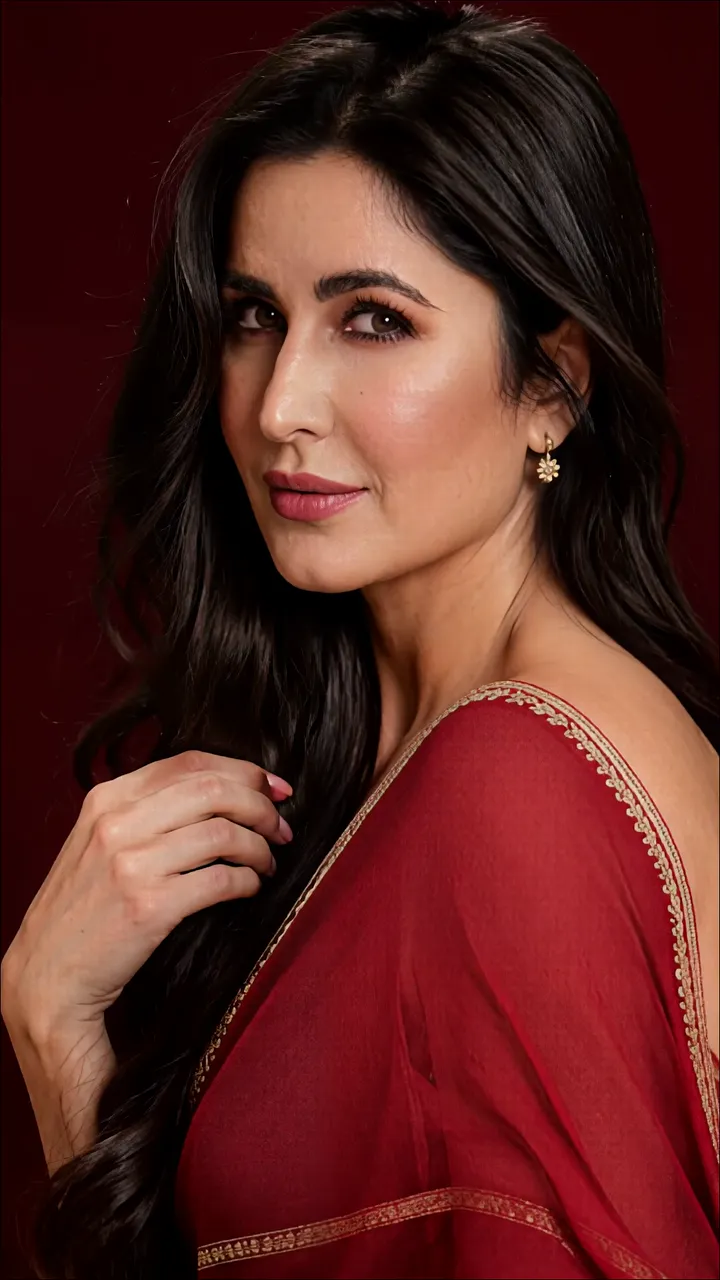
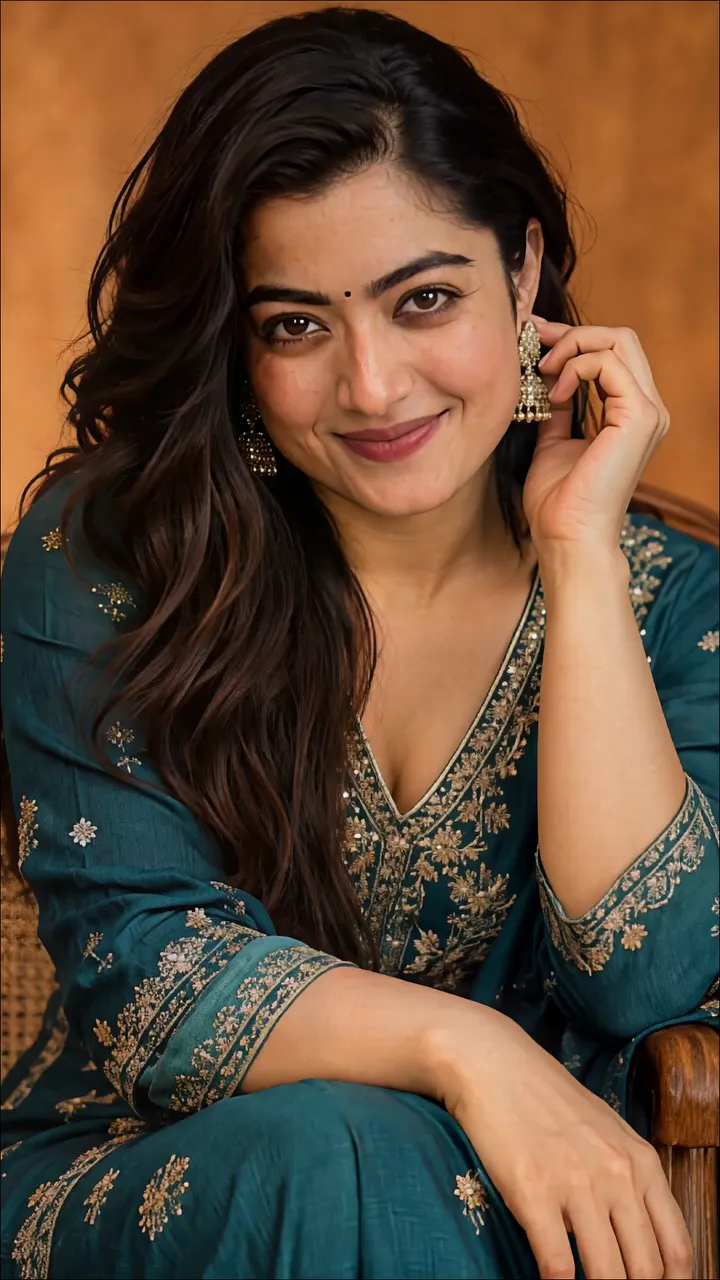
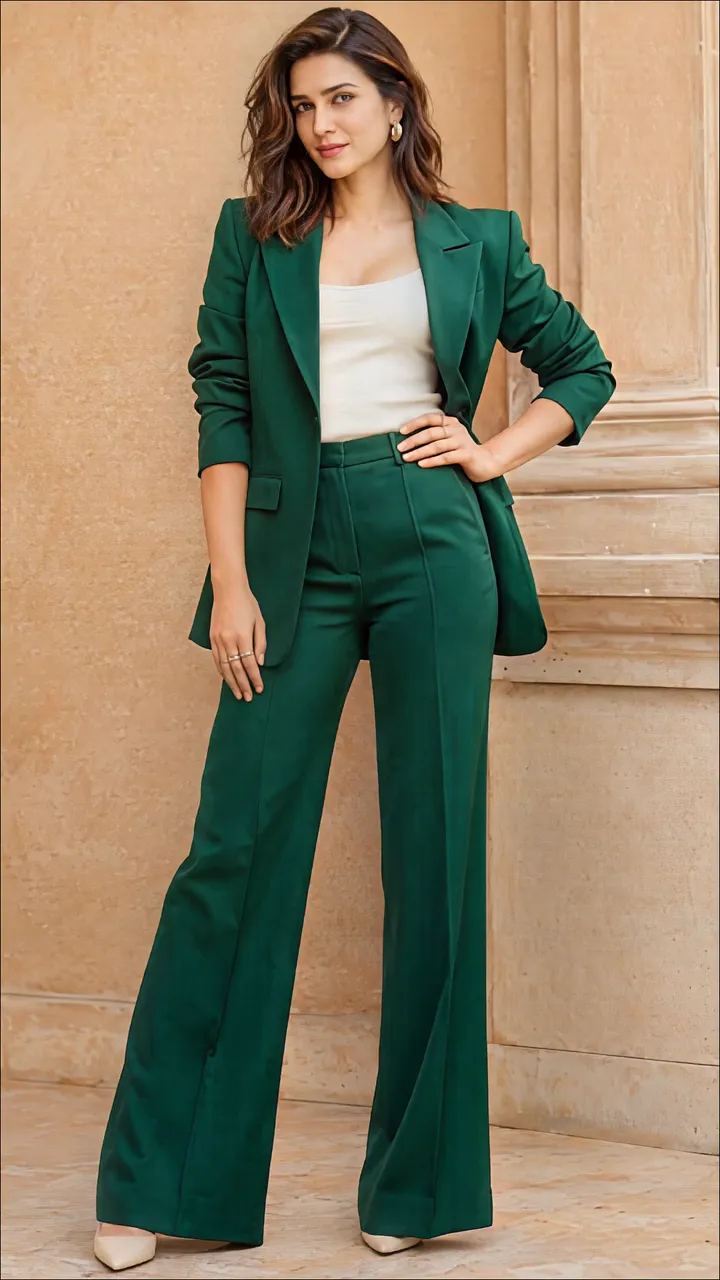
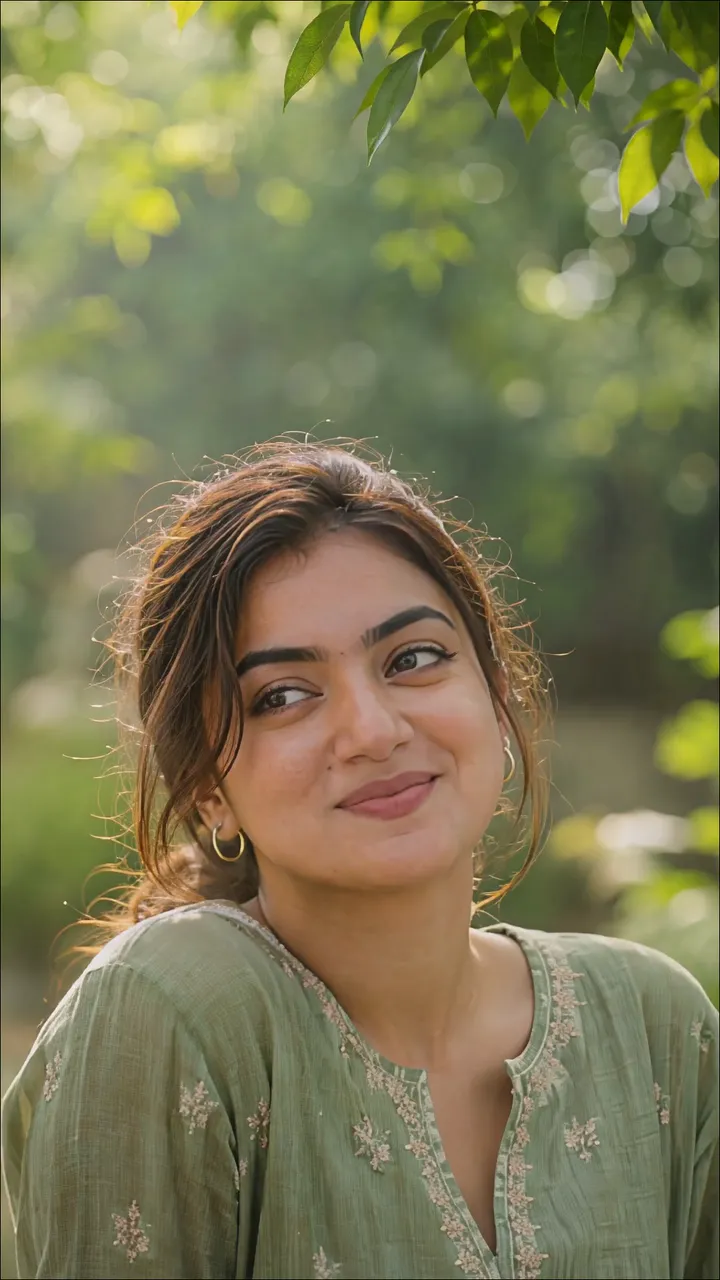
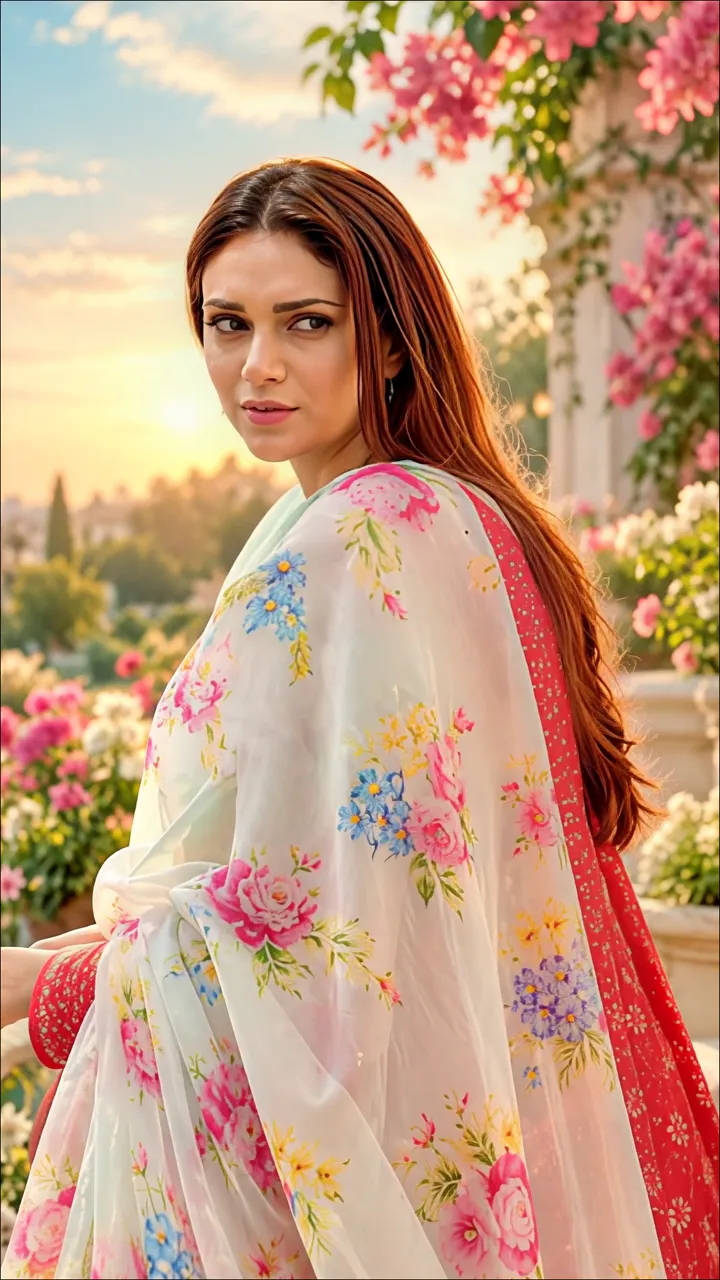
Shraddha Kapoor Sitting On A Stone Bench In A Lavender Dress live wallpaper
How to set it as wallpaper
iPhone
For a still wallpaper, save the cropped JPG to Photos and choose it in Settings → Wallpaper. For an animated Lock Screen on supported models, convert the MP4 to a Live Photo with a compatible app and select it in the wallpaper picker.
Android
For a still wallpaper, open the JPG in your gallery and choose Set as wallpaper. For the MP4, look for a video wallpaper option in your gallery or wallpaper settings. A compatible live wallpaper app can help if your phone has no built-in option.
After saving the converted Live Photo to Photos, open Settings, then Wallpaper, then Add New Wallpaper. Tap Photos, choose Live Photo, select the saved image, turn on the Live Photo effect, and tap Add to apply it to your Lock Screen.
Shraddha Kapoor is seated gracefully on a stone bench in a flowing lavender gown, her long dark hair cascading over her shoulders. She wears elegant silver heels and dangling earrings, looking directly at the camera with a soft smile. The background features lush green foliage and hints of pink flowers, creating a serene garden atmosphere. The natural daylight highlights the delicate texture of her dress and the tranquil composition, emphasizing a calm, poised, and stylish portrait in an outdoor setting.
- Format
- MP4 live wallpaper
- Resolution
- 720P, 1080P
- Duration
- 00:07
- File size
- 4.6 MB
- Category
- Bollywood Actress, Shraddha Kapoor, Lavender Dress