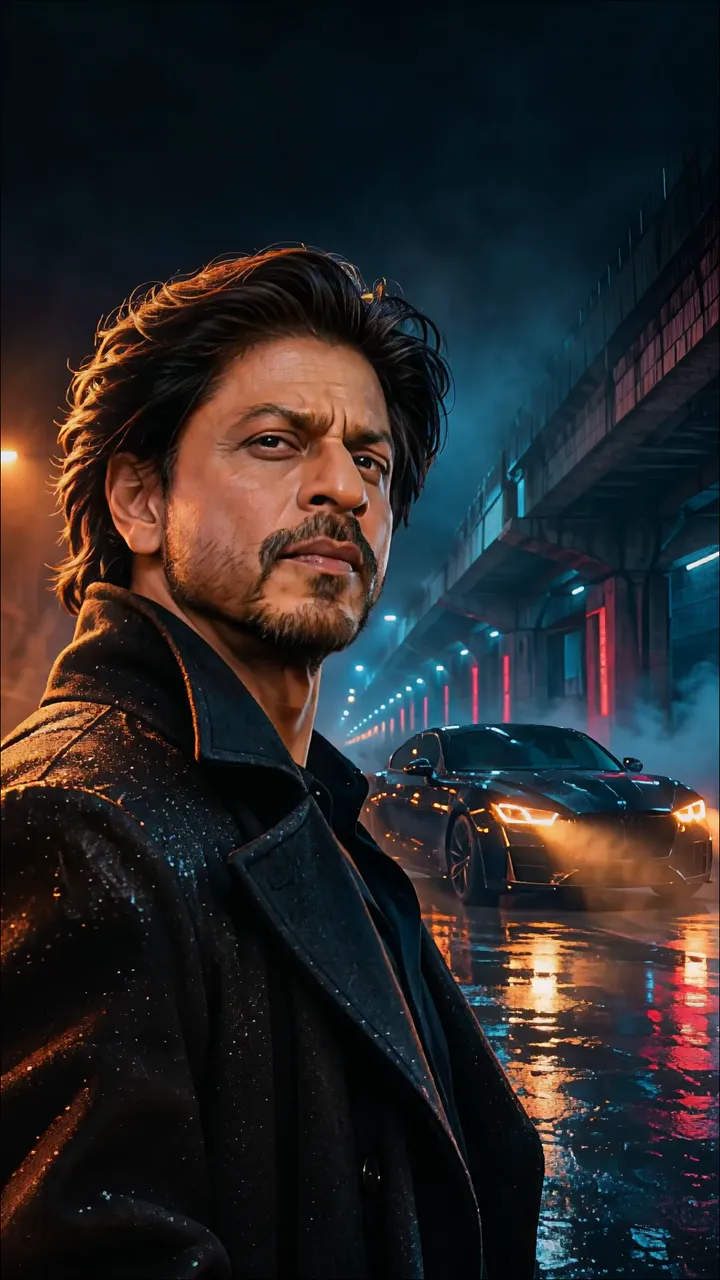
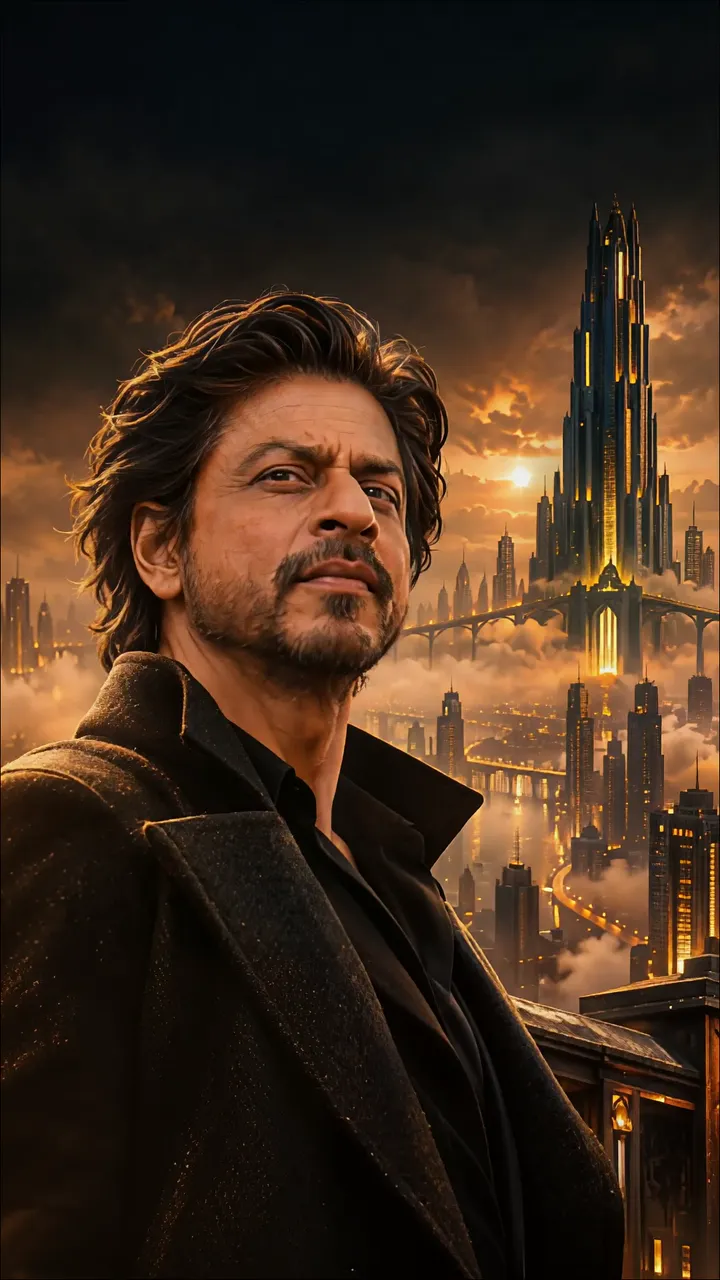
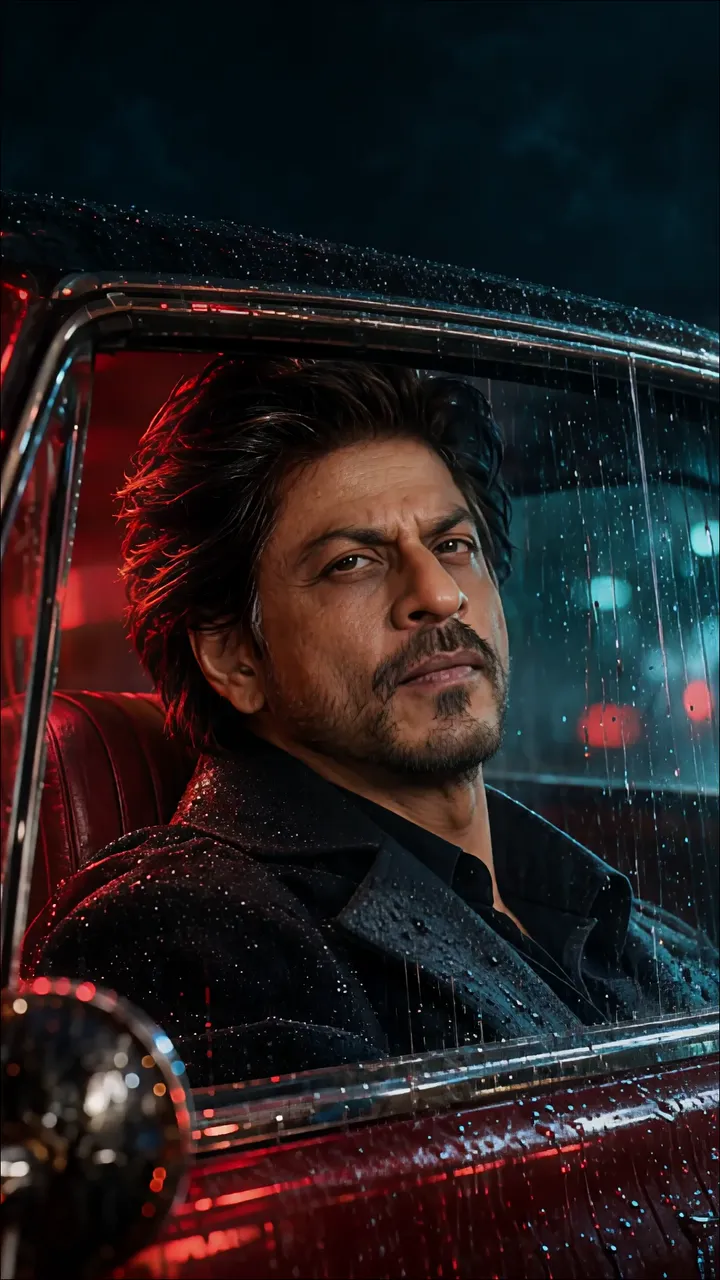
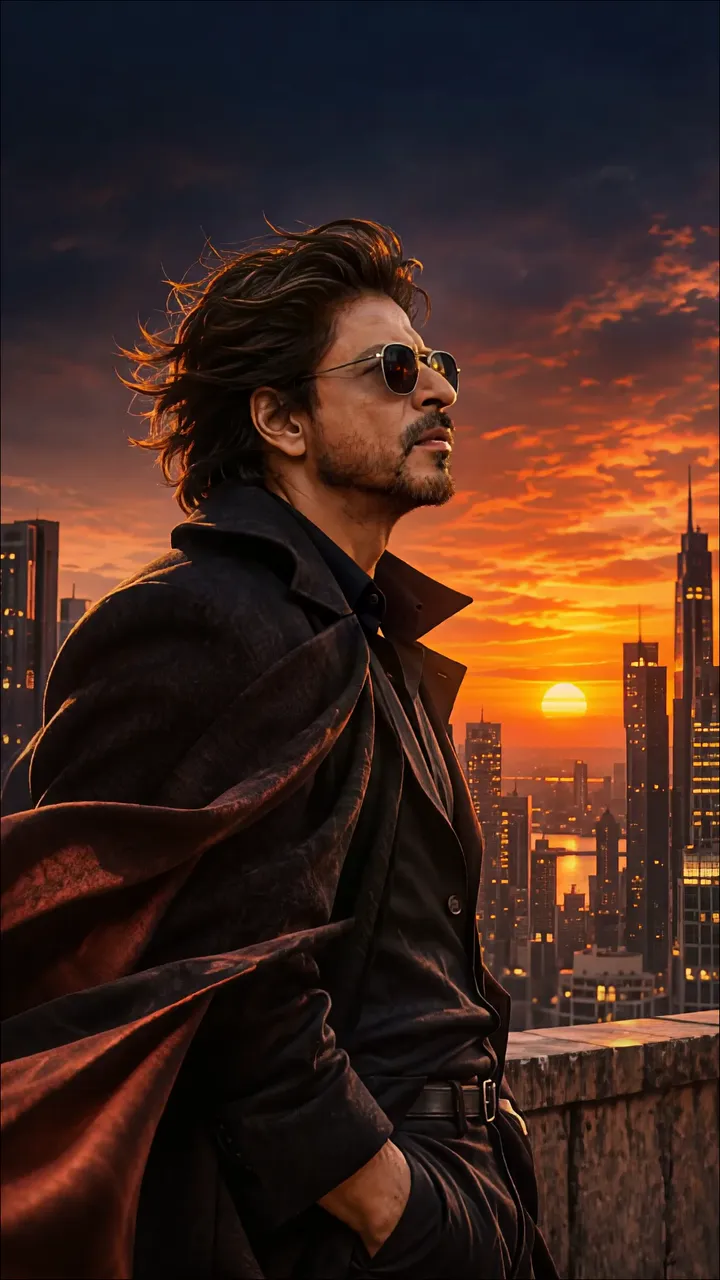
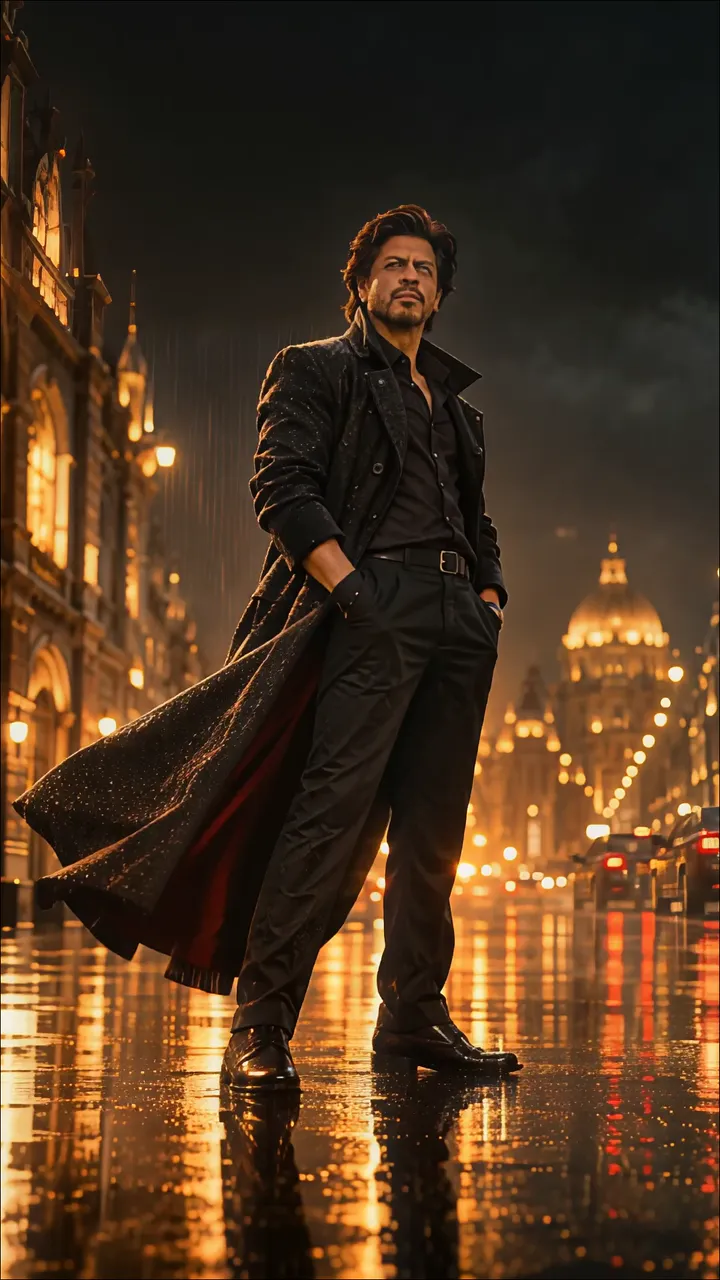
Shah Rukh Khan Rocky Pose On Mountain Top With Red Blazer live wallpaper
How to set it as wallpaper
iPhone
For a still wallpaper, save the cropped JPG to Photos and choose it in Settings → Wallpaper. For an animated Lock Screen on supported models, convert the MP4 to a Live Photo with a compatible app and select it in the wallpaper picker.
Android
For a still wallpaper, open the JPG in your gallery and choose Set as wallpaper. For the MP4, look for a video wallpaper option in your gallery or wallpaper settings. A compatible live wallpaper app can help if your phone has no built-in option.
After saving the converted Live Photo to Photos, open Settings, then Wallpaper, then Add New Wallpaper. Tap Photos, choose Live Photo, select the saved image, turn on the Live Photo effect, and tap Add to apply it to your Lock Screen.
This high-definition animated background features Shah Rukh Khan in a dynamic, iconic Rocky pose, crouching on a mountain road with arms outstretched. He’s dressed in a striking red blazer, black pants, and sunglasses, exuding confidence against a breathtaking backdrop of rolling hills and a sprawling valley under a clear blue sky. The scene is bathed in warm, golden sunset light, enhancing the vibrant colors and creating a powerful, cinematic atmosphere. The composition is ultra-clear and visually rich, making it perfect for personalizing your phone, lock screen, home screen, or PC display. Download this free live wallpaper to instantly elevate your device’s screen style with a touch of star power and bold energy.
- Format
- MP4 live wallpaper
- Resolution
- 720P, 1080P
- Duration
- 00:05
- File size
- 5 MB
- Category
- Shah Rukh Khan, Rocky Pose, Red Blazer