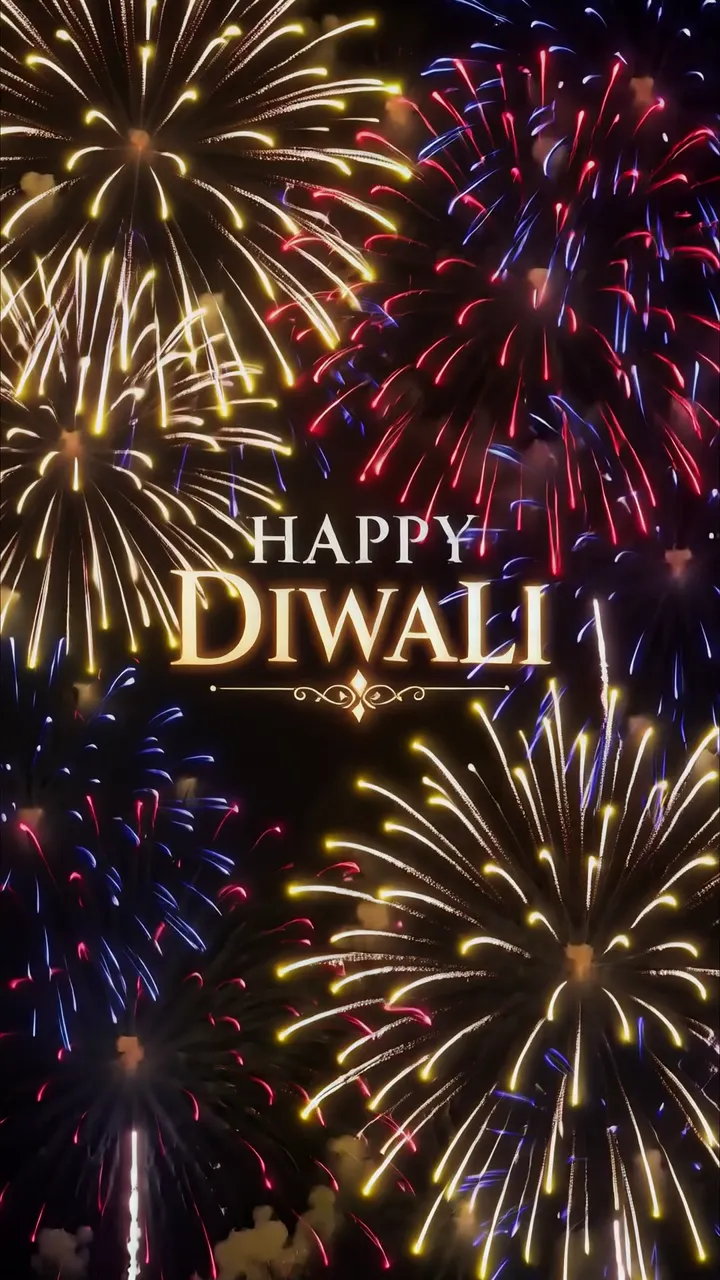
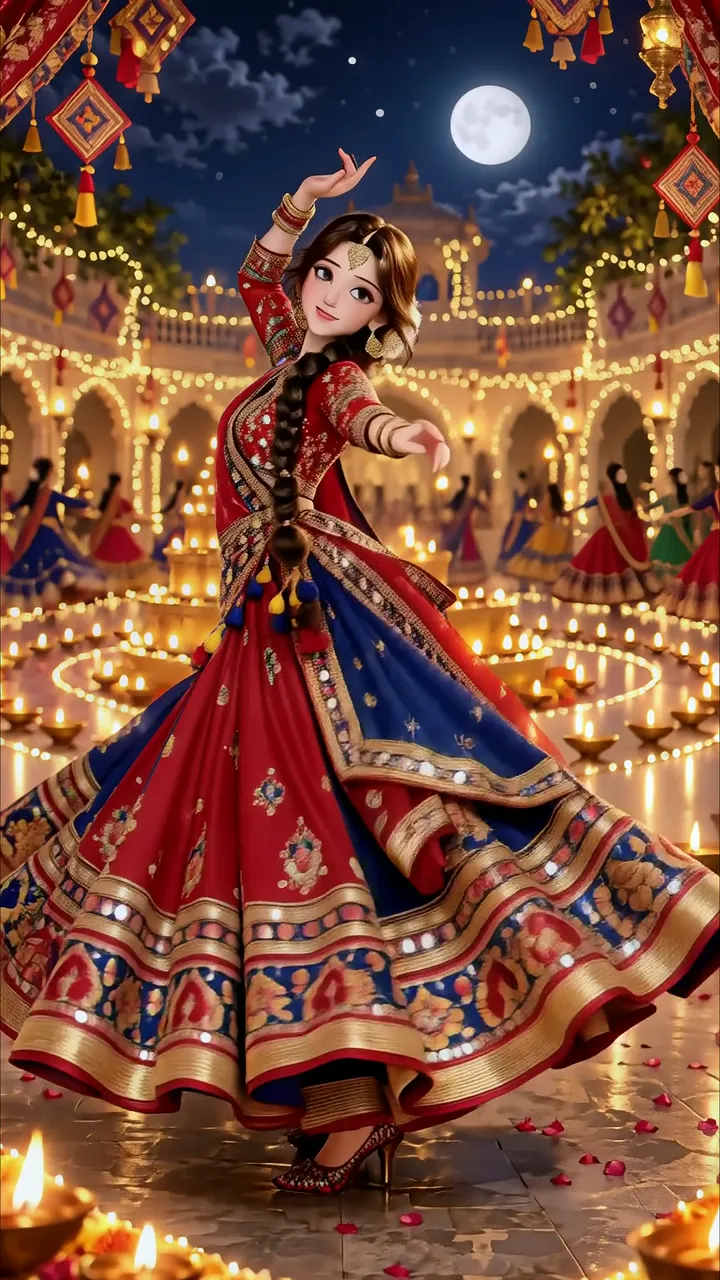
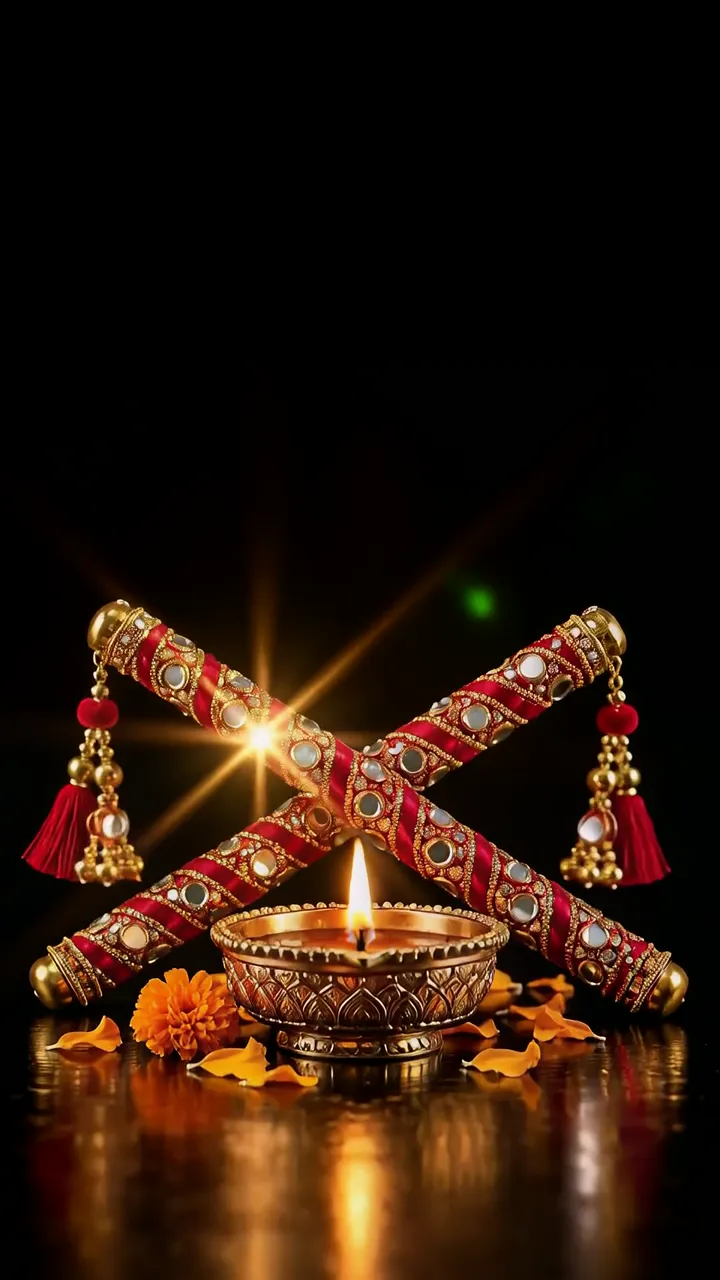
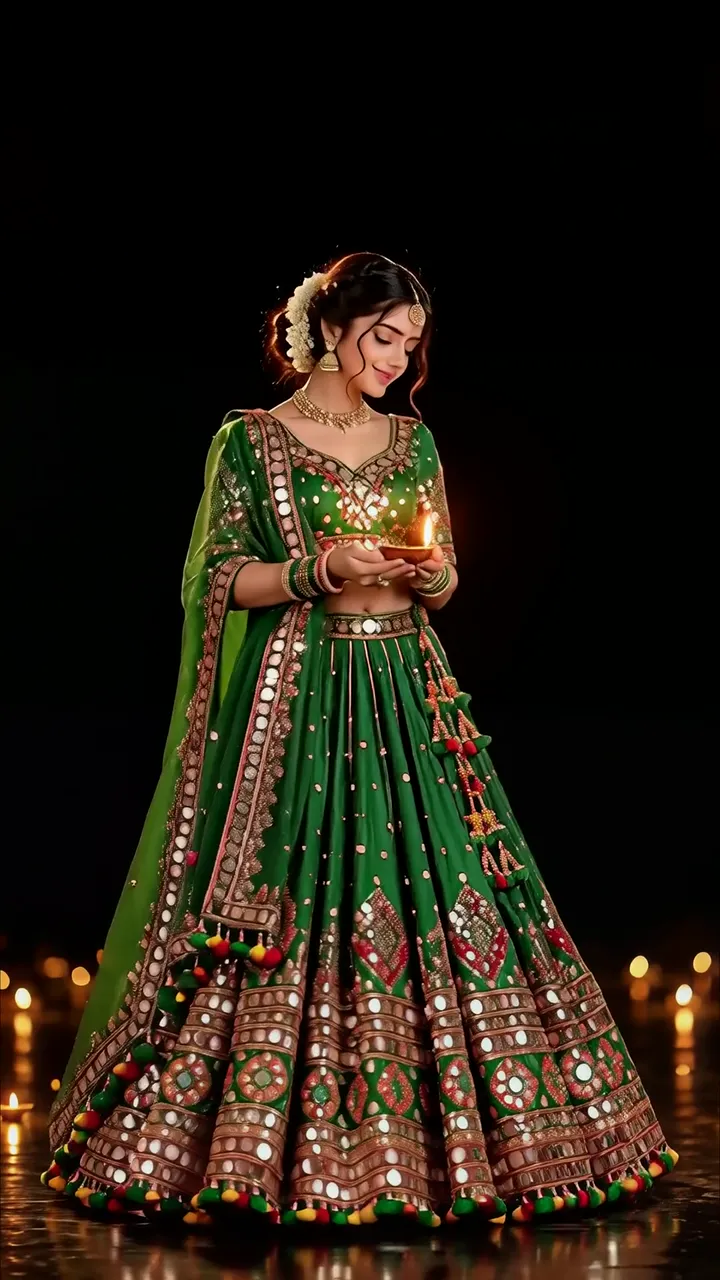
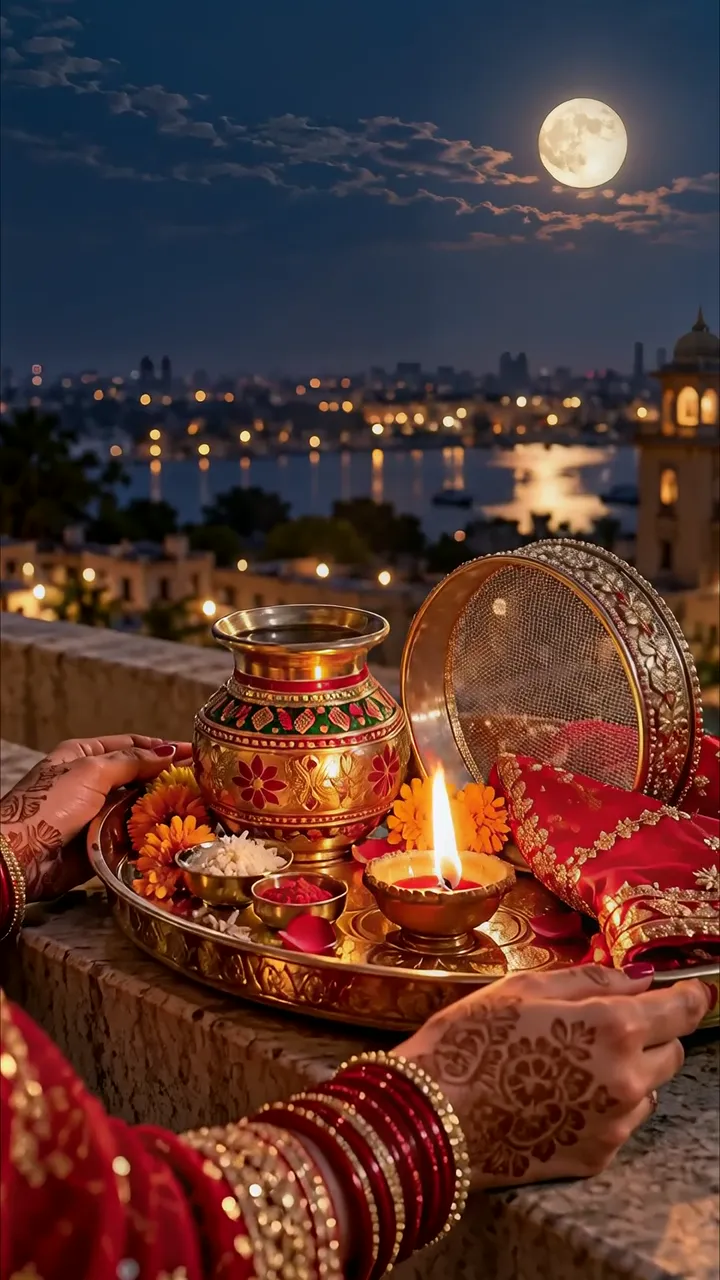
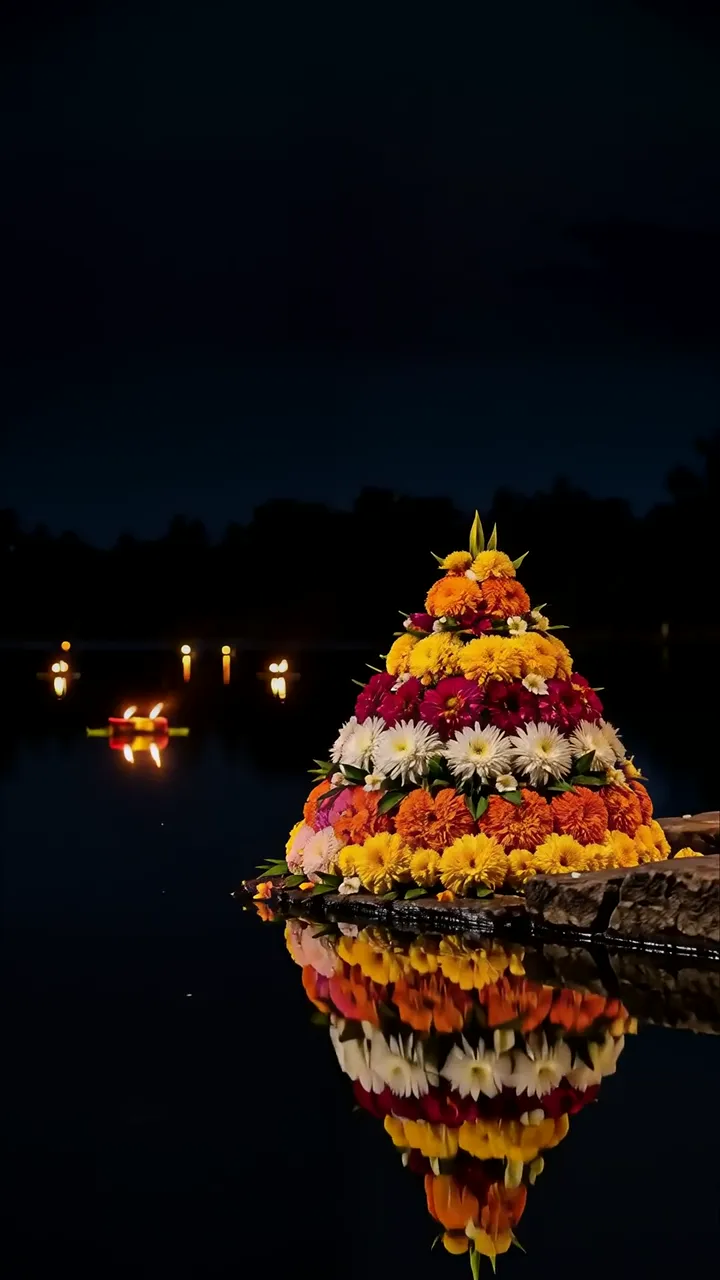
Romantic Diwali Celebration With City Lights And Fireworks live wallpaper
How to set it as wallpaper
iPhone
For a still wallpaper, save the cropped JPG to Photos and choose it in Settings → Wallpaper. For an animated Lock Screen on supported models, convert the MP4 to a Live Photo with a compatible app and select it in the wallpaper picker.
Android
For a still wallpaper, open the JPG in your gallery and choose Set as wallpaper. For the MP4, look for a video wallpaper option in your gallery or wallpaper settings. A compatible live wallpaper app can help if your phone has no built-in option.
After saving the converted Live Photo to Photos, open Settings, then Wallpaper, then Add New Wallpaper. Tap Photos, choose Live Photo, select the saved image, turn on the Live Photo effect, and tap Add to apply it to your Lock Screen.
A romantic Diwali celebration unfolds on a rooftop overlooking a dazzling city skyline, where a couple and friends joyfully dance and light diyas around a glowing, intricate rangoli design. The scene is filled with festive energy, vibrant purple and gold lighting, and spectacular fireworks lighting up the night sky. The composition blends traditional Diwali elements with modern urban aesthetics, creating a visually rich and emotionally uplifting display. This high-definition animated background is perfect for making your phone, lock screen, home screen, or PC feel festive, personal, and uniquely stylish. Download it for free and bring the magic of Diwali to your digital space anytime.
- Format
- MP4 live wallpaper
- Resolution
- 720P, 1080P
- Duration
- 00:10
- File size
- 15.3 MB
- Category
- Festival, Romantic Couple, City Night Scene