@Samxh_aze

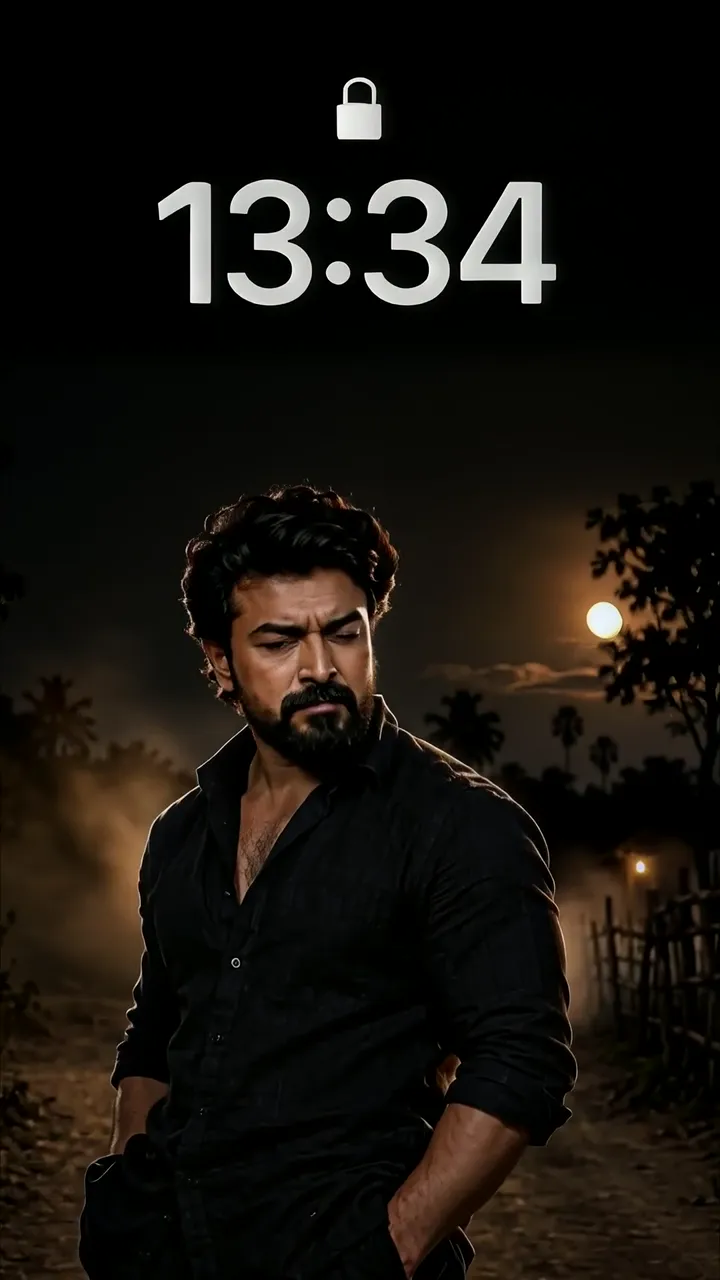
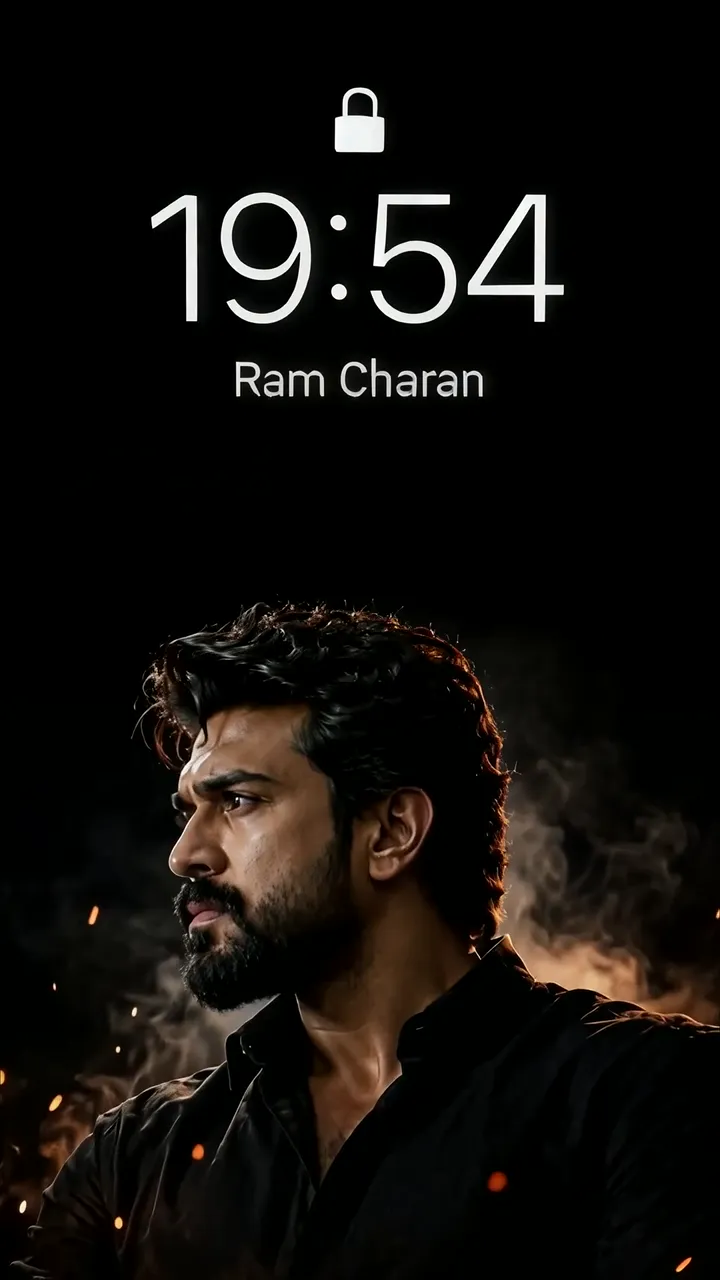
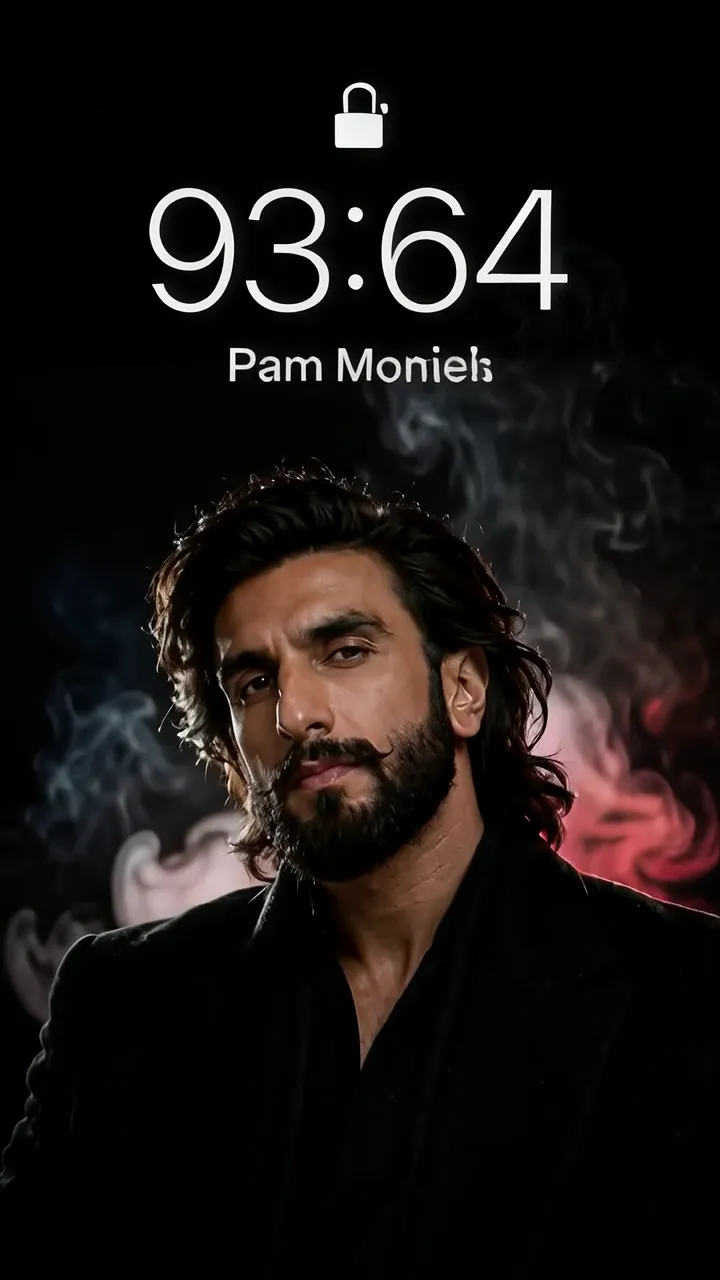
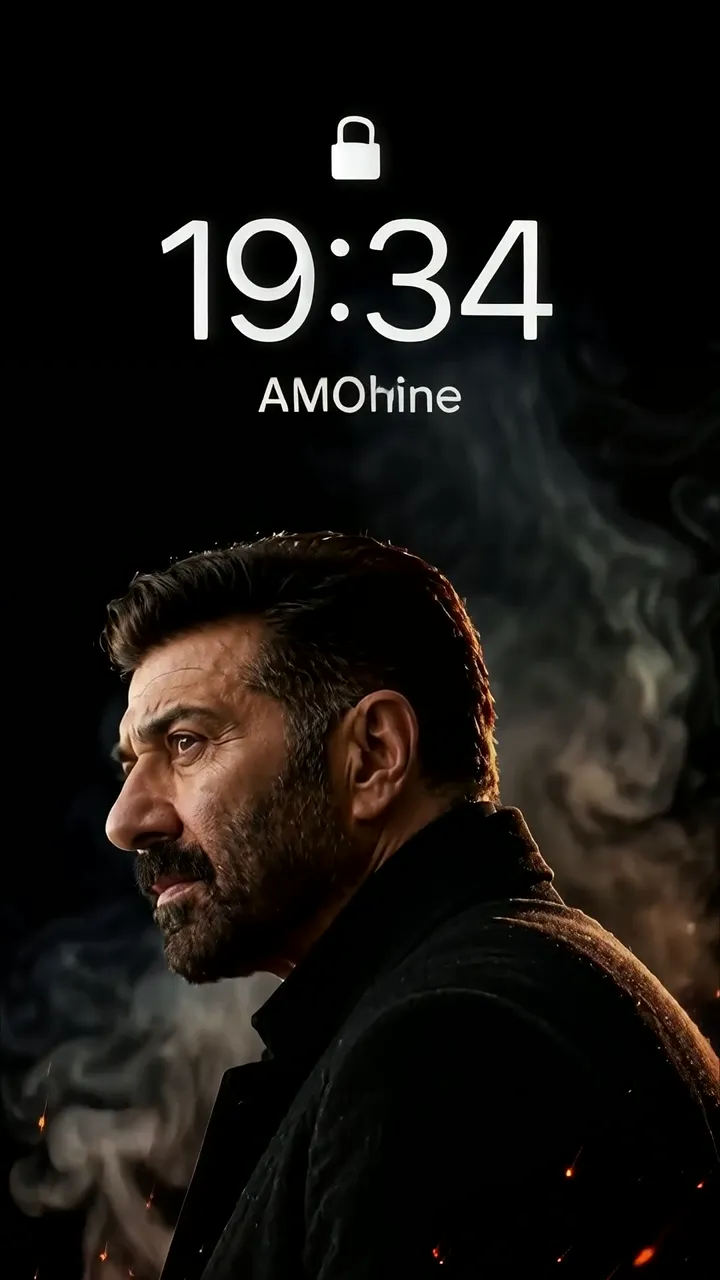
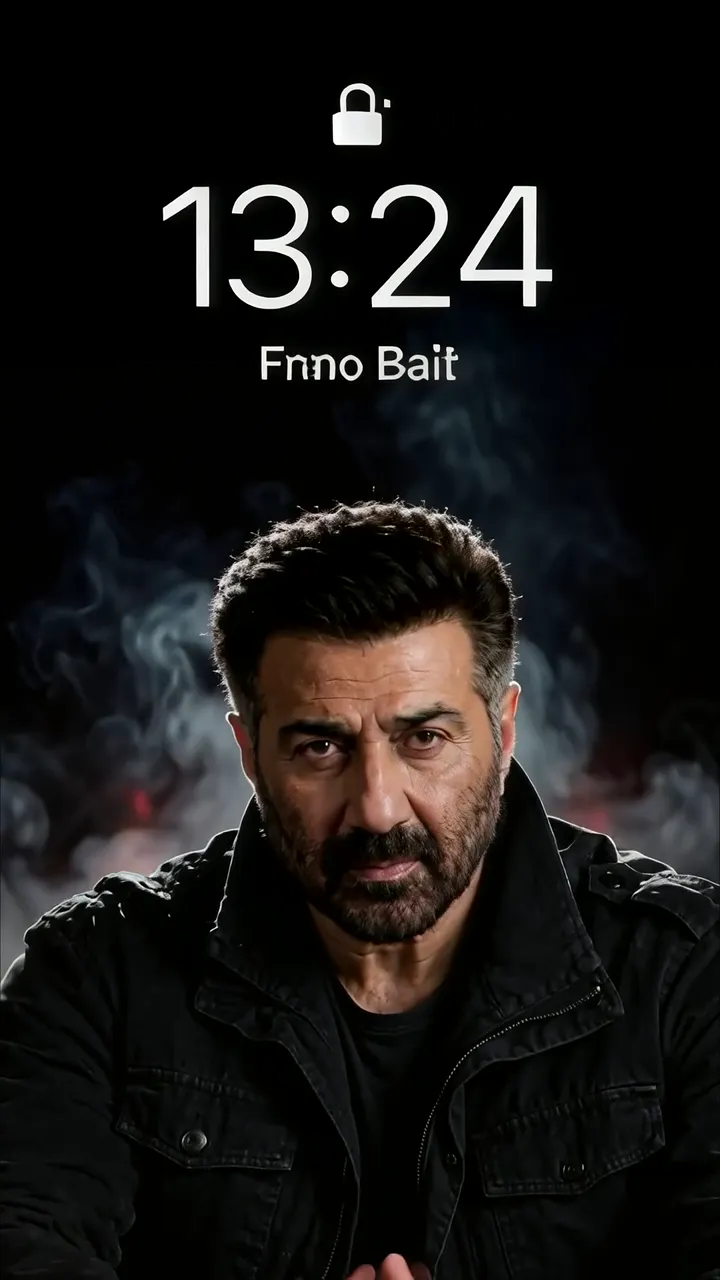
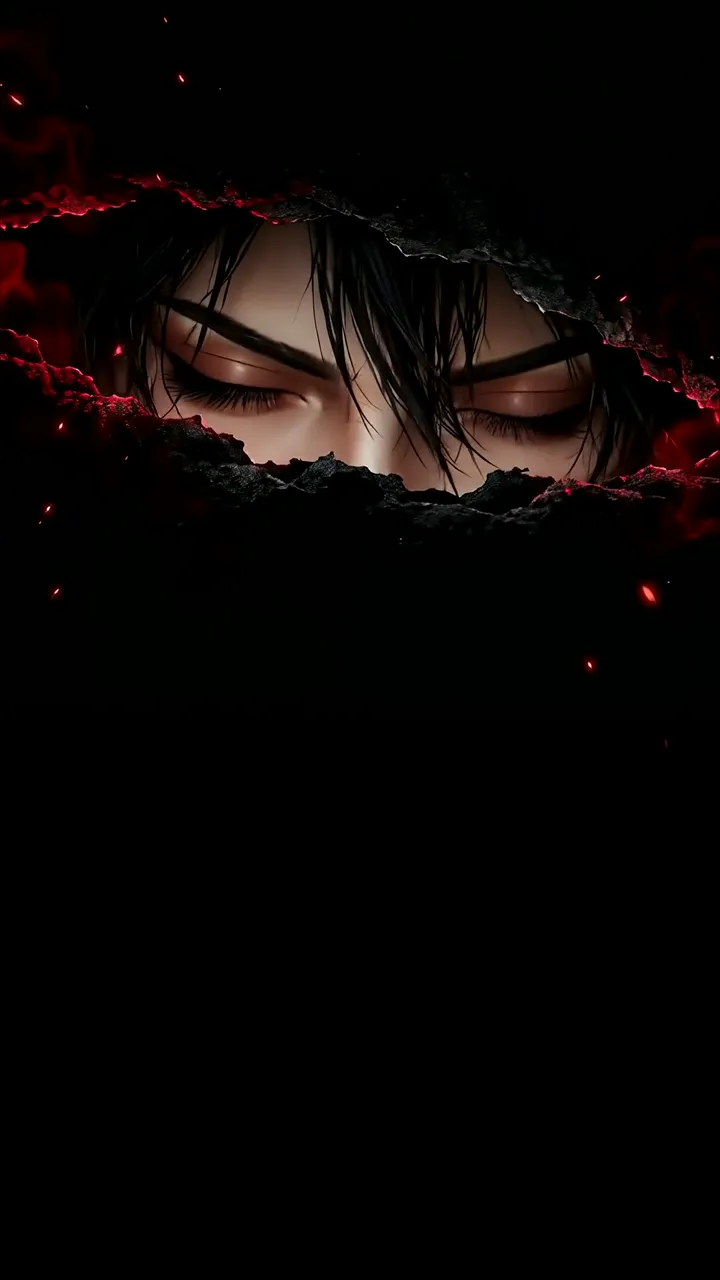
Download "Ranvesrita Dark Flame Animated Lock Screen" live wallpaper

Verify that you are human to download high quality live wallpapes.

How to set live wallpaper on your phone Setup tutorial

On Android Phones

  1. Save the downloaded MP4 file to your phone.
  2. Open your phone's Gallery, Files, or Wallpaper app.
  3. Choose the video, tap Set as wallpaper, then apply it to your home screen or lock screen.

On iPhone

  1. Save the MP4 file to Photos.
  2. iPhone requires a Live Photo, convert the video with a live wallpaper app first.
  3. Open Settings > Wallpaper, select the saved Live Photo, then apply it.
You may also like:

Anime Boy With Closed Eyes And Red Glow Effect LIVE Cute Ghost Holding Pumpkin Cup Halloween Live Wallpaper LIVE Cute White Ghost With Soft Glow On Black Background LIVE Gojo Satoru Heart-Shaped Blue Aura Jujutsu Kaisen LIVE Intense Actor With Moonlit Night And Palm Trees LIVE Ram Charan Intense Side Profile With Sparks And Smoke LIVE Ranveer Singh Mysterious Smoke Portrait With Red Glow LIVE AMOOhine Dark Smoke And Fire Animated Lock Screen LIVE Fnnno Bait Intense Smoke Background Live Wallpaper LIVE

Report wallpaper

Select the reason that best describes the issue.