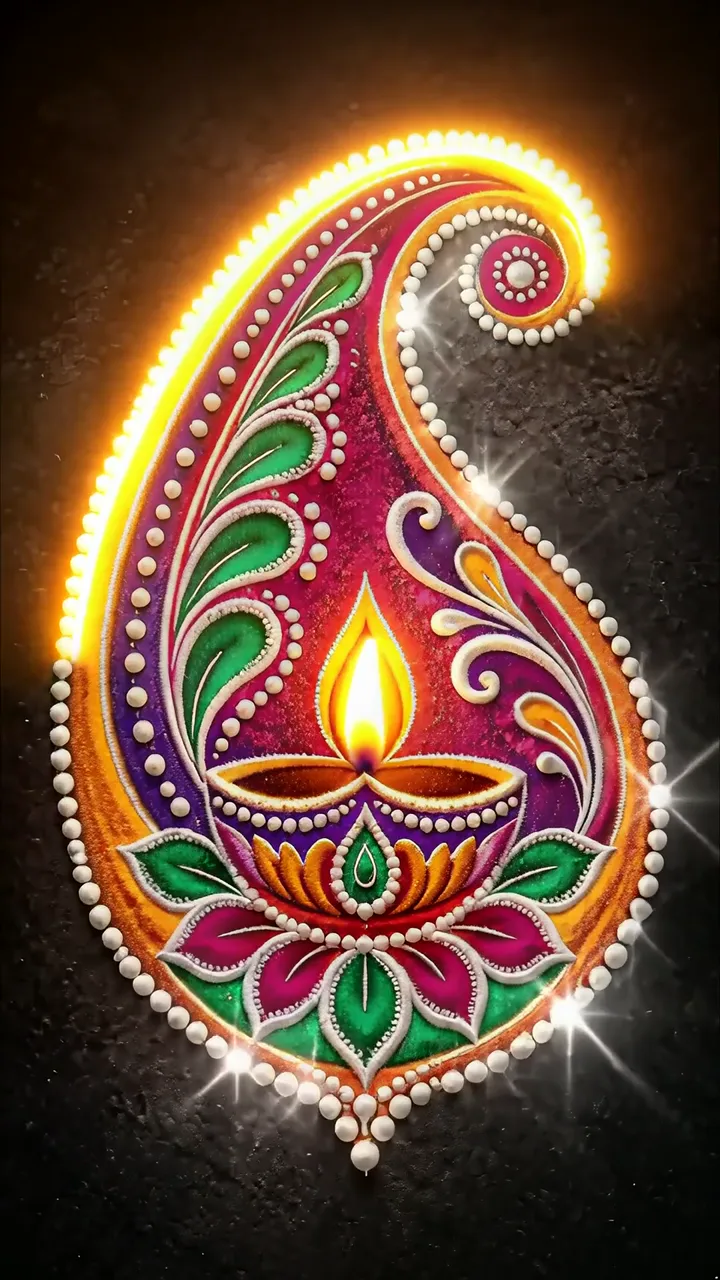
Peacock Rangoli With Diya And Glowing Blue Purple Feathers live wallpaper
How to set it as wallpaper
iPhone
For a still wallpaper, save the cropped JPG to Photos and choose it in Settings → Wallpaper. For an animated Lock Screen on supported models, convert the MP4 to a Live Photo with a compatible app and select it in the wallpaper picker.
Android
For a still wallpaper, open the JPG in your gallery and choose Set as wallpaper. For the MP4, look for a video wallpaper option in your gallery or wallpaper settings. A compatible live wallpaper app can help if your phone has no built-in option.
After saving the converted Live Photo to Photos, open Settings, then Wallpaper, then Add New Wallpaper. Tap Photos, choose Live Photo, select the saved image, turn on the Live Photo effect, and tap Add to apply it to your Lock Screen.
This stunning live wallpaper features a beautifully crafted peacock rangoli, intricately designed with vibrant blue and purple hues, accented with shimmering gold. The peacock’s body gracefully curves around a glowing diya, casting a warm, inviting light that enhances the festive atmosphere. The composition is set on a dark, reflective floor, with sparkling light effects adding depth and magic to the scene. The animation brings the rangoli to life with subtle motion, making it perfect for a dynamic display on your phone, lock screen, or PC. This high-definition, ultra-clear visual is available for free download and can instantly transform your device’s screen into a celebration of art, culture, and festive joy.
- Format
- MP4 live wallpaper
- Resolution
- 720P, 1080P
- Duration
- 00:10
- File size
- 11.9 MB
- Category
- Rangoli Art, Diwali, Glowing Effect