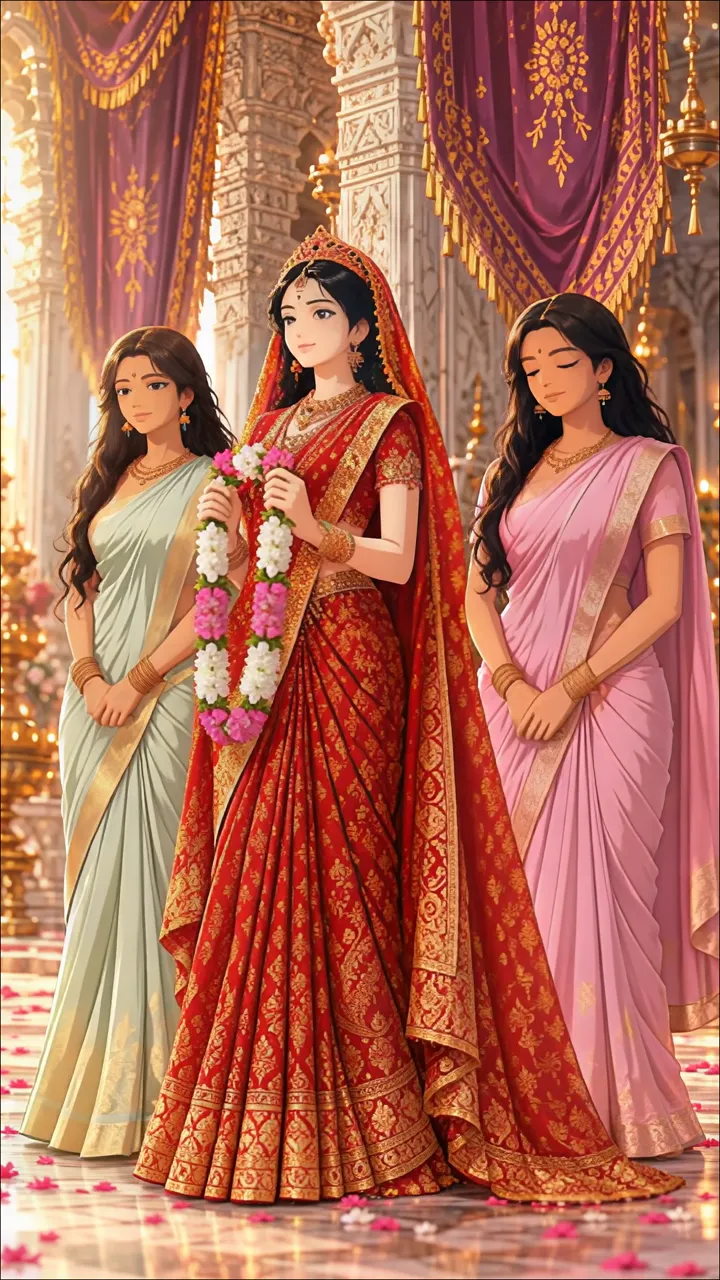
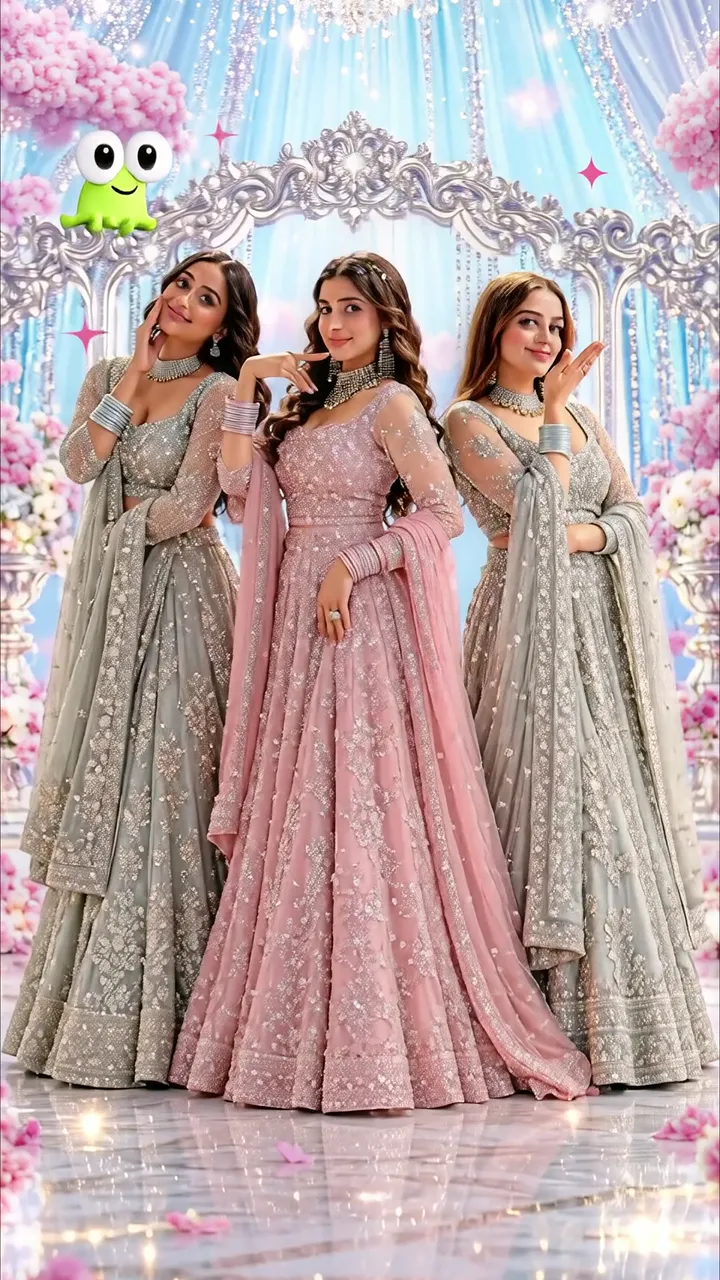
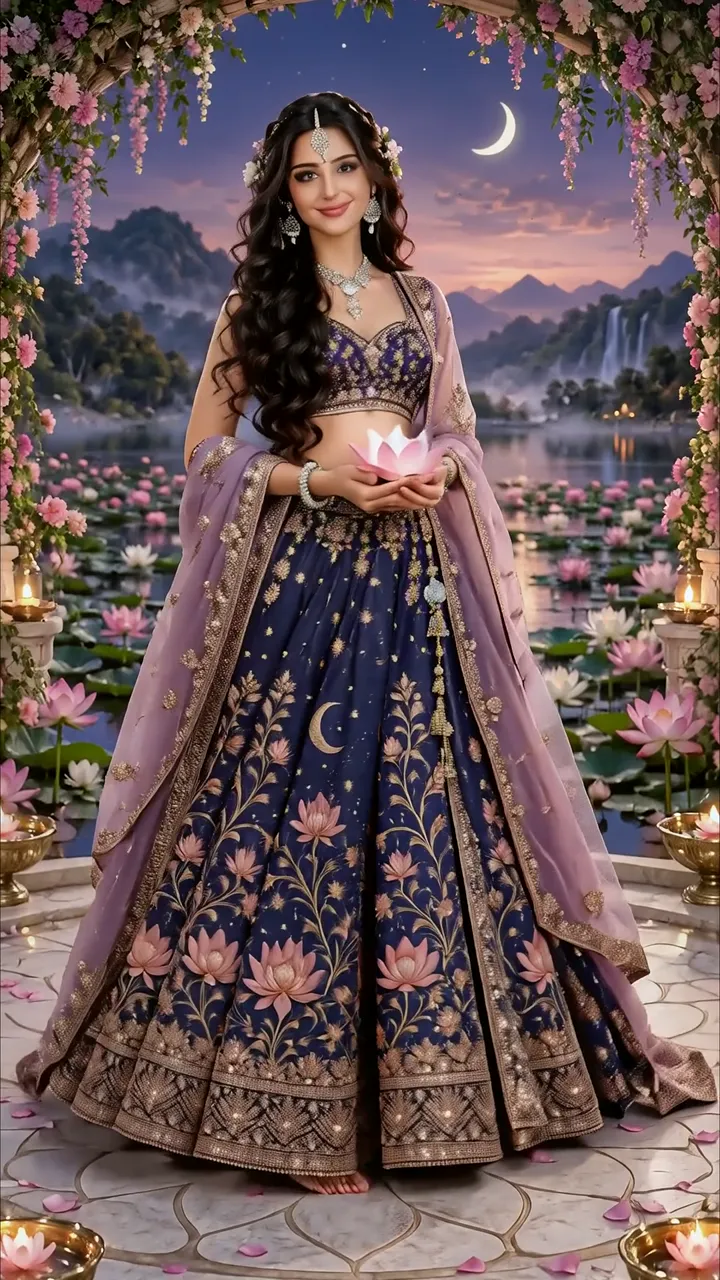
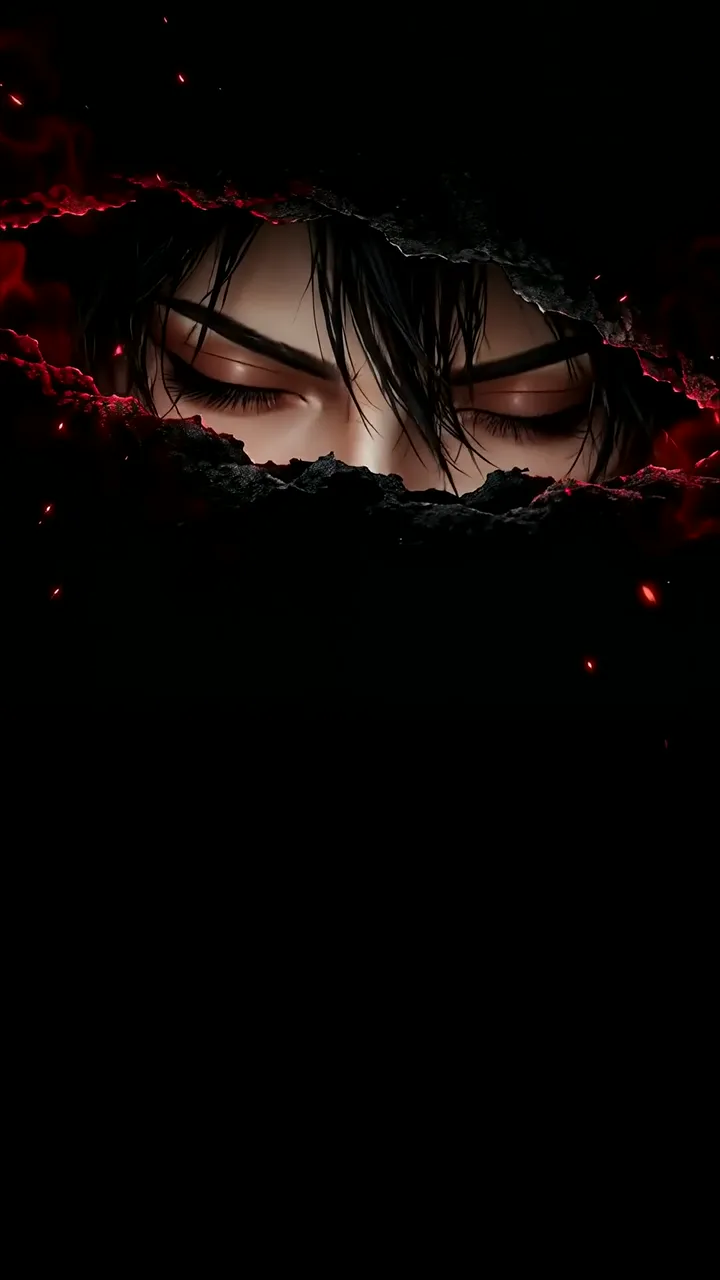
Mysterious Bride With Intricate Henna And Golden Eye live wallpaper
How to set it as wallpaper
iPhone
For a still wallpaper, save the cropped JPG to Photos and choose it in Settings → Wallpaper. For an animated Lock Screen on supported models, convert the MP4 to a Live Photo with a compatible app and select it in the wallpaper picker.
Android
For a still wallpaper, open the JPG in your gallery and choose Set as wallpaper. For the MP4, look for a video wallpaper option in your gallery or wallpaper settings. A compatible live wallpaper app can help if your phone has no built-in option.
After saving the converted Live Photo to Photos, open Settings, then Wallpaper, then Add New Wallpaper. Tap Photos, choose Live Photo, select the saved image, turn on the Live Photo effect, and tap Add to apply it to your Lock Screen.
A mysterious bride with intricate henna designs covering her hand and arm, partially concealing her face. Her golden eye glows with an intense, captivating light, framed by a rich red veil adorned with gold embroidery. She wears luxurious jewelry, including a red gemstone maang tikka and matching earrings, complementing her deep red nails. The dark background enhances the glowing effect and the vivid colors, creating a dramatic and enchanting visual. This high-definition, ultra-clear artwork is perfect for making your phone, lock screen, or PC display feel unique and personal. Download this stunning live wallpaper for free and add a touch of elegance and mystery to your device.
- Format
- MP4 live wallpaper
- Resolution
- 720P, 1080P
- Duration
- 00:10
- File size
- 11.4 MB
- Category
- Wedding, Red Veil, Golden Eye