@maxsun52

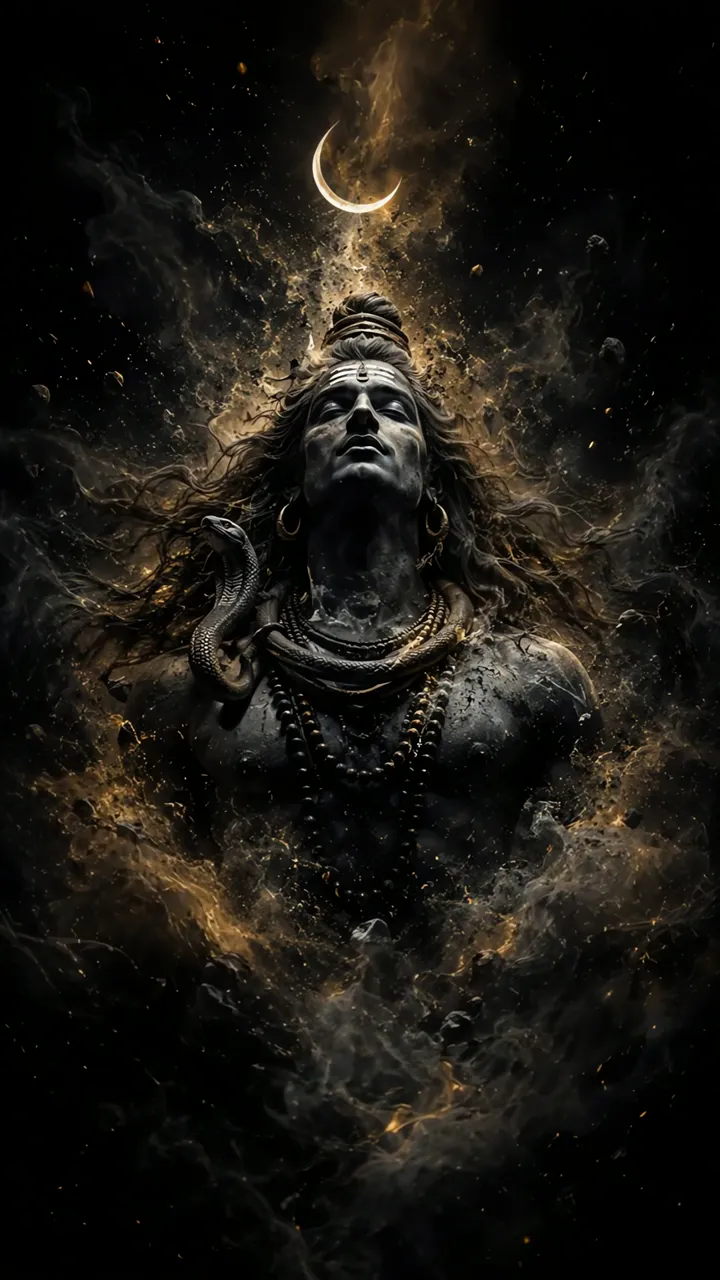
Download "Krishna Divine Eyes With Floral Crown And Golden Aura" live wallpaper

Verify that you are human to download high quality live wallpapes.

How to set live wallpaper on your phone Setup tutorial

On Android Phones

  1. Save the downloaded MP4 file to your phone.
  2. Open your phone's Gallery, Files, or Wallpaper app.
  3. Choose the video, tap Set as wallpaper, then apply it to your home screen or lock screen.

On iPhone

  1. Save the MP4 file to Photos.
  2. iPhone requires a Live Photo, convert the video with a live wallpaper app first.
  3. Open Settings > Wallpaper, select the saved Live Photo, then apply it.

You may also like:

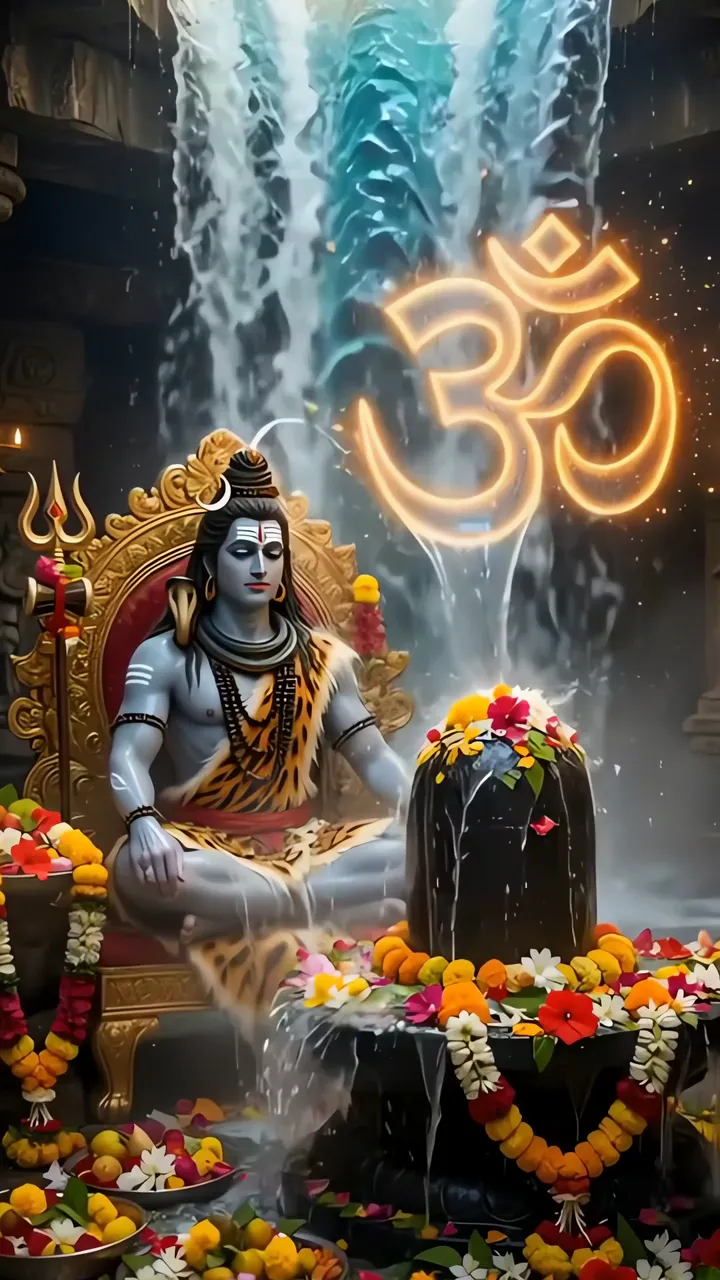
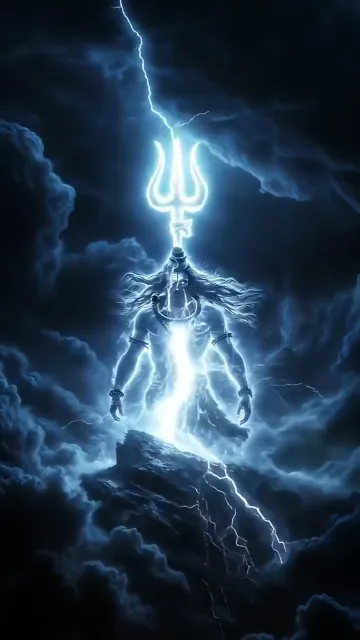
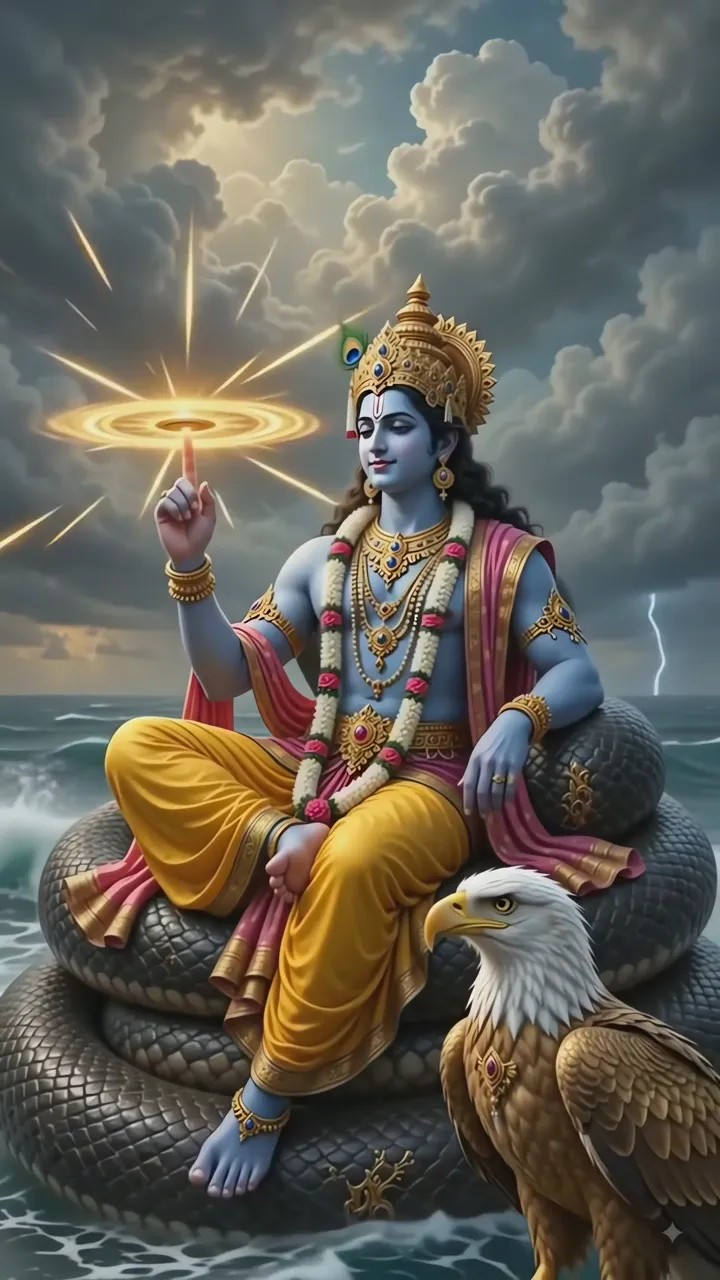
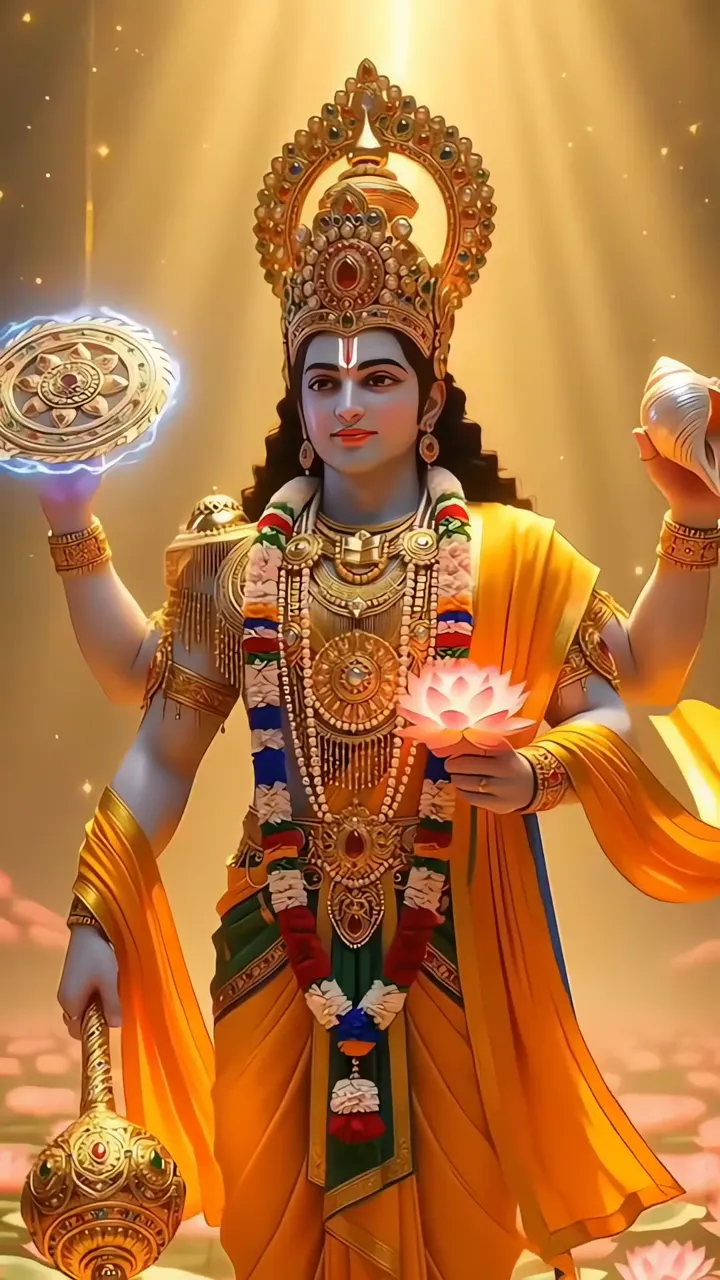
Shri Krishna Holding Moon With Radha Under Starry Night ▶ LIVE Shiva Meditation With Trishul And Glowing Om Symbol ▶ LIVE Shiva With Glowing Trishul And Lightning Storm ▶ LIVE Shri Narayan Divine Cosmic Pose With Eagle And Snake ▶ LIVE Lakshmi Narayan Divine Blessing With Lotus And Conch ▶ LIVE Radha Krishna Romantic Moonlight Forest Scene ▶ LIVE Shiva In Cosmic Smoke With Crescent Moon And Snake ▶ LIVE Radha Krishna Romantic Moonlight Temple Scene ▶ LIVE Shiva With Blue Aura And Serpent Necklace In Fiery Cosmic Scene ▶ LIVE

Best matches for this wallpaper:

Report wallpaper

Select the reason that best describes the issue.