@samieSpark

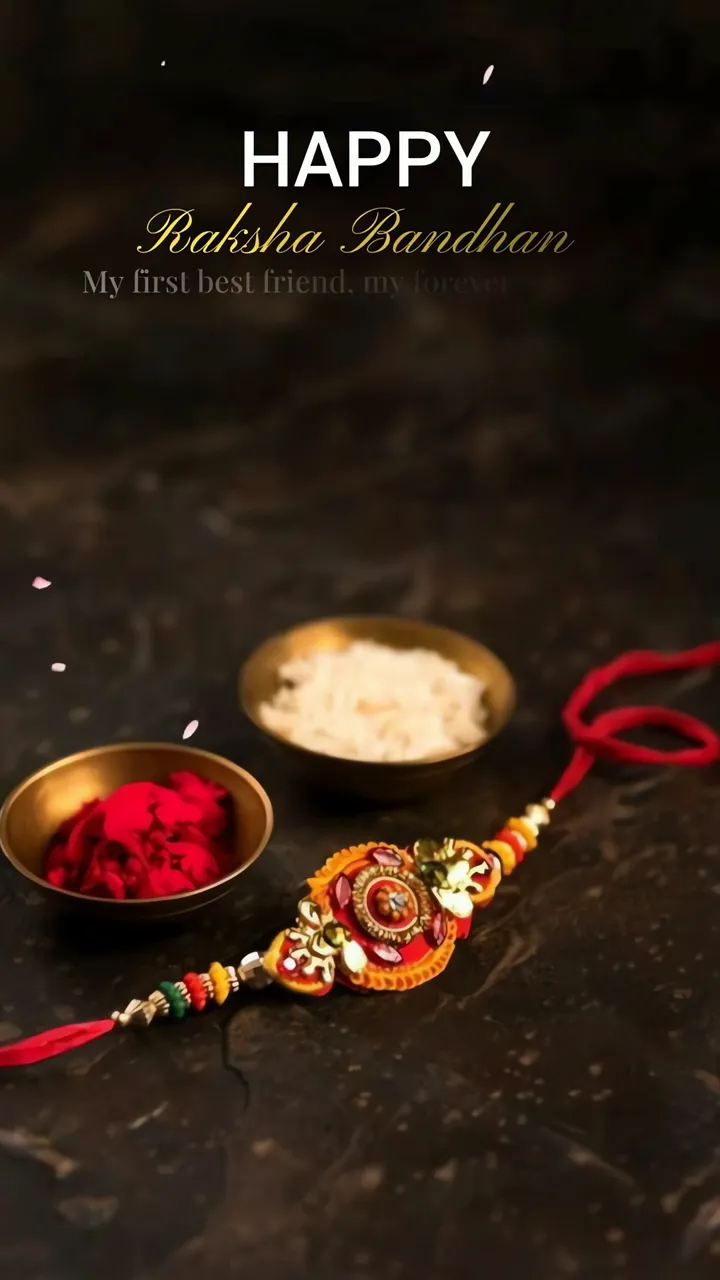
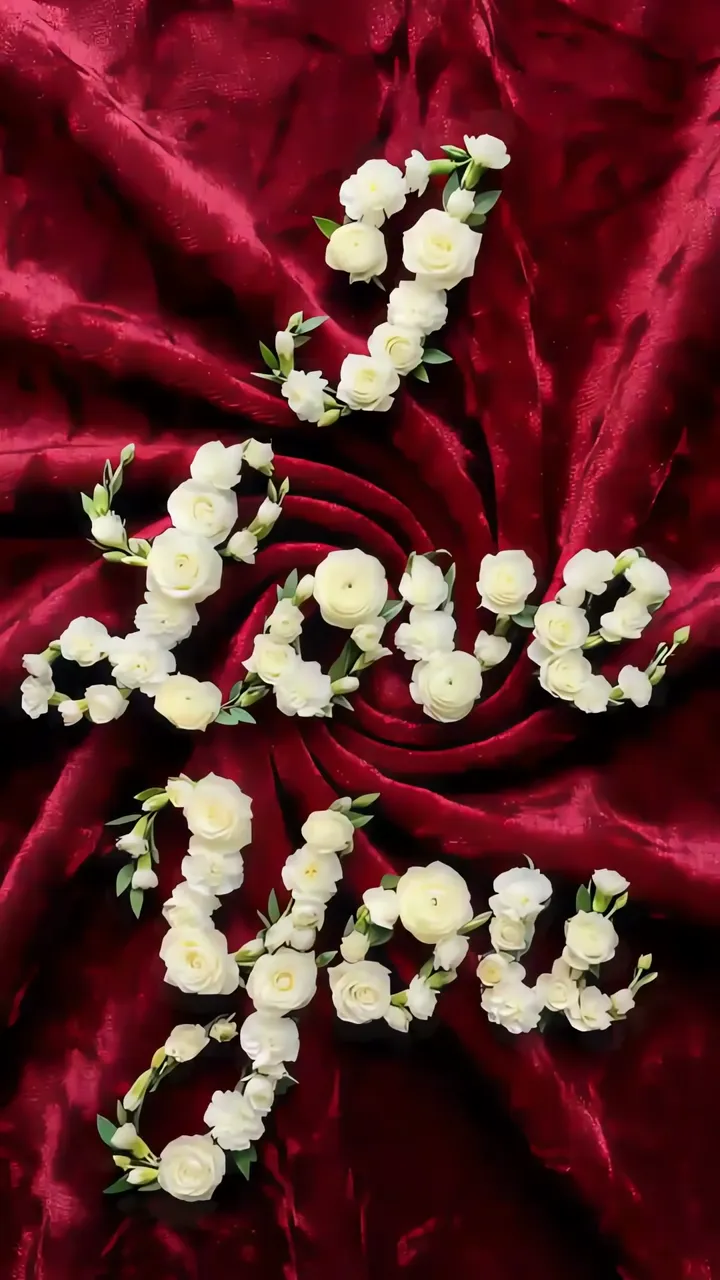
Download "Happy Onam Floral Star With Marigold And Rose" live wallpaper

Verify that you are human to download high quality live wallpapes.

How to set live wallpaper on your phone Setup tutorial

On Android Phones

  1. Save the downloaded MP4 file to your phone.
  2. Open your phone's Gallery, Files, or Wallpaper app.
  3. Choose the video, tap Set as wallpaper, then apply it to your home screen or lock screen.

On iPhone

  1. Save the MP4 file to Photos.
  2. iPhone requires a Live Photo, convert the video with a live wallpaper app first.
  3. Open Settings > Wallpaper, select the saved Live Photo, then apply it.

You may also like:

Ganesha Riding Mouse With Diwali Festival Lights LIVE Raksha Bandhan Festival Rakhi With Rice And Rose Petals LIVE Diwali Festival Diya Lighting Night Scene LIVE Cute White Kawaii Character With Heart Confetti Pink Grid LIVE Romantic Heart Shape On Beach With Red Roses And City Lights LIVE Stick Figure Boy Offering Red Rose To Girl Romantic Glow LIVE Red Rose With I Love You Note Romantic Love Scene LIVE Love Word Art With White Roses On Red Velvet LIVE Red Heart Balloons Floating With I Love You Text LIVE

Best matches for this wallpaper:

Report wallpaper

Select the reason that best describes the issue.