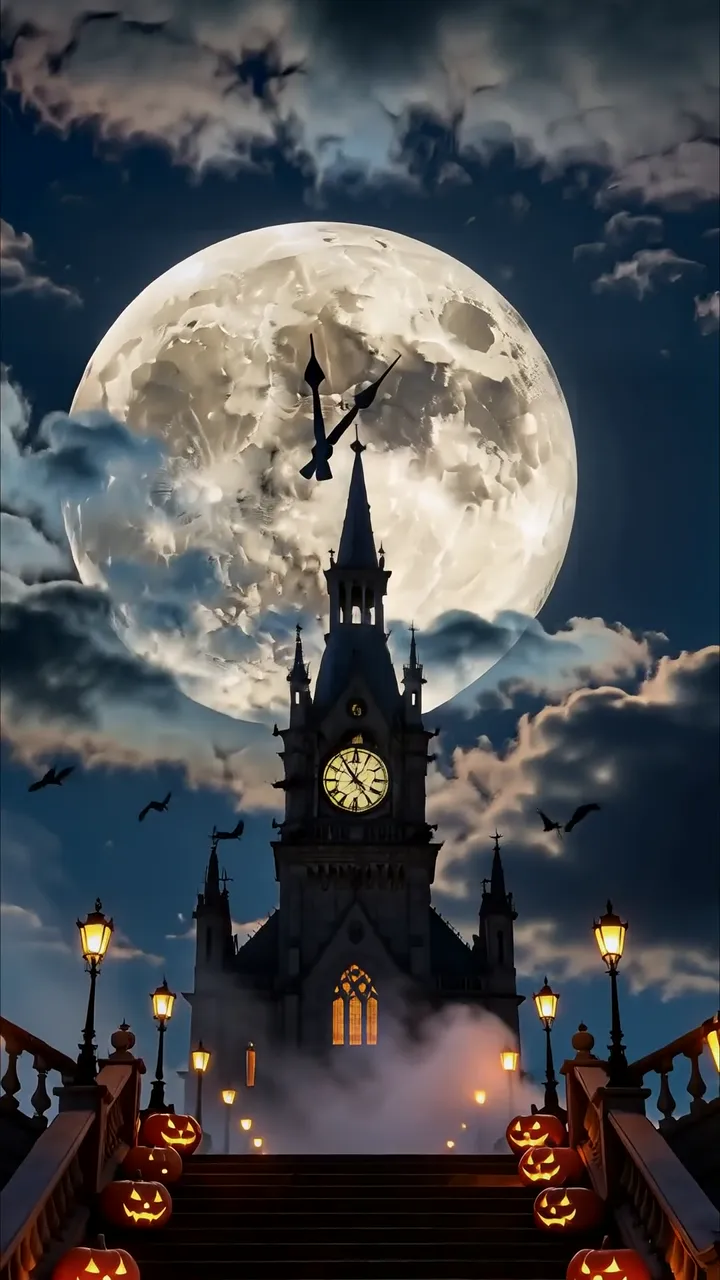
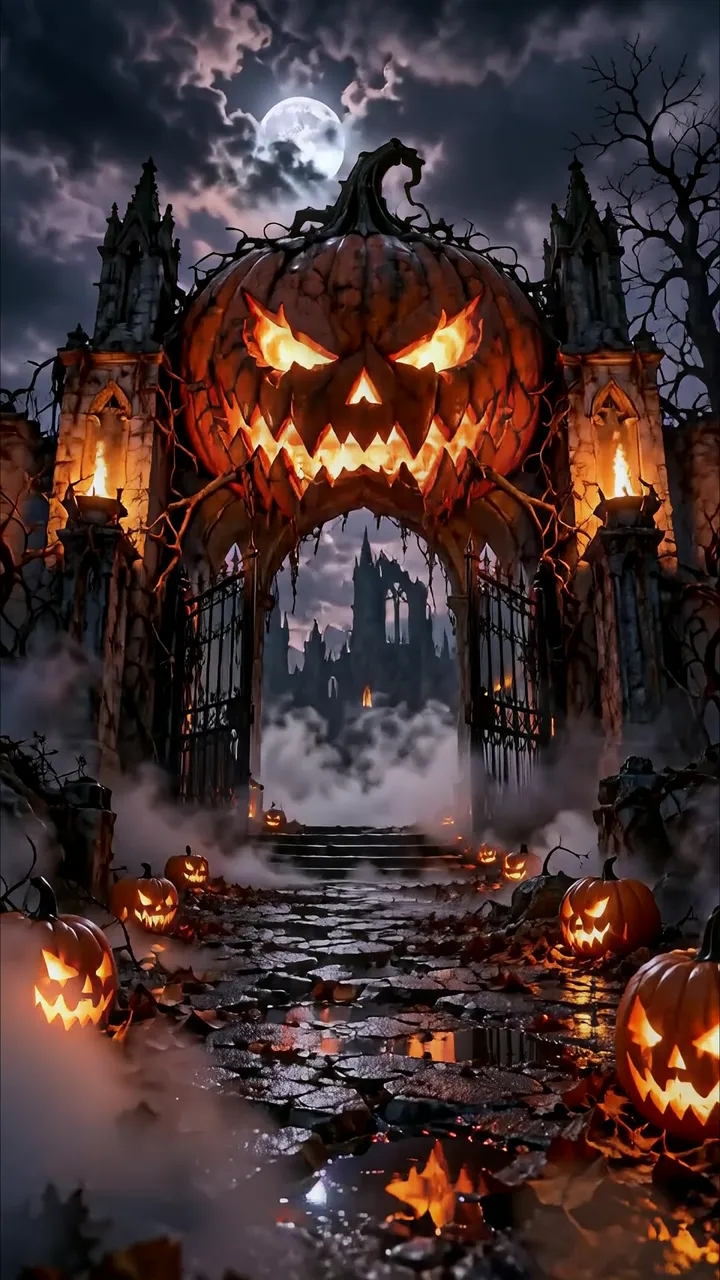
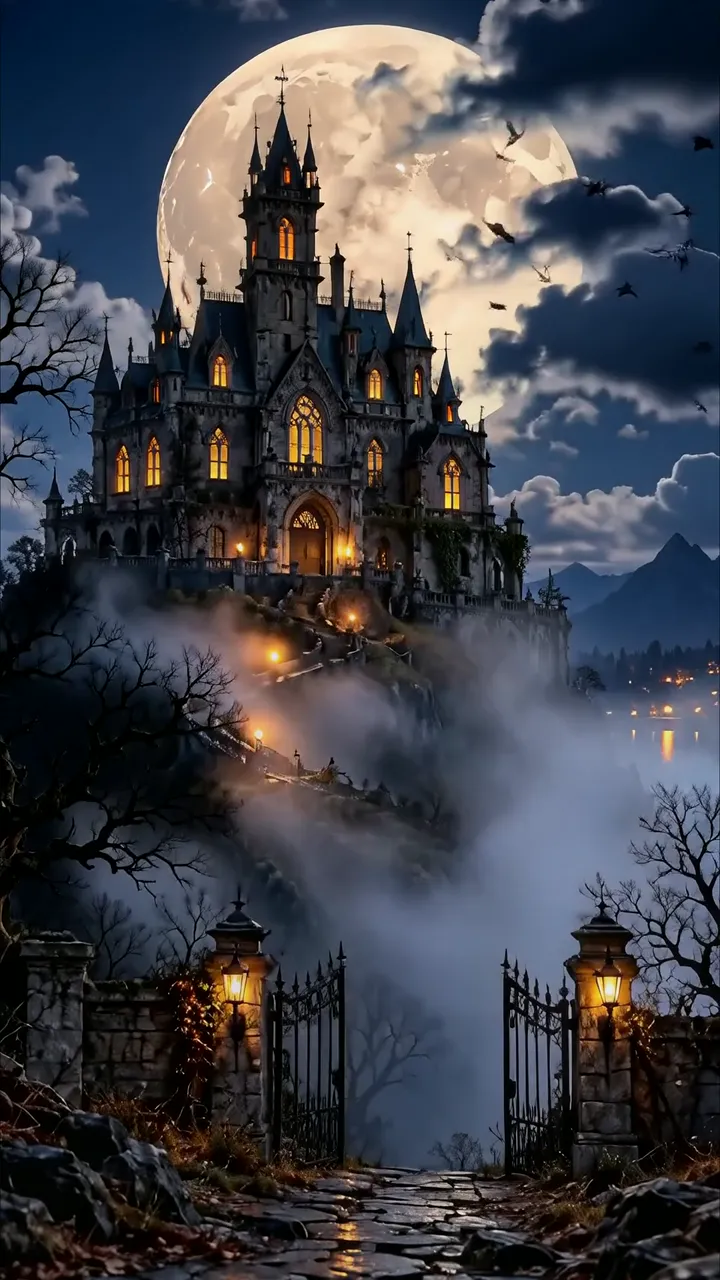
Gothic Haunted Mansion Under Full Moon With Flying Bats live wallpaper
How to set it as wallpaper
iPhone
For a still wallpaper, save the cropped JPG to Photos and choose it in Settings → Wallpaper. For an animated Lock Screen on supported models, convert the MP4 to a Live Photo with a compatible app and select it in the wallpaper picker.
Android
For a still wallpaper, open the JPG in your gallery and choose Set as wallpaper. For the MP4, look for a video wallpaper option in your gallery or wallpaper settings. A compatible live wallpaper app can help if your phone has no built-in option.
After saving the converted Live Photo to Photos, open Settings, then Wallpaper, then Add New Wallpaper. Tap Photos, choose Live Photo, select the saved image, turn on the Live Photo effect, and tap Add to apply it to your Lock Screen.
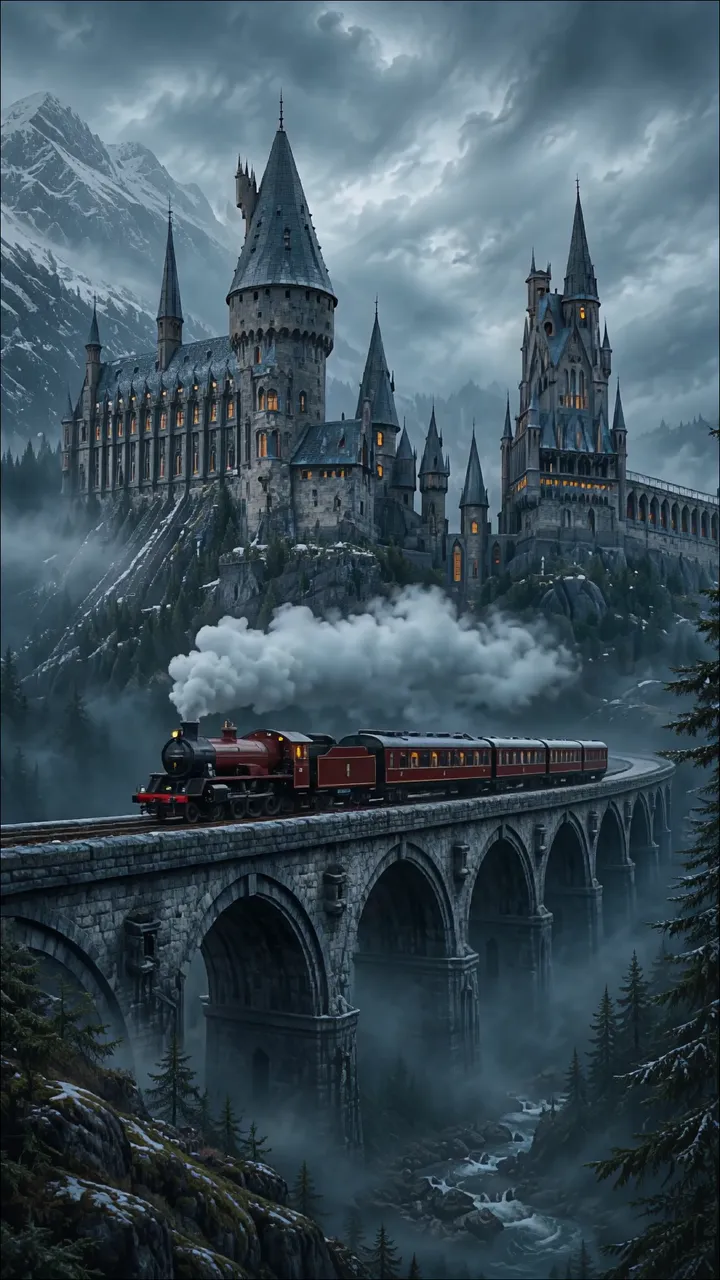
A hauntingly beautiful Gothic mansion stands under a massive, glowing full moon, its windows aglow with warm, eerie light. Dark, misty fog rolls across a wet cobblestone path leading to the grand entrance, flanked by ornate lanterns. Silhouettes of bats soar through the night sky, adding to the mysterious and chilling atmosphere. The detailed architecture, with its pointed spires and arched windows, creates a classic horror scene. This high-definition, ultra-clear animated background is perfect for users who want a spooky, immersive display for their phone, lock screen, home screen, or PC. It can make your device feel unique, stylish, and deeply atmospheric. Download this free live wallpaper to transform your screen into a dark fantasy realm.
- Format
- MP4 live wallpaper
- Resolution
- 720P, 1080P
- Duration
- 00:10
- File size
- 11 MB
- Category
- Gothic Architecture, Full Moon Night, Flying Bats