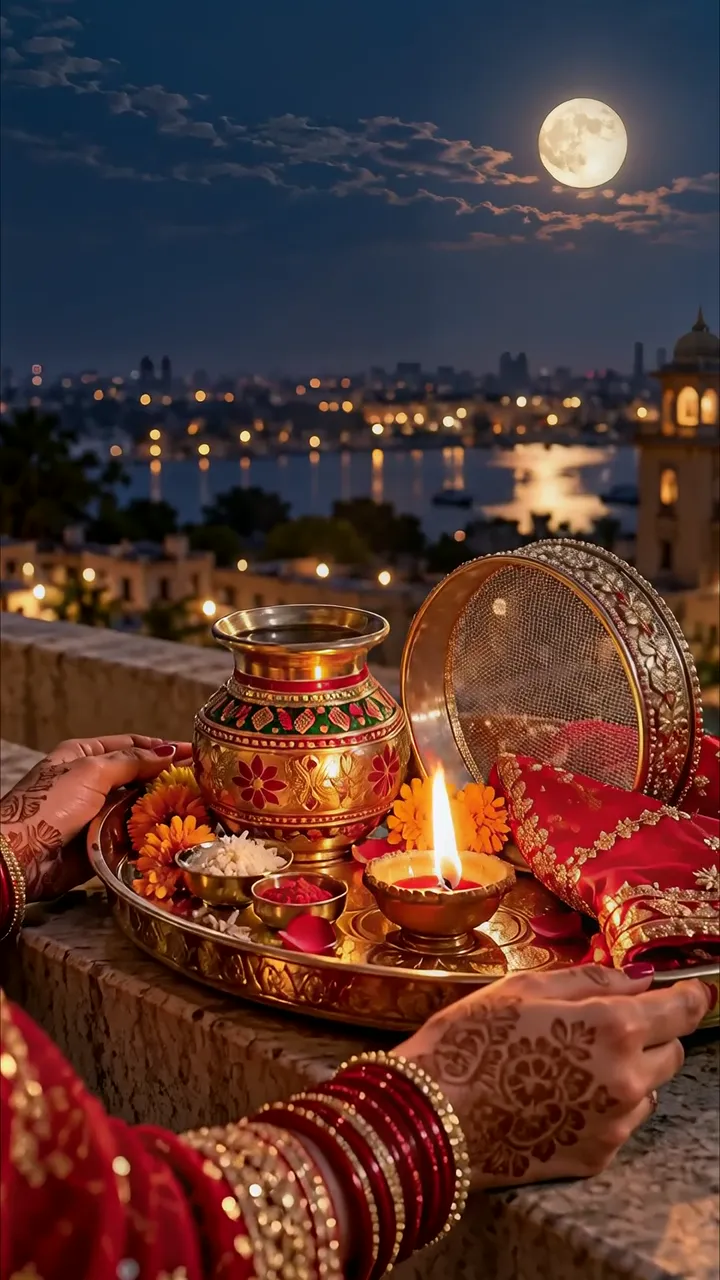
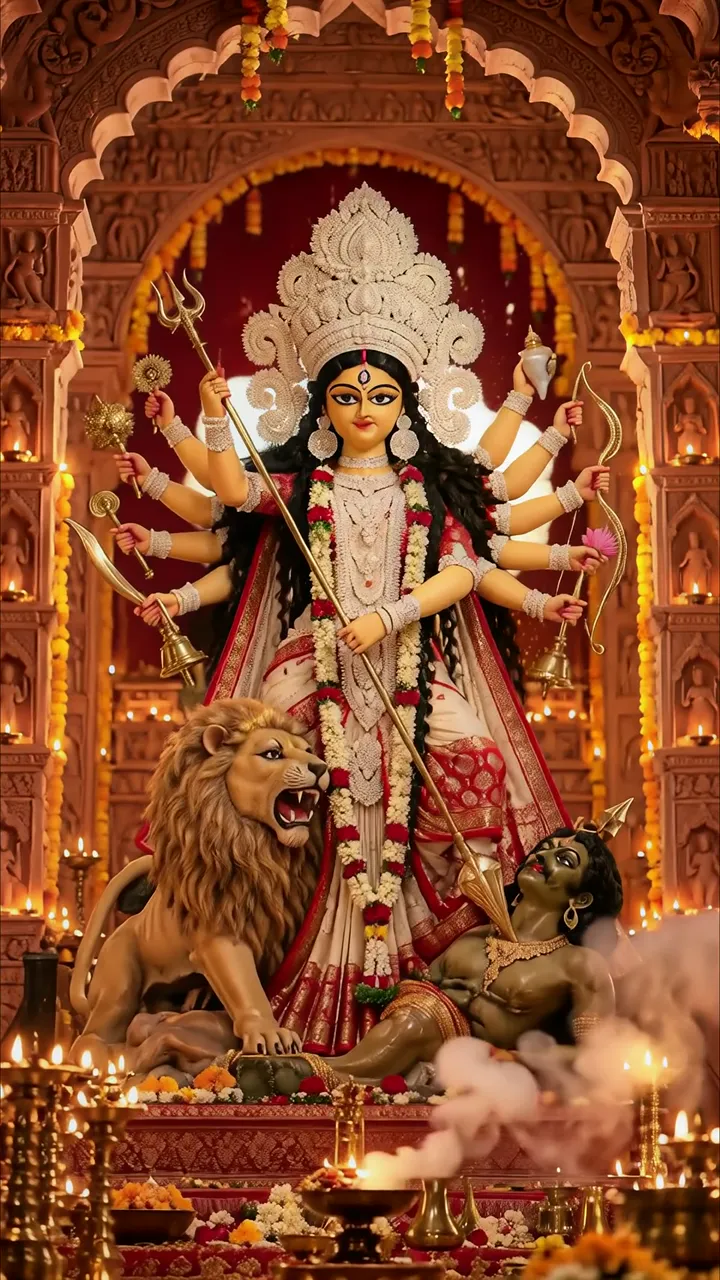
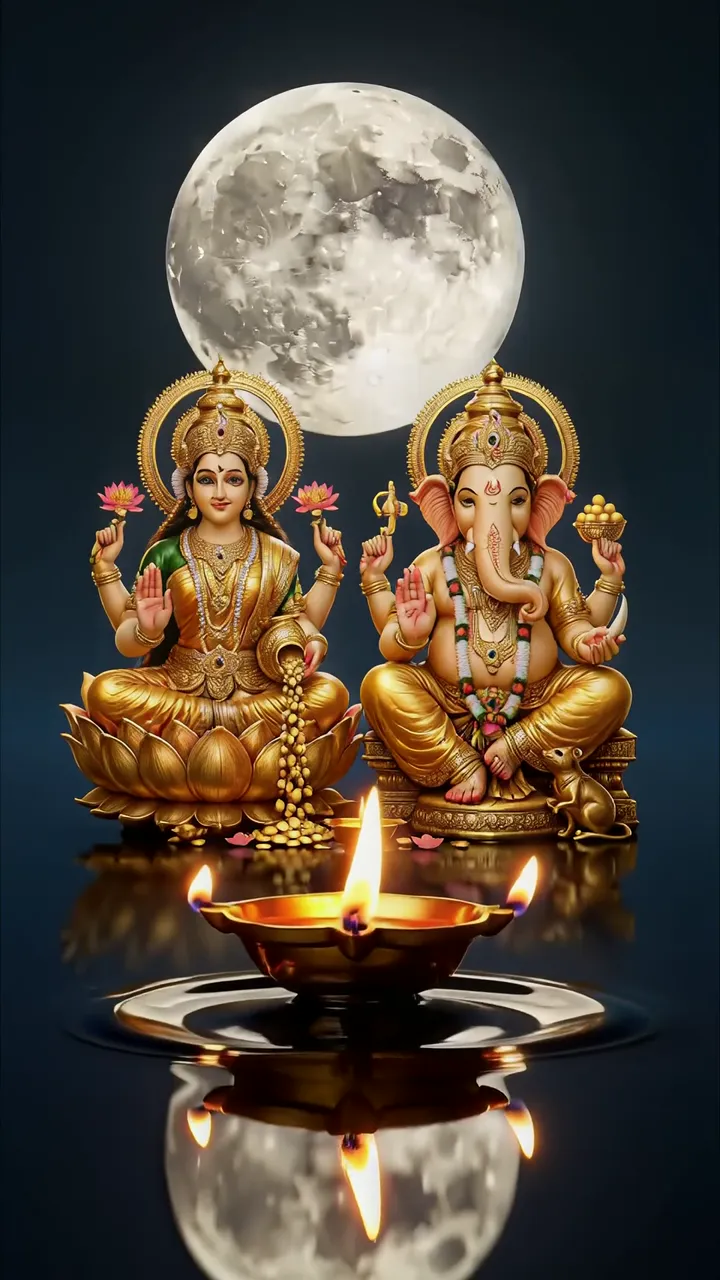
Floral Mandala Offering With Golden Fire And Temple Lights live wallpaper
How to set it as wallpaper
iPhone
For a still wallpaper, save the cropped JPG to Photos and choose it in Settings → Wallpaper. For an animated Lock Screen on supported models, convert the MP4 to a Live Photo with a compatible app and select it in the wallpaper picker.
Android
For a still wallpaper, open the JPG in your gallery and choose Set as wallpaper. For the MP4, look for a video wallpaper option in your gallery or wallpaper settings. A compatible live wallpaper app can help if your phone has no built-in option.
After saving the converted Live Photo to Photos, open Settings, then Wallpaper, then Add New Wallpaper. Tap Photos, choose Live Photo, select the saved image, turn on the Live Photo effect, and tap Add to apply it to your Lock Screen.
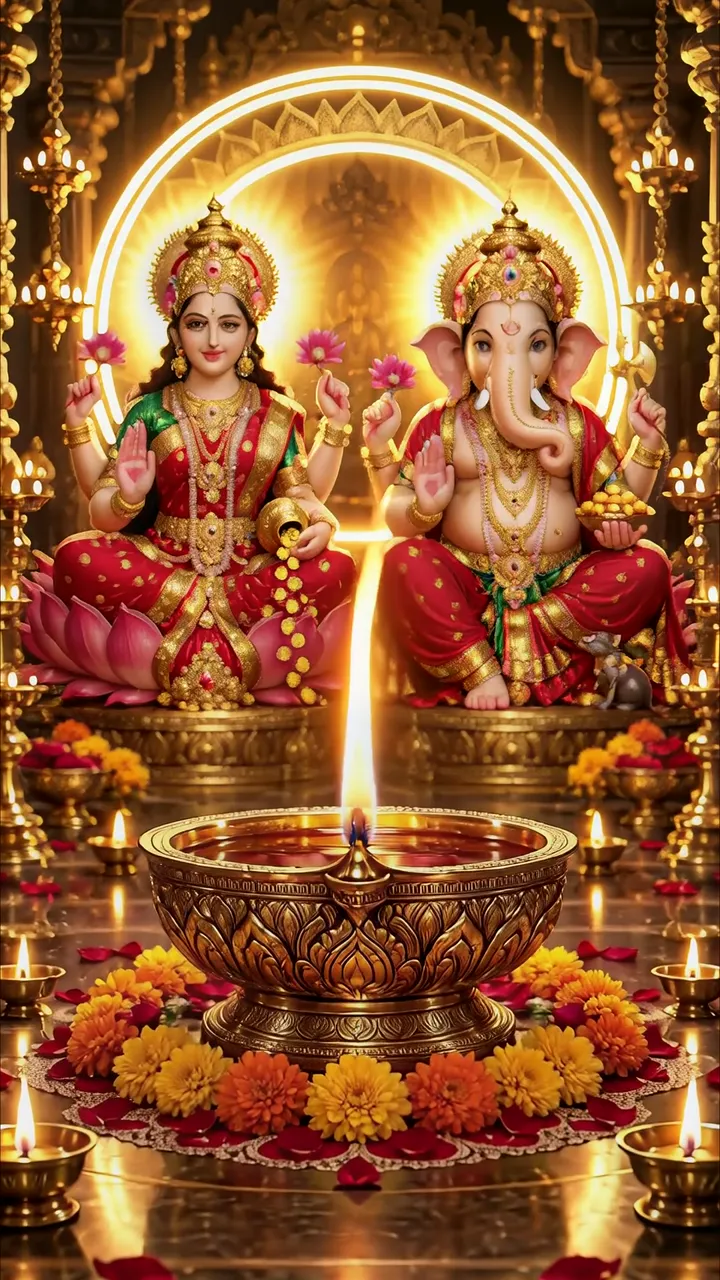
This devotional visual features a vibrant, tiered floral mandala offering, composed of colorful chrysanthemums in shades of yellow, orange, and magenta, arranged on a large green leaf plate. Golden flames rise dynamically from the top, while warm candlelight illuminates the scene, creating a sacred and serene atmosphere. The background reveals ornate temple architecture, enhancing the spiritual context. The animation brings the fire and petals to life with gentle motion, making it a stunning, high-definition screen style. It is perfect for users seeking a peaceful, culturally rich display for their phone, lock screen, home screen, or PC. This free download can transform your device into a tranquil, personalized sanctuary with its rich colors and spiritual ambiance.
- Format
- MP4 live wallpaper
- Resolution
- 720P, 1080P
- Duration
- 00:10
- File size
- 10.5 MB
- Category
- Hindu, Devotional, Fire Ritual