Elegant Floating Goddess With Lotus And Floating Castle live wallpaper
How to set it as wallpaper
iPhone
For a still wallpaper, save the cropped JPG to Photos and choose it in Settings → Wallpaper. For an animated Lock Screen on supported models, convert the MP4 to a Live Photo with a compatible app and select it in the wallpaper picker.
Android
For a still wallpaper, open the JPG in your gallery and choose Set as wallpaper. For the MP4, look for a video wallpaper option in your gallery or wallpaper settings. A compatible live wallpaper app can help if your phone has no built-in option.
After saving the converted Live Photo to Photos, open Settings, then Wallpaper, then Add New Wallpaper. Tap Photos, choose Live Photo, select the saved image, turn on the Live Photo effect, and tap Add to apply it to your Lock Screen.
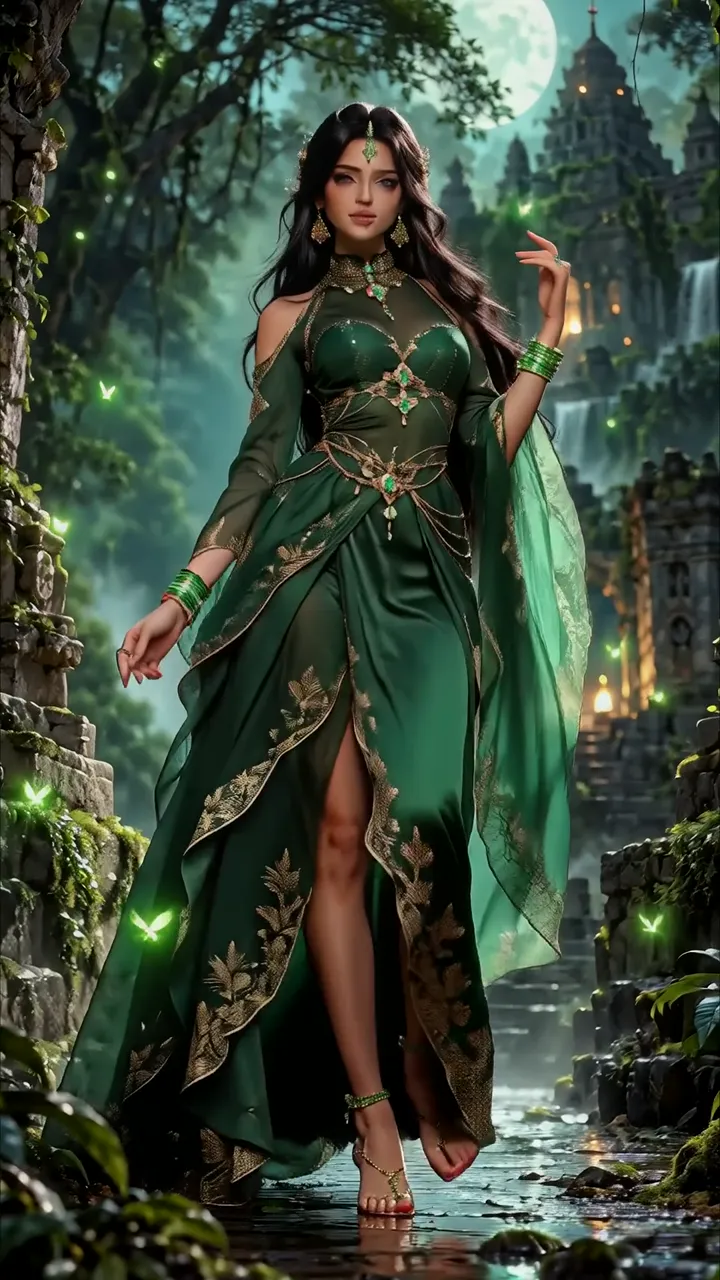
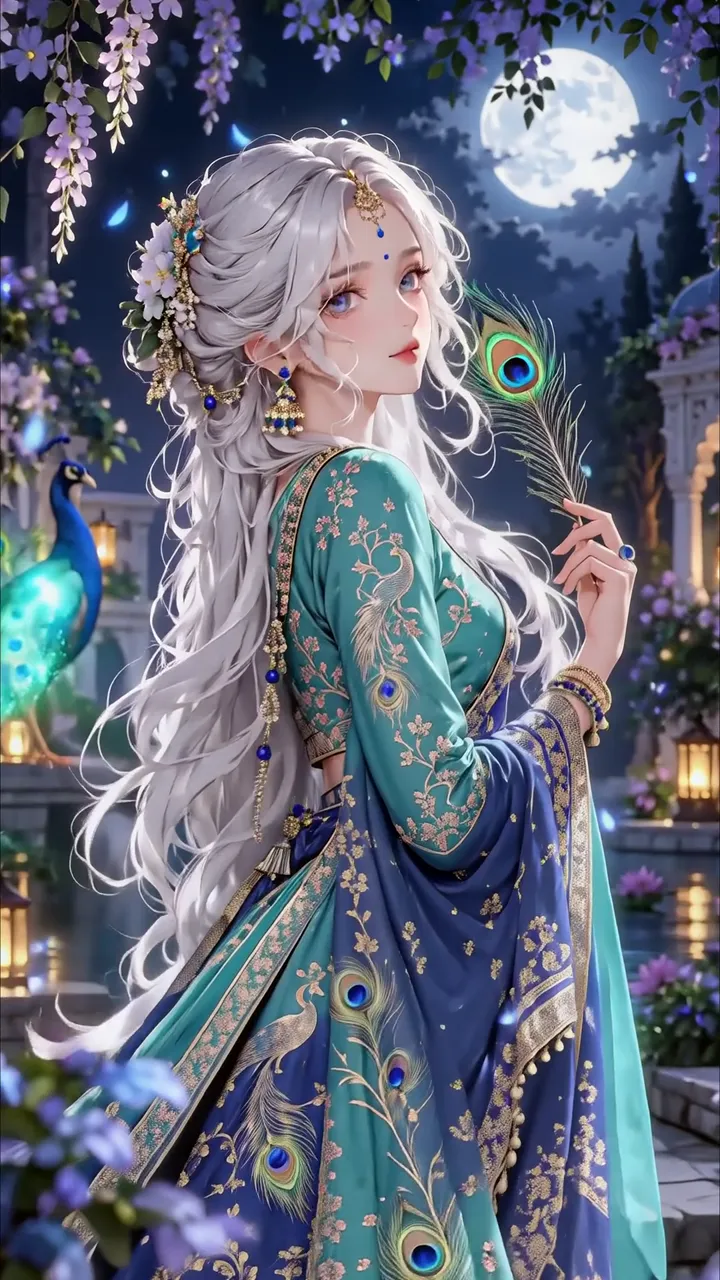
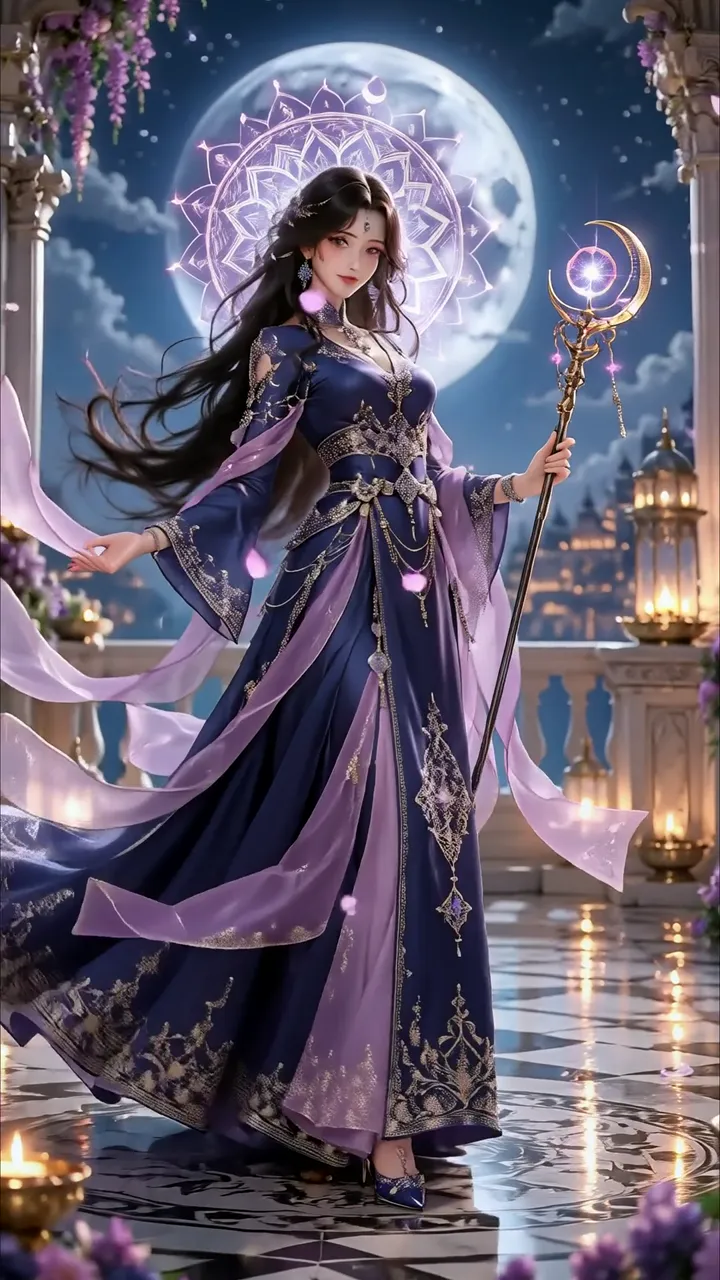
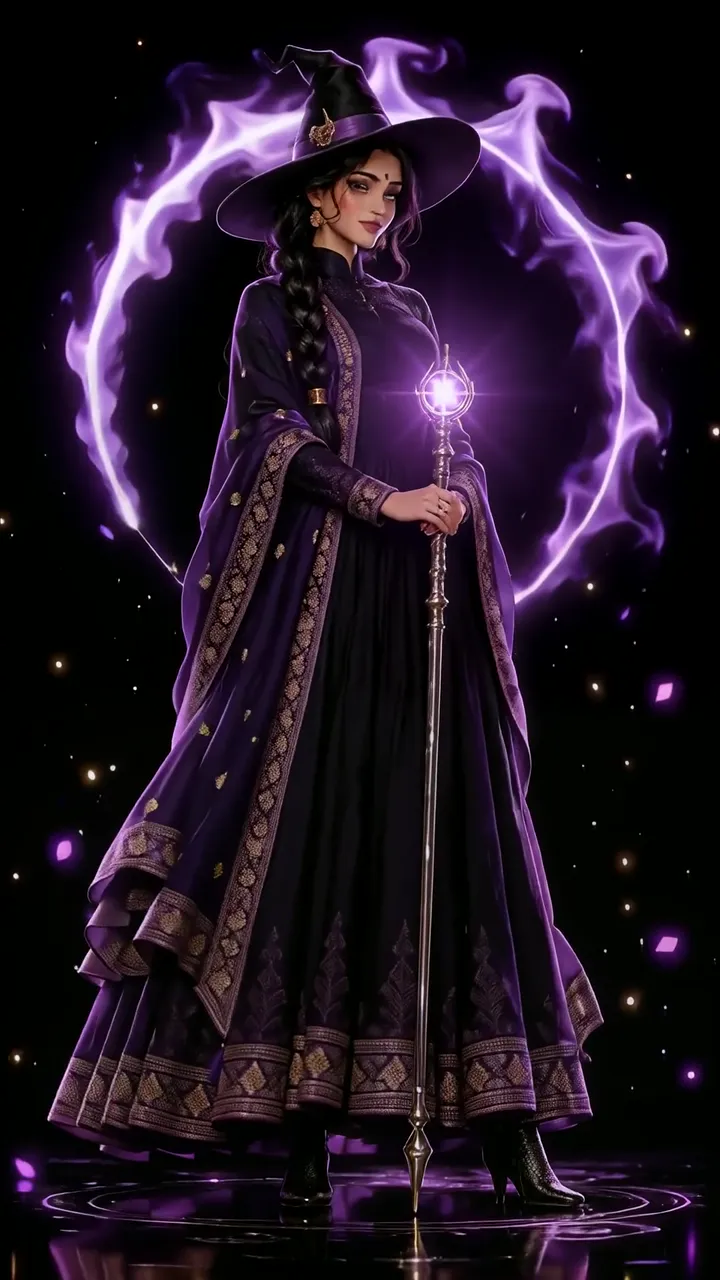
An elegant goddess with flowing silver hair and a detailed blue and pink gown floats gracefully amidst a magical, celestial landscape. She holds a glowing staff and a radiant lotus flower, surrounded by cascading pink petals and ethereal pink ribbons. Behind her, majestic floating castles with domed towers and waterfalls rise above the clouds, creating a serene and otherworldly scene. The composition uses soft, glowing lighting and a harmonious blue and pink color palette to evoke a sense of peace and wonder. This high-definition, ultra-clear fantasy artwork is available for free download and can make your phone, lock screen, home screen, or PC display feel uniquely enchanting and visually captivating.
- Format
- MP4 live wallpaper
- Resolution
- 720P, 1080P
- Duration
- 00:10
- File size
- 15.6 MB
- Category
- Fantasy Art, Floating Castle, Pink Lotus