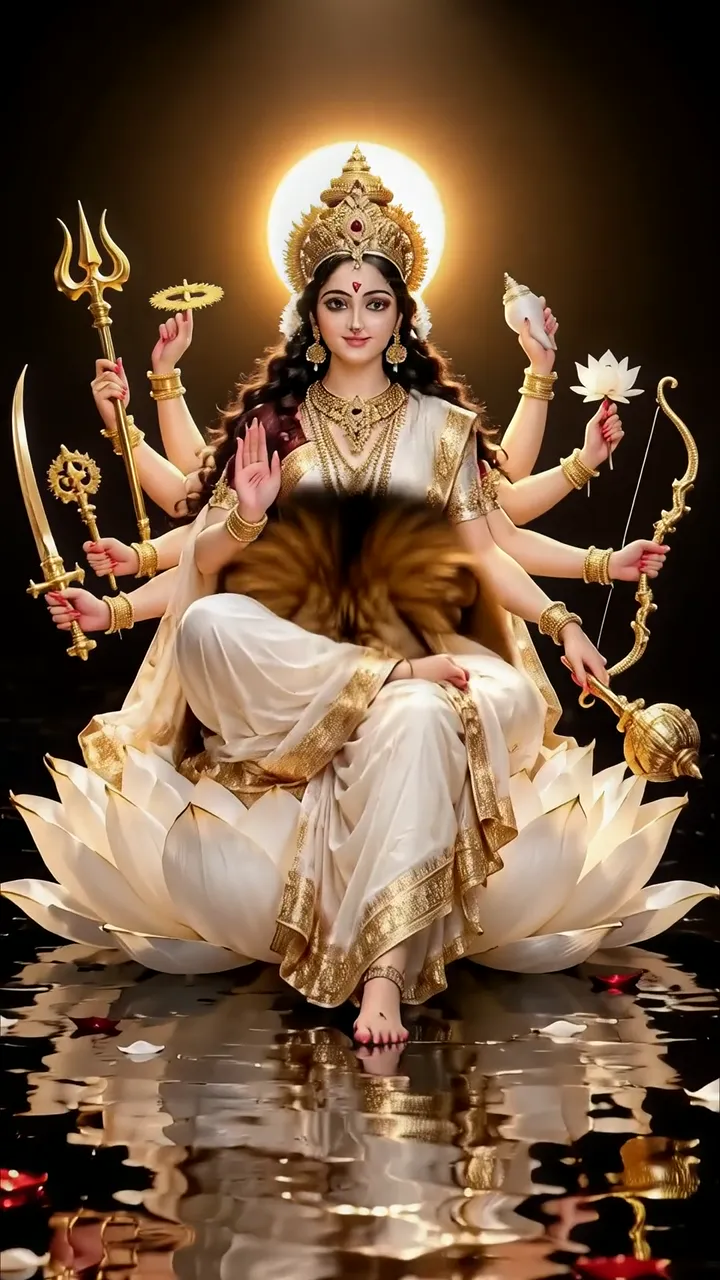
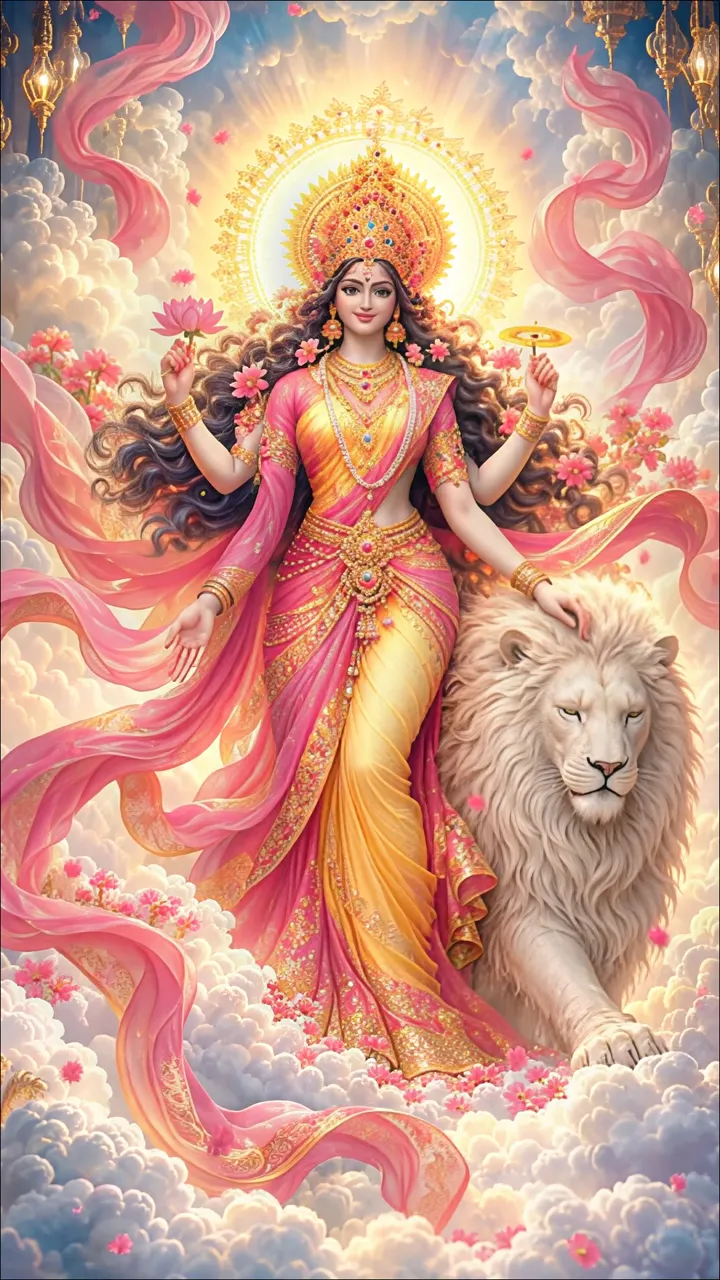
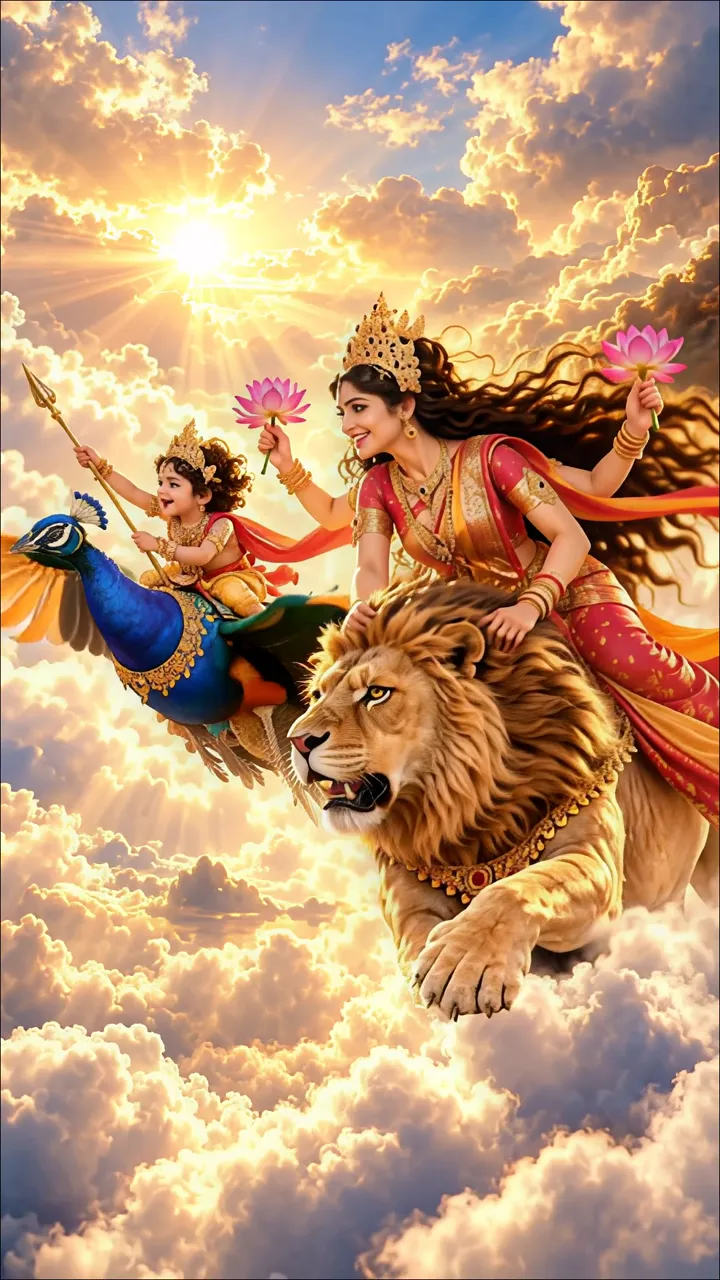
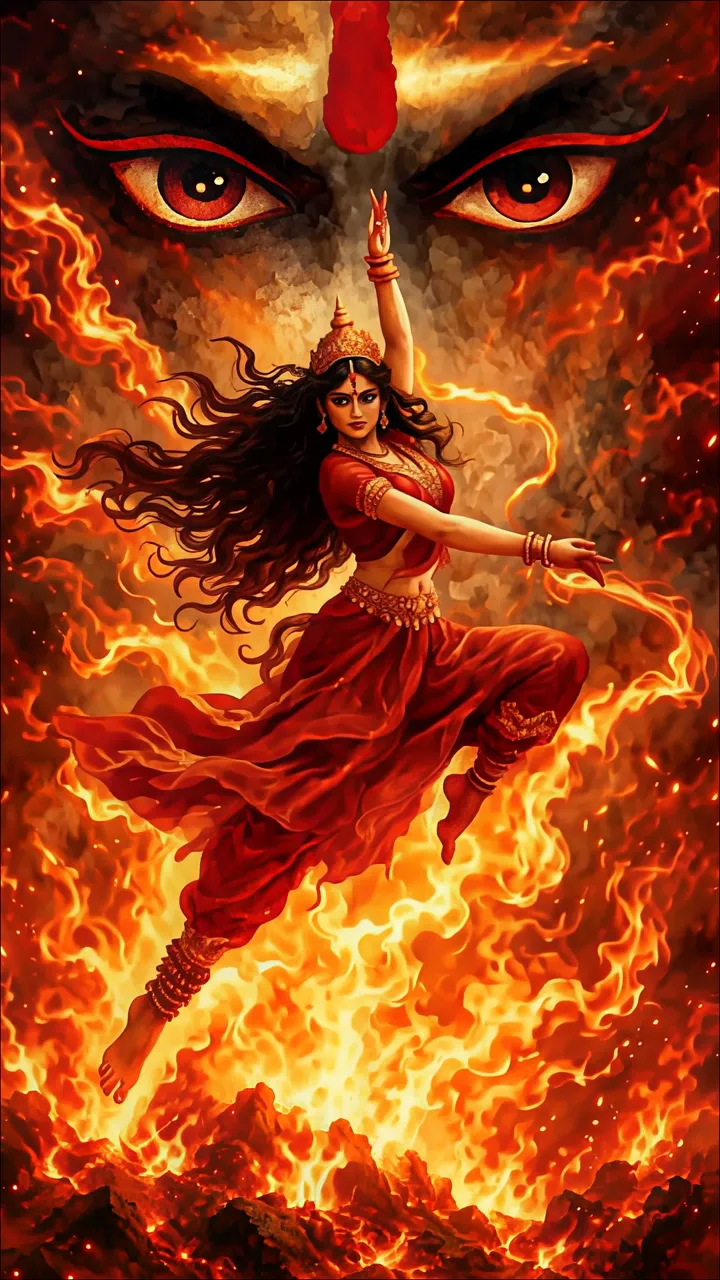
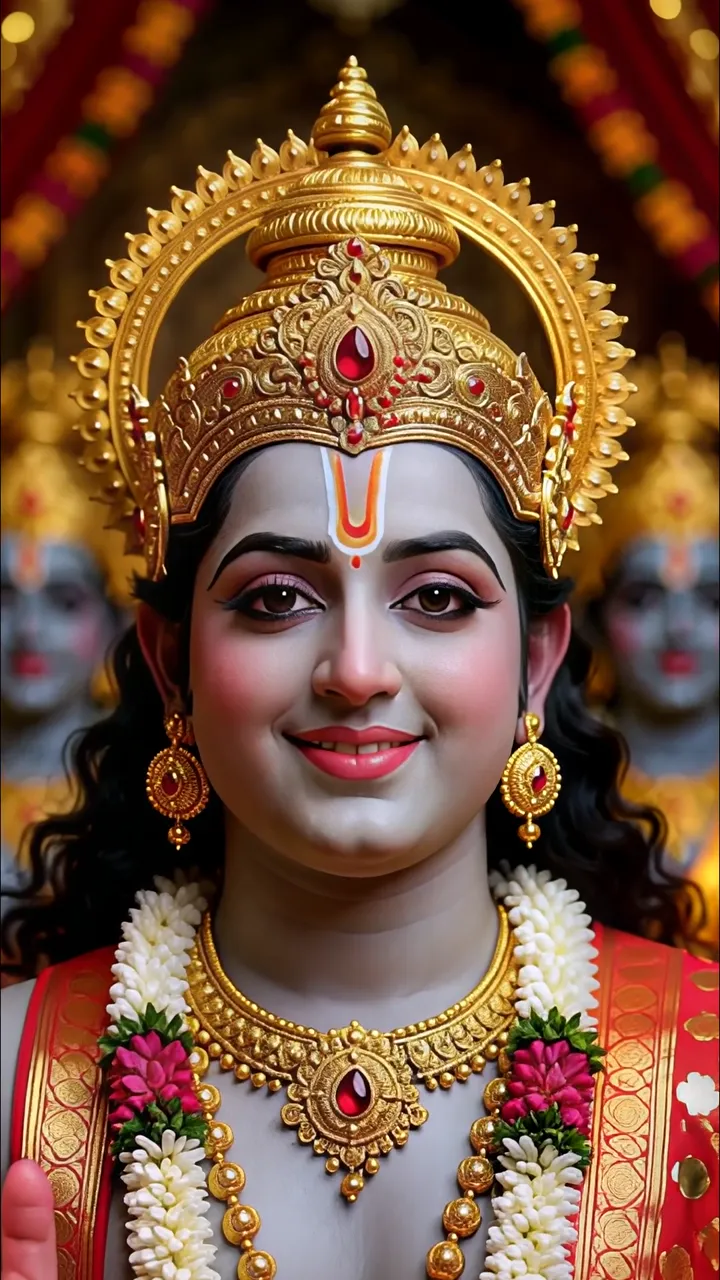
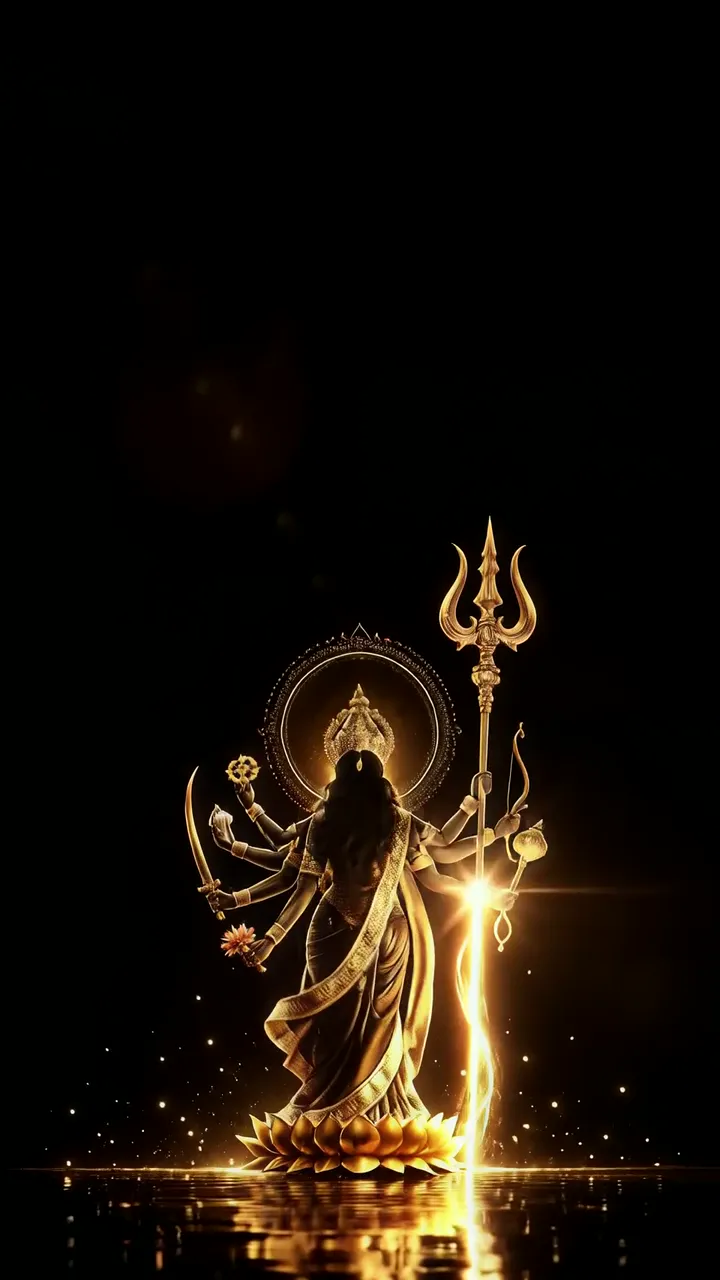
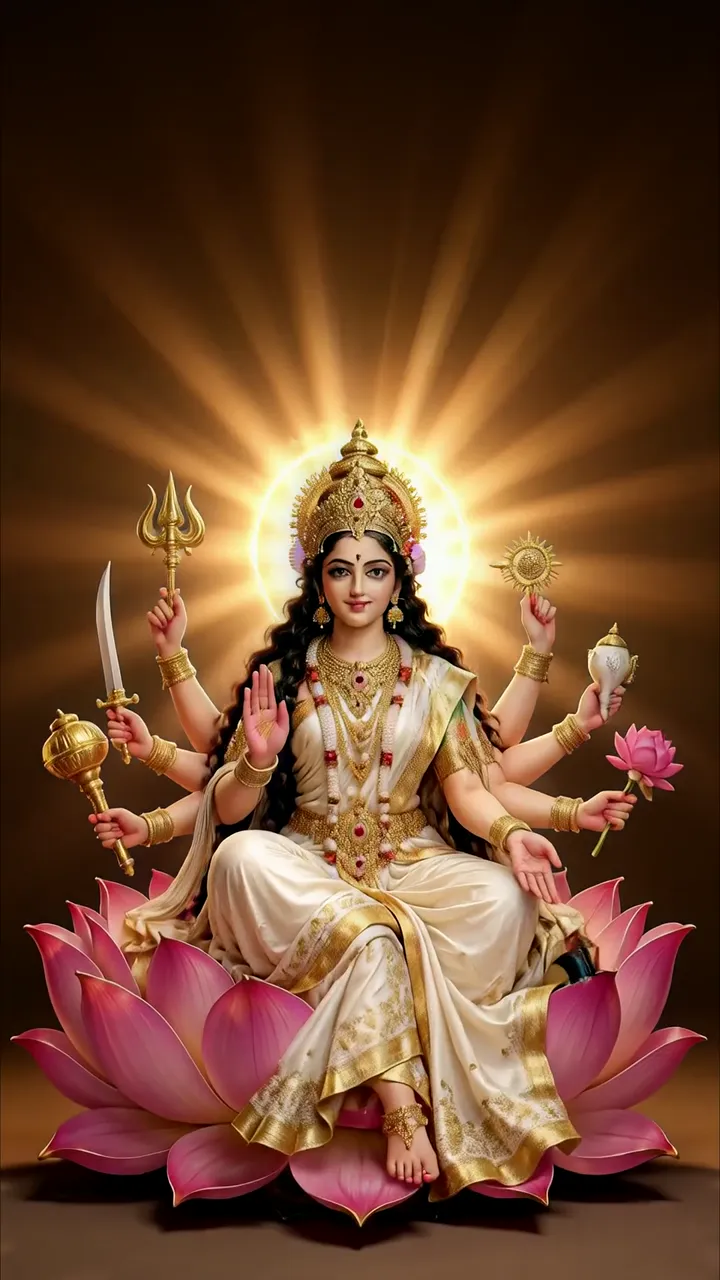
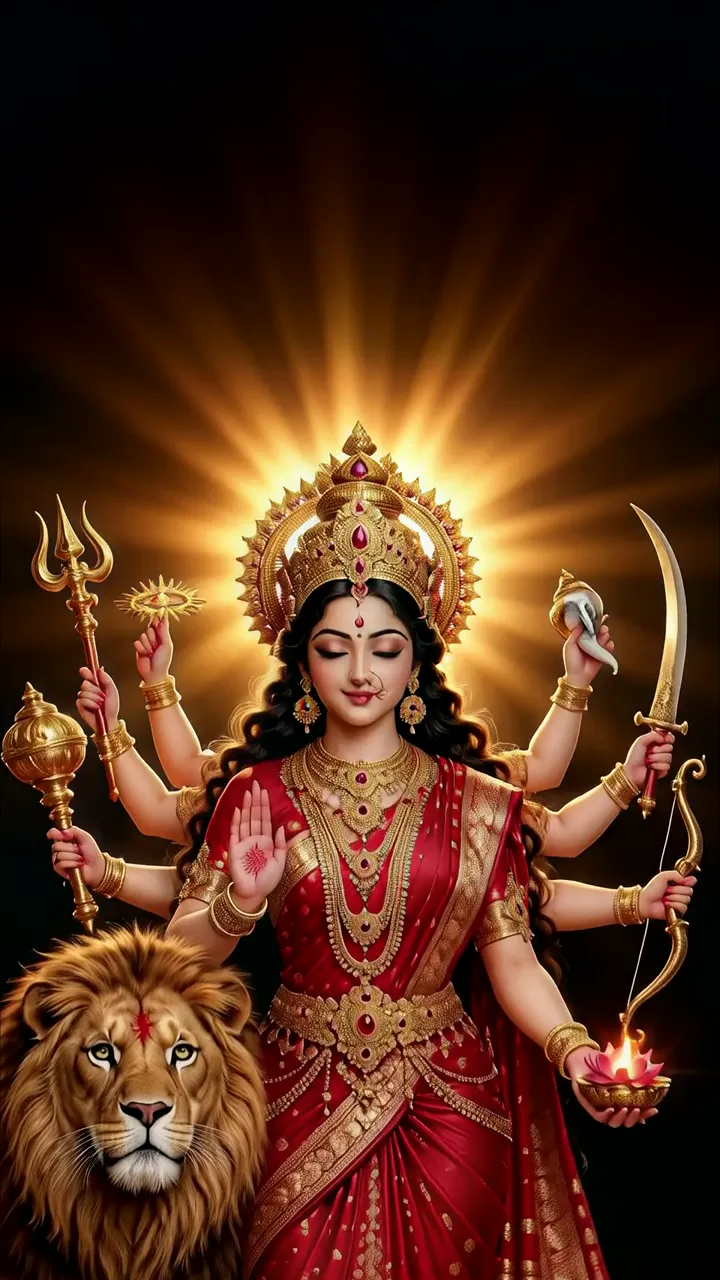
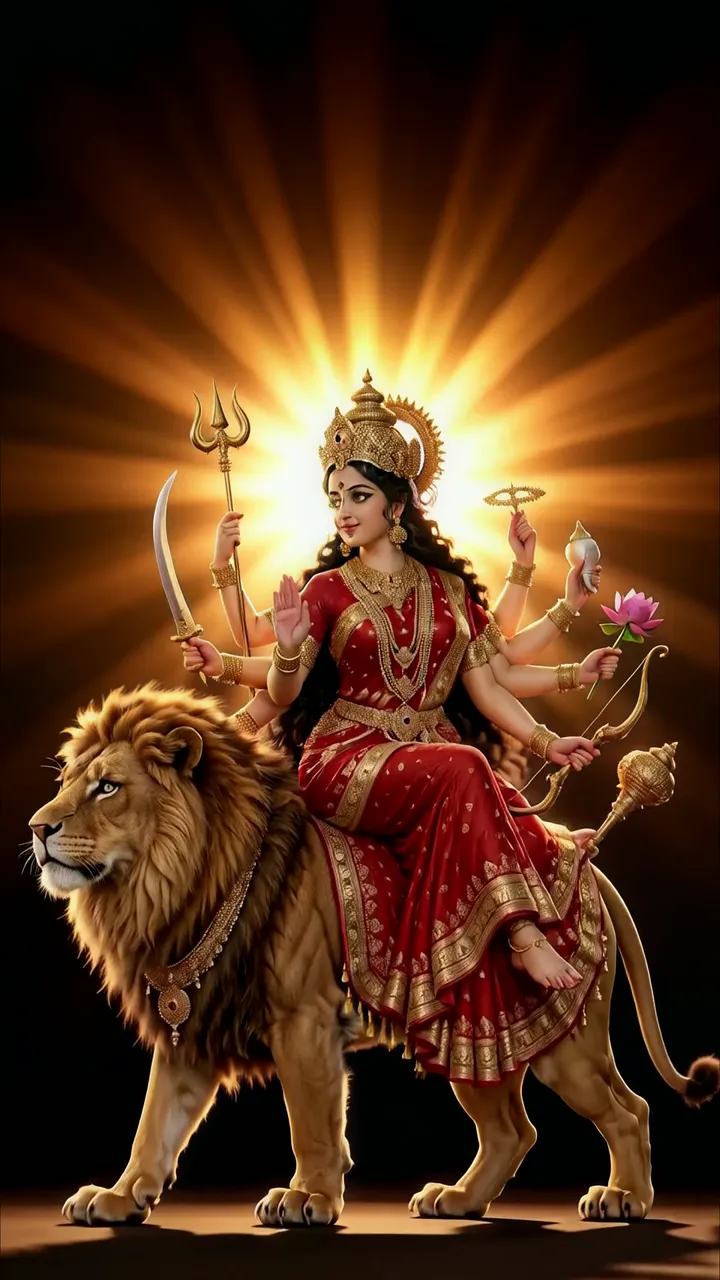
Durga Divine Cosmic Face With Flame Crown And Starry Sky live wallpaper
How to set it as wallpaper
iPhone
For a still wallpaper, save the cropped JPG to Photos and choose it in Settings → Wallpaper. For an animated Lock Screen on supported models, convert the MP4 to a Live Photo with a compatible app and select it in the wallpaper picker.
Android
For a still wallpaper, open the JPG in your gallery and choose Set as wallpaper. For the MP4, look for a video wallpaper option in your gallery or wallpaper settings. A compatible live wallpaper app can help if your phone has no built-in option.
After saving the converted Live Photo to Photos, open Settings, then Wallpaper, then Add New Wallpaper. Tap Photos, choose Live Photo, select the saved image, turn on the Live Photo effect, and tap Add to apply it to your Lock Screen.
This high-definition animated background features the divine face of Durga, radiating power and grace against a cosmic backdrop. Her face is framed by swirling orange flames and glowing stars, with traditional markings including a red bindi, a crescent moon nose ring, and a flame-shaped tilak. The composition blends sacred iconography with celestial elements, creating a majestic and serene visual experience. The animation adds subtle motion to the clouds and stars, enhancing the mystical atmosphere. Perfect for users seeking a unique, spiritual, and visually striking screen style for their phone, lock screen, home screen, or PC. This free download offers ultra-clear quality and can transform your device into a personal sanctuary of divine energy.
- Format
- MP4 live wallpaper
- Resolution
- 720P, 1080P
- Duration
- 00:07
- File size
- 1.7 MB
- Category
- Durga, Cosmic, Flame Crown