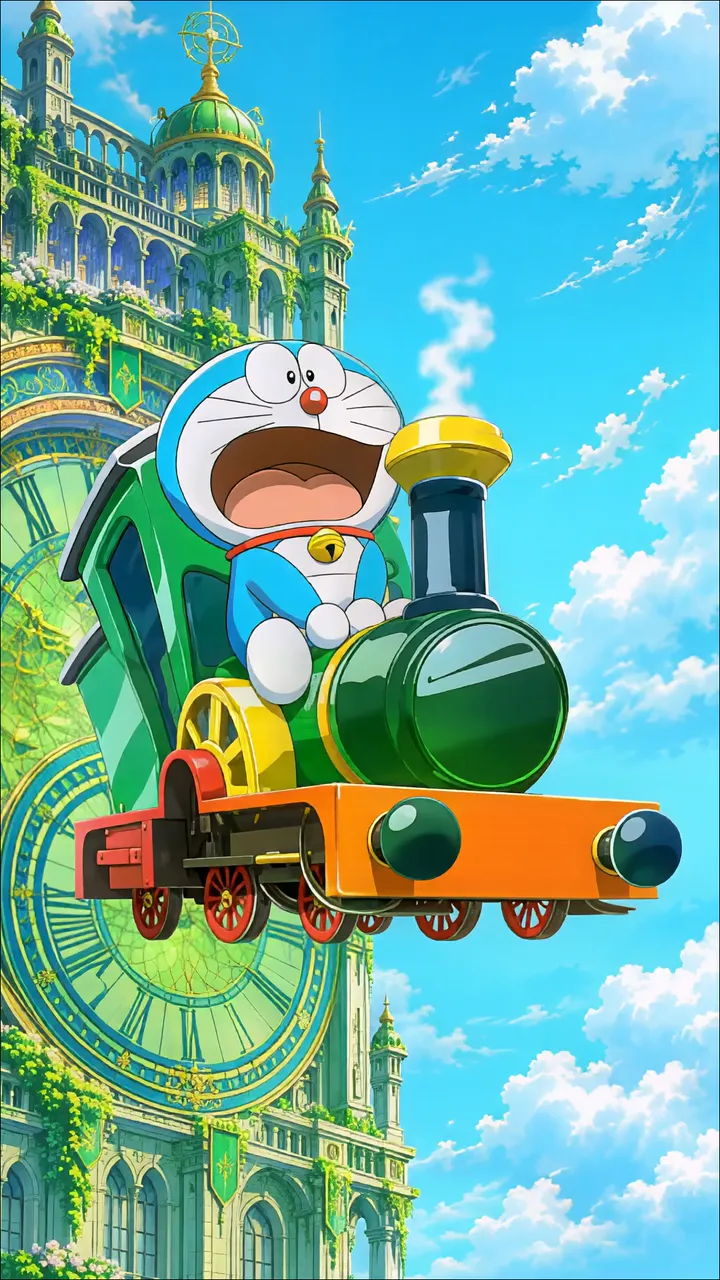
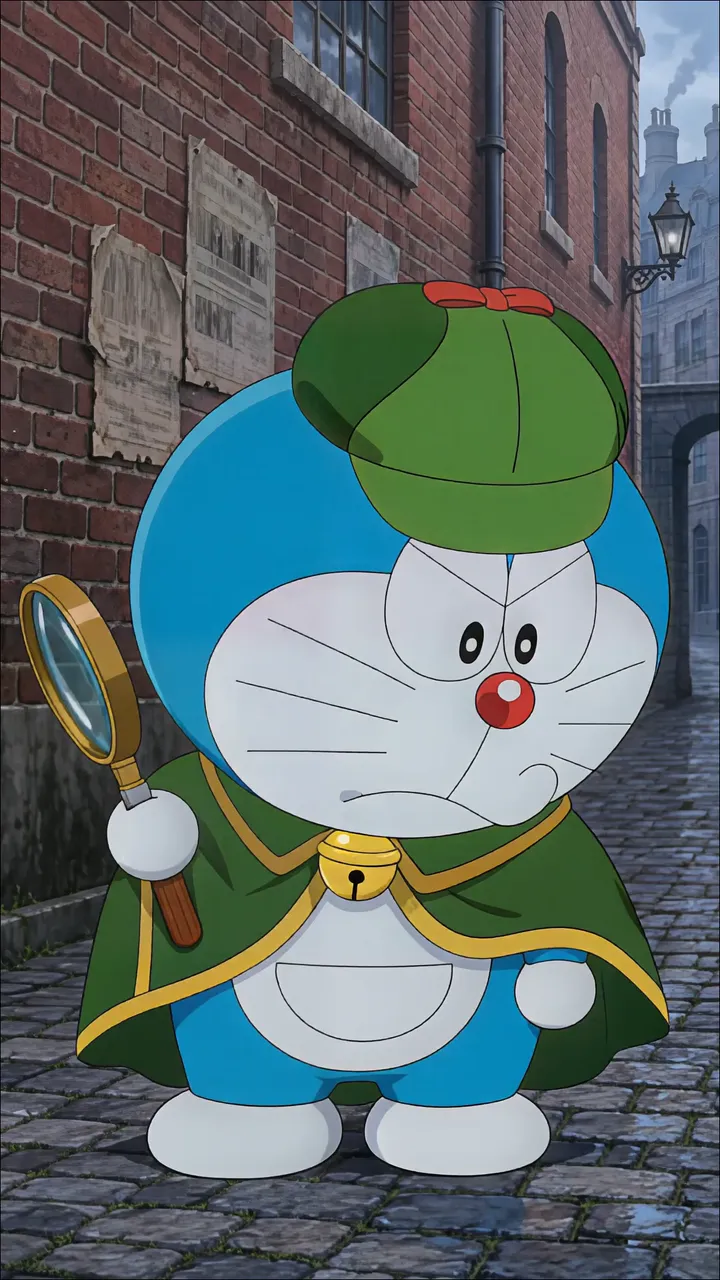
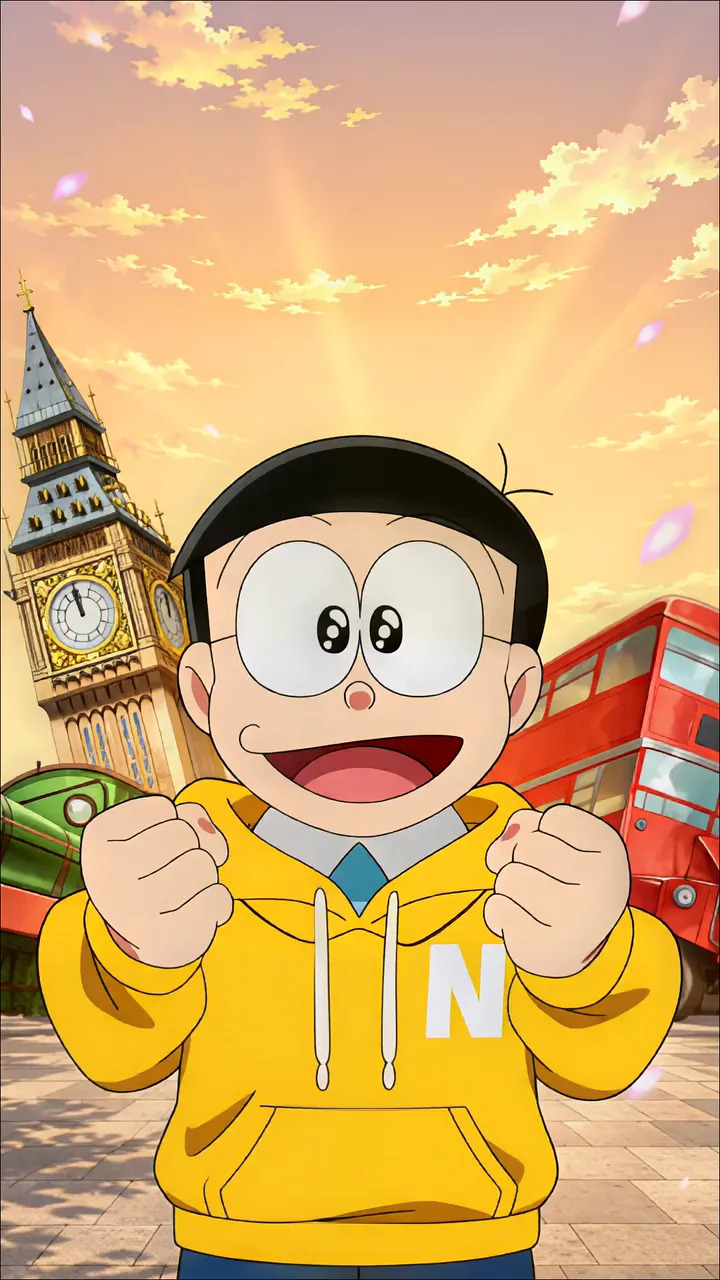
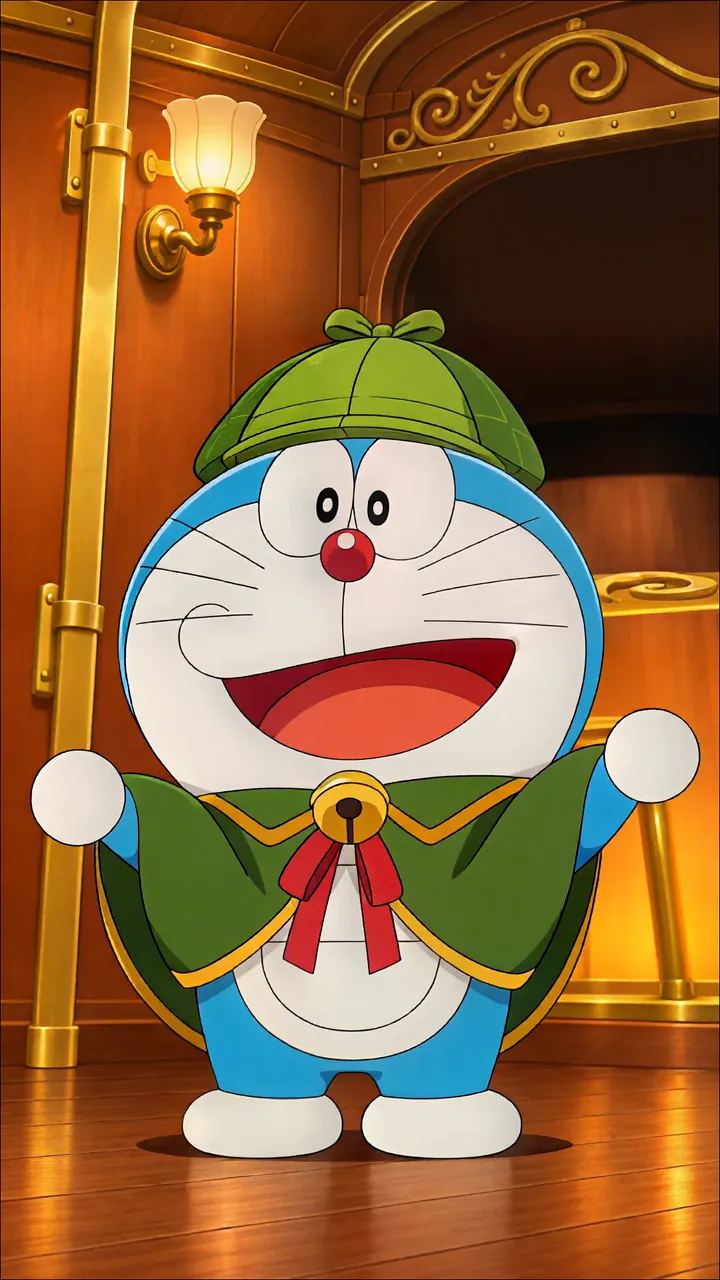
Doraemon Holding Magnifying Glass Over Nobita Reading Book live wallpaper
How to set it as wallpaper
iPhone
For a still wallpaper, save the cropped JPG to Photos and choose it in Settings → Wallpaper. For an animated Lock Screen on supported models, convert the MP4 to a Live Photo with a compatible app and select it in the wallpaper picker.
Android
For a still wallpaper, open the JPG in your gallery and choose Set as wallpaper. For the MP4, look for a video wallpaper option in your gallery or wallpaper settings. A compatible live wallpaper app can help if your phone has no built-in option.
After saving the converted Live Photo to Photos, open Settings, then Wallpaper, then Add New Wallpaper. Tap Photos, choose Live Photo, select the saved image, turn on the Live Photo effect, and tap Add to apply it to your Lock Screen.
Doraemon, the blue robotic cat, leans over a large open book with a magnifying glass, his expression wide-eyed and curious. Below him, Nobita sits on the book’s pages, looking up with a surprised expression. The scene takes place in a sunlit room with bookshelves and a window showing greenery outside. A blue and green flashlight lies on the wooden floor nearby, and a pencil holder with pens sits to the side. The composition highlights the playful, investigative moment between the two characters, emphasizing their iconic friendship and the cozy, educational atmosphere of their shared space.
- Format
- MP4 live wallpaper
- Resolution
- 720P, 1080P
- Duration
- 00:07
- File size
- 3.2 MB
- Category
- Doraemon, Nobita, Doraemon Anime