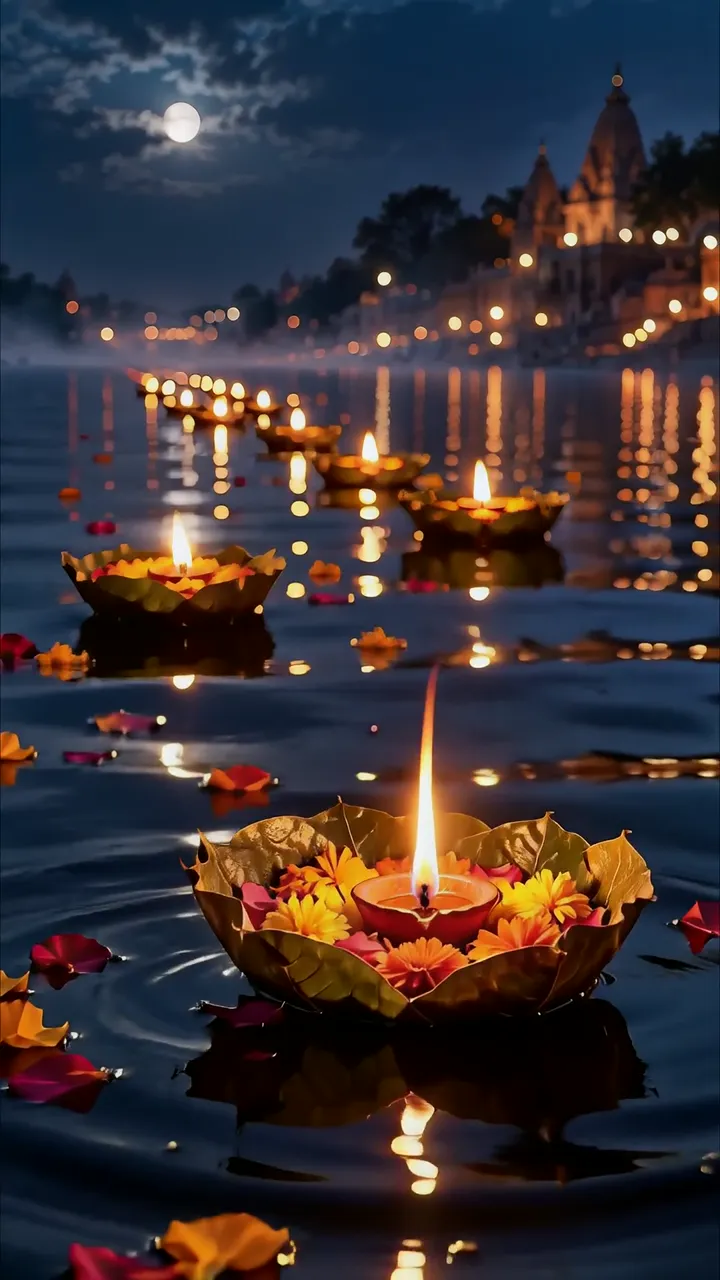
Diwali Diya Garland With Floral Design And Warm Glow live wallpaper
How to set it as wallpaper
iPhone
For a still wallpaper, save the cropped JPG to Photos and choose it in Settings → Wallpaper. For an animated Lock Screen on supported models, convert the MP4 to a Live Photo with a compatible app and select it in the wallpaper picker.
Android
For a still wallpaper, open the JPG in your gallery and choose Set as wallpaper. For the MP4, look for a video wallpaper option in your gallery or wallpaper settings. A compatible live wallpaper app can help if your phone has no built-in option.
After saving the converted Live Photo to Photos, open Settings, then Wallpaper, then Add New Wallpaper. Tap Photos, choose Live Photo, select the saved image, turn on the Live Photo effect, and tap Add to apply it to your Lock Screen.
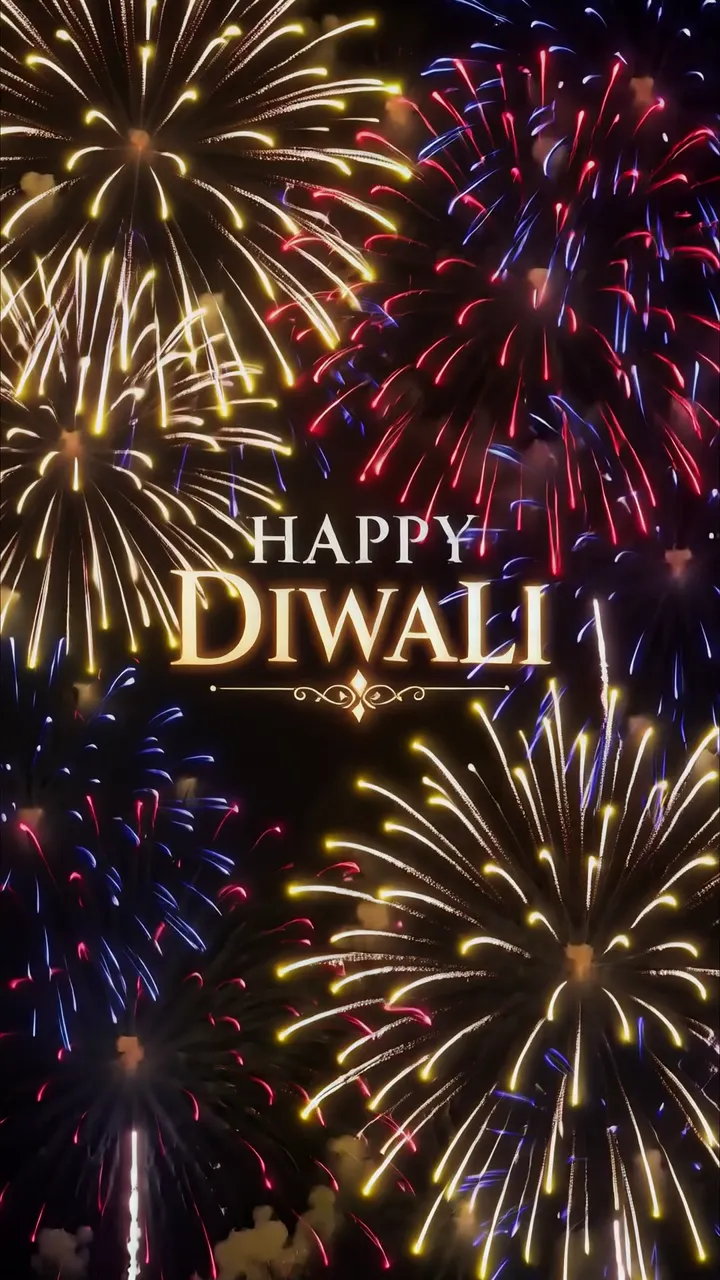
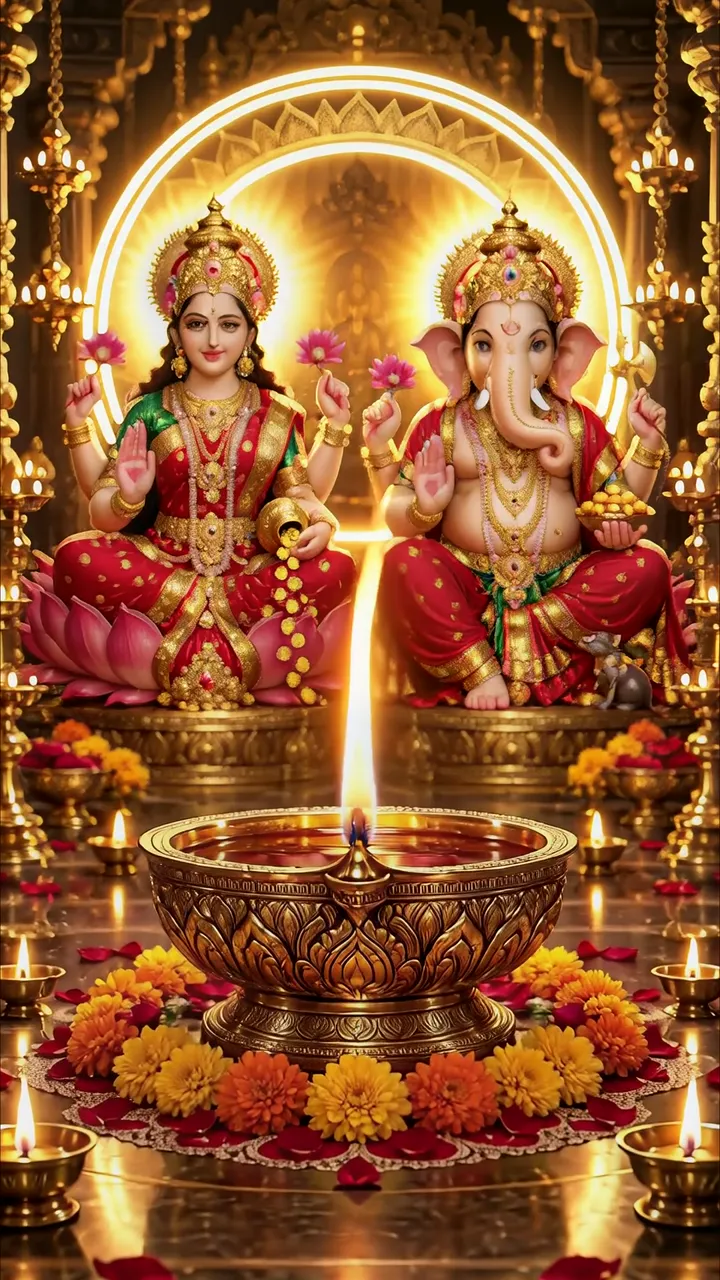
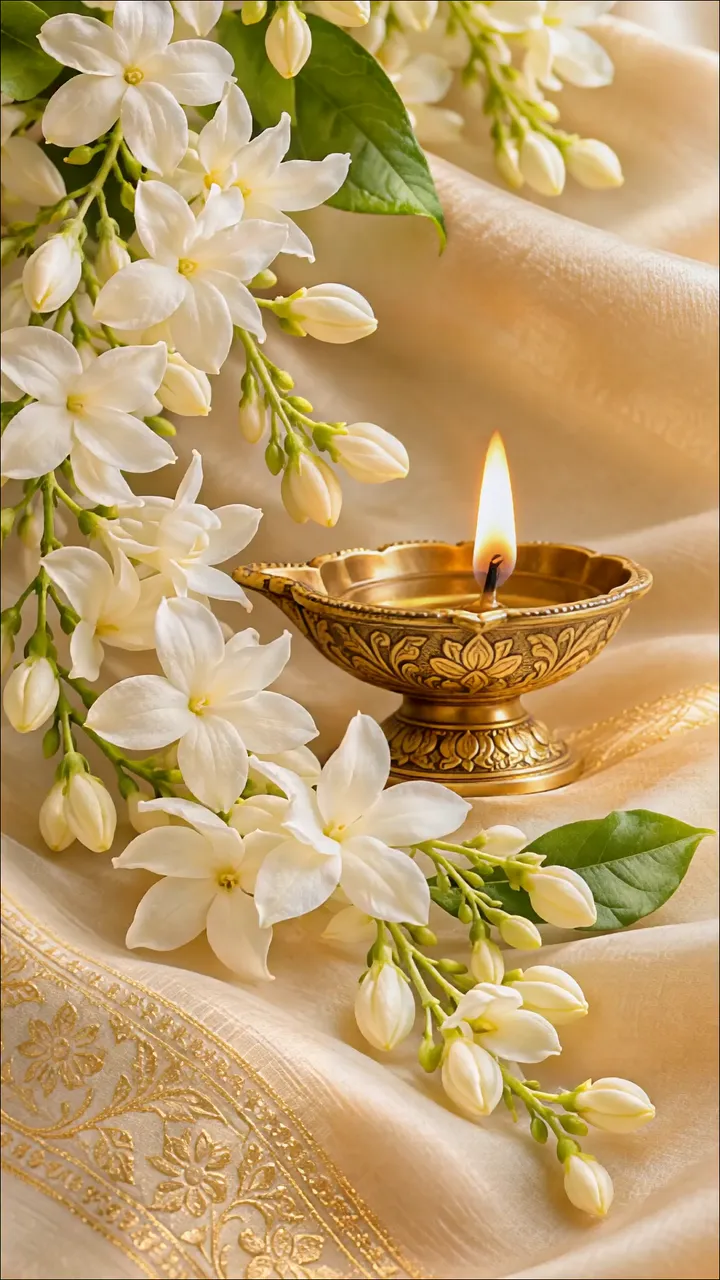
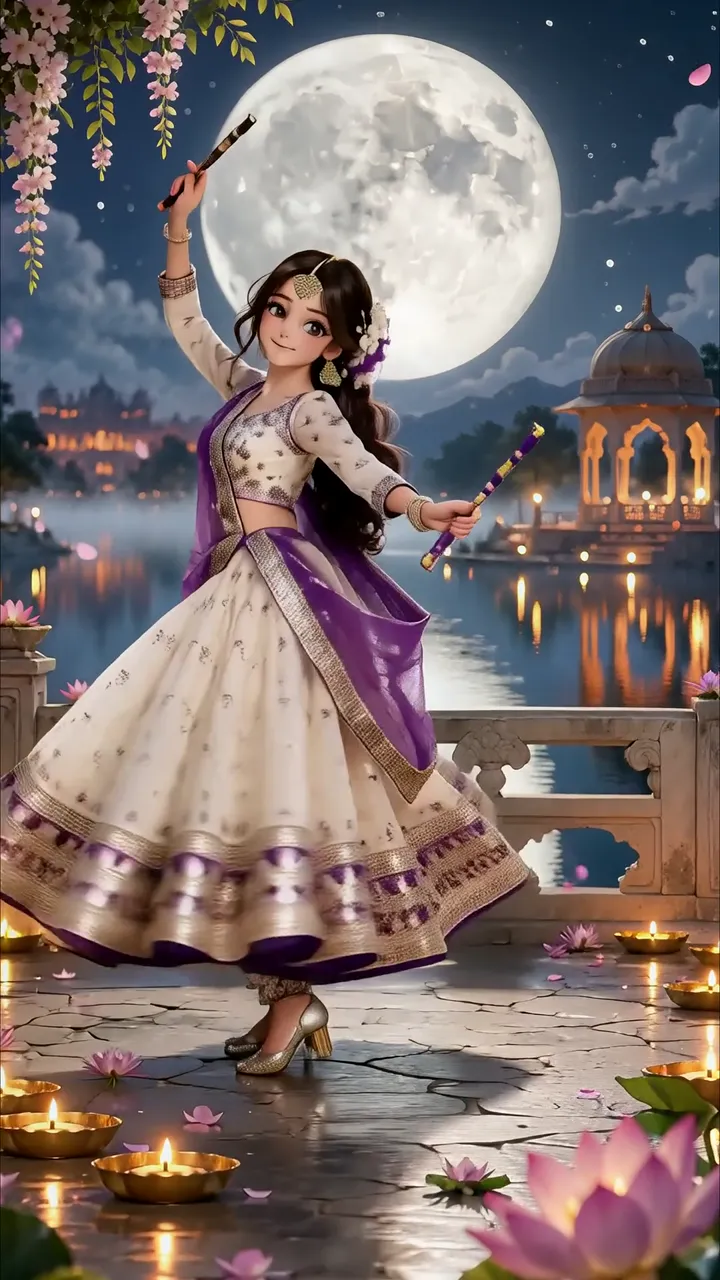
This vibrant Diwali-themed live wallpaper features a beautifully crafted diya garland, elegantly arranged in a flowing, decorative pattern. The diya lamps are intricately designed with colorful floral motifs in shades of pink, teal, and gold, each emitting a warm, glowing light that creates a festive and welcoming atmosphere. Set against a deep black background, the glowing diyas stand out vividly, enhancing the visual impact and making the scene feel magical and celebratory. The composition uses soft, radiant lighting and detailed artistic elements to create a rich, culturally inspired screen style. It is perfect for users who want to add a touch of traditional Indian festival spirit to their phone, lock screen, home screen, or PC. This high-definition, ultra-clear visual is available for free download and can make your device feel more personal, distinctive, and festive during Diwali.
- Format
- MP4 live wallpaper
- Resolution
- 720P, 1080P
- Duration
- 00:10
- File size
- 6.5 MB
- Category
- Diwali, Festival Decor, Black AMOLED