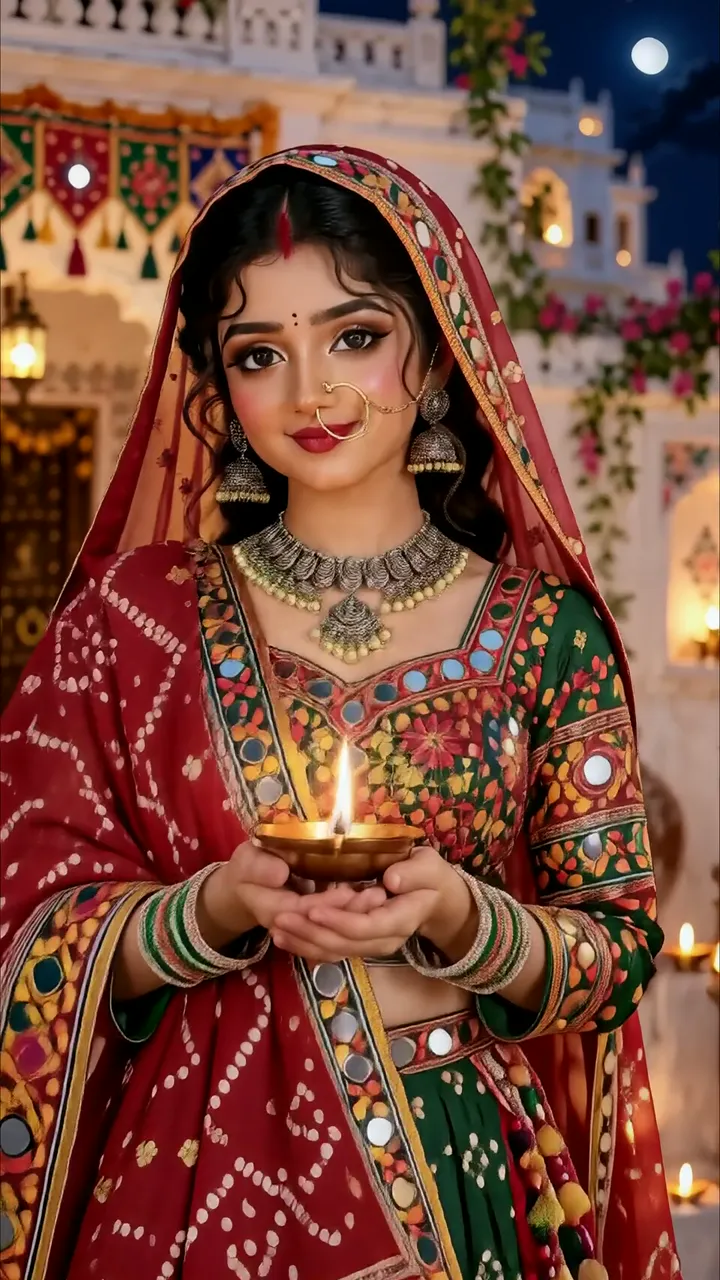
Dev Deepawali Festival Lights Along The Ganges River live wallpaper
How to set it as wallpaper
iPhone
For a still wallpaper, save the cropped JPG to Photos and choose it in Settings → Wallpaper. For an animated Lock Screen on supported models, convert the MP4 to a Live Photo with a compatible app and select it in the wallpaper picker.
Android
For a still wallpaper, open the JPG in your gallery and choose Set as wallpaper. For the MP4, look for a video wallpaper option in your gallery or wallpaper settings. A compatible live wallpaper app can help if your phone has no built-in option.
After saving the converted Live Photo to Photos, open Settings, then Wallpaper, then Add New Wallpaper. Tap Photos, choose Live Photo, select the saved image, turn on the Live Photo effect, and tap Add to apply it to your Lock Screen.
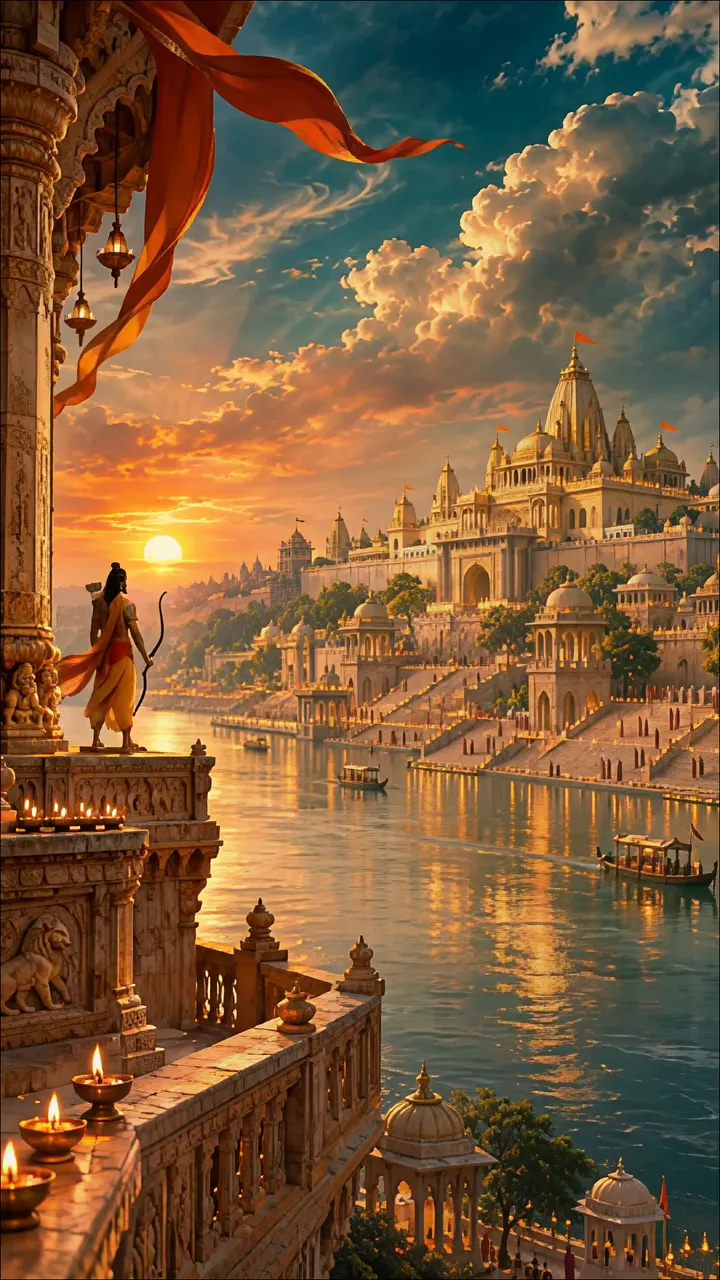
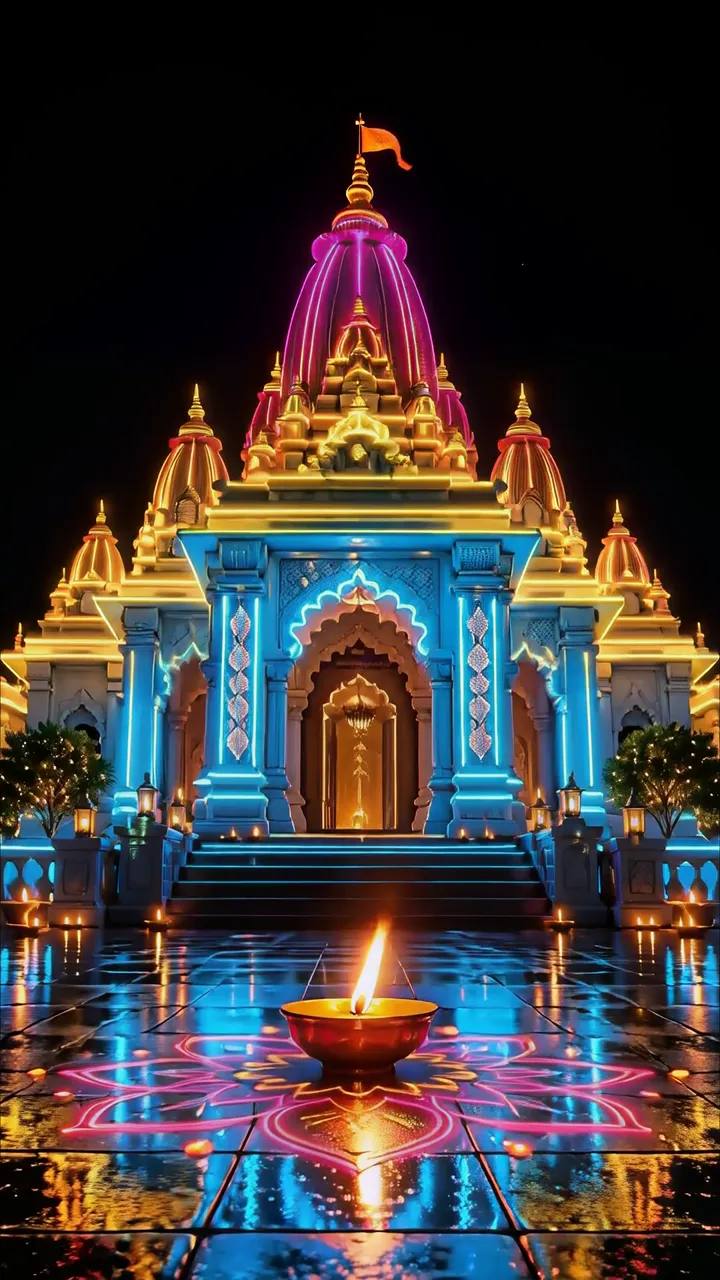
The Ganges River glows with thousands of floating candles and illuminated riverbank steps during the Dev Deepawali festival. Warm golden light from diyas reflects across the water’s surface, creating a serene and sacred atmosphere. Ancient temple architecture lines the riverbank, its stone structures glowing under the night sky. In the foreground, a small arrangement of lit candles and marigold flowers rests on the river’s edge, enhancing the spiritual ambiance. The scene captures the quiet reverence and communal celebration of this Hindu festival, with the calm water and glowing lights forming a deeply symbolic and visually balanced composition.
- Format
- MP4 live wallpaper
- Resolution
- 720P, 1080P
- Duration
- 00:08
- File size
- 9.5 MB
- Category
- Dev Deepawali 2026, Dev Deepawali, Ganges River