@mooDjax

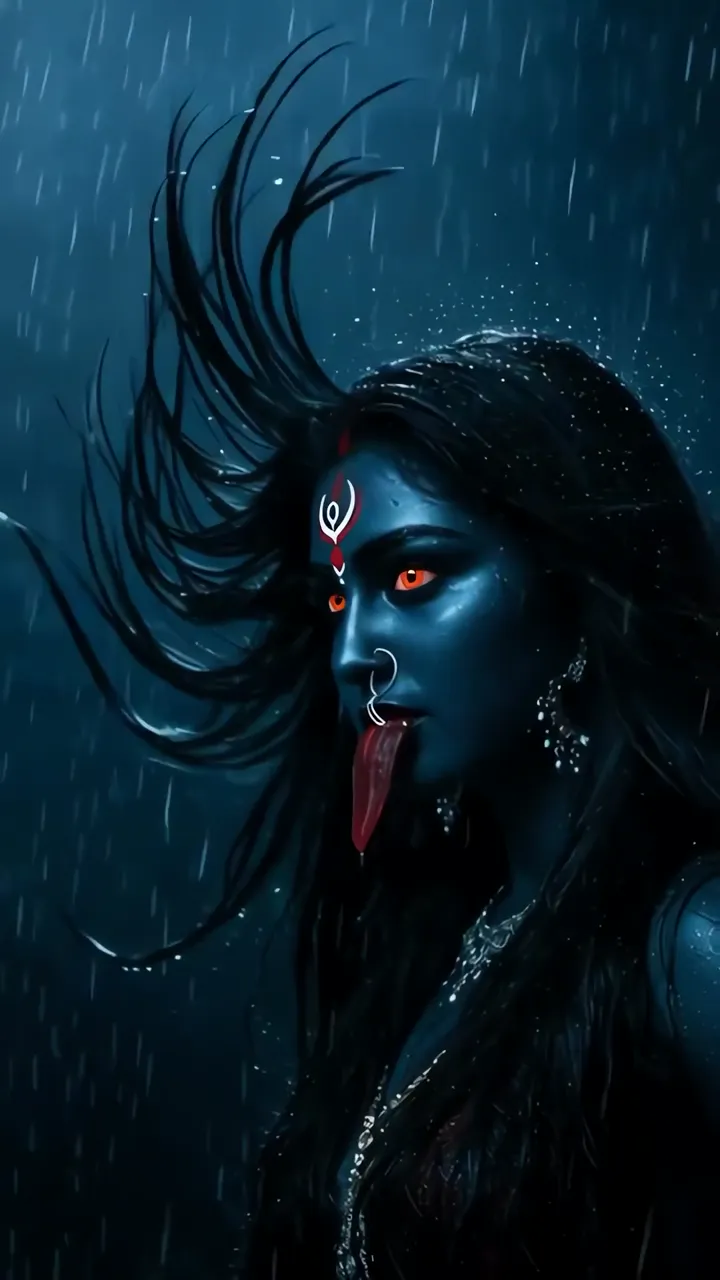
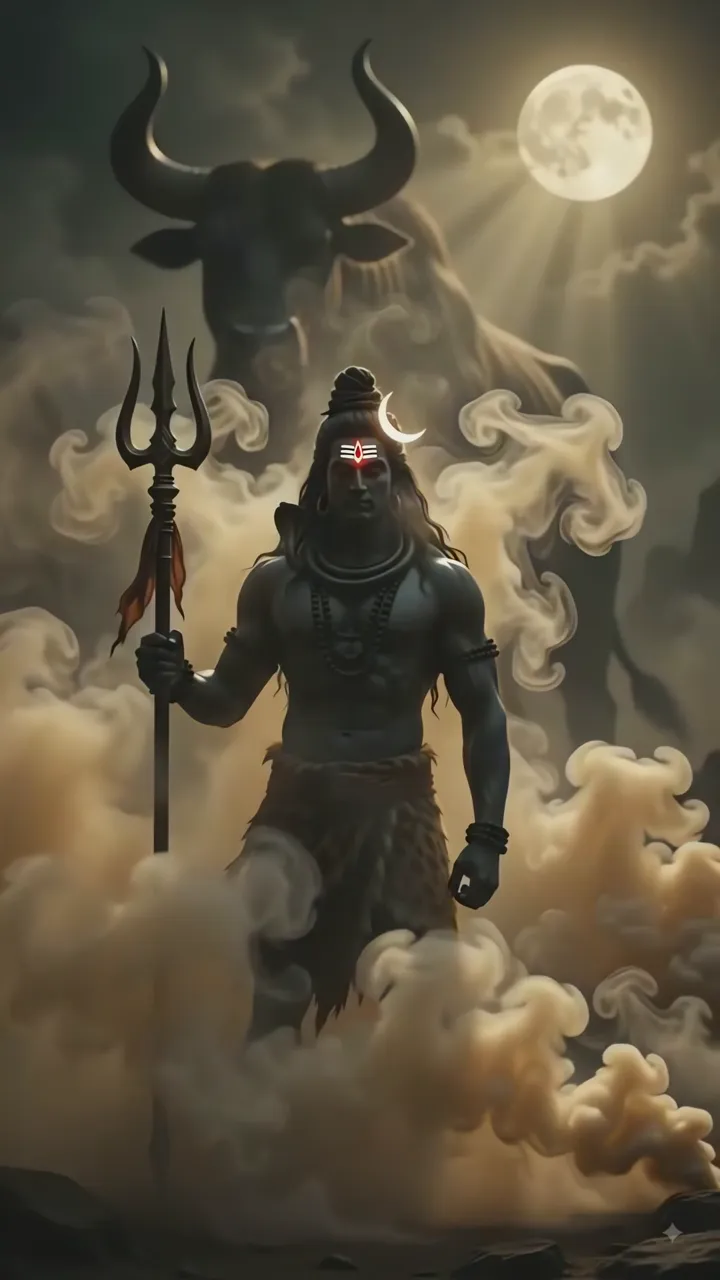
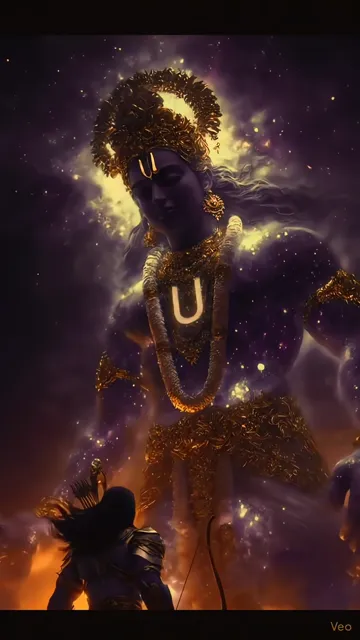
Download "Dark Black Rose Blooming In Darkness" live wallpaper

Verify that you are human to download high quality live wallpapes.

How to set live wallpaper on your phone Setup tutorial

On Android Phones

  1. Save the downloaded MP4 file to your phone.
  2. Open your phone's Gallery, Files, or Wallpaper app.
  3. Choose the video, tap Set as wallpaper, then apply it to your home screen or lock screen.

On iPhone

  1. Save the MP4 file to Photos.
  2. iPhone requires a Live Photo, convert the video with a live wallpaper app first.
  3. Open Settings > Wallpaper, select the saved Live Photo, then apply it.

You may also like:

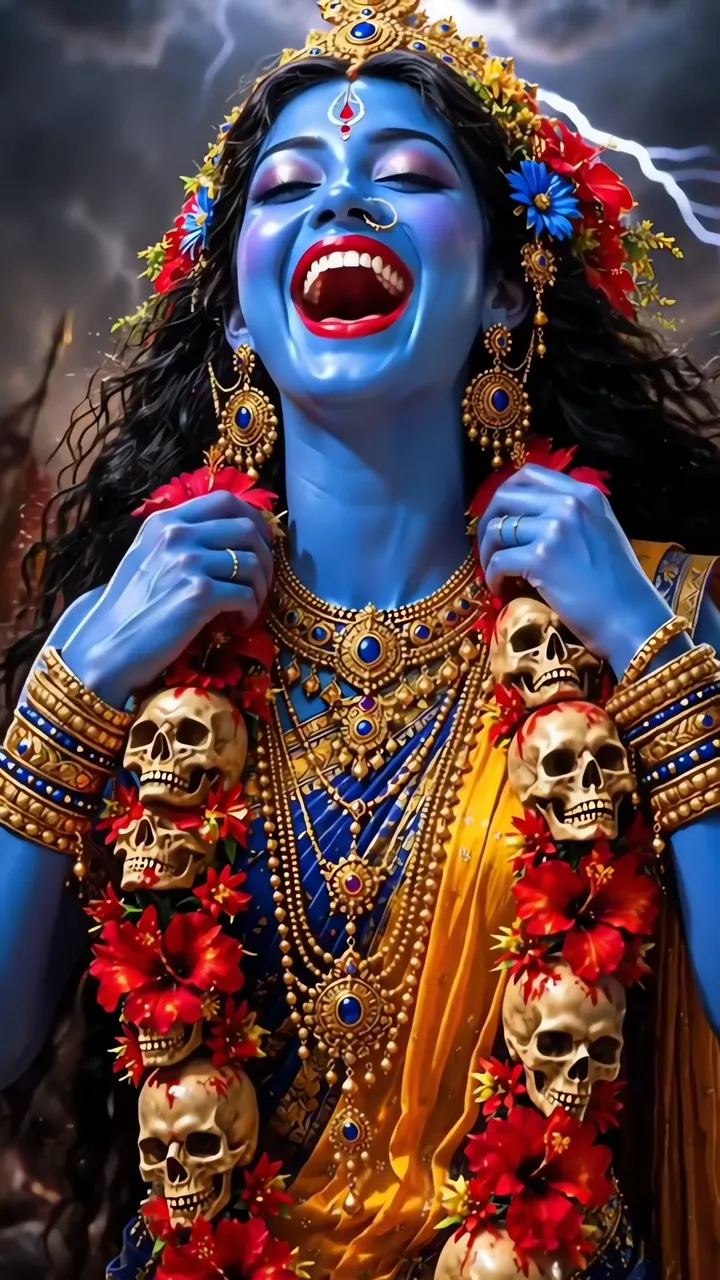
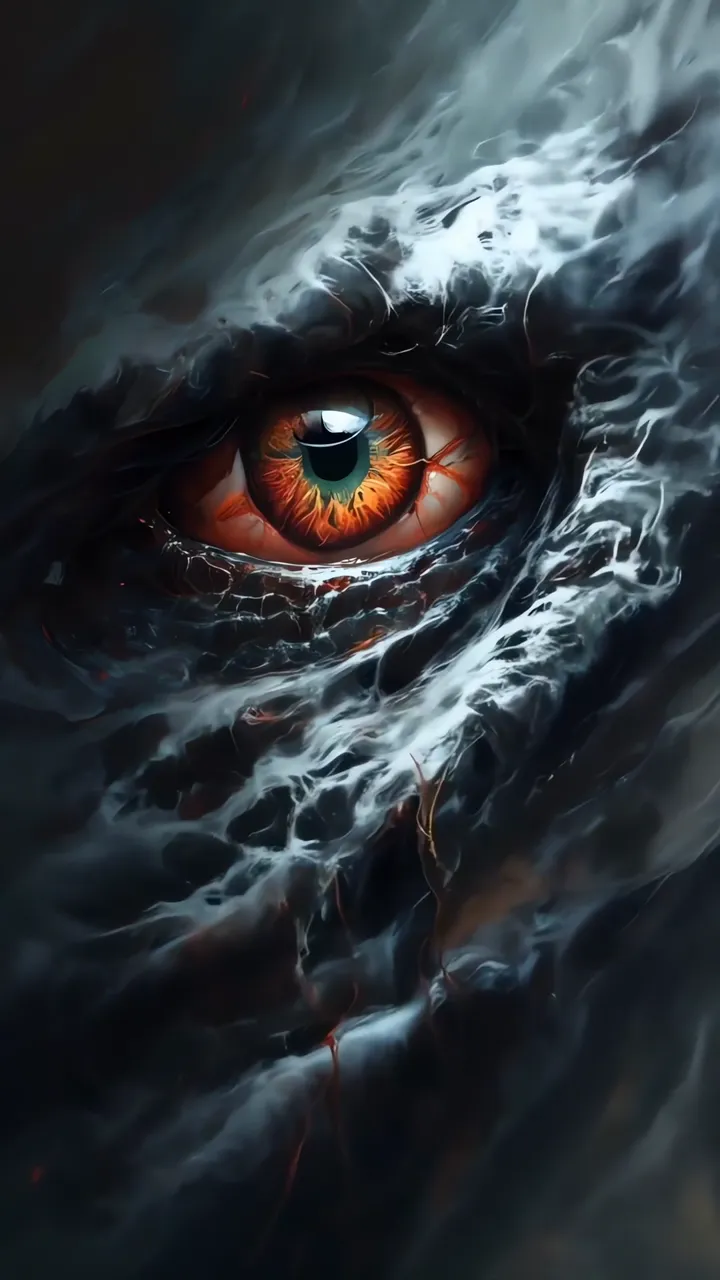
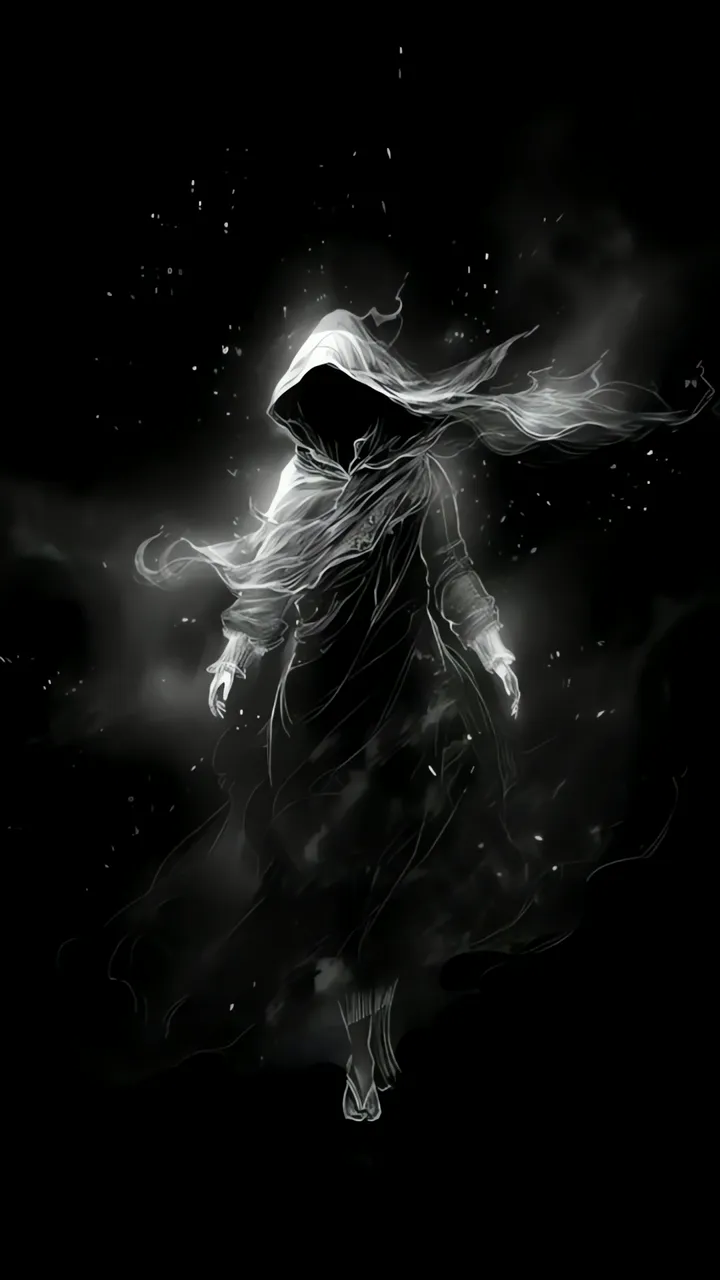
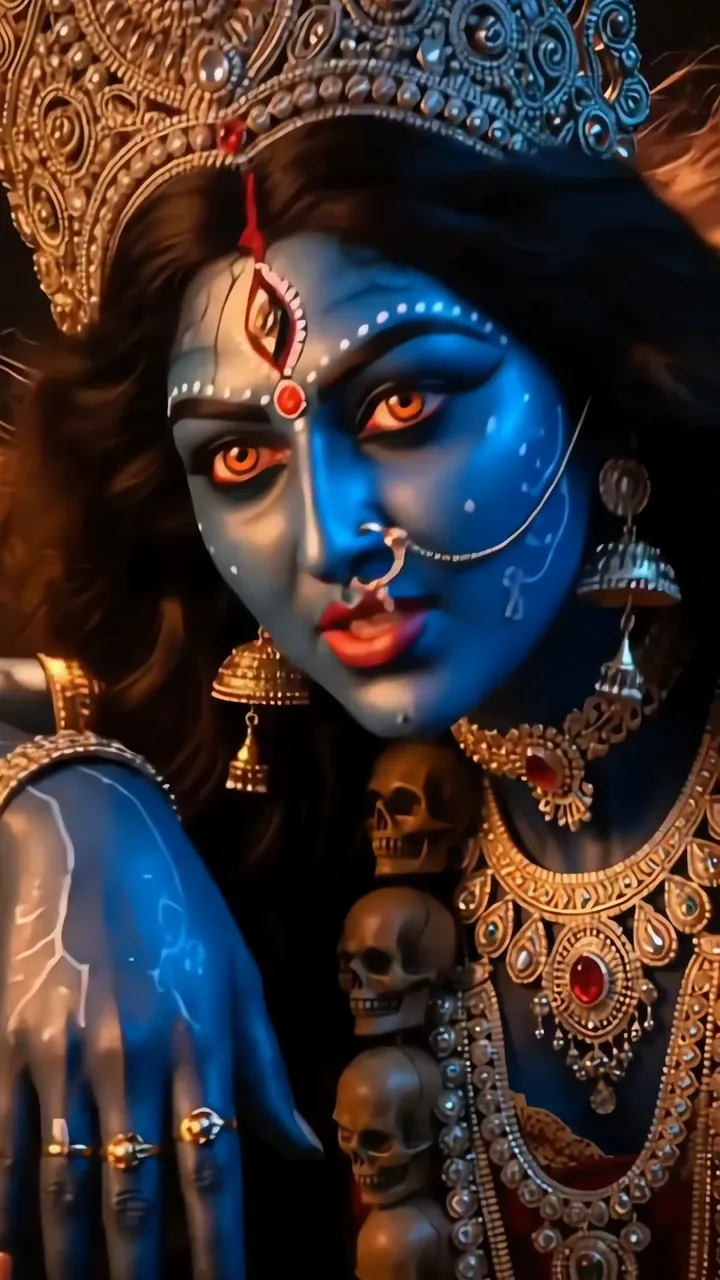
Shiva With Blue Aura And Serpent Necklace In Fiery Cosmic Scene LIVE Blue Skinned Kali Devi Laughing With Skulls And Red Flowers LIVE Ganesha Riding Golden Snake Through Waterfall LIVE Mysterious Glowing Eye With White Smoke And Dark Aura LIVE Mysterious Hooded Figure Floating In Dark With Glowing Effect LIVE Kali Devi Blue Skin With Golden Jewelry And Skulls LIVE Kali Devi Rainstorm With Red Eyes And Tongue LIVE Shiva With Trishul And Nandi Bull Moonlit Scene LIVE Shiva Cosmic Meditation With Golden Aura And Starry Sky LIVE

Best matches for this wallpaper:

Report wallpaper

Select the reason that best describes the issue.