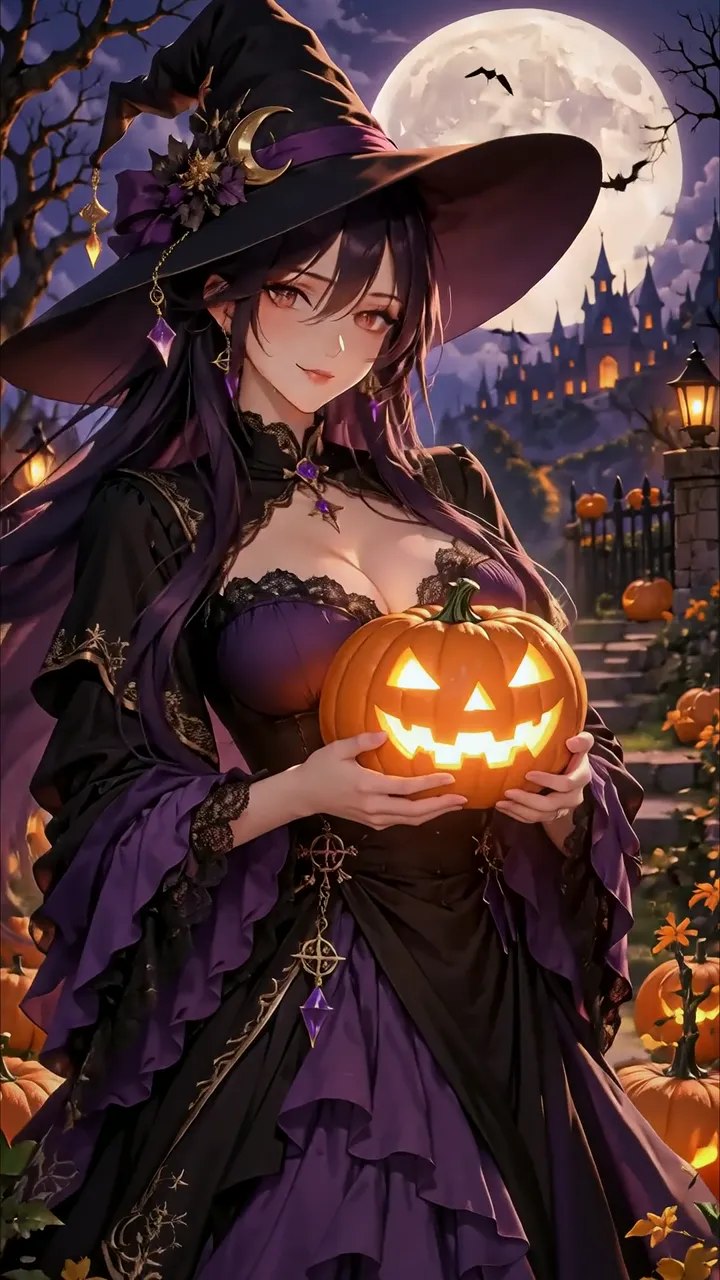
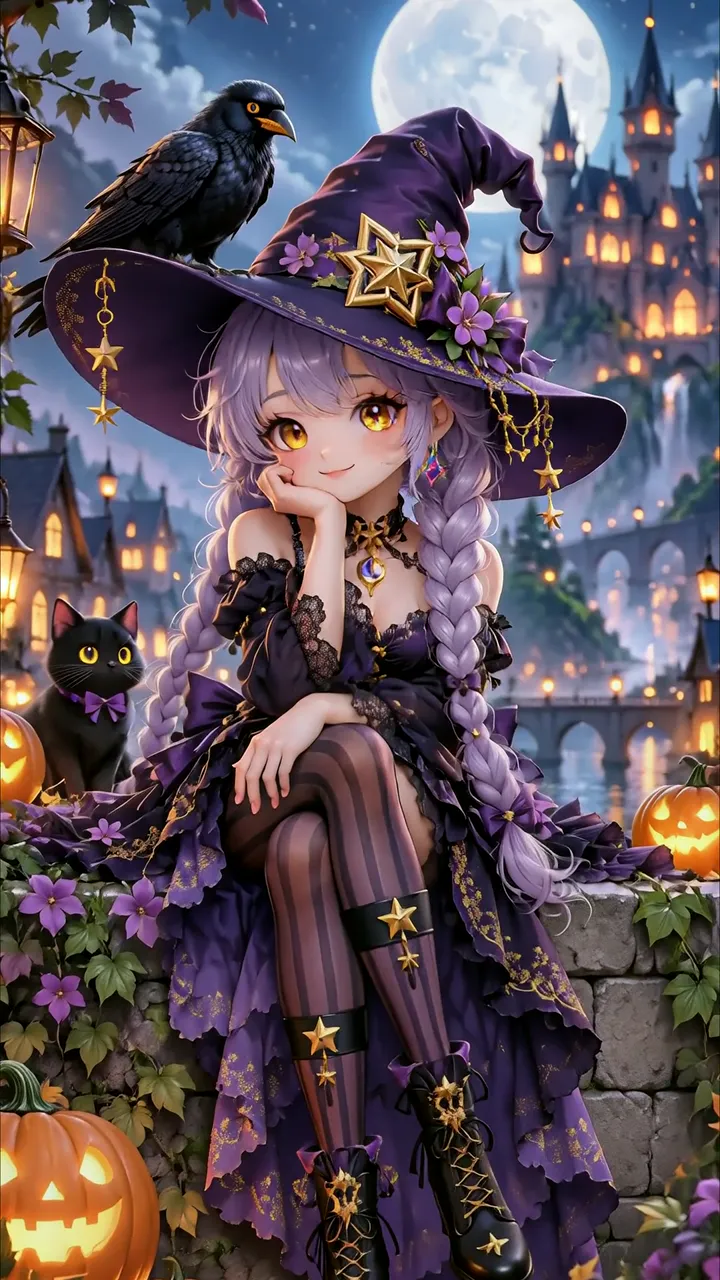
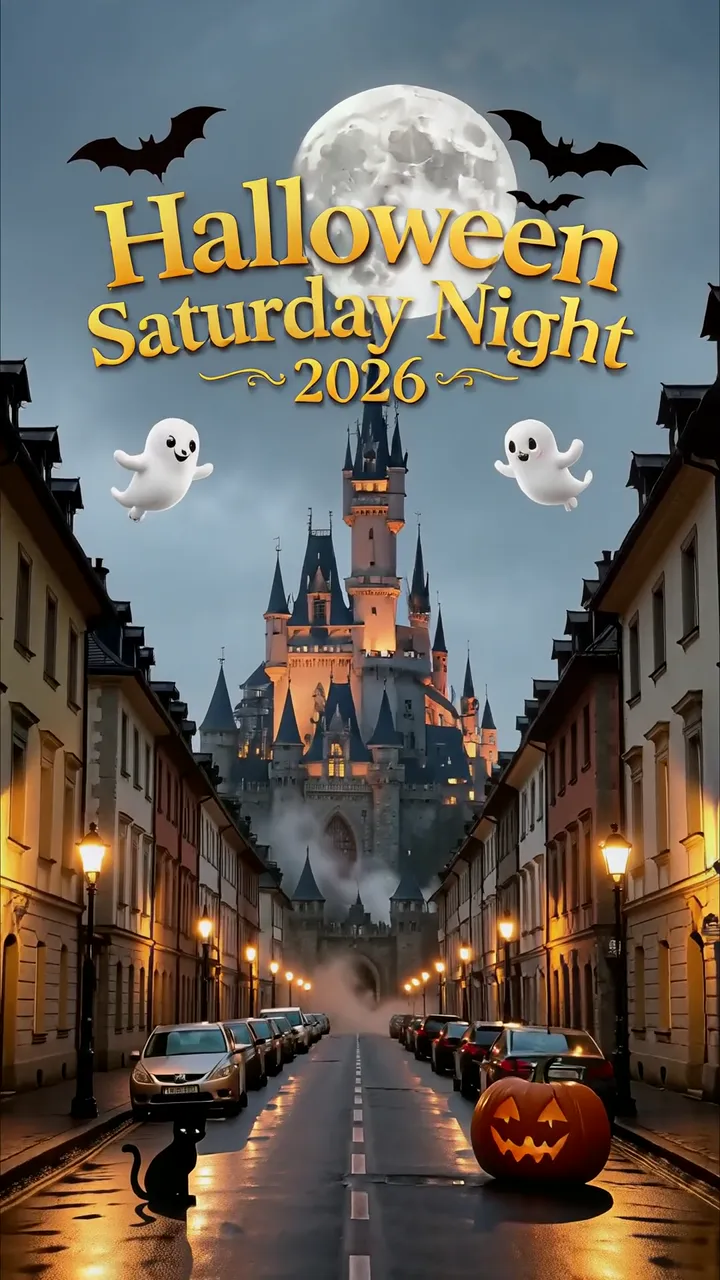
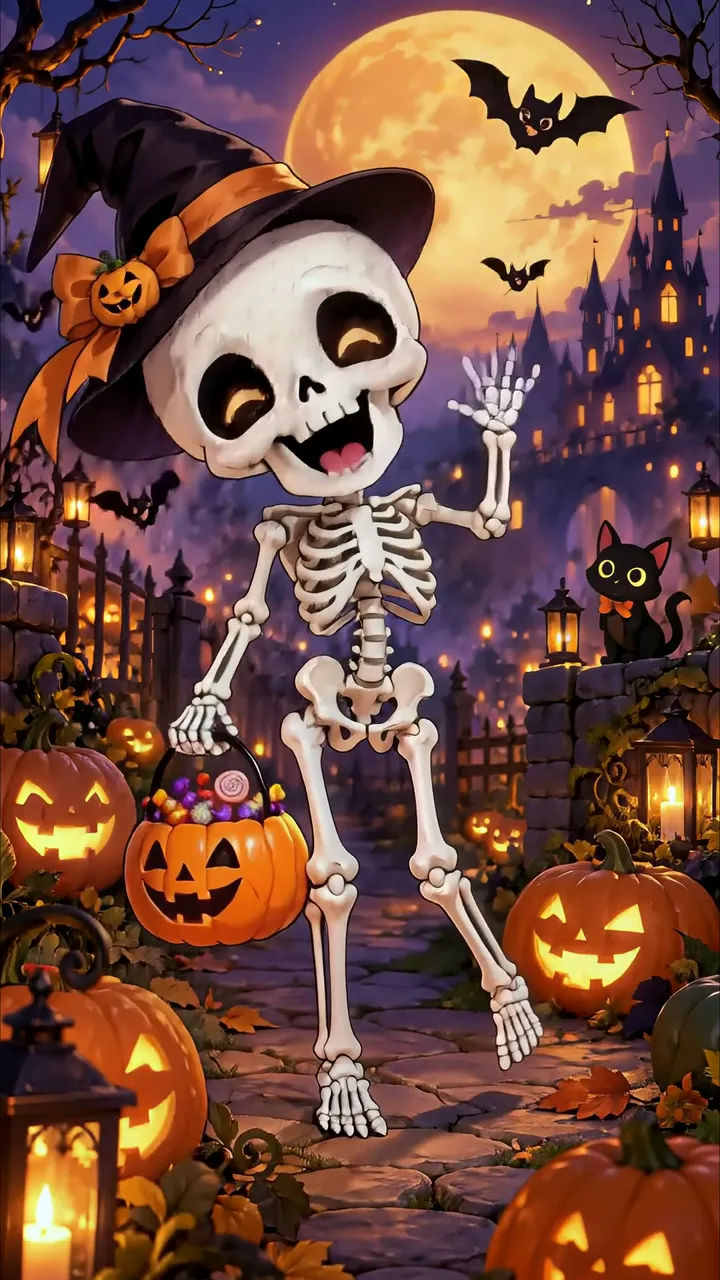
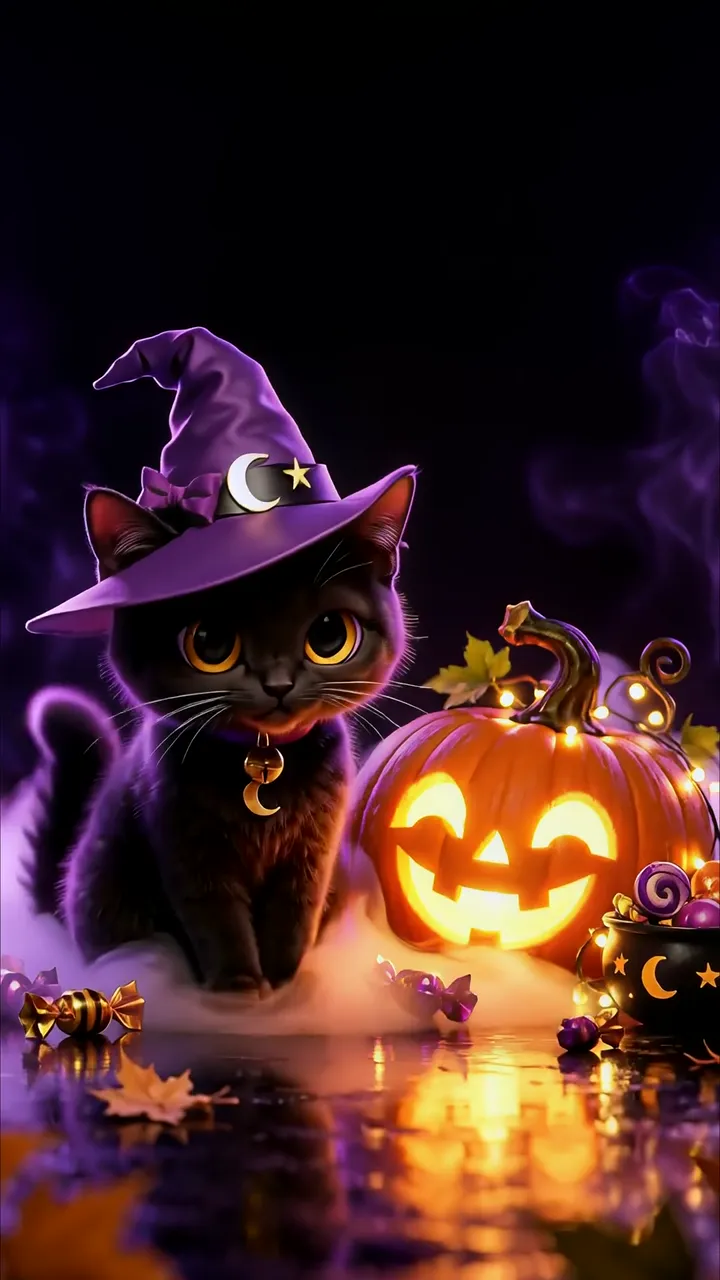
Cute Floating Ghost With Three Jack O Lanterns Halloween live wallpaper
How to set it as wallpaper
iPhone
For a still wallpaper, save the cropped JPG to Photos and choose it in Settings → Wallpaper. For an animated Lock Screen on supported models, convert the MP4 to a Live Photo with a compatible app and select it in the wallpaper picker.
Android
For a still wallpaper, open the JPG in your gallery and choose Set as wallpaper. For the MP4, look for a video wallpaper option in your gallery or wallpaper settings. A compatible live wallpaper app can help if your phone has no built-in option.
After saving the converted Live Photo to Photos, open Settings, then Wallpaper, then Add New Wallpaper. Tap Photos, choose Live Photo, select the saved image, turn on the Live Photo effect, and tap Add to apply it to your Lock Screen.
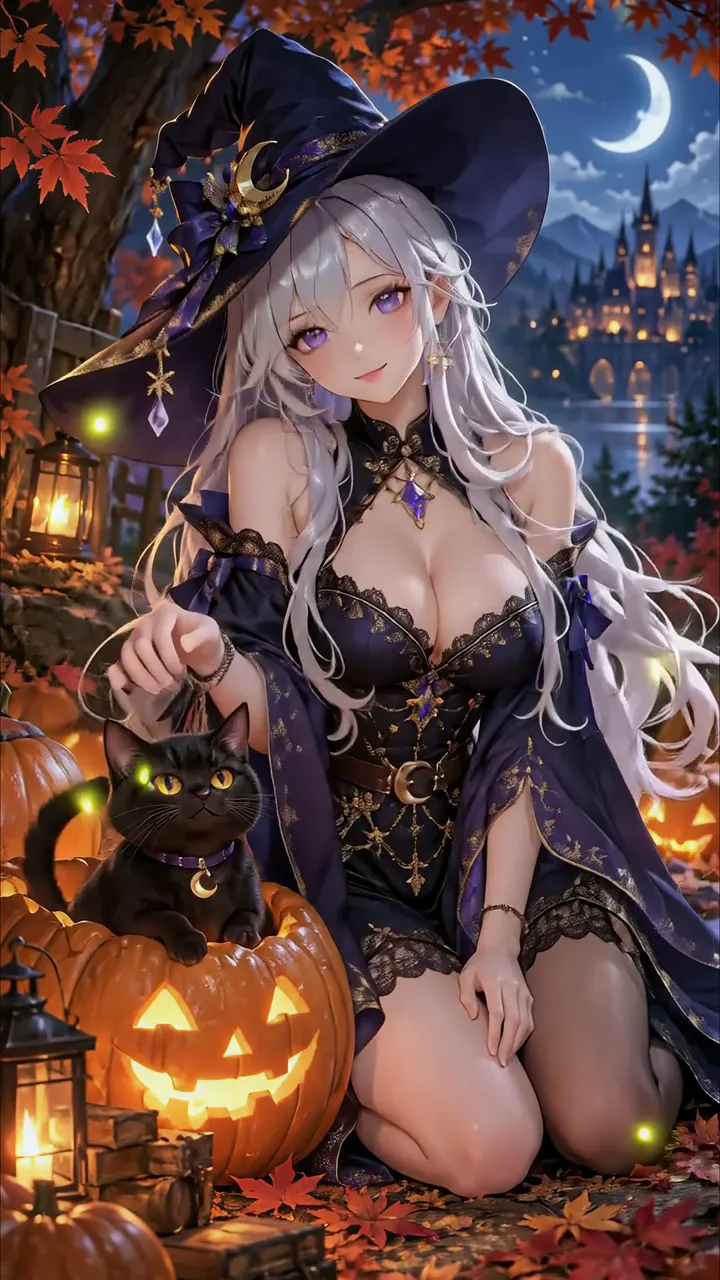
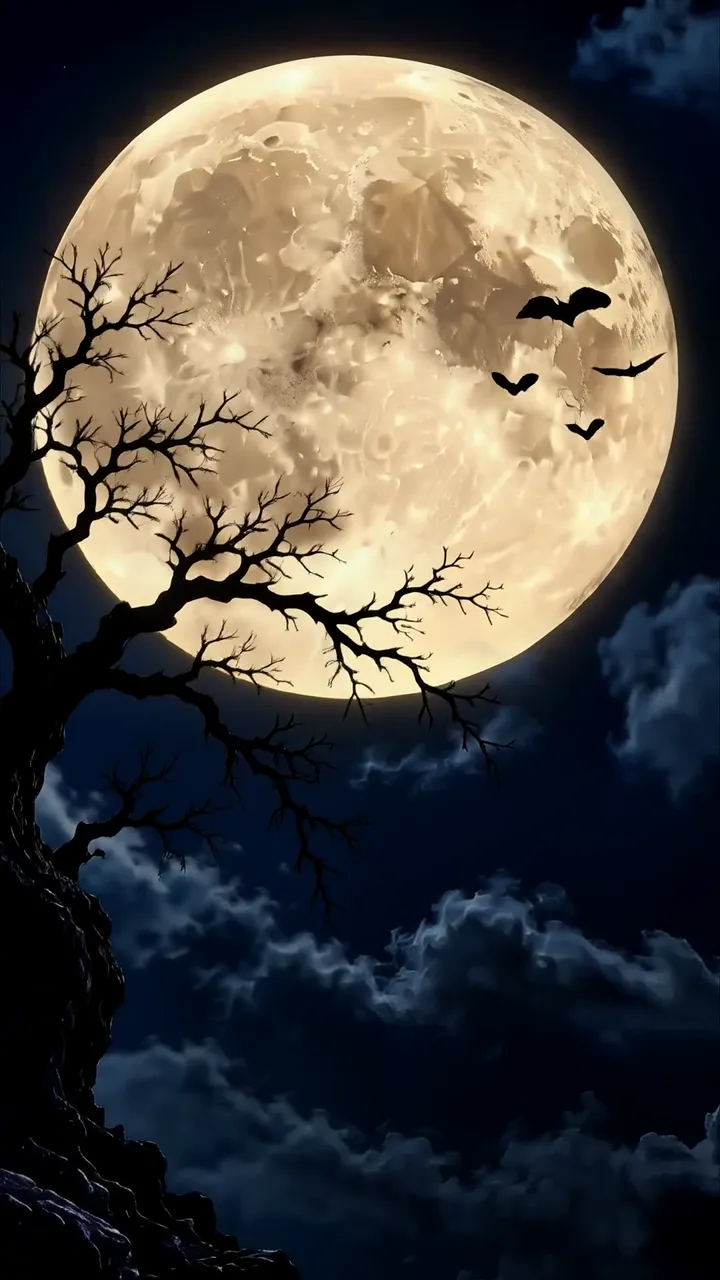
A charming Halloween scene featuring a cute, glowing blue ghost floating joyfully above three illuminated jack-o'-lanterns. The background showcases a mystical night with a full moon, a distant castle perched on a hill, and a river flowing beneath a bridge. Autumn leaves frame the stone wall where the pumpkins rest, adding to the seasonal charm. The composition uses soft, warm lighting from the lanterns and moon, creating a festive yet peaceful atmosphere. This high-definition animated background is perfect for making your phone, lock screen, or PC display feel unique and festive during the Halloween season. It’s available for free download and brings a delightful, spooky vibe to your device.
- Format
- MP4 live wallpaper
- Resolution
- 720P, 1080P
- Duration
- 00:10
- File size
- 11.3 MB
- Category
- Halloween, Glowing Effect, Night Scene