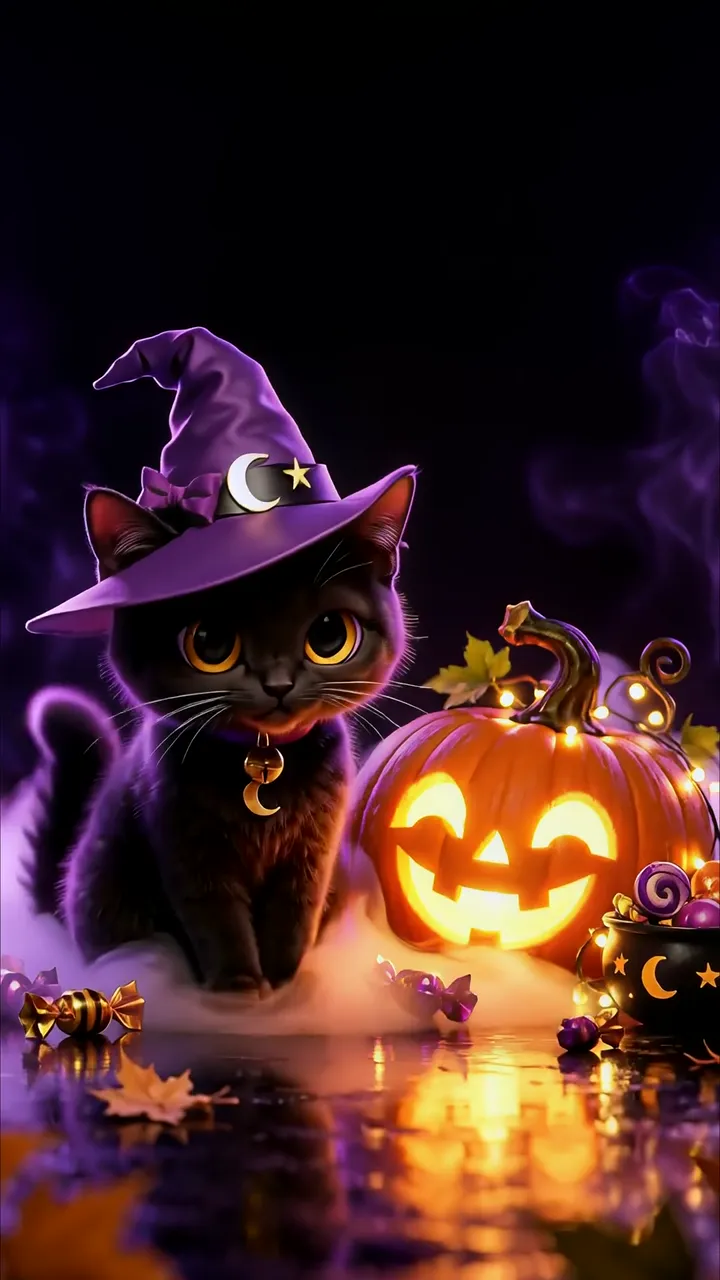
Cute Floating Ghost Halloween Campfire Tent Scene live wallpaper
How to set it as wallpaper
iPhone
For a still wallpaper, save the cropped JPG to Photos and choose it in Settings → Wallpaper. For an animated Lock Screen on supported models, convert the MP4 to a Live Photo with a compatible app and select it in the wallpaper picker.
Android
For a still wallpaper, open the JPG in your gallery and choose Set as wallpaper. For the MP4, look for a video wallpaper option in your gallery or wallpaper settings. A compatible live wallpaper app can help if your phone has no built-in option.
After saving the converted Live Photo to Photos, open Settings, then Wallpaper, then Add New Wallpaper. Tap Photos, choose Live Photo, select the saved image, turn on the Live Photo effect, and tap Add to apply it to your Lock Screen.
A charming Halloween camping scene featuring a glowing white ghost floating above a cozy campfire. The setup includes a beige tent, two folding chairs, and two carved pumpkins, all arranged near a serene lake surrounded by dense pine trees. Warm string lights add a festive glow, contrasting with the cool forest backdrop. The animation brings the ghost to life with gentle movement, enhancing the playful, spooky atmosphere. This high-definition, ultra-clear live wallpaper is perfect for making your phone, lock screen, or PC display feel unique and festive. Download it for free and enjoy a whimsical, seasonal vibe that’s both cute and spooky.
- Format
- MP4 live wallpaper
- Resolution
- 720P, 1080P
- Duration
- 00:10
- File size
- 8.9 MB
- Category
- Halloween, Camping, Forest Scene