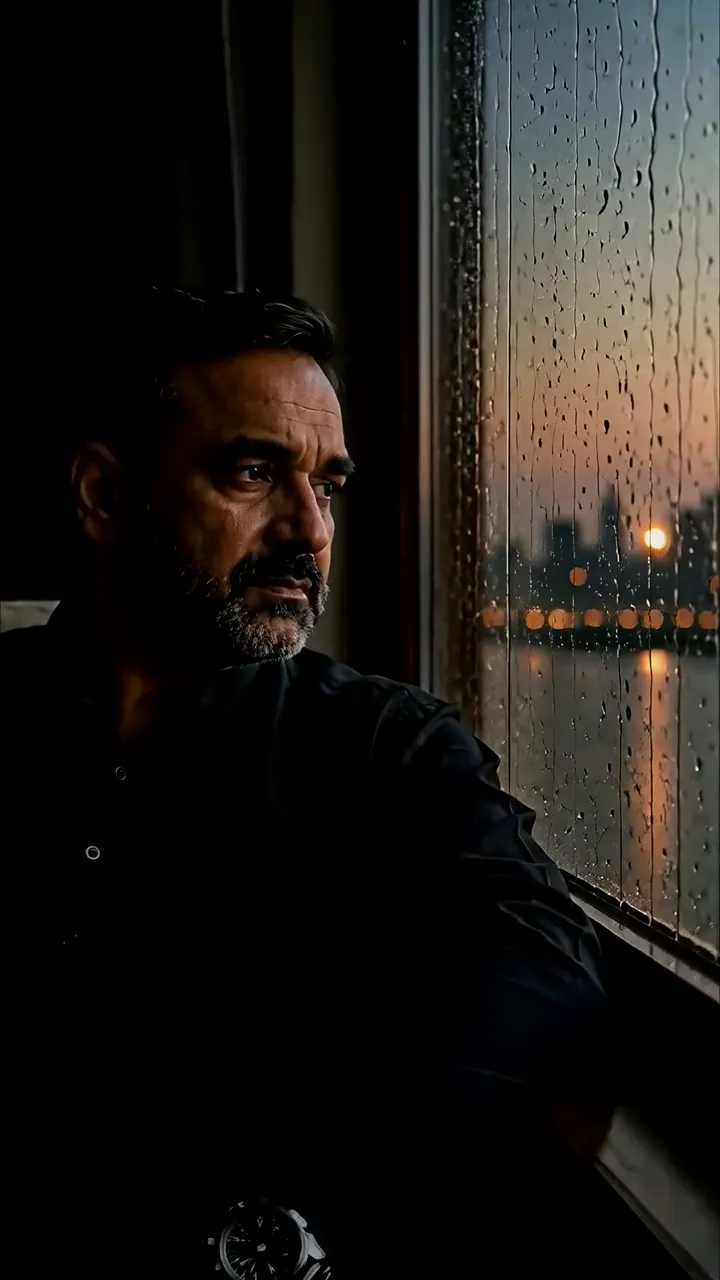
Download "Cozy Armchair By Rain-Slicked Window With Warm Lamp Light" live wallpaper
Complete the security check to prepare your download.
How to set live wallpaper on your phone Setup tutorial
On Android Phones
- Save the downloaded MP4 file to your phone.
- Open your phone's Gallery, Files, or Wallpaper app.
- Choose the video, tap Set as wallpaper, then apply it to your home screen or lock screen.
On iPhone
- Save the MP4 file to Photos.
- iPhone requires a Live Photo, convert the video with a live wallpaper app first.
- Open Settings > Wallpaper, select the saved Live Photo, then apply it.