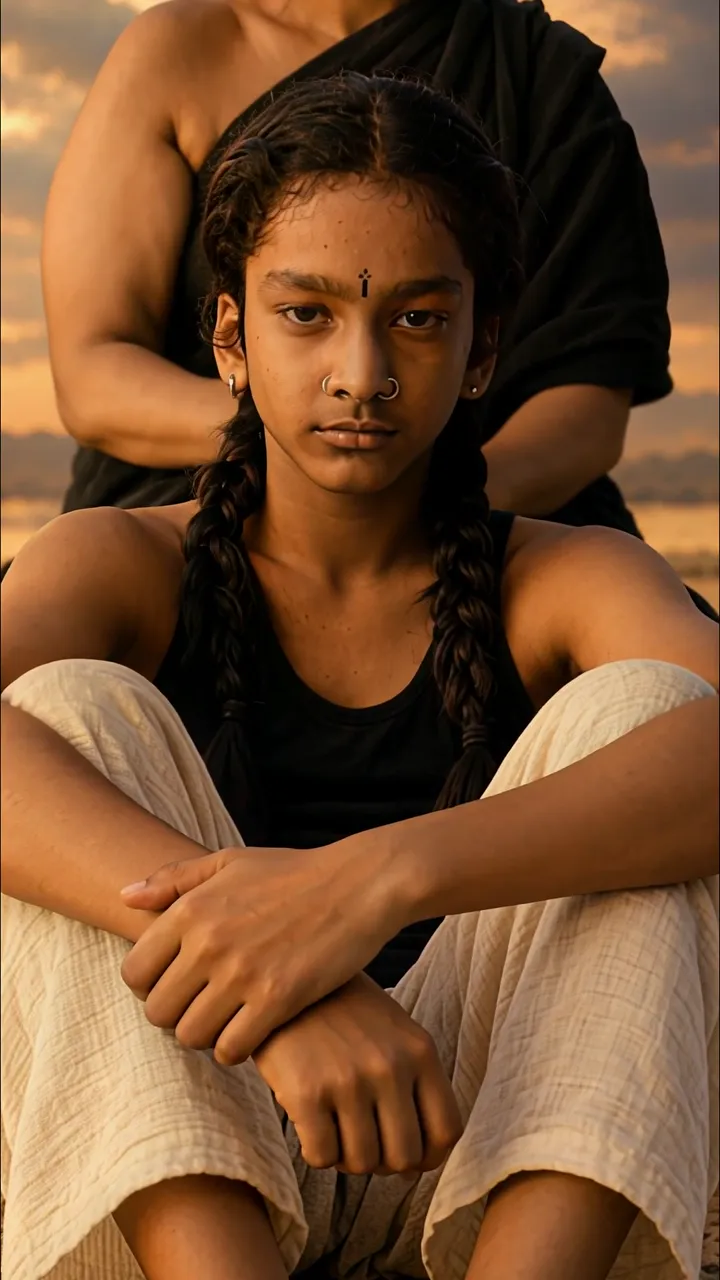
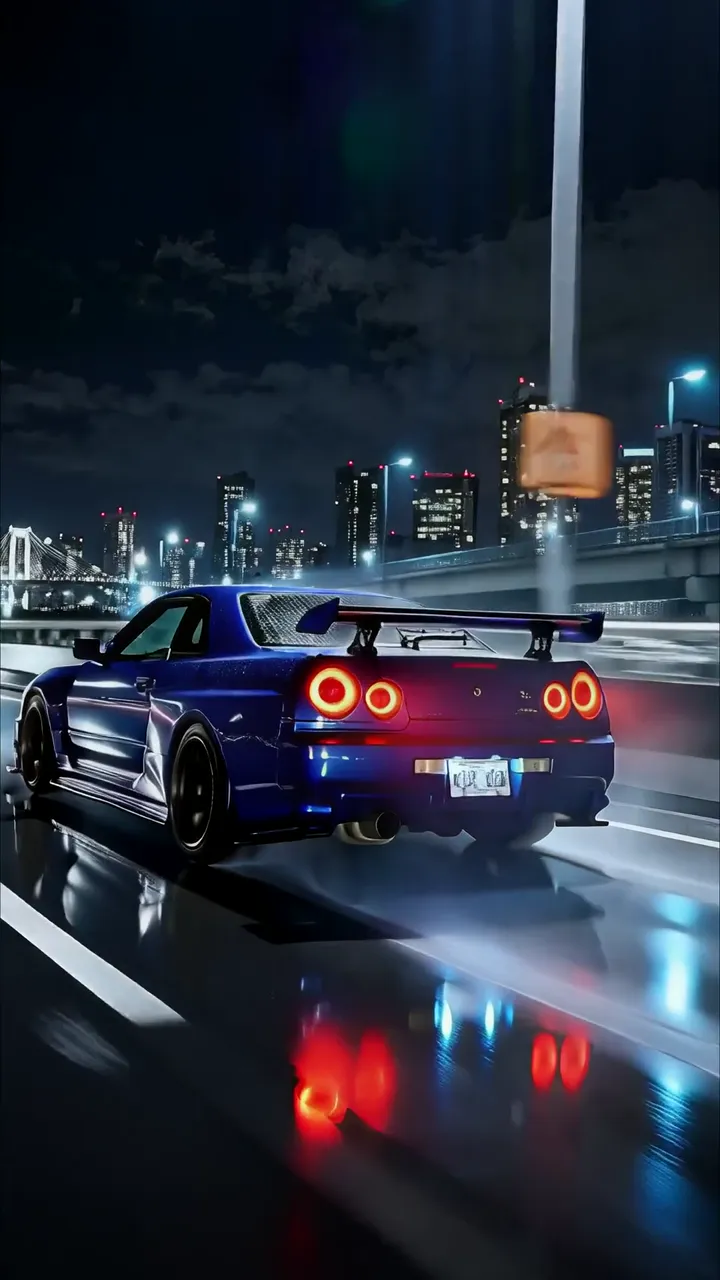
Beautiful Girl In Floral Dress Sitting In Sports Car live wallpaper
How to set it as wallpaper
iPhone
For a still wallpaper, save the cropped JPG to Photos and choose it in Settings → Wallpaper. For an animated Lock Screen on supported models, convert the MP4 to a Live Photo with a compatible app and select it in the wallpaper picker.
Android
For a still wallpaper, open the JPG in your gallery and choose Set as wallpaper. For the MP4, look for a video wallpaper option in your gallery or wallpaper settings. A compatible live wallpaper app can help if your phone has no built-in option.
After saving the converted Live Photo to Photos, open Settings, then Wallpaper, then Add New Wallpaper. Tap Photos, choose Live Photo, select the saved image, turn on the Live Photo effect, and tap Add to apply it to your Lock Screen.
This high-definition animated background features a beautiful girl with long, curly brown hair, wearing a charming floral dress, seated comfortably in the driver’s seat of a sleek sports car. The composition captures her gentle smile and relaxed, happy expression as she looks off to the side, creating a warm and inviting atmosphere. The car’s interior, with its black leather seats and red stitching, adds a touch of luxury and style. The scene is bathed in soft, natural light, enhancing the vivid colors of her dress and the glossy finish of the car. This ultra-clear visual is perfect for personalizing your phone, lock screen, home screen, or PC display, making your device feel unique and stylish. Available for free download, it brings a cheerful and elegant vibe to any screen.
- Format
- MP4 live wallpaper
- Resolution
- 720P, 1080P
- Duration
- 00:05
- File size
- 6.2 MB
- Category
- Girl, Sports Car, Floral Dress