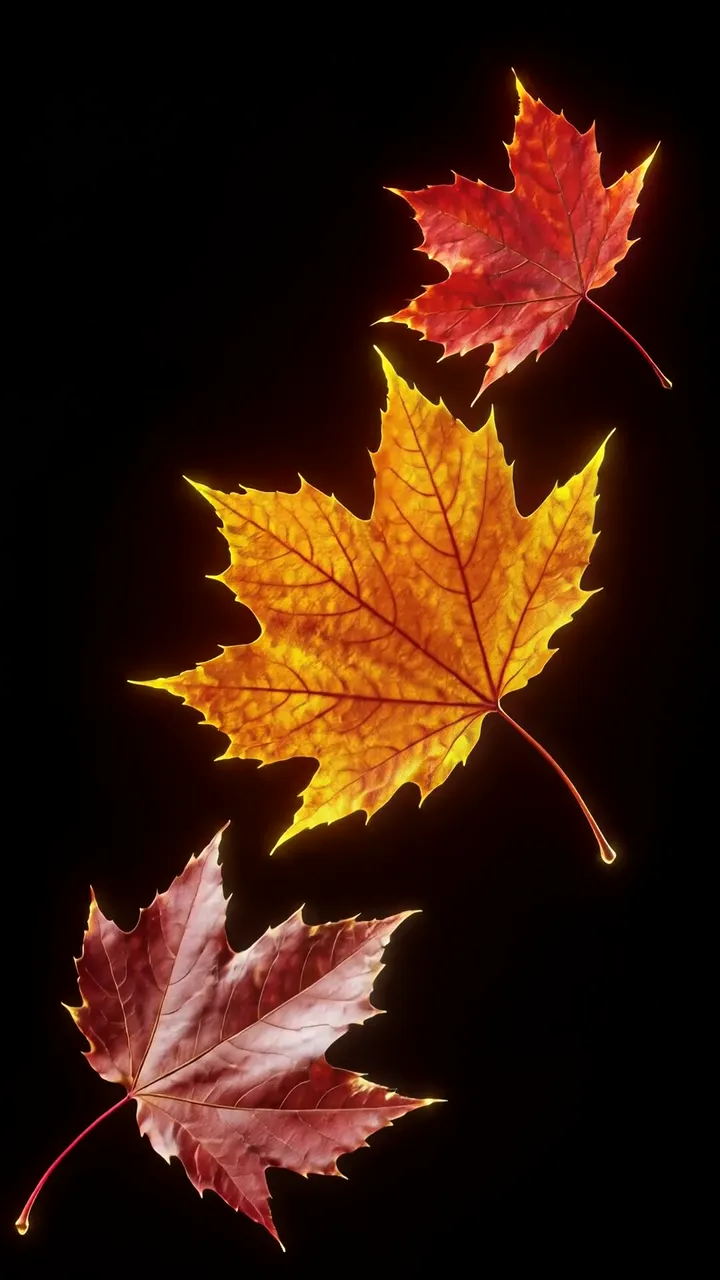
Autumn Maple Forest Path With Golden Sunset And Falling Leaves live wallpaper
How to set it as wallpaper
iPhone
For a still wallpaper, save the cropped JPG to Photos and choose it in Settings → Wallpaper. For an animated Lock Screen on supported models, convert the MP4 to a Live Photo with a compatible app and select it in the wallpaper picker.
Android
For a still wallpaper, open the JPG in your gallery and choose Set as wallpaper. For the MP4, look for a video wallpaper option in your gallery or wallpaper settings. A compatible live wallpaper app can help if your phone has no built-in option.
After saving the converted Live Photo to Photos, open Settings, then Wallpaper, then Add New Wallpaper. Tap Photos, choose Live Photo, select the saved image, turn on the Live Photo effect, and tap Add to apply it to your Lock Screen.
A breathtaking autumn scene featuring a winding forest path covered in vibrant red and orange maple leaves, framed by towering trees with mossy trunks. The background reveals a stunning mountain range under a warm, golden sunset, with soft rays of light filtering through the canopy. The composition is rich with seasonal detail, including scattered leaves on the ground and a misty atmosphere that enhances the tranquil, cozy mood. This high-definition, ultra-clear live wallpaper is perfect for personalizing your phone, lock screen, home screen, or PC display, making your device feel unique and visually immersive. It’s available for free download and captures the essence of a peaceful fall day in nature.
- Format
- MP4 live wallpaper
- Resolution
- 720P, 1080P
- Duration
- 00:10
- File size
- 14.5 MB
- Category
- Fall Season, Golden Sunset, Forest Path