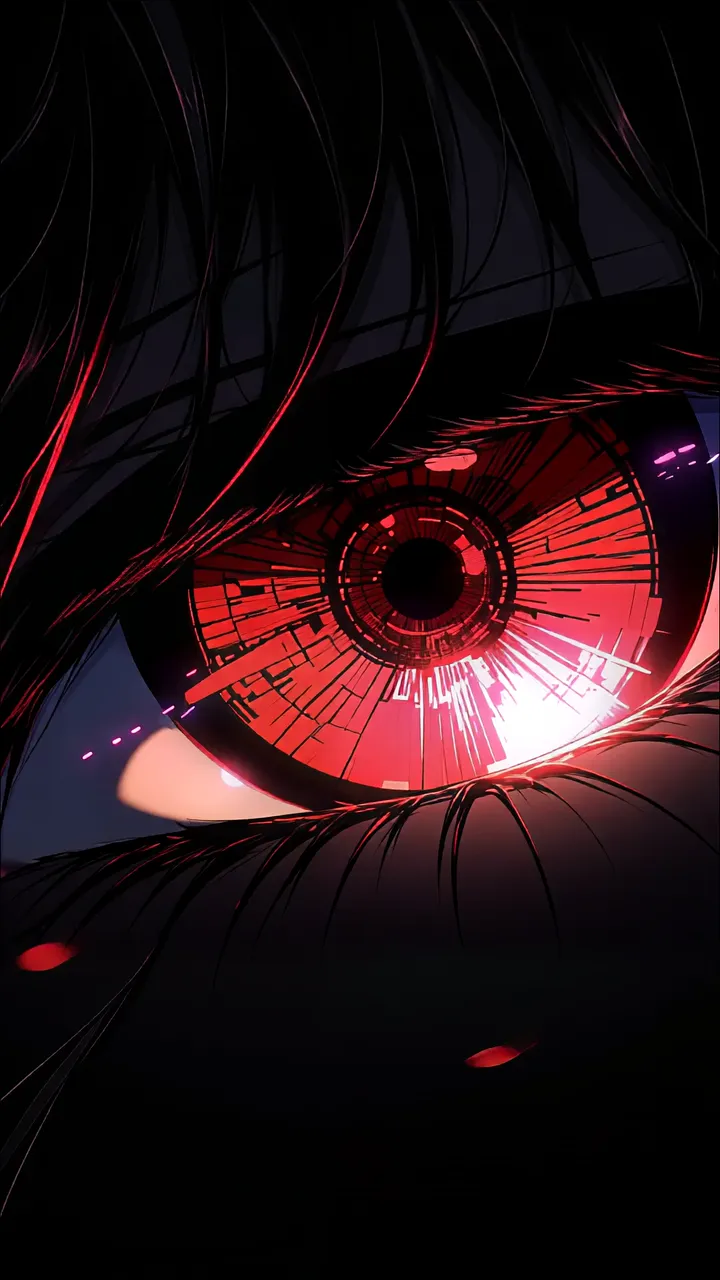
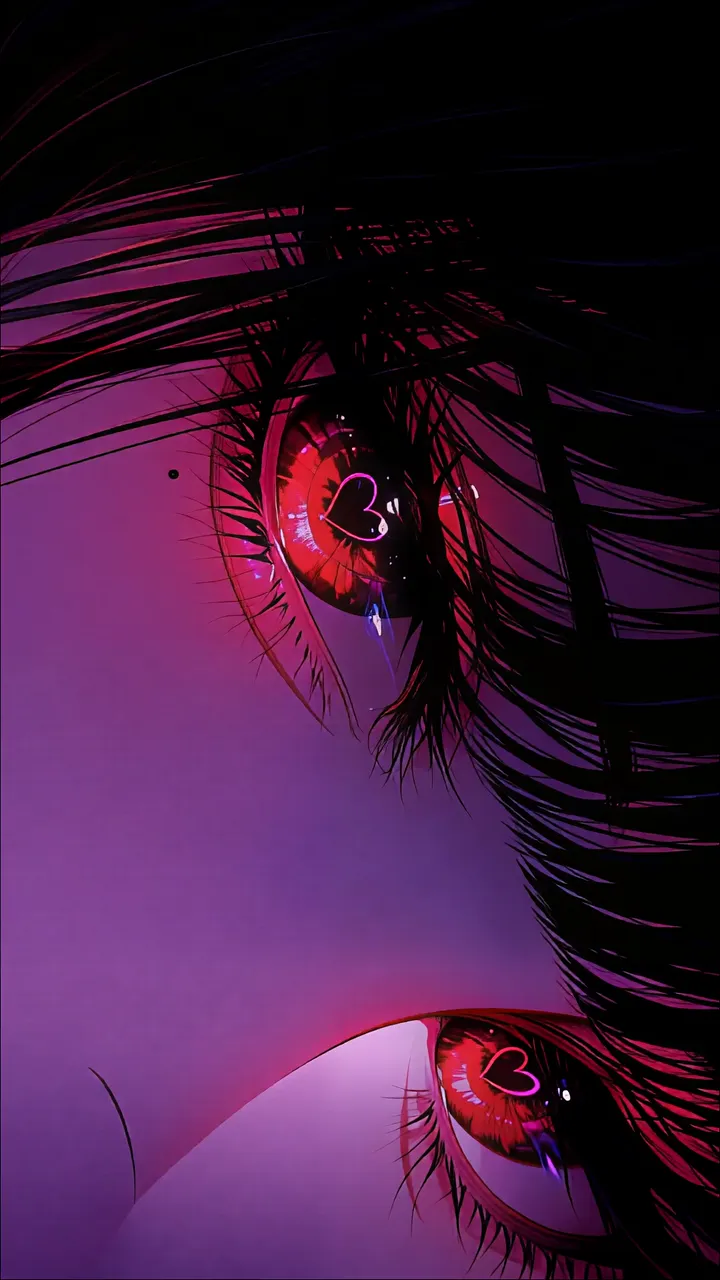
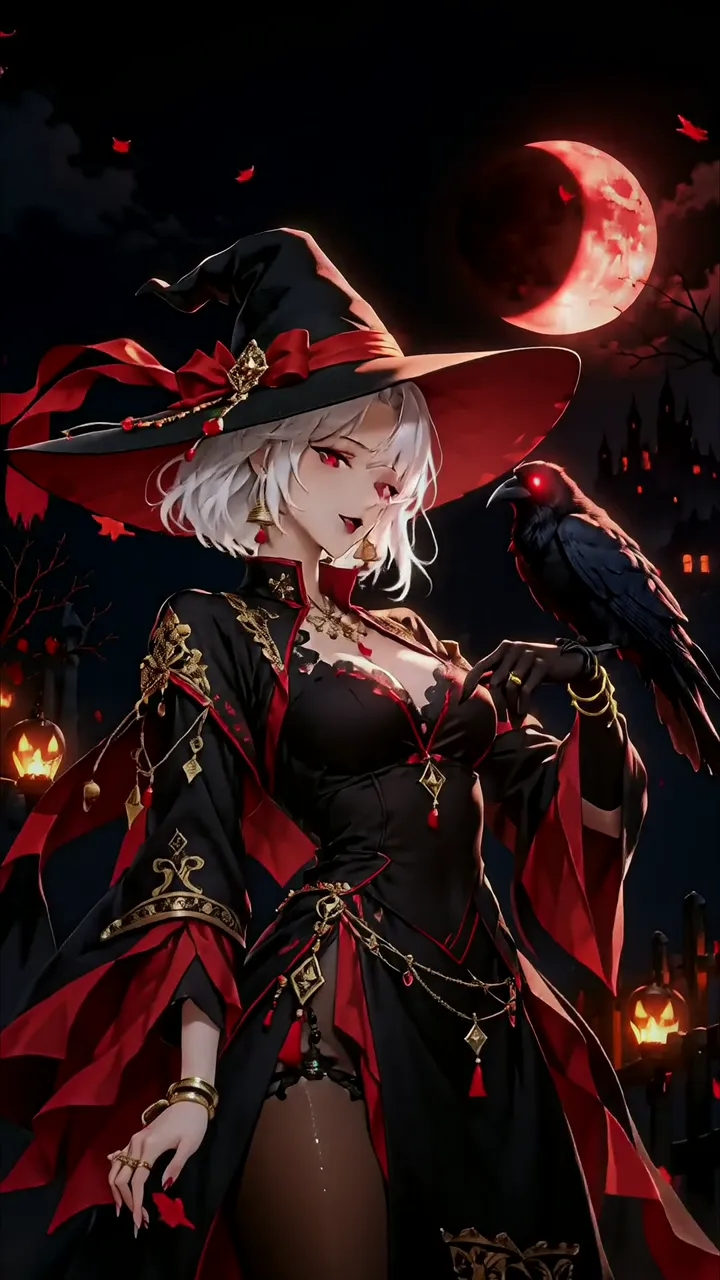
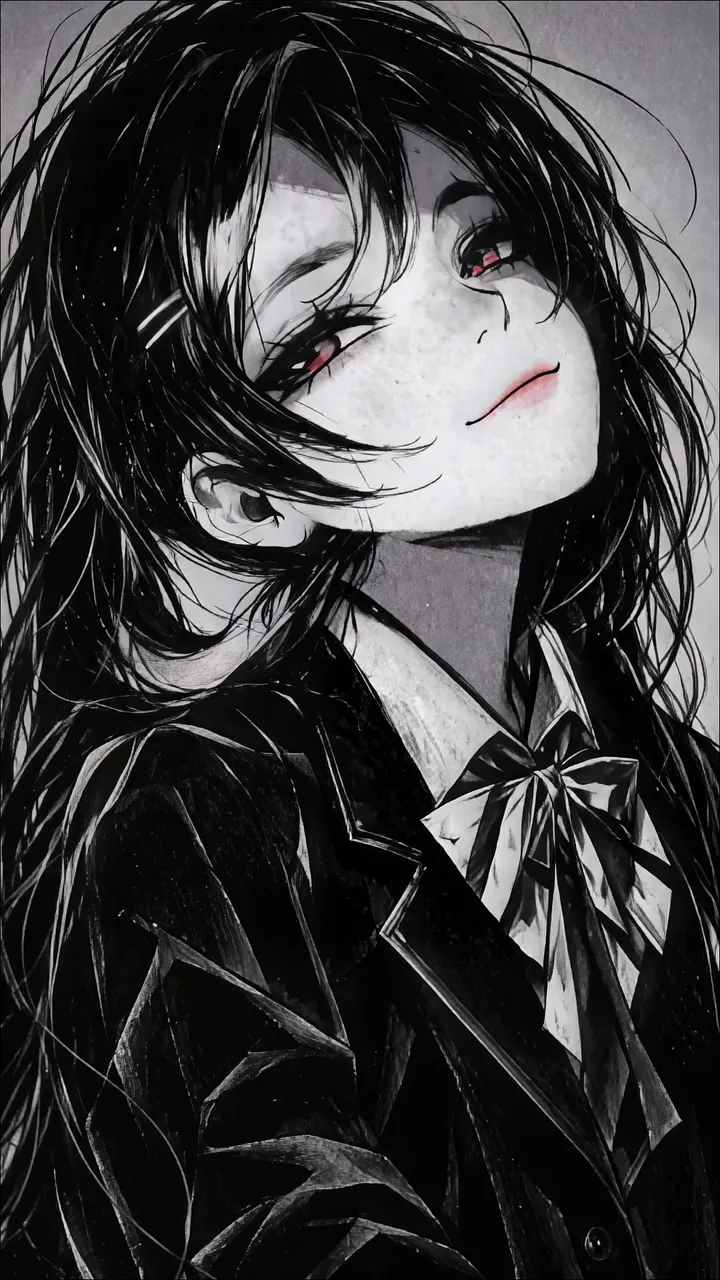
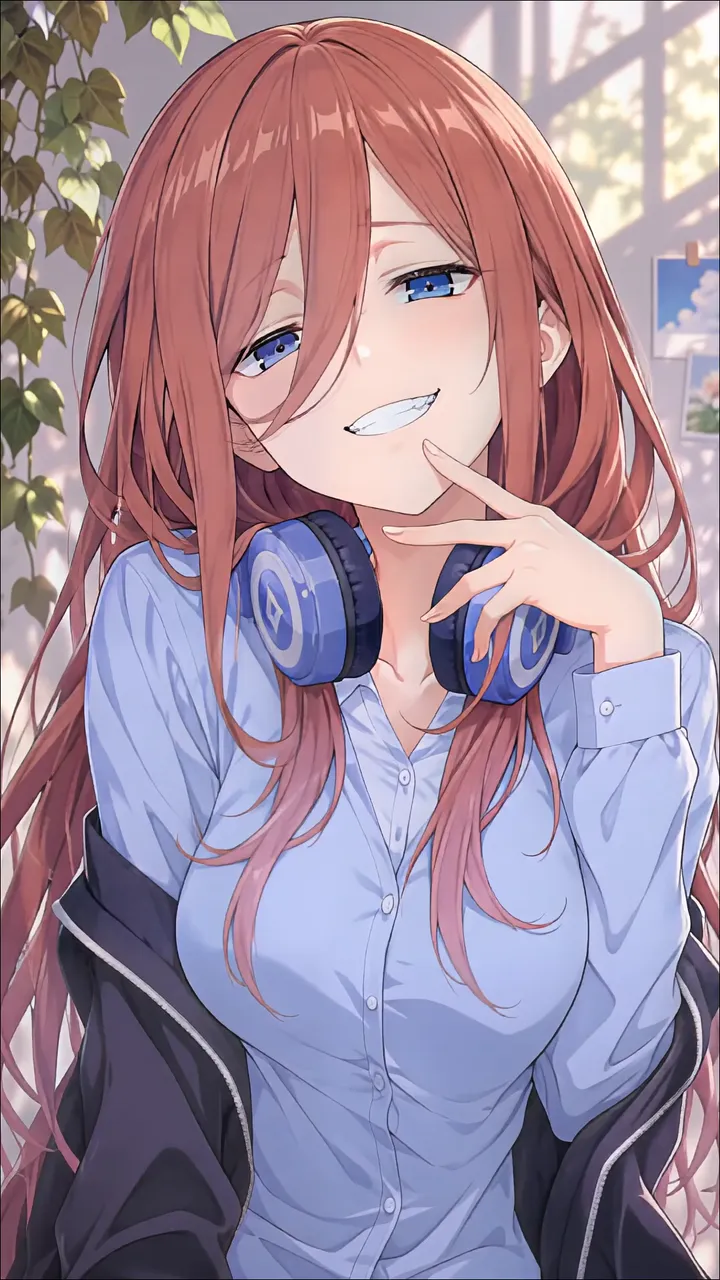
Anime Girl With Red Hair And Golden Eyes Amid Falling Pink Petals live wallpaper
How to set it as wallpaper
iPhone
For a still wallpaper, save the cropped JPG to Photos and choose it in Settings → Wallpaper. For an animated Lock Screen on supported models, convert the MP4 to a Live Photo with a compatible app and select it in the wallpaper picker.
Android
For a still wallpaper, open the JPG in your gallery and choose Set as wallpaper. For the MP4, look for a video wallpaper option in your gallery or wallpaper settings. A compatible live wallpaper app can help if your phone has no built-in option.
After saving the converted Live Photo to Photos, open Settings, then Wallpaper, then Add New Wallpaper. Tap Photos, choose Live Photo, select the saved image, turn on the Live Photo effect, and tap Add to apply it to your Lock Screen.
A close-up anime portrait of a girl with vibrant red hair and striking golden eyes, framed by soft, dappled sunlight filtering through foliage. Pink cherry blossoms drift gently around her, enhancing the dreamy, ethereal atmosphere. She wears a crisp white collared shirt with a black tie, adding a subtle contrast to the warm, floral background. The composition emphasizes her serene expression and the interplay of light and shadow across her face, creating a visually rich and emotionally resonant scene with a distinctly anime aesthetic.
- Format
- MP4 live wallpaper
- Resolution
- 720P, 1080P
- Duration
- 00:10
- File size
- 11.8 MB
- Category
- Anime Girl, Red Hair, Golden Eyes