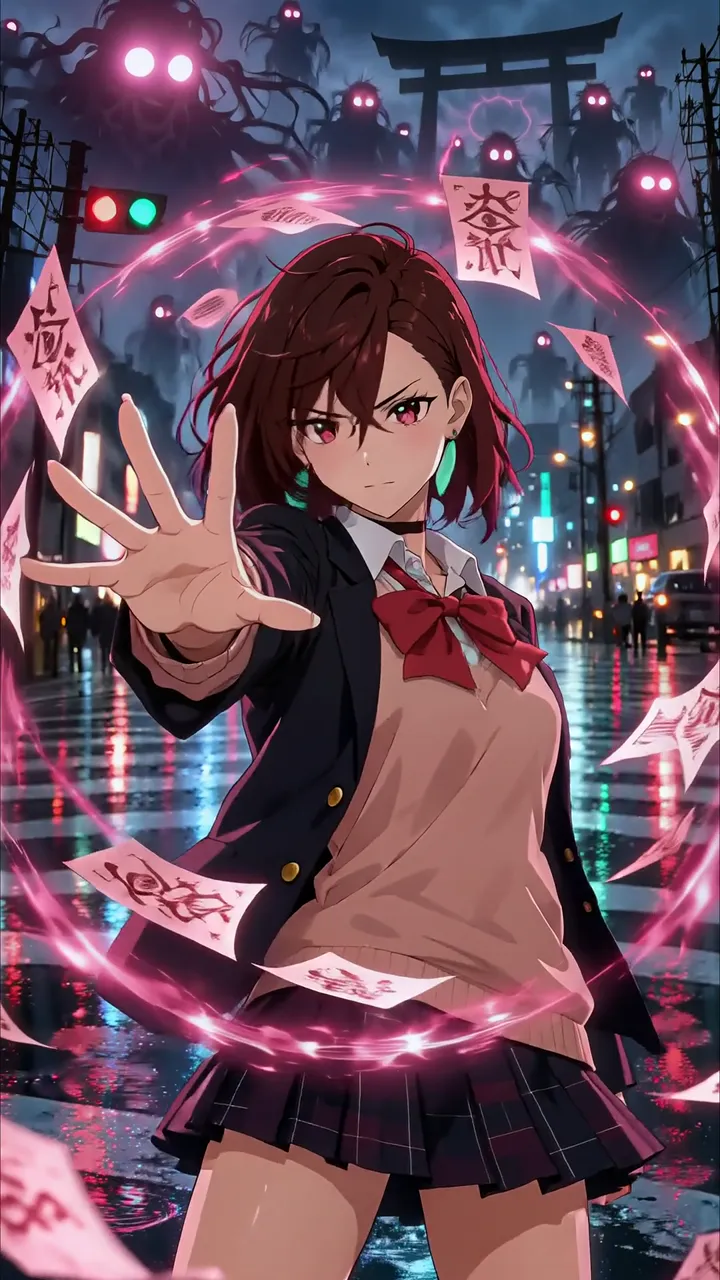
Anime Girl Standing On Bridge With Monster In Night Sky live wallpaper
How to set it as wallpaper
iPhone
For a still wallpaper, save the cropped JPG to Photos and choose it in Settings → Wallpaper. For an animated Lock Screen on supported models, convert the MP4 to a Live Photo with a compatible app and select it in the wallpaper picker.
Android
For a still wallpaper, open the JPG in your gallery and choose Set as wallpaper. For the MP4, look for a video wallpaper option in your gallery or wallpaper settings. A compatible live wallpaper app can help if your phone has no built-in option.
After saving the converted Live Photo to Photos, open Settings, then Wallpaper, then Add New Wallpaper. Tap Photos, choose Live Photo, select the saved image, turn on the Live Photo effect, and tap Add to apply it to your Lock Screen.
An anime girl in a school uniform stands on a rain-slicked bridge overlooking a vibrant, neon-lit city at night. Her back is turned as she gazes toward a surreal sky where a glowing purple vortex and a monstrous silhouette loom over the urban skyline. The scene blends realistic city details with fantastical elements, creating a moody, cinematic atmosphere. The wet pavement reflects the ambient lights, enhancing the depth and mood of the composition. This high-definition, ultra-clear visual is perfect for making your phone, lock screen, or PC display feel unique and immersive. Download it for free and transform your screen into a captivating, story-driven experience.
- Format
- MP4 live wallpaper
- Resolution
- 720P, 1080P
- Duration
- 00:10
- File size
- 10.2 MB
- Category
- Dark Anime, Night Scene, Cityscape