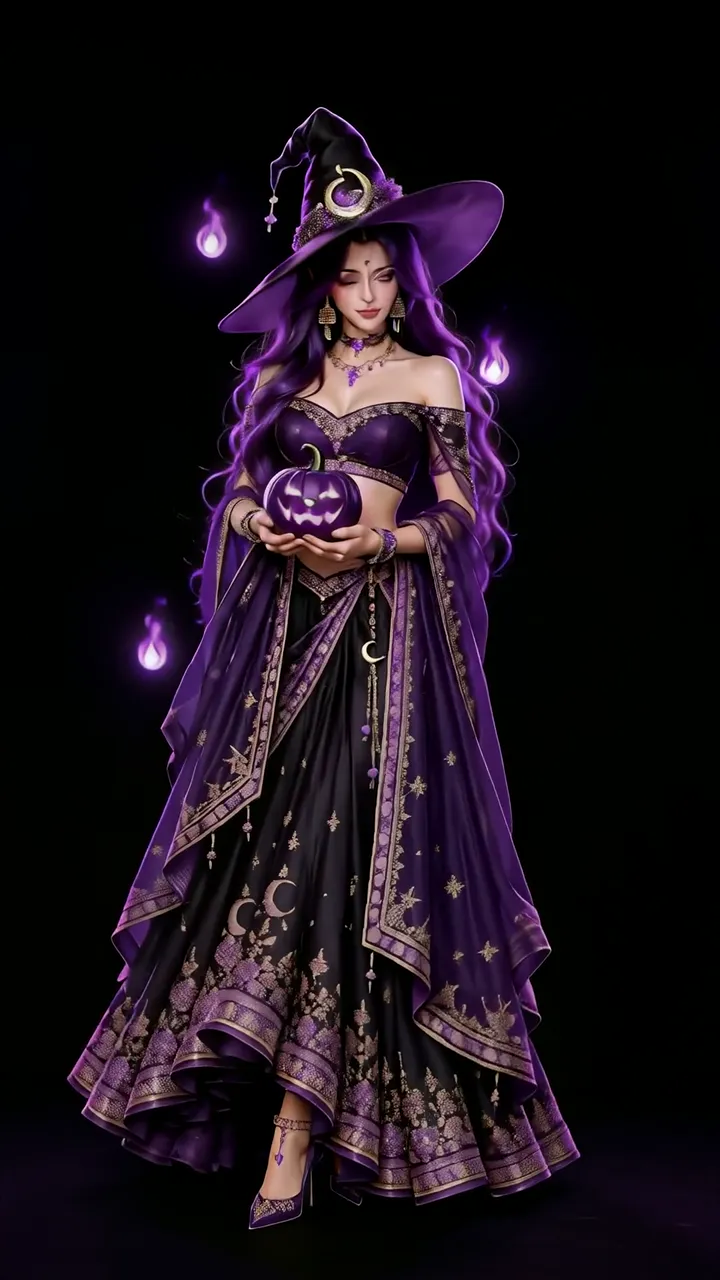
Anime Girl In Black Sari With Neon Pink Aura And Lotus Mandala live wallpaper
How to set it as wallpaper
iPhone
For a still wallpaper, save the cropped JPG to Photos and choose it in Settings → Wallpaper. For an animated Lock Screen on supported models, convert the MP4 to a Live Photo with a compatible app and select it in the wallpaper picker.
Android
For a still wallpaper, open the JPG in your gallery and choose Set as wallpaper. For the MP4, look for a video wallpaper option in your gallery or wallpaper settings. A compatible live wallpaper app can help if your phone has no built-in option.
After saving the converted Live Photo to Photos, open Settings, then Wallpaper, then Add New Wallpaper. Tap Photos, choose Live Photo, select the saved image, turn on the Live Photo effect, and tap Add to apply it to your Lock Screen.
An elegant anime girl stands gracefully in a black sari adorned with glowing pink and teal accents, set against a dark background. Her attire features intricate embroidery and a flowing pink veil, complemented by glowing bangles and a radiant aura. A luminous lotus mandala forms a circular halo behind her, enhancing the mystical and futuristic atmosphere. The visual is rendered in high-definition, ultra-clear digital art, perfect for making your phone, lock screen, home screen, or PC display feel unique and stylish. This free download offers a captivating blend of traditional attire and modern neon aesthetics, creating a distinctive and mesmerizing screen style.
- Format
- MP4 live wallpaper
- Resolution
- 720P, 1080P
- Duration
- 00:10
- File size
- 9.3 MB
- Category
- Black AMOLED, Lotus Mandala, Black Sari