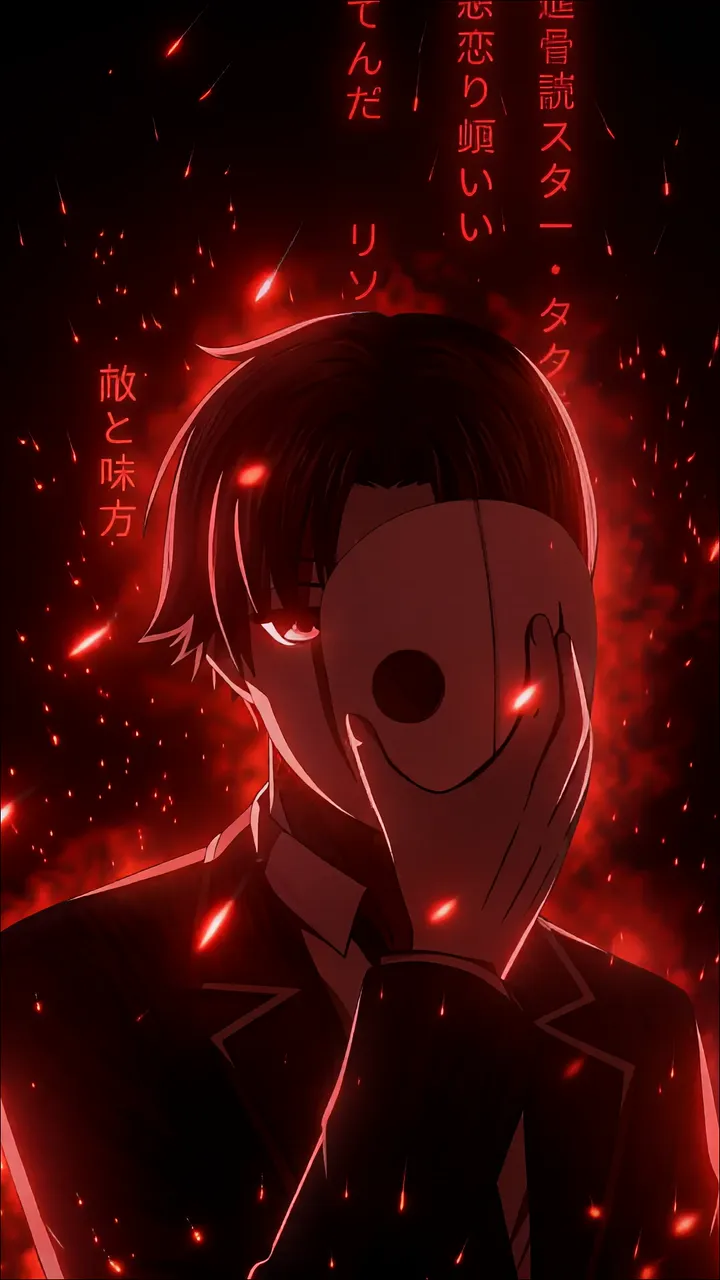
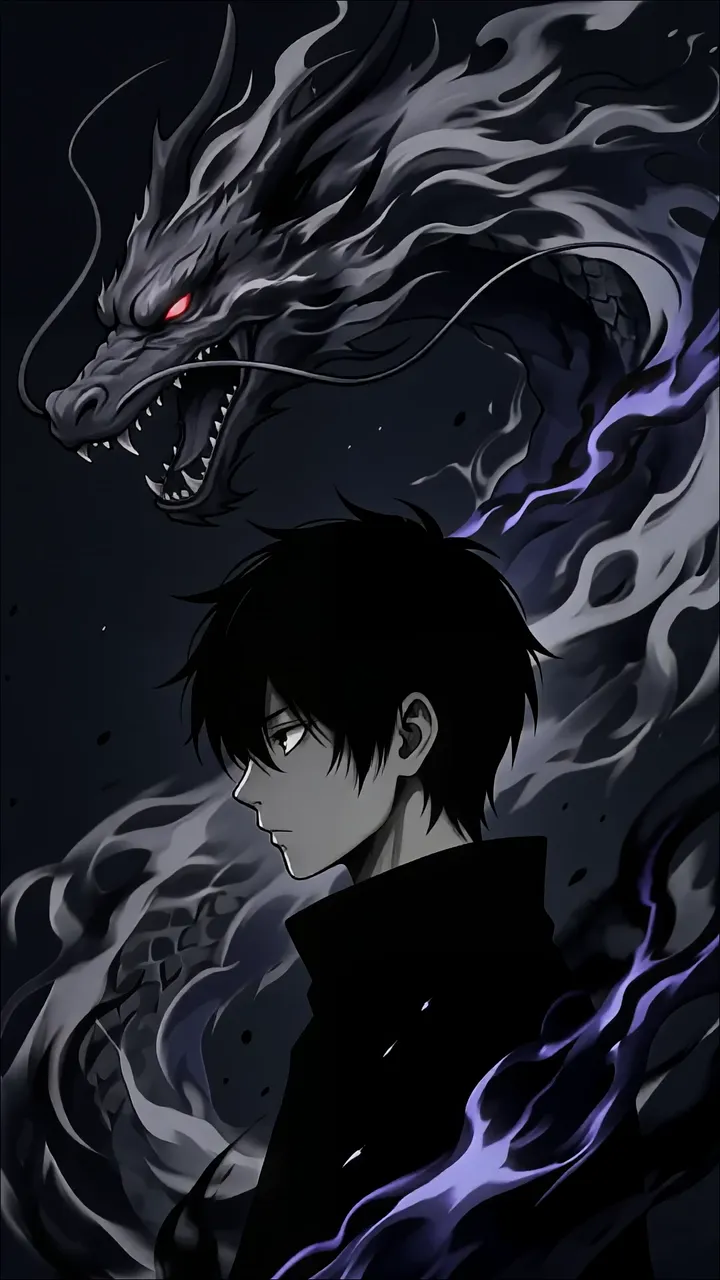
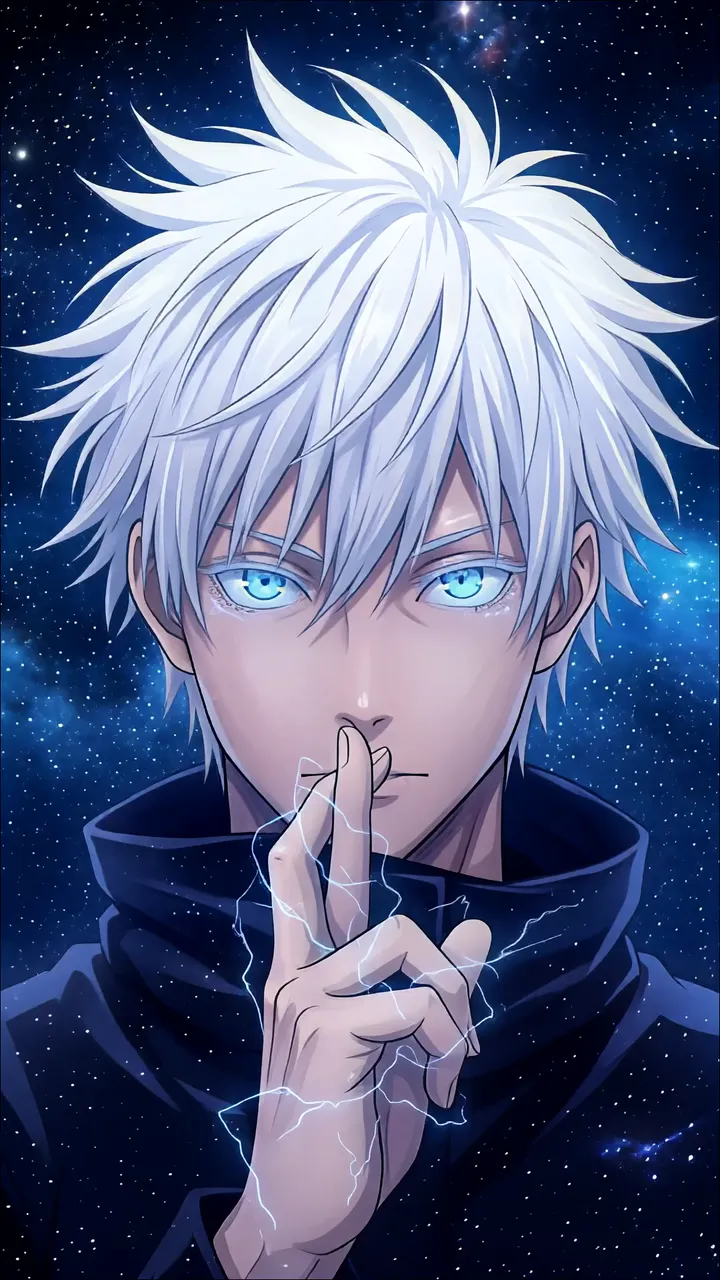
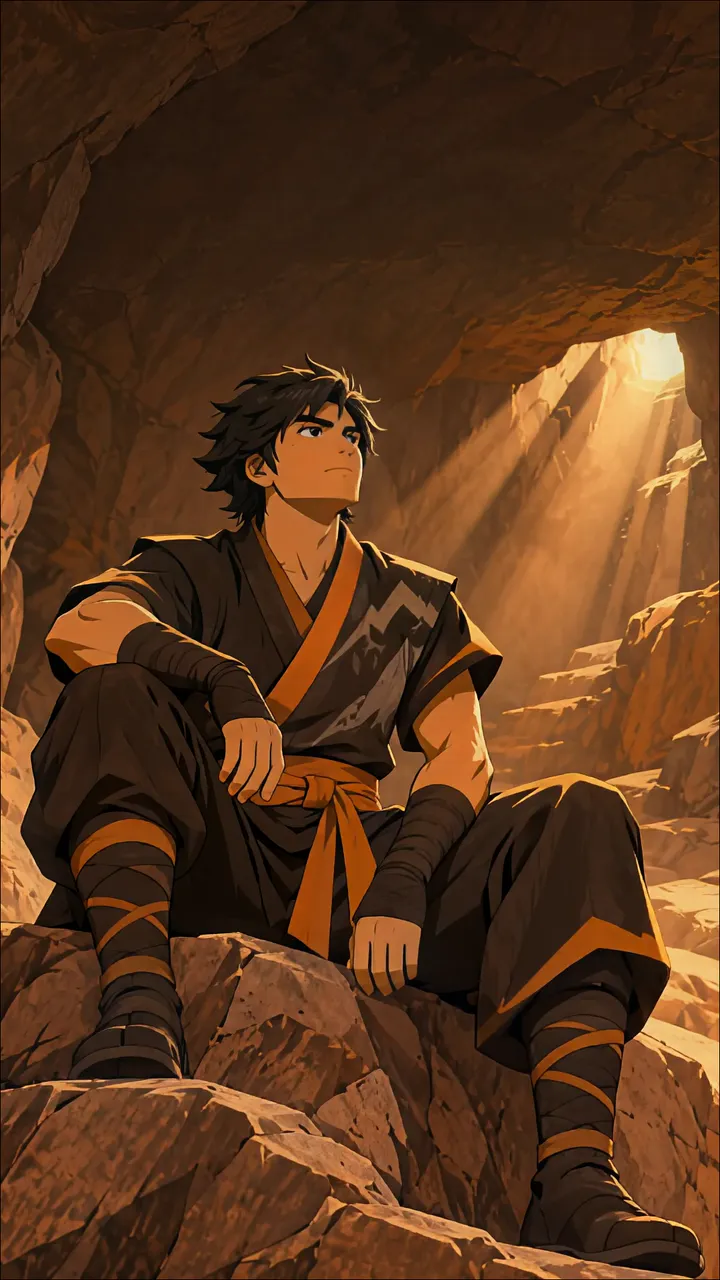
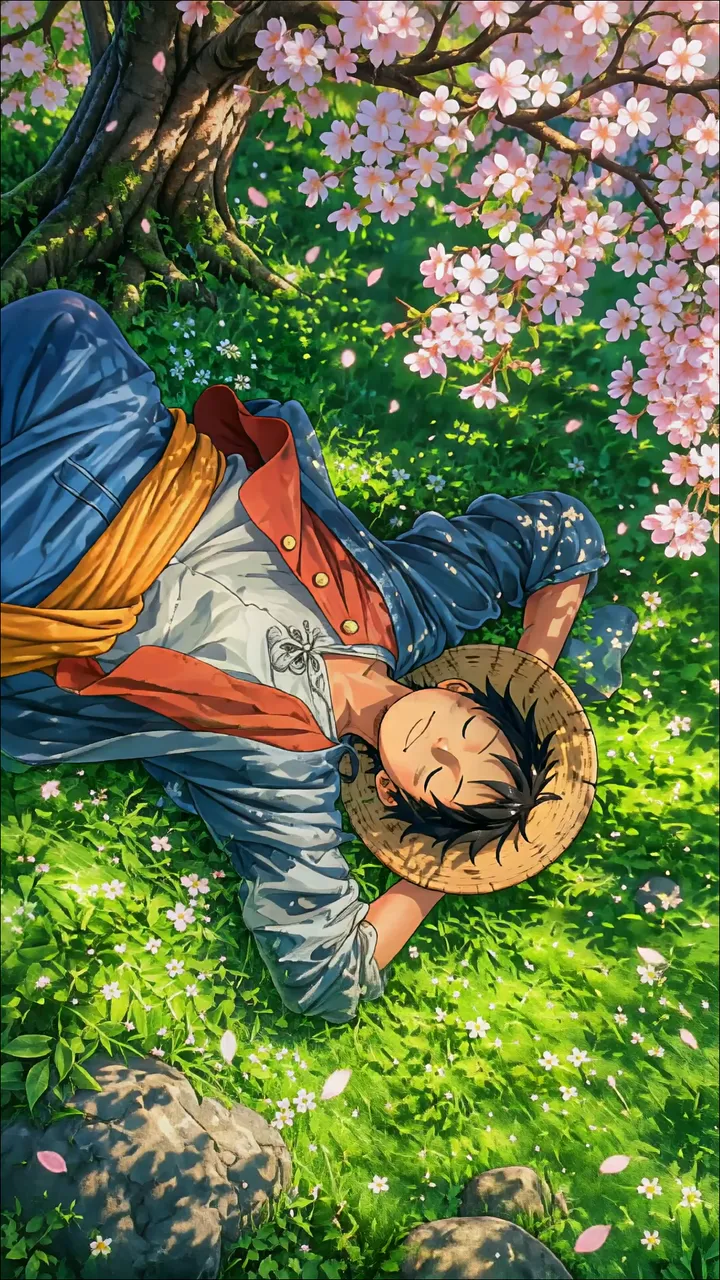
Download "Anime Boy With Blood-Stained Rose Tattoo And Crimson Markings" live wallpaper

Verify that you are human to download high quality live wallpapes.

How to set live wallpaper on your phone Setup tutorial

On Android Phones

  1. Save the downloaded MP4 file to your phone.
  2. Open your phone's Gallery, Files, or Wallpaper app.
  3. Choose the video, tap Set as wallpaper, then apply it to your home screen or lock screen.

On iPhone

  1. Save the MP4 file to Photos.
  2. iPhone requires a Live Photo, convert the video with a live wallpaper app first.
  3. Open Settings > Wallpaper, select the saved Live Photo, then apply it.
You may also like:

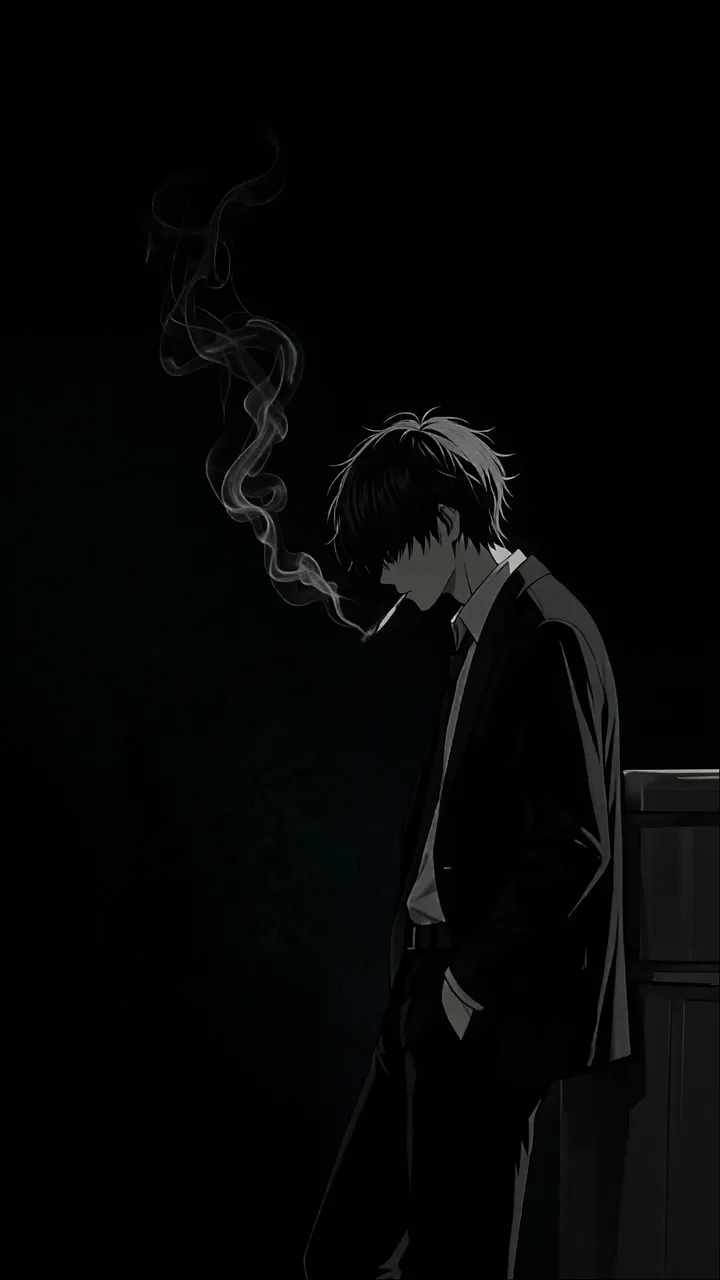
Anime Boy Smoking Cigarette Against Dark Background LIVE Masked Anime Boy With Red Eyes In Fiery Red Scene LIVE Anime Boy Gazing At Starry Night Sky With Shooting Stars LIVE Anime Boy With Black Dragon And Purple Energy LIVE White-Haired Anime Boy Floating Above Clouds Towards Golden Sun LIVE Anime Boy With White Hair And Blue Eyes Against Starry Night Sky LIVE Anime Boy Holding Red Dragon Kite By A Misty Lake LIVE Ninjago Kai Sitting In A Sunlit Cave LIVE Luffy From One Piece Resting Under A Cherry Blossom Tree LIVE

Report wallpaper

Select the reason that best describes the issue.