Anime-inspired backgroundsEveryday browsing toolsYour own finishing touches
01 / THE EVERYDAY UPGRADE
Your next tab deserves better scenery.
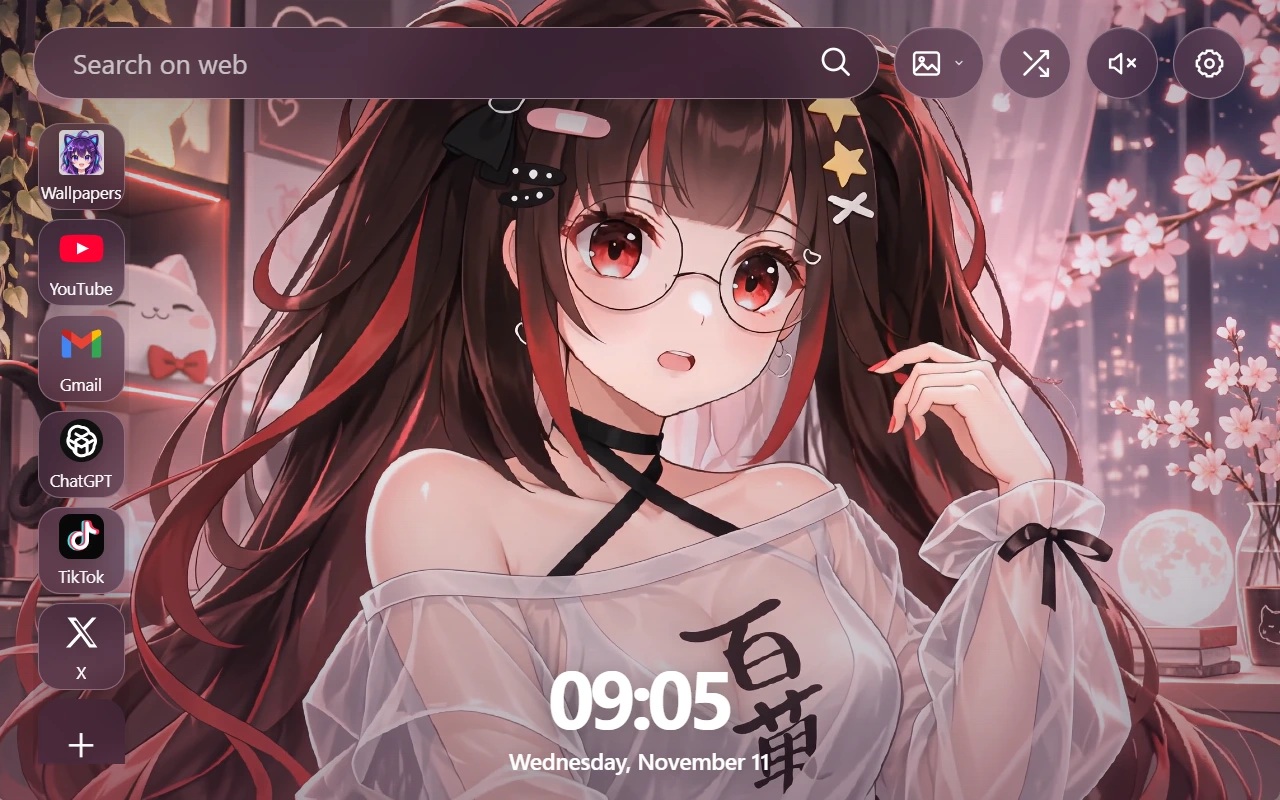
You open a new tab to start something: a quick search, a favorite video, a moment between tasks. TokFun gives that familiar space a different atmosphere without sending your essentials out of reach.
A
Put the artwork in the spotlight
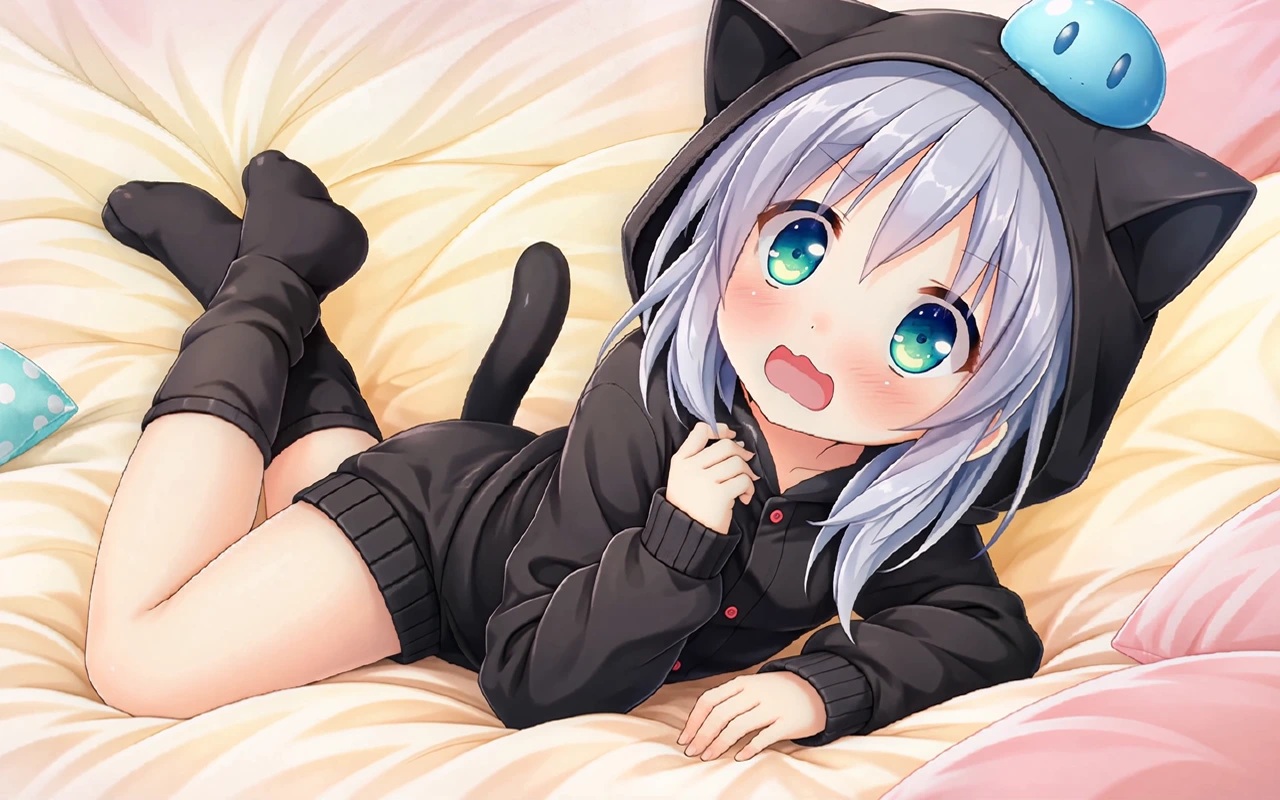
Choose an anime wallpaper and let it set the tone for your browsing session. Live backgrounds add movement to the page, while wallpaper selection and rotation preferences help you shape the view around your own taste.
B
Keep your usual stops close
Use the new tab search form when a question comes to mind, or head to a favorite website through a shortcut. Add or customize your links so the page reflects the places you actually visit. A visible clock keeps the time in view alongside the artwork.
C
Fine-tune the atmosphere
Adjust the available playback and display preferences, including sound and looping, to suit how you browse. You can also use supported image or video imports to make your own files part of the experience, instead of choosing only from the included backgrounds.
A DIFFERENT MOOD, ONE TAB AWAY
Find your kind of anime.
Take a look at the TokFun interface with different wallpaper choices. These are still screenshots; open the extension to experience moving backgrounds.
Same familiar tools. A fresh backdrop.Make the view part of your routine.
02 / MAKE YOURSELF AT HOME
From install to your first scene.
No TokFun account is required for new tab customization. Start with the extension, then make small changes as you discover what works for you.
Visit the Chrome Web Store listing for Anime Girl Live Wallpaper. Review the current details and requested permissions, then use Chrome’s installation button to add the extension.
Open a new tab
Once enabled, TokFun takes the place of Chrome’s default new tab page. Open a tab to see the wallpaper dashboard and explore the controls shown on the page.
Settle into your own layout
Choose your wallpaper, arrange useful shortcuts and adjust your preferences. If you prefer your own artwork, try importing a supported file through the extension’s wallpaper options.
YOUR SPACE. YOUR CHOICES.
Understand what stays in your browser.
TokFun uses local browser storage for preferences, shortcuts and wallpaper-related settings. Imported wallpaper files are intended to stay on your device for local use. Clearing extension data or uninstalling may remove those choices, so keep a separate copy of your original files.
Submitting a search involves Chrome or your configured search provider. Opening TokFun content or another website creates a web request handled by that service. Check the current store disclosure and privacy policy for the applicable data practices.
TokFun replaces Chrome’s new tab page with an anime-themed dashboard. It is a browser experience, so installing it does not set an animated wallpaper on your Windows or macOS desktop.
Can I use my own wallpaper?
The extension supports importing compatible image or video files. Use its import controls and choose a supported file from your device. Keep your original file backed up, especially before clearing browser data.
Where does the search box send my search?
When you submit a query, it is handled by Chrome and/or the search provider configured in your browser. That provider’s terms and privacy policy apply to the search.
Can I return to my previous new tab page?
Yes. Open Chrome’s Extensions menu and select Manage Extensions, or visit chrome://extensions. Disable TokFun to stop using its new tab page, or select Remove to uninstall it. Another enabled new tab extension may affect which page appears.
Where can I get help?
Visit the TokFun contact page and describe what happened. Include your Chrome version and any error message that appeared. For current availability and installation requirements, refer to the Chrome Web Store listing.
MAKE THE NEXT TAB YOURS
A fresh view for whatever comes next.
Give your everyday browsing a backdrop with personality.